
If one AirPod stops charging, you can diagnose the issue, as it is naturaly just the right or left one. It is still worth trying to fix your AirPods before buying a new set. Why waste good hardware?
Begin by following most obvious troubleshooting steps. Take the earbuds out of the charging case (remove them both), and gently but firmly replace them inside the case. Sometimes that’s all that’s needed; if one bud isn’t snugly connected, it won’t charge propery.
Clean the Charging Contacts
Connect the case to its charger and leave it alone for awhile. If other earbud has been dead, this might give it a quick jolt of life.
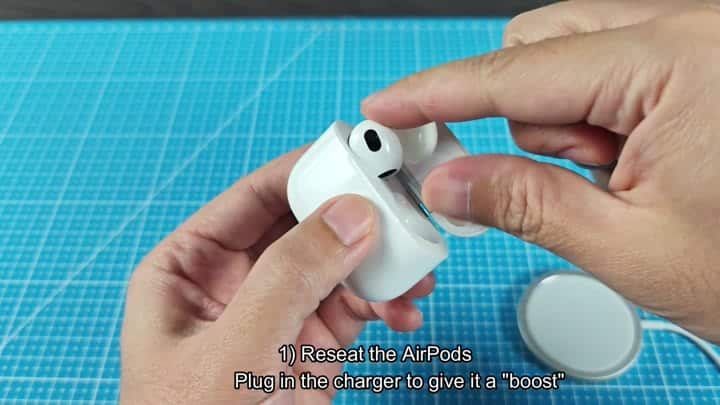
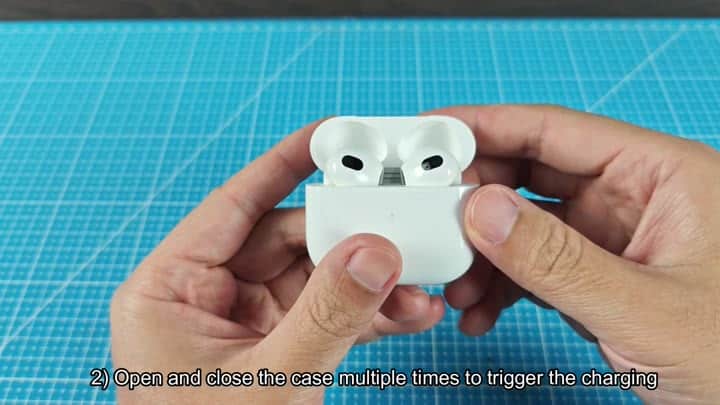
To force the charge circuit to turn on, you have to trigger it yourself. Which means opening and closing the case repeatedly until light activates. The motion sensor inside the case will pick up on that and hopefully realize the earbuds are back home. It’s annoying, sure, but it do work.
But that may not resolve the issue. To fully reset, forget device from your phone’s Bluetooth setting page. Then press and hold the reset button located at the rear of the case until light starts flashing.
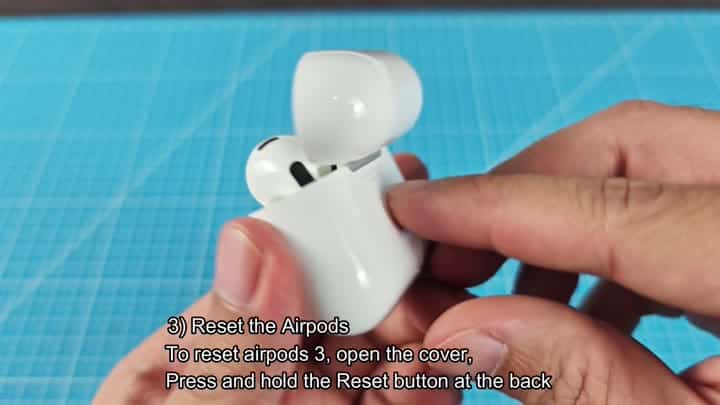
Any software glitch is cleared at this point. Close the cover back up. Open the case again. Prepare case for pairing.
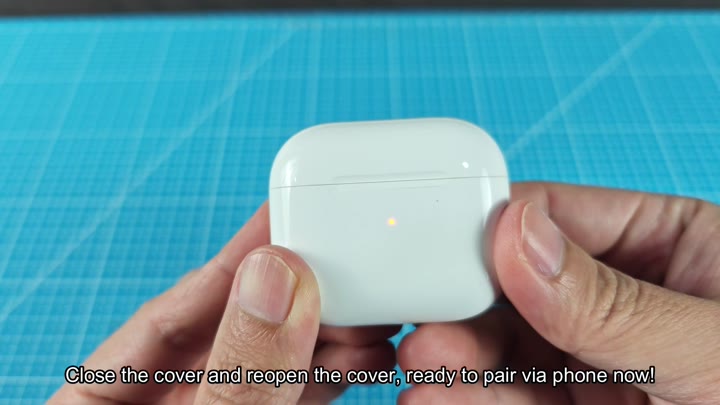
Allow time for device to connect, but you might still be out of luck with the charging situation. Suspect a hardware alignment problem if one side won’t pick up power.
The earbuds won’t connect properly unless magnet in the charging case is properly aligned. If the magnet isn’t aligned, the circuit will break. Make sure you check the fitment thoroughy. They should slip into place easily. If they go in easily, the magnet is probably okay.
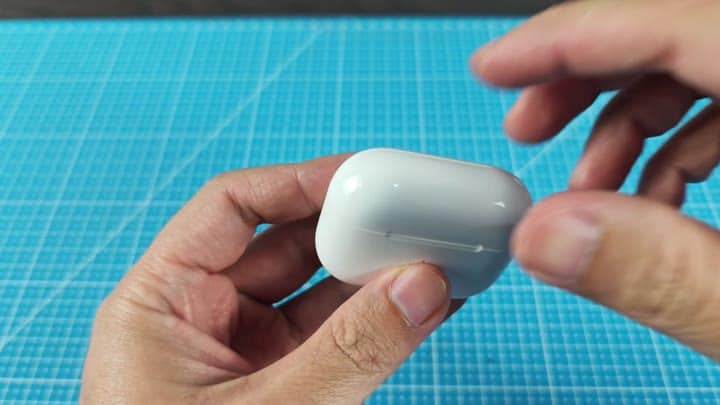
First, check the metal parts that makes contact with each other. Those would be the charging contacts both in the case and on the earbuds. You can see them. Sometimes they appear dirty.
Over time, dust and oils accumulate and don’t allow for a good electrical current to flow through.
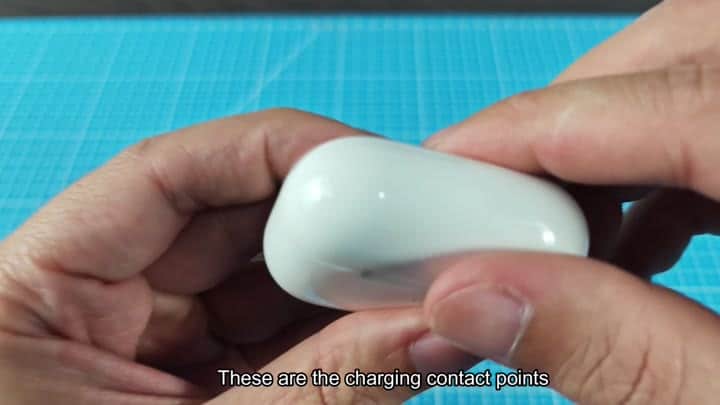
First get yourself a soft, lint-free cloth. Use some sort of thin tool to get into there and clean up the bottom of the slot. Use something that is slightly rough (but don’t scratch the metal). Scrape it around until it’s cleaned off.
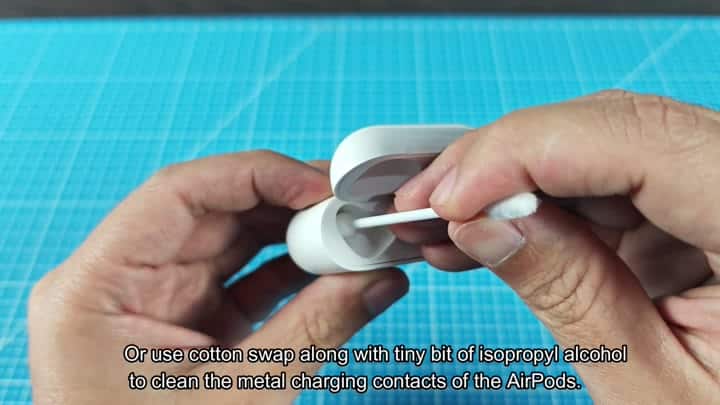
Scrub the metal connectors on the case and buds with a soft cloth to wipe away any leftover crud. If it’s really stuck on, a cloth won’t be enough and you’ll need to use a thin tool to scrape it. Not gonna work? Then try using a thin tool for scraping or a cotton swab with isopropyl alcohol. Then go ahead and use your fingers, just try not to leave any fingerprints behind.
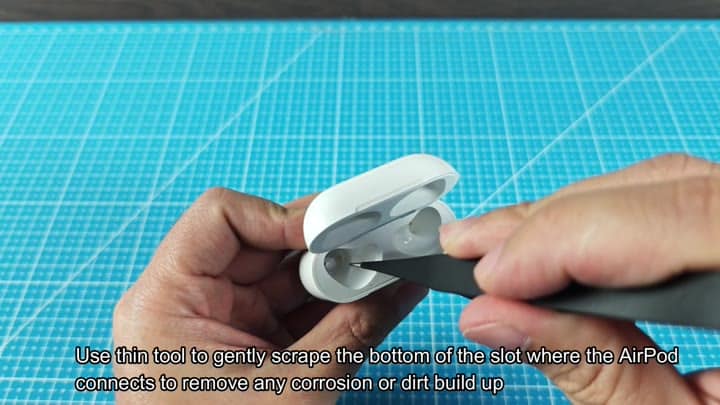
It looks cleaner like this, but now it’s still not finished. Next up: hit the surface of your earbuds with some address. That is where those stem contacts lie, the last stop on the line.
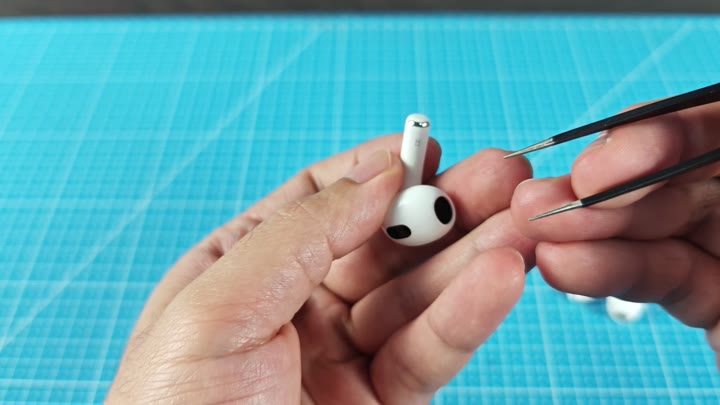
Use a cotton swab with a small amount of isopropyl alcohol on it and really clean the metal charging contacts. The alcohol will dissolve the leftover oil and dry very fast. Many people does not clean their contacts at all, but this is a critical step.
Plug it back into the case one more time and reseat the earbuds. Your phone will show the battery indicator, and within moments the left AirPod will begin charging.
No need for costly repairs… This is an easy fix with just some resetting and cleaning. You should of tried this sooner.
