
If you’ve let the machine run for any period of time then maybe you know what happens; the indicator will tell you that it’s filter change time. While most folks just reach over and use the remote control to do this, sometimes you’re not near the remote control when its time to make the move.
Not to worry. Here’s an alternative method.
Using the App Interface
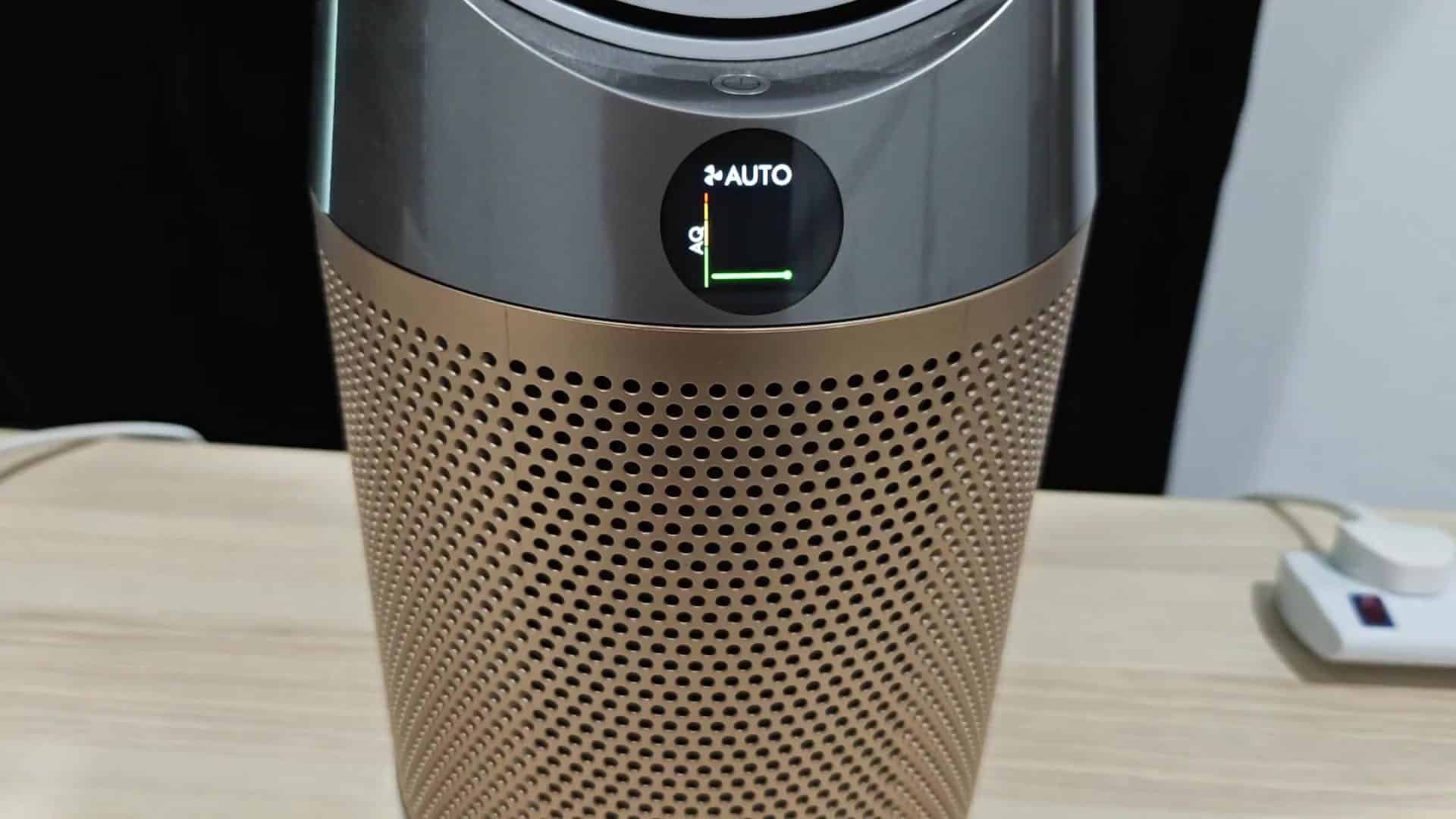
Instead you’ve got this thing sitting on your desk with its round screen displaying AUTO mode and a green bar across it indicating there’s no problem whatsoever. Otherwise. Pull out your phone, don’t spend time trying to find some buttons in real life, and use the Dyson app that connects directly to device over WiFi to gain full control, no physical hardware required, as you might expect if there’s no remote.
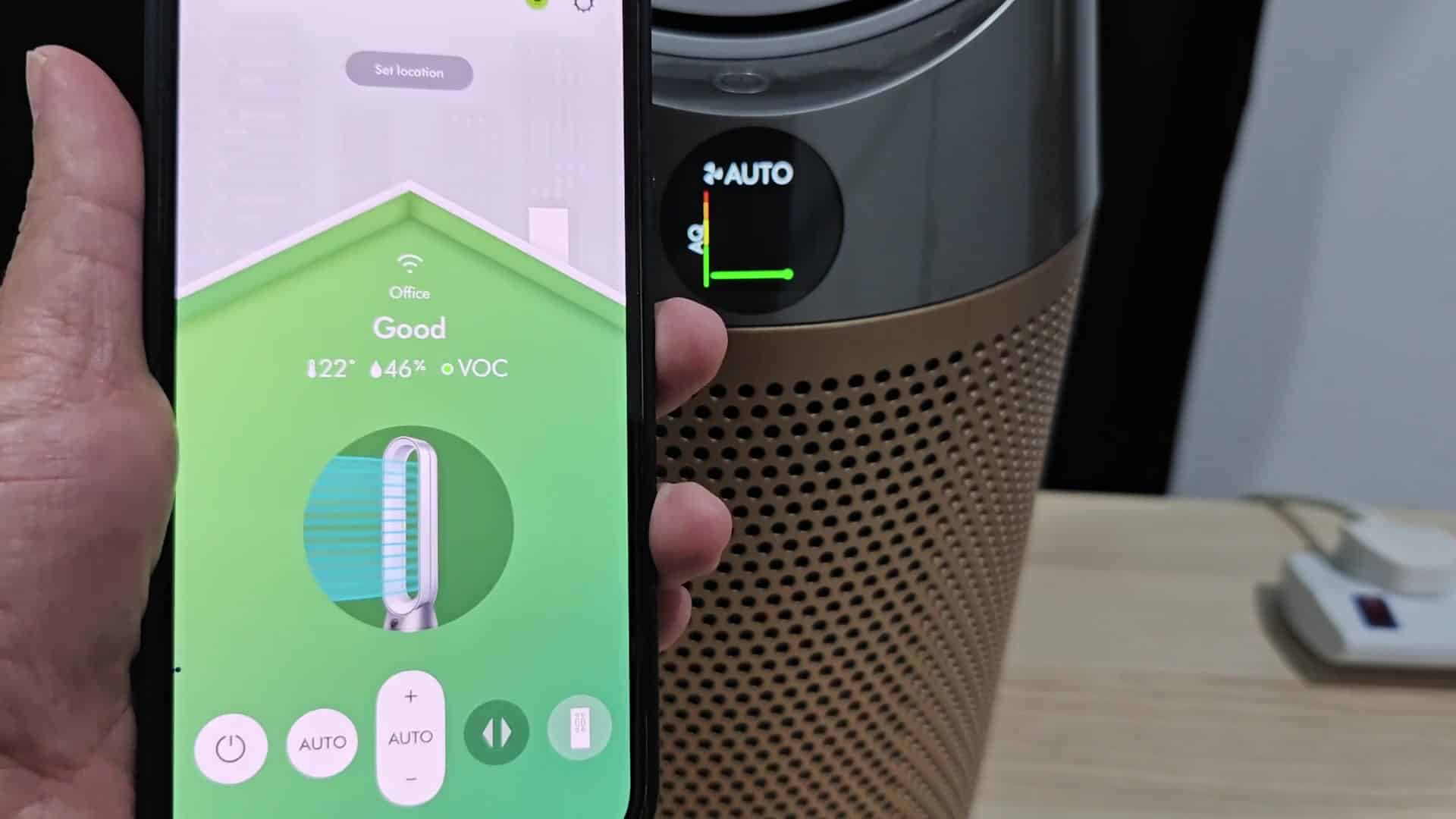
After opening the app, you’ll see that air quality in your office space reads good, and there’s a breakdown of temperature and humidity levels. It even monitors level of volatile organic compounds. To find the filter management settings, you simply tap on various menu items to get around. It’s an intuitive user interface, which makes it easy to know what comes next.
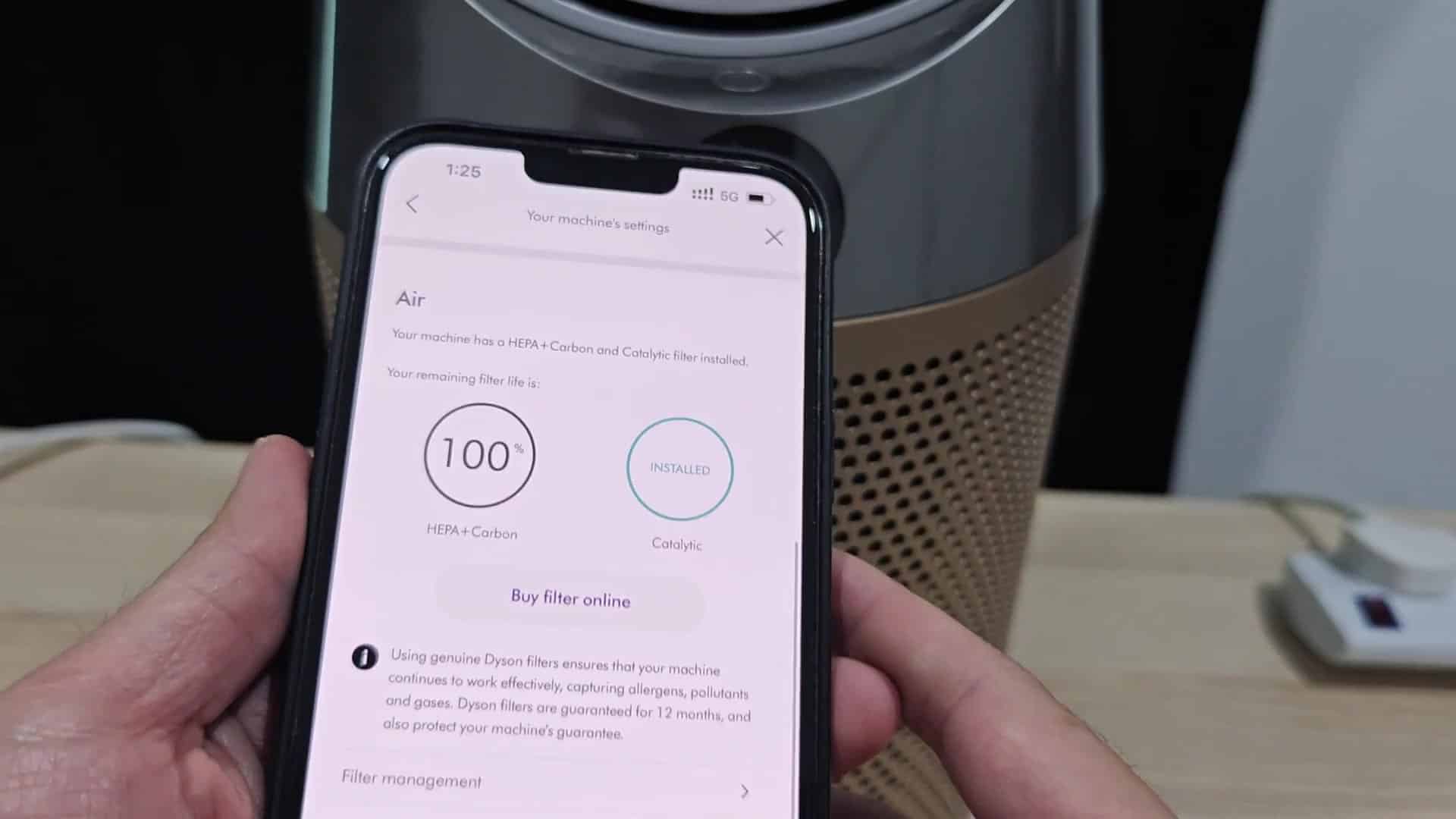
Then in the filter life section, you tap and a round gauge appears with how much life is left on the filter. Since you just changed the filters, it says it’s at one-hundred-percent and a second circle shows what percentage your catalytic filter are at. Below that are buttons to purchase filters online and switches to monitor them constantly. You can also adjust notifications here, which makes it easy to manage your maintenance settings.
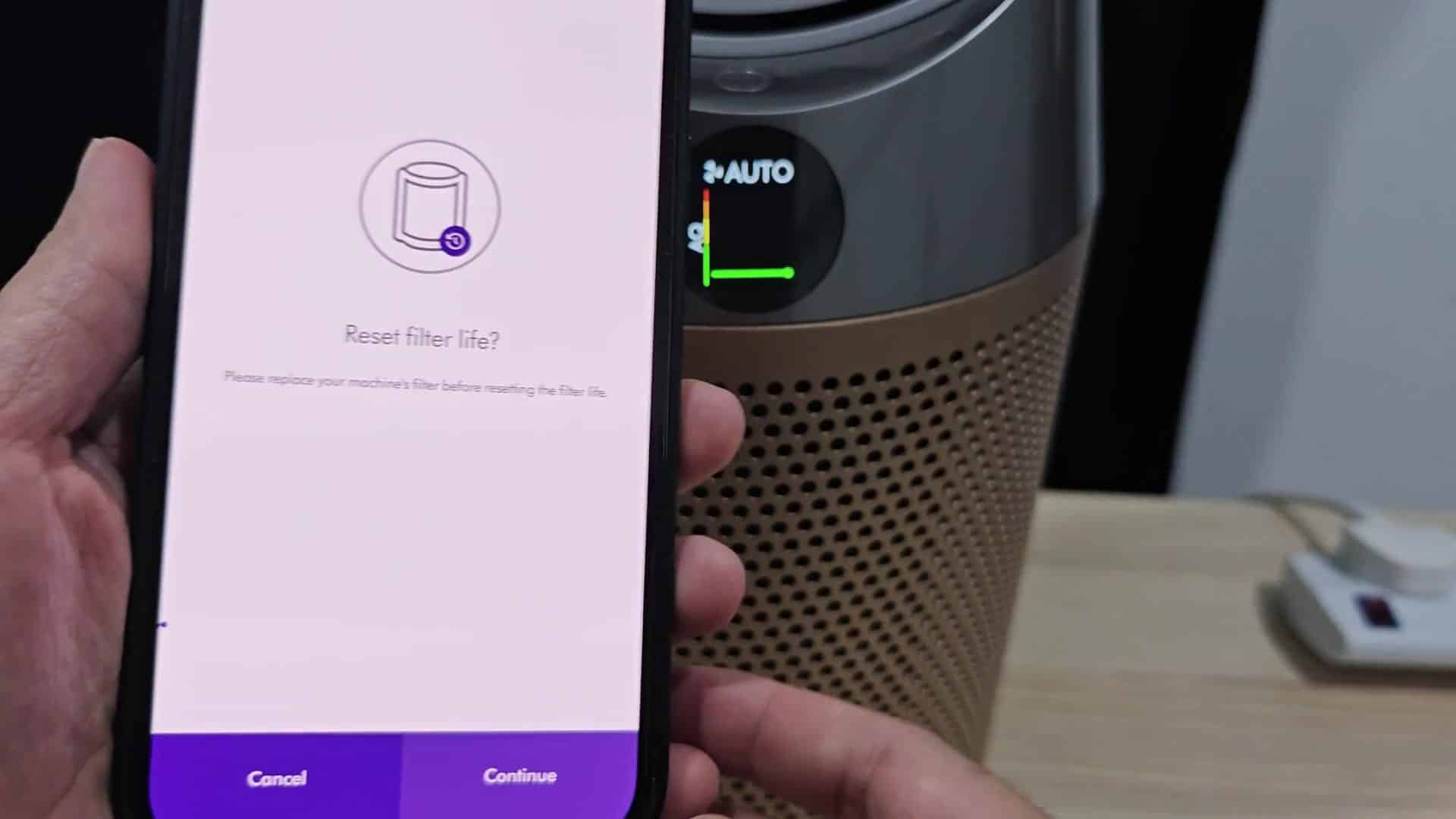
So when you come back, you hit the button for resetting the filter life. It will instantly show up on your phone and ask if you’re sure you’d like to do that. Then it says “filter must be replaced before proceeding.” (This is just a standard safety message from the system.) You tap yes because of course you’ve changed out the machine’s filter, and then everything is done. All auto mode lights are back on the physical display and everything is good to go.
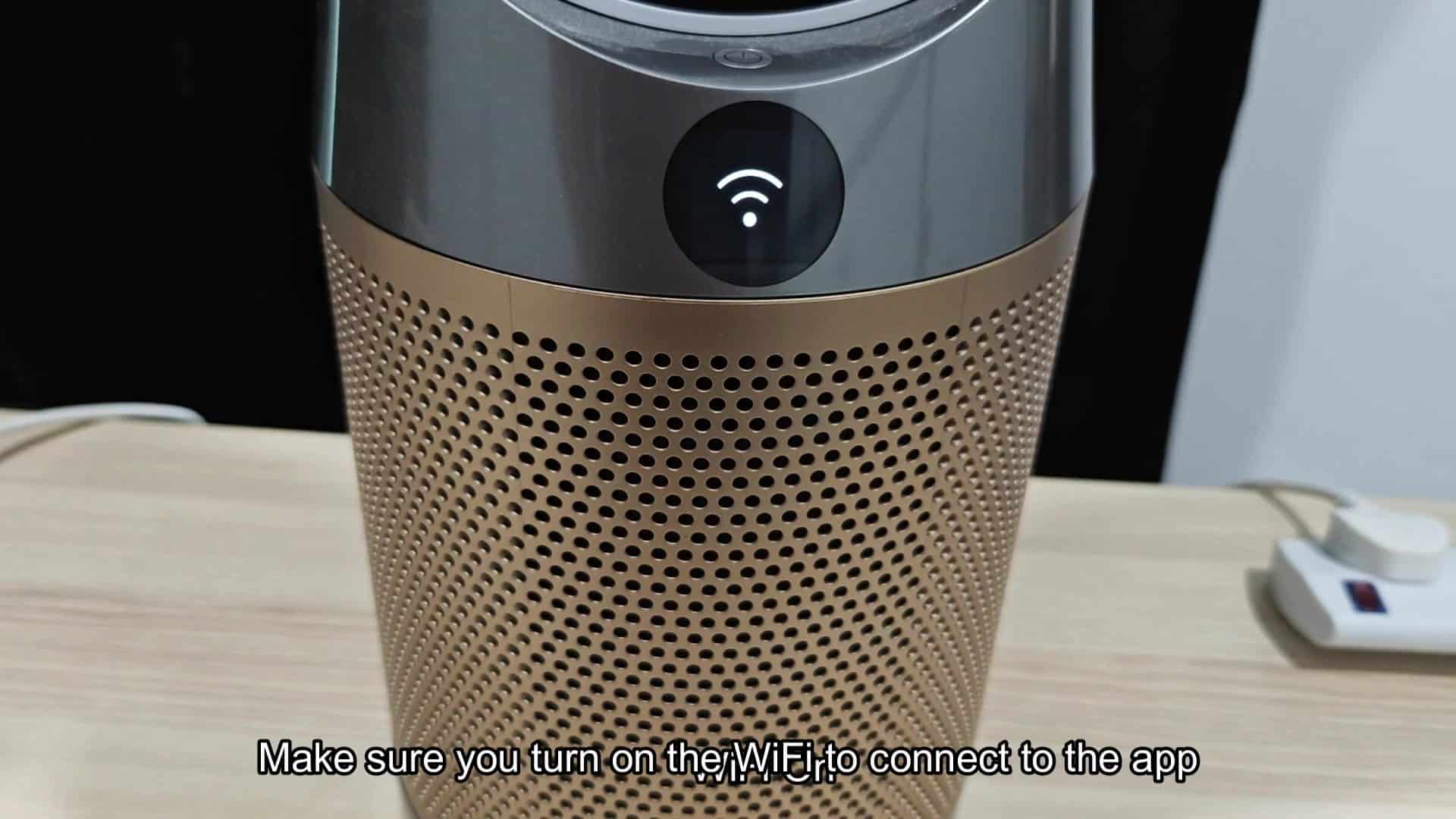
A Wi-Fi symbol flashes across its round display. Moments later, you hit the confirm button on that digital prompt. The purifier shifts in real time. Job done. That little icon is your signal that the device has communicated with your phone. You need a connection to do this remote reset. Make sure your Wi-Fi is enabled before you try. Once it is, there’s no complexity here.
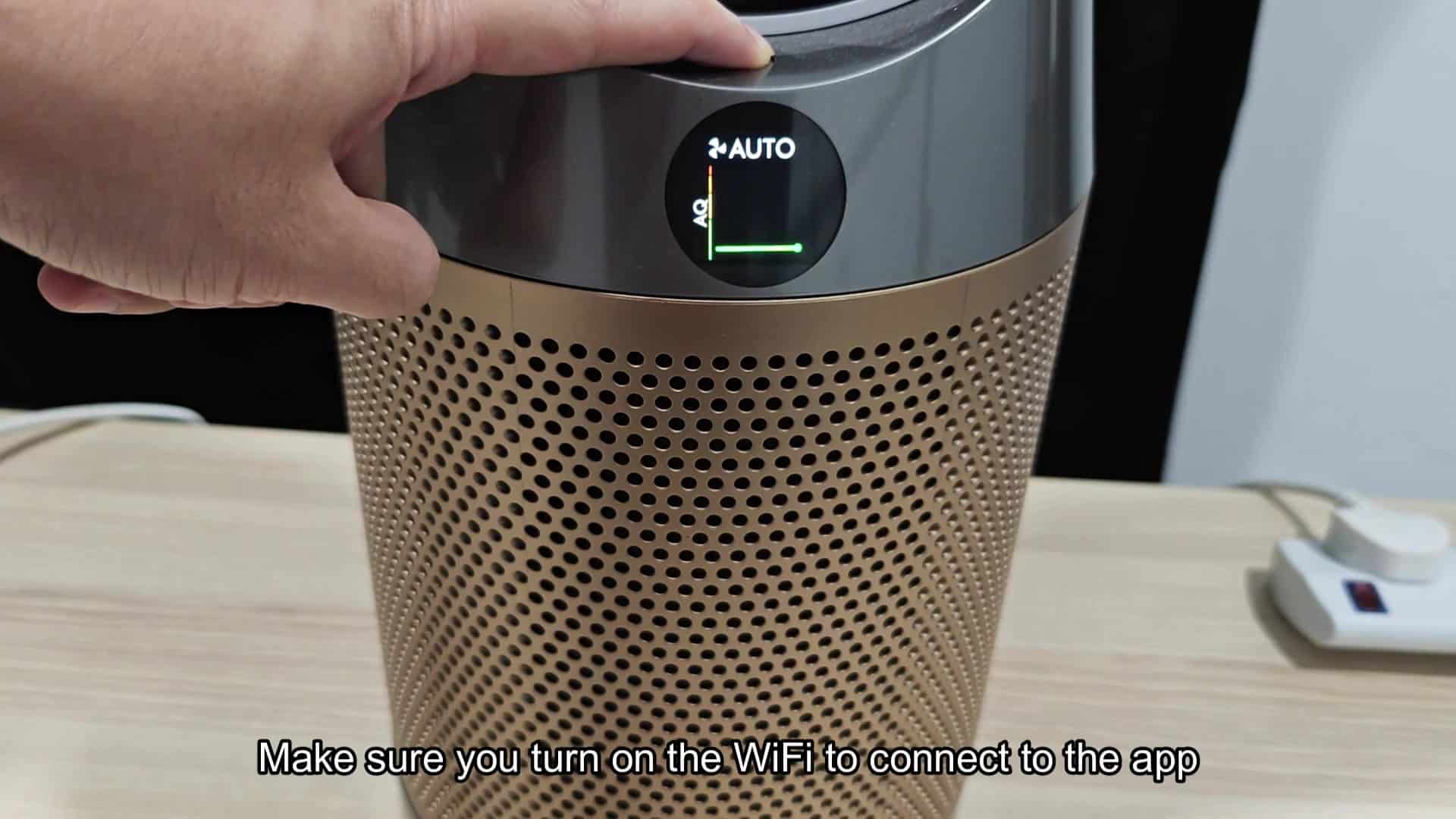
A few seconds later the input have stabilized and you’re back looking at a screen displaying only AUTO with the green bar, indicating that the filter reset is complete and everything’s good to go. Your phone never loses contact with the unit in the process. You don’t need to dig through drawers for misplaced remotes or fiddle with the appliance. It is fast and easy, saving you time and hassle.
Combining maintenance tasks with monitoring works well in the app itself. Resetting counters and checking out air quality stats are all done in a single place on your phone. Overall, this is just more convenient as it makes the physical remote less necessary (as opposed to essential). That said, it does make routine upkeep much easier, use the software way for sure.
The response time is instant, so there’s no lag that you’ll notice, either. Once you confirm, the status update almost instantly. All your data points continue to be accurate as you make the switch. That makes it feel safe to use the software controls instead of relying on physical buttons that could get lost or worn out with time. Physical solutions have their limits; digital ones don’t.
It resets the remaining filter life indicator properly as well, and it reflects the proper new install date. Now you don’t need to worry about receiving any false warning alerts in the future since it will be using that new baseline. It starts counting your usage from scratch again so everything is performing perfectly from day 1. This will keep usage tracked accurately for next maintenance cycles.
This is a friction remover for something that would of been considered a pain in the butt chore for most people. There’s no special knowledge needed to use it. You only need to know how to operate a smartphone. The process follows a logical order and is easy to understand.
If you’ve lost your remote, try using the app instead. And what if you don’t have one? No problem, it will work equally well immediately. It is a good, practical solution.
The combination of software/hardware works well and everything syncs up with each other in real time (no need to manage anything manually). It also just makes the whole experience better, filter management becomes a quick tap rather than a search.
In the long term, it feels like a better way to go about resetting things and something that you could consider using for future resets. If you’re thinking about resetting your filters, then this is definitely the way to go.
