
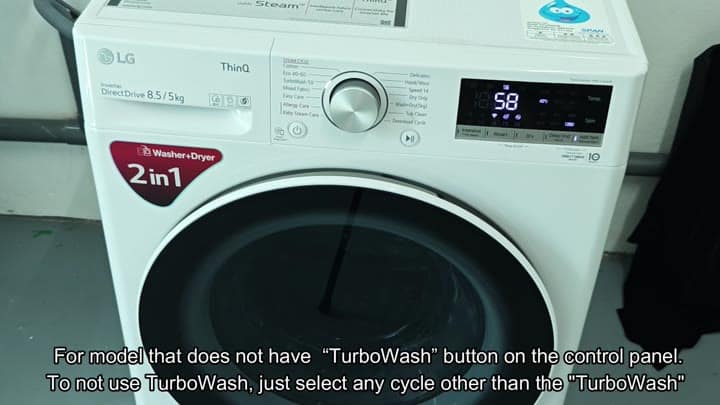
The LG is a front-loading washer. You can turn on/off the TurboWash 3D feature based on which cycle you select. You have the ability to turn on/off the TurboWash 3D feature based on which cycle you select. It’s a 2-in-1 washer with ThinQ branding.
On the top there’s a central dial that let you choose cycles. Then there’s a row of digital buttons to choose from for temperature and spin.
Alternative Cycles Without High Pressure
Inside, the TurboWash 3D option will use a high-pressure water spray to clean your clothes. That way you can get away with a shorter wash while still keeping the same level of cleaning efficiency.
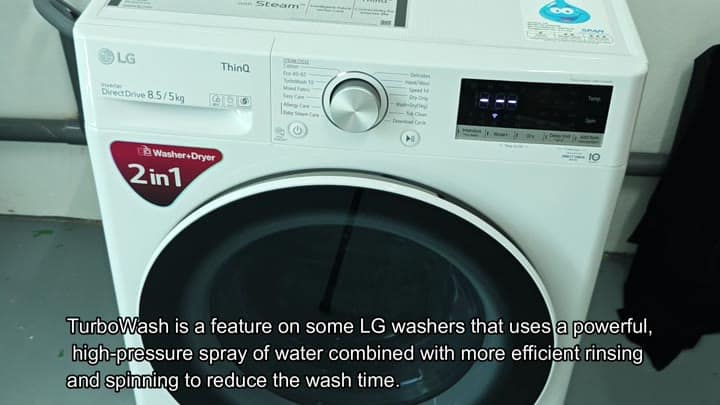
It is a neat little feature for busy days.
Before you test it, however, you should understand the differences between the cycles. Small load items would of been better suited to the Speed 14 setting. That’s for doing roughly 1 to 2 kilograms of laundry.
TurboWash was designed for bigger loads. Those are the types of heavier loads… Think big towels and bedding, where TurboWash can realy shine with its high-pressure water jets.
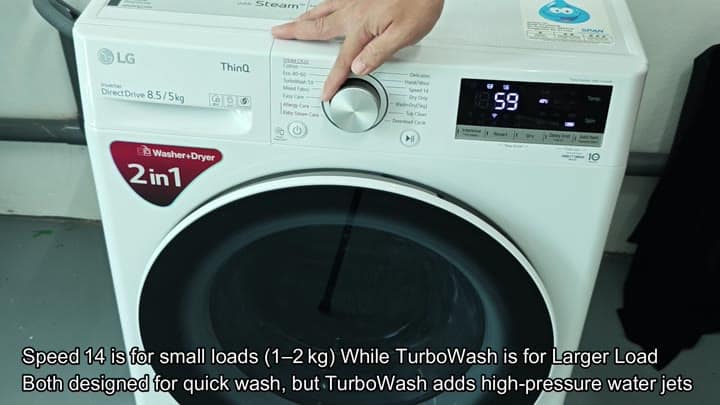
For other kinds of laundry, however, you might not wish to enable the feature.
Other models has a button specifically to do so. Maybe yours doesn’t, and you need to find another option to turn it off. If there’s no readily apparent switch on the control panel that toggles this setting on or off, most recommendations suggest just skip the cycle altogether. For what you’re doing, it’s probably easiest if you can just pick another cycle.
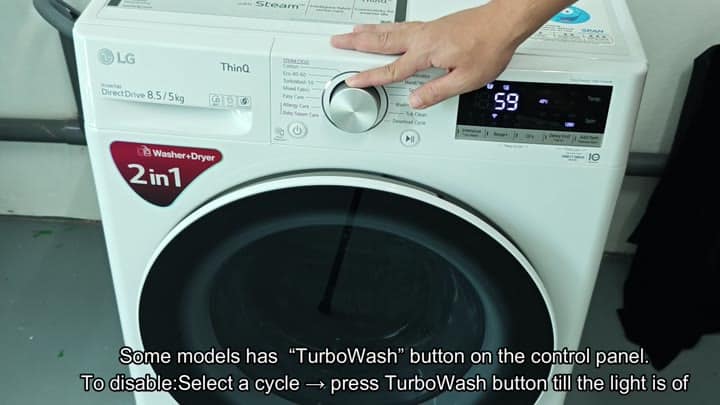
Your unit may not work that way. There’s actualy a button for it in other models. If so, push it. Push it ’til the light goes out. Doing this will disables the TurboWash feature on those washers.
For those machines, it’s simple. But maybe your machine isn’t like that. Maybe there’s no such button on yours. Instead, it relies on cycle selection. This can be a bit annoying at first, eventually though, it makes sense.
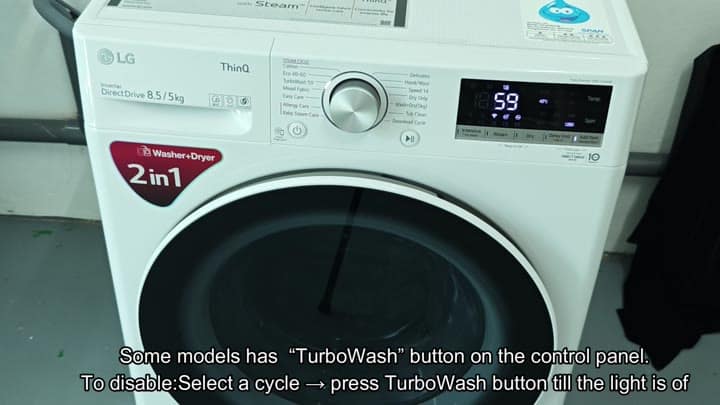
Now you see how your model doesn’t have that button? And all you do is pick another cycle off the dial instead. Instead of TurboWash, you pick Cotton. There is no more high pressure spray.
It’s got a longer timer on the Cotton cycle. Which makes sense, because this is just a regular old wash. Who cares if there is some extra time here and there? You’re getting a nice clean wash without all the force.
This allows for greater control in how you do it.
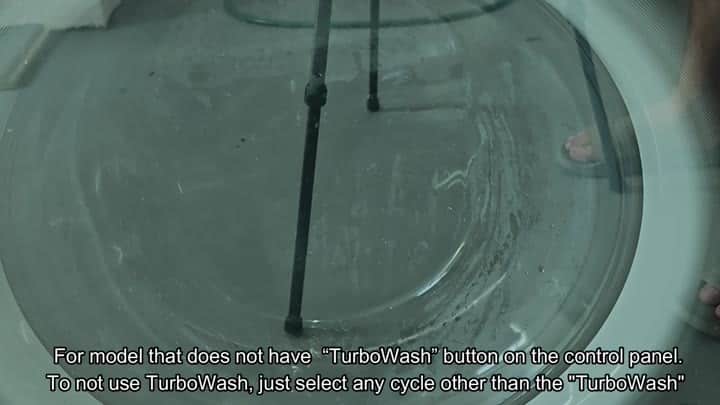
The clothes get moved gently by the agitator. The drum fills up with water and suds, and you can see it happen. No high pressure jet sprays at the clothes. This is like a regular old wash cycle.
Soap is distributed evenly all over the clothes. And you immediately notice how the water flows. It flows much more calm than with TurboWash. With delicate fabrics, that makes sense to you. Non-Turbo cycles is always the way to go. This is true even with Cotton.
And yes, you can use it that way to get a couple of load through. It’s dependable and works consistently. Your clothes are clean and smelling fresh. Nothing is ruined by too much pressure.
You’re more confident doing it this way. This fits your life exactly right. You don’t want the speed bump very often. Your laundry runs just fine on normal cycles.
You avoid confusing options and settings. It solved your problem quite easly. You can pass this tip onto other people. Choose another cycle. You are finished.
