
The Samsung Solar remote will blink red if it’s locked into IR mode. It has not been able to connect via Bluetooth to the TV. Frustrating, I know. You won’t be able to use the remote to change inputs or navigate the menus.
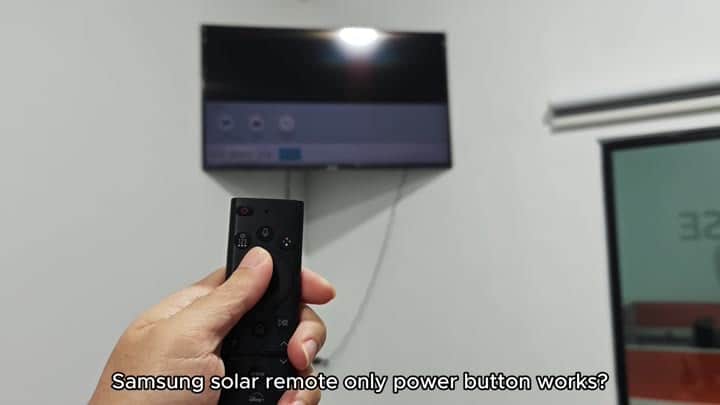
Only the power button work on the remote in this state.
The screen will also have a message saying “Not Available” if your TV do not support Bluetooth. That’s when you’ll want to plug in a USB Bluetooth dongle into your television. It then adds the required feature. Essentials it connects your remote with the smart display.
Troubleshooting Connection Issues
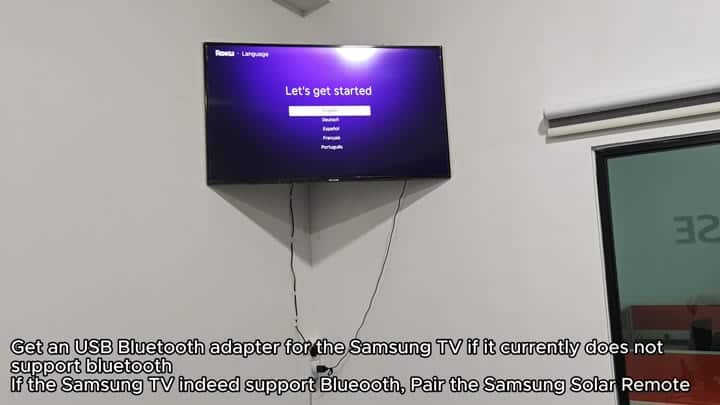
If your TV has Bluetooth support, then you’ll need to pair it with the Solar remote. Hold down the Play/Pause key and the Back key at the same time while pointing the remote towards the TV.
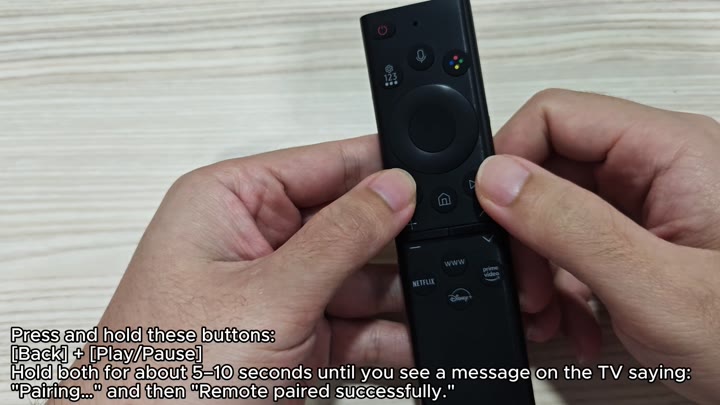
It sets off the pairing process.
It’s important to keep holding down for about 5, 10 seconds. First you will see “Pairing…” appear on screen; after that, “Remote paired successfully” will appear to confirm it worked. This almost instantly stops the red blinking. Then all buttons becomes responsive once more… As if it fully resets the connection.
If you paired correctly but the blinking light remains red, that can be because your battery is dead. This is a common mistake people makes. To fix this, take the solar panel indoors and let it sit in well-lit area where there’s lots of sunlight. Doing this will slowly charge your battery overnight.
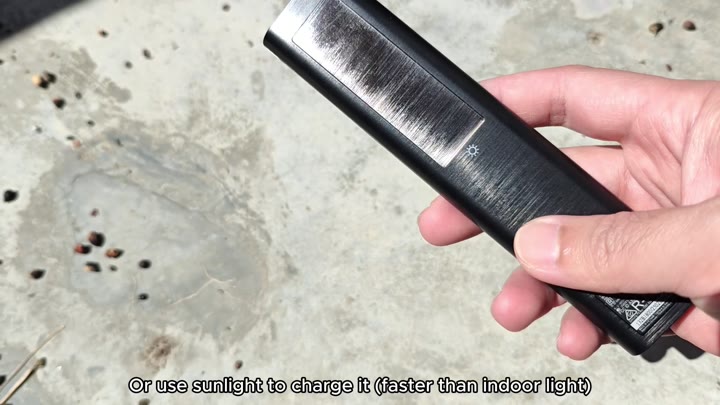
It can be charged in low light indoors.
Direct sunlight is the best for faster charging
The remote will also charge indoors but of course, it’s going to take longer. But when you can put the remote near a window, you’ll see that sun charges it way better than an indoor light source. You won’t need charging cables or extra batteries. Just set it and forget it. Solar works like a charm.
It wasn’t that the remote had stopped working. It was that the power or connection was lost. First, check your bluetooth status. To fix the IR lock mode, pair the devices. Charge the device to fix the low power warning. A few quick tricks will solve the problem.
But there’s nothing wrong. The blinking red light isn’t an issue. It’s a status light. It’s telling you exactly what the problem is: your charge is low, or there’s no link.
Both problems are simple fixes. No one needs to come out and service your remote. All it requires is pressing the right buttons (and waiting patiently).
Key: Hold Back/Play/Pause. Wait. Don’t rush that five to ten second pause and watch for the onscreen confirmation. When it says paired. Believe it.
Then look at the light. It’s blinking right? Ok check your charge. Put it back in the light. Wait some more. Try again.
That did the trick for me. I’m sure that will work for you as well. The reason is simple: These remote controls is meant to work on their own. They have a wireless connection; they rely on ambient light. If one doesn’t respond, the other does. Knowing why makes sense and knowing how to fix it will save both time and money.
It leads you right to the answer, though, the red light! So don’t dismiss that as some sign of hardware trouble. Instead, take a moment to see if your remote is turned on, paired and charged. If so, then yes, those are the answers, and your remote should be back up in no time. It is annoying when it happens, but it is a fast repair.
So my first button pair didn’t take since I wasn’t holding it down long enough. The second time, I held it for the entire 10 seconds, bingo, makes perfect sense. Don’t guess on this; it counts off in seconds. Watch the screen, count the seconds, wait for the message.
Then go to the next step. If you have a red light again, it’s time to check the battery. It is that easy. You do not need to do any complicated diagnosing. Just observe and act.
