DID YOU SEE A dE1 CODE on your LG washer screen? That’s a Door Error. The washer believe the door isn’t locked and fully closed. It’s not always a broken part.
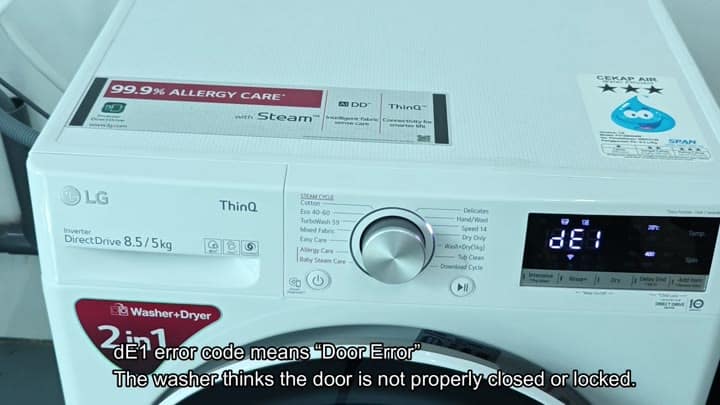
You may see a dE1 code on your LG washer display, which mean there is a Door Error.
Resetting The Power Supply
A common shut-off issue is often simply that.
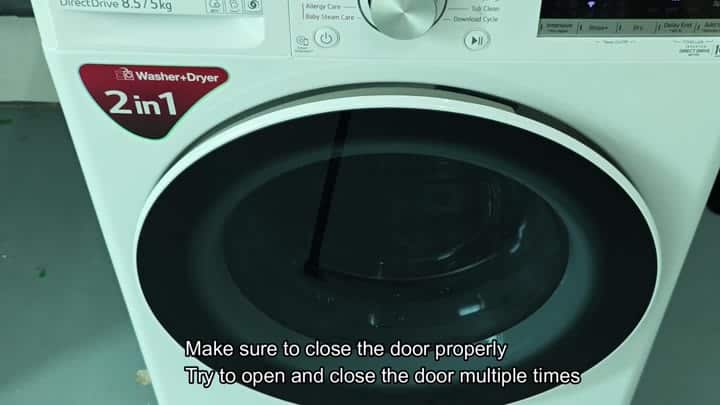
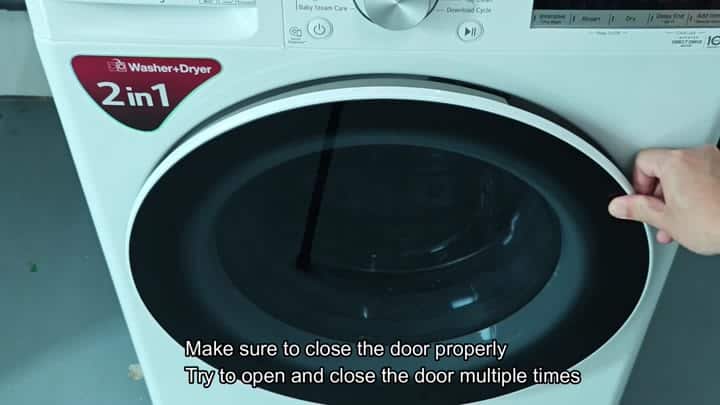
The first thing you should of check is the most obvious. Did you close the door correctly? Yes that’s it. Close the door gently several times. This will often reset the door sensor. Occasionally, all it takes is a good hard push on the latch.
But don’t grab any tools yet. Try closing the door gently and see if that resets it. Yes, it’s annoying when you still get an error. But try it.
Check the drum for water droplets inside. Ensure nothing is blocking the seal.
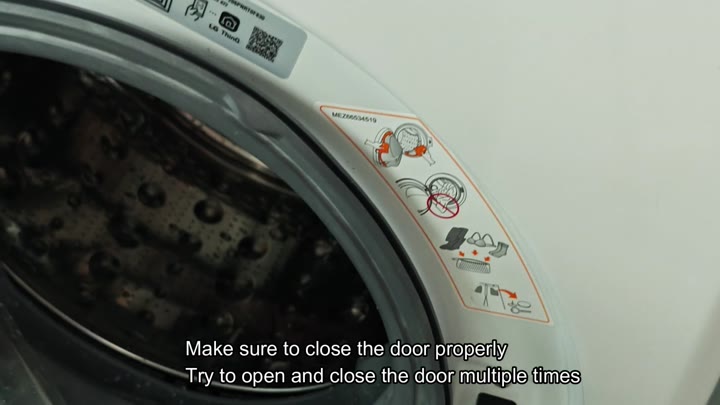
Open the door
Look in the drum to make sure no water is inside
See if anything is obstructing the seal
Push the door closed hard
Listen for the lock to engage
If you don’t hear a click then it didn’t lock. Open and close again. That will clear temporary sensor error. For most people that’s an easy fix.
Maybe you’ll be one of those who thinks that should have been sufficient. It isn’t always. Sometimes the error stay on the panel.
Ugh, that’s annoying.
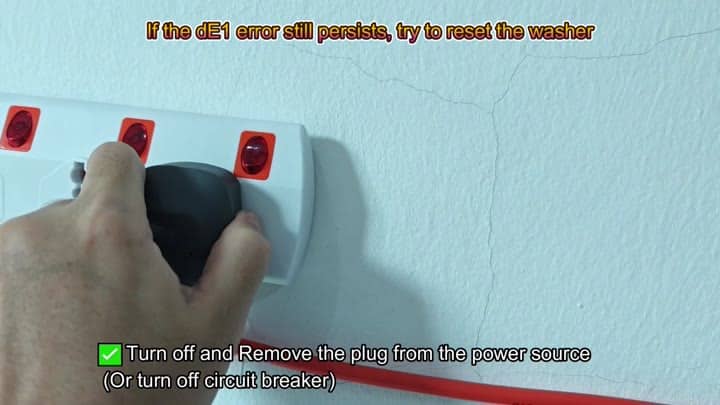
If the dE1 error isn’t fixed, you can attempt a complete power reset. First, power it down. Not by pushing a button. Head for the wall outlet. Pull out the black power cord.
That kills all power to the board. It forces a hard reboot. Let it sit for a couple of seconds. Plug it back in. Power up the machine. Look at the display.
No luck? The code reappears.
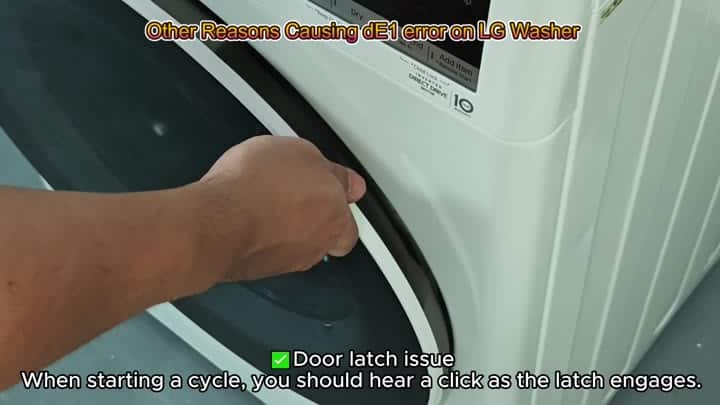
If the reset didn’t fix the problem, look elsewhere based off why you are getting the dE1 error. There could be a door latch issue. When beginning a cycle, you’ll notice a clicking sound. That’s the latch engaging.
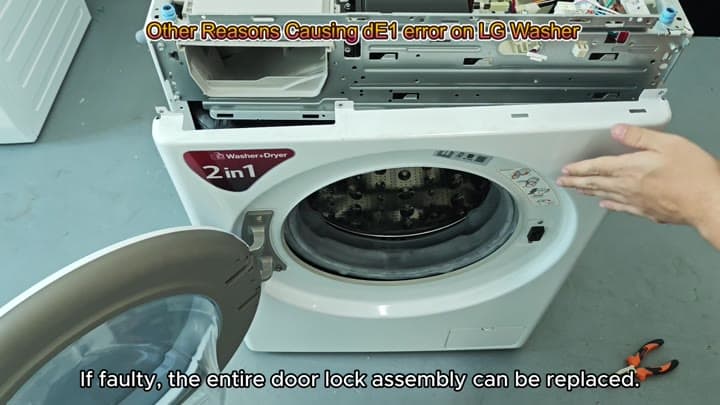
Feel around where the latch is located on the door. Is there any physical damage? If so, it won’t engage correctly and send the proper signal. The whole door lock assembly can also be replaced if necessary. This is a common failure point. Look at the mechanism in detail. From outward appearances, it might appear OK.
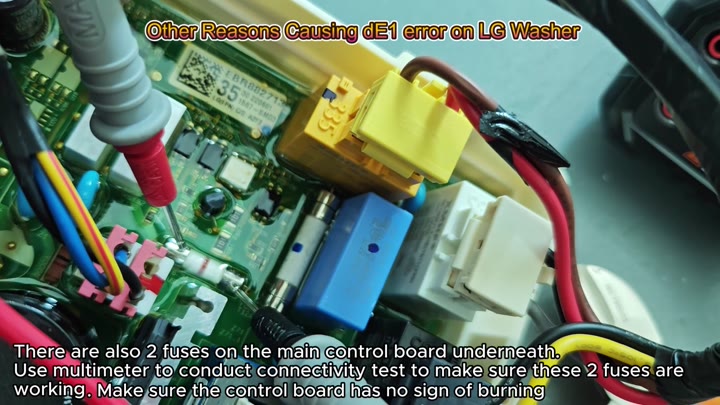
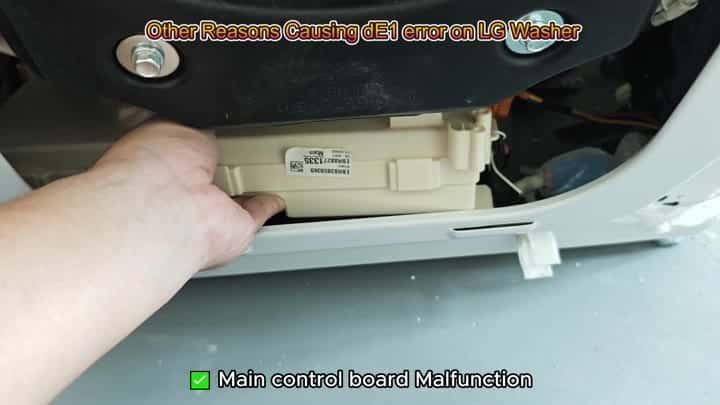
The main control board can causes false error codes if it fails. Take the top panel off the washer. You can see all the inner workings. See that beige colored control board? It is inside the washer.
Two fuses is located on the main control board below the main parts. They are white and blue. Use a multimeter to test continuity. Are both of these fuses good? If not, then you have a bad fuse which kills power to the lock. Inspect for burnt components. Sometimes there won’t be any obvious burn marks. Looks like a clean board.
You should start by checking the fuses as a troubleshooting step. These help prevent spikes from reaching the circuit and frying everything. Without these you won’t have any communication between the lock and the board.
Check for continuity on your multimeter. Good? Well now the fuses aren’t blown. So that means the board has power but it can’t communicate with the lock. So you’re pointed back at the latch or the door sensor. The board gets the signal relayed down. And if the latch fails, then the board tells you dE1. It’s a domino effect. You replaced the latch assembly and presto! The click came back.
That was the end of it.
And then
The dE1 code on your LG washer display means there is a Door Error.