
Sometimes, you’ll be sitting in front of your console and it won’t respond; it will freeze. The screen may lock up completly and you’re locked out of the menu system. There’s no way to turn on a game. It’s annoying as hell.
But there’s a solution that’s really easy. Don’t freak out! Leave the console alone! Follow the usual routine.
Understanding the Soft Reboot Process
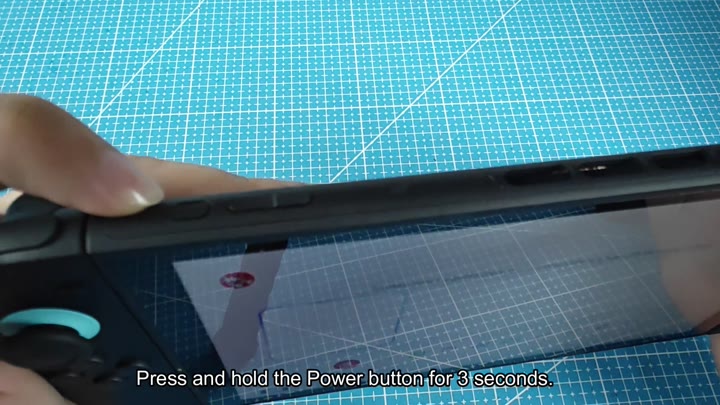
The button itself are located along the side of the device. It’s a small, distinct button, you’ll have no problem finding it once you know what it looks like. Don’t go ahead and tap it though; tapping will do absolutely nothing.
Instead, locate the button and press and hold it down. Firmly. Then keep your finger pressed down for several seconds.
The sweet spot is three to five seconds and that should of be more than enough time for the system to recognize that it’s being held down. In order for the system to wake up, it need constant pressure.
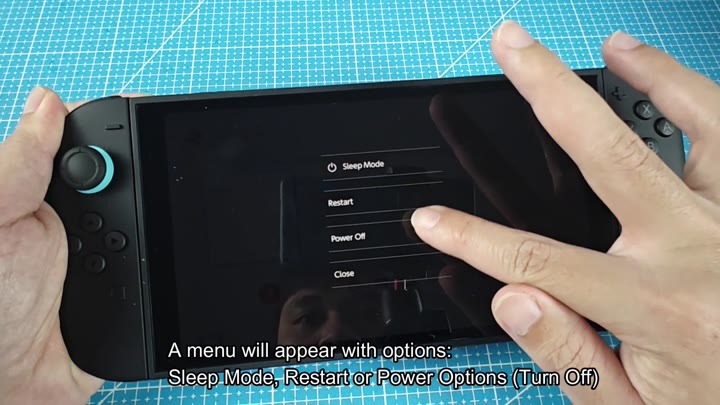
When you press the button, a menu pop up on-screen, that’s the power menu. You’ll notice that it’s on top of all other content. On that menu, you’ll find various choices, including, of course, Power Off and typicaly Sleep Mode.
But what you want is the Restart option. That’s the magic bullet here, which will refresh the system, removing temporary glitches and restoring the software to a stable state. Highlight the Restart choice, then press the button to make your selection.
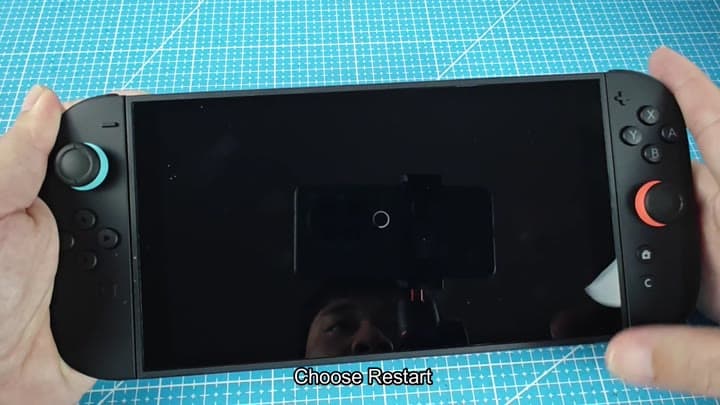
Hit that button to confirm, and you may notice your screen turn black for a second or two. Don’t worry; that’s just the system re-loading. It’s resetting itself, basically. Initializing the core software.
Let it do its thing and wait a few seconds before touching anything else. Once the console come back online, your home screen will reload as well. It is safe, reliable, and it’ll work every single time.
Why? It is a soft reboot, meaning it doesn’t cut the power to the hardware; it only restarts the operating system. You don’t void any warranties, and you won’t lose any data.
It’s a more gentle approach different than a hard reset, which does cut off all power, and better preserves whatever session you were in when the reboot occurred.
That’s not a power off. That’s like holding the power button on your TV to turn it completely off. That’s not sleep mode either, which is standby mode. It’s restarting, which wipes the cache. And it’s not resetting, which will reset the network connections as well.
Sometimes internet issue cause freezes. If that happens, you need to restart it and get back online. That’ll reset everything and sort out the problem.
There’s nothing you have to do. You have nothing to update. You have nothing to change. Just restart. That’s what solves the immediate issue. Always try that before anything else. Because it works. It works instantly. No special knowledge or tools is required. Hold that button for a second and you’re in business. Hit restart and you are good to go.
