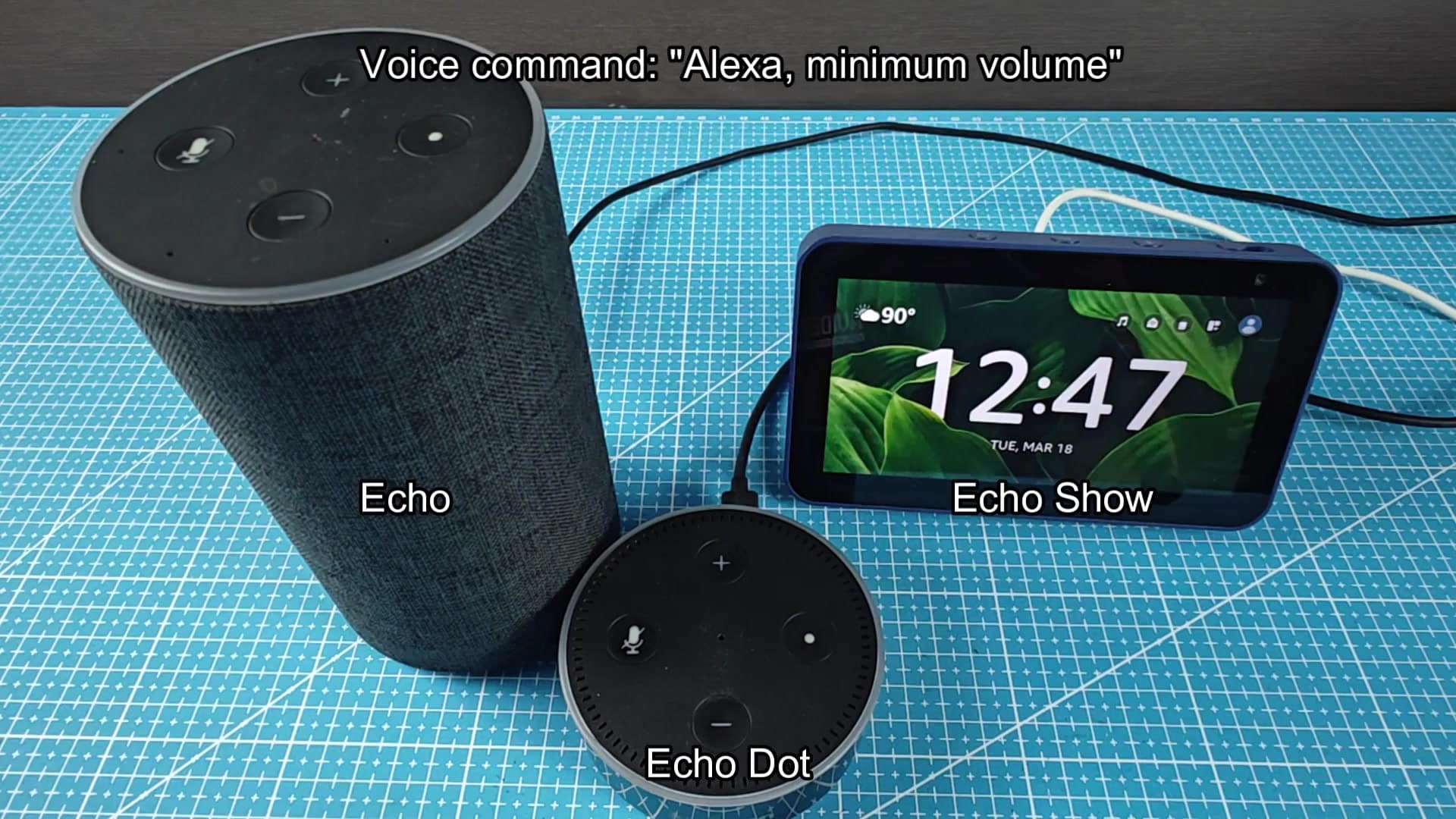
Adjusting the volume of your Amazon device have never been easier: just say a command or use physical buttons on your Amazon device, including Echo, Echo Dot and Echo Show. To adjust volume, simply press the volume controls found in the top of your device.
While you’re listening to some tunes, the physical buttons instantly give you feedback. There’s no need to open up an app, it’s fast and it just works.
Using Voice Commands for Control
There is also buttons for adjusting the volume on the tall cylindrical Echo speaker. Pressing it up or down adjust the volume during playback. Similarly, smaller round Echo Dot features same controls as its bigger version.
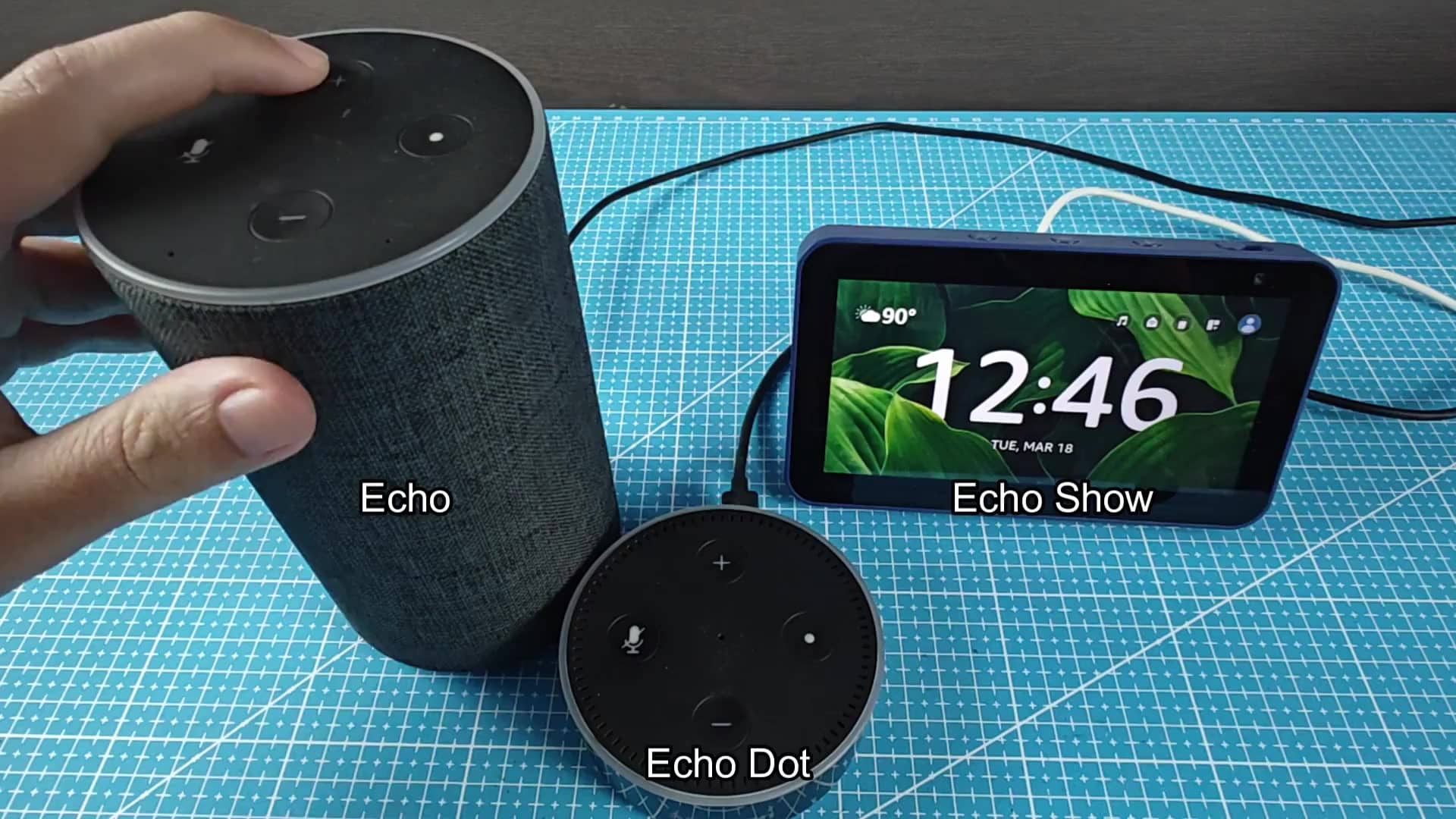
That way you can pick up a device and know how to operate it regardless of what you’re using. It’s all part of making the product line-up feel uniform in design so that moving from one speaker to another feel like no big deal.
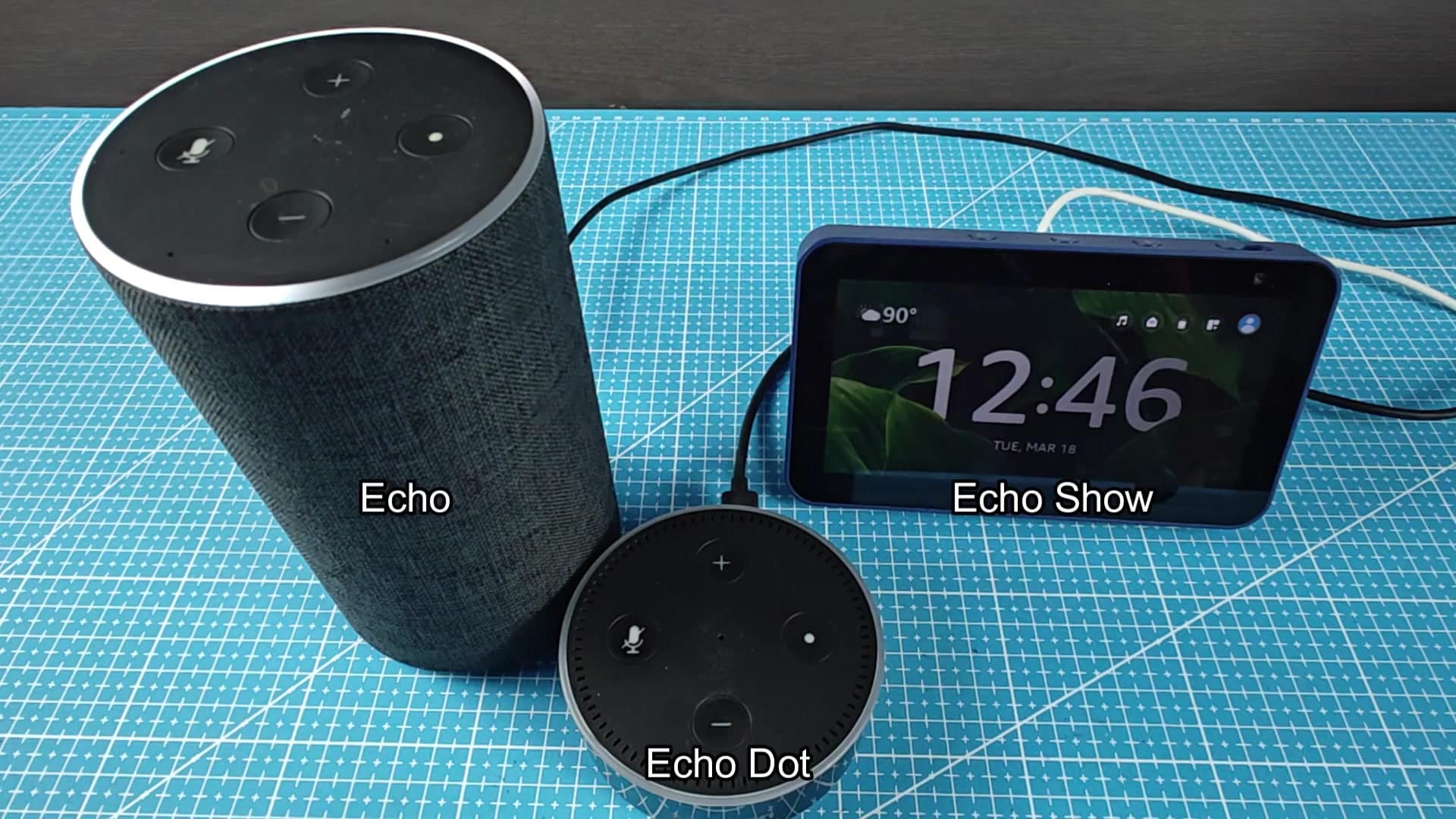
Sometimes you have dirty hands. Like while cleaning or preparing meals, and don’t feel like touching the thing. Instead of fumbling around for it, you can use voice commands than. That’s quicker than grabbing hardware, and won’t interrupt whatever you’re doing.
If the music’s too loud, you just utter the phrase “Alexa, volume down.” The blue light ring light up to indicate Alexa has heard you and it will turn sound down right away. That visual feedback provide reassurance that it’s all working as intended.
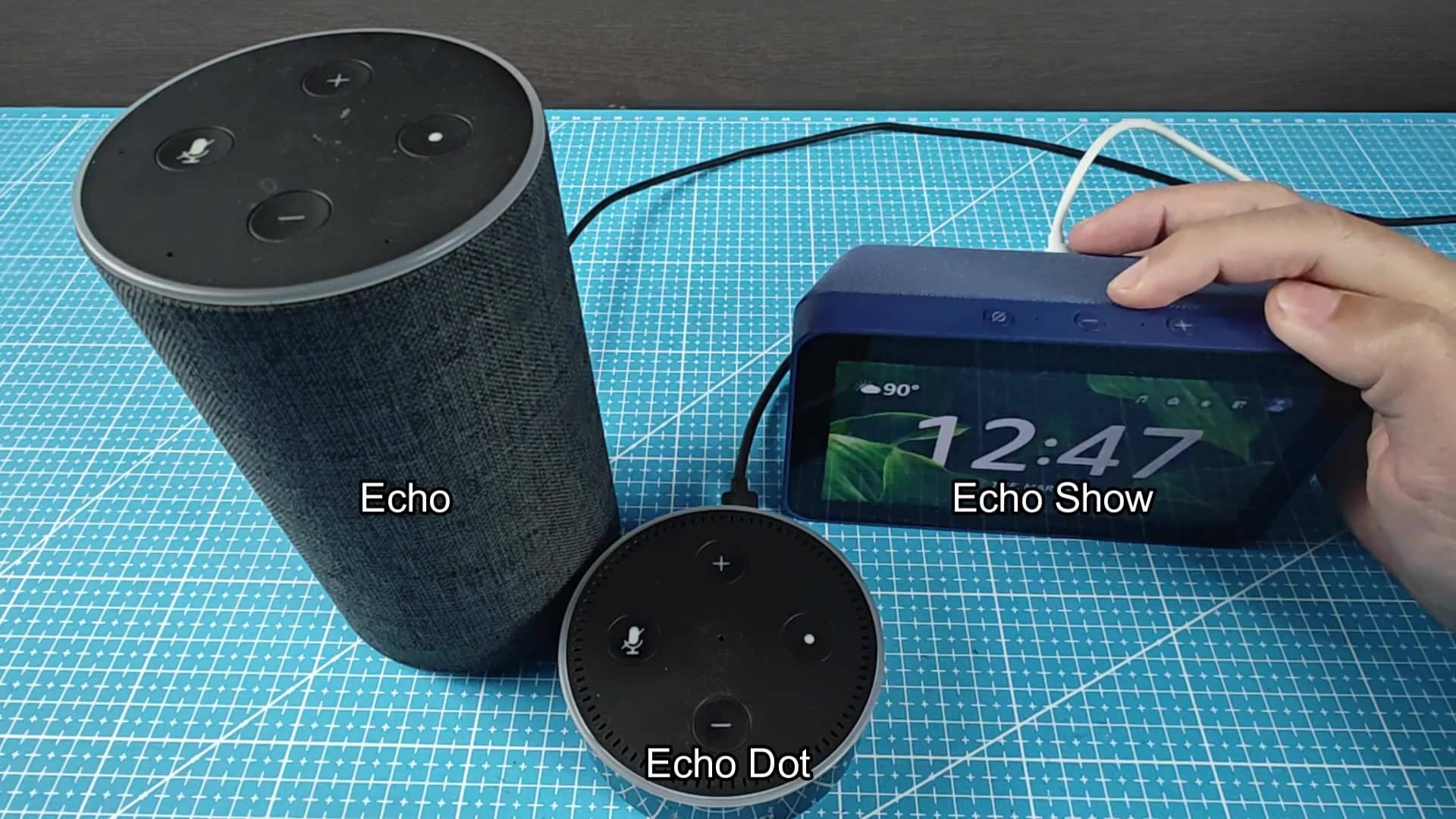
Saying “Alexa, volume up” will also increase the volume. The volume is increased bit by bit so you can adjust room’s mood on a small scale. Oftentimes subtle variations are more noticeable than just cranking level to max. Even when said from across the room Alexa hears you and knows what you’re trying to say.
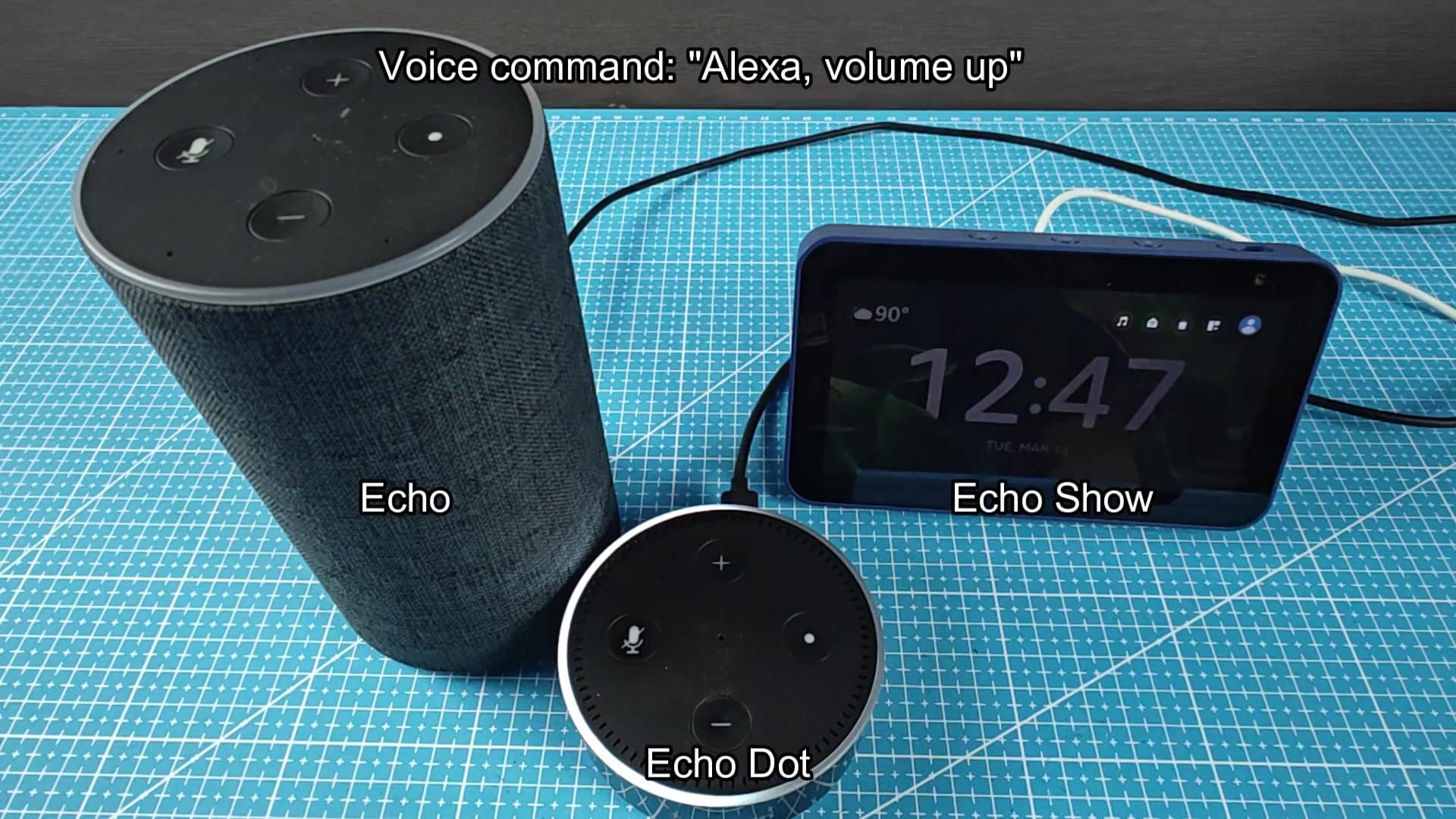
Want to quiet the music but not pause the playlist? Say “Alexa, minimum volume.” Output goes to zero, but the music is still playing and ready to pick back up where it left off. Handy if you’re listening to long audio files like podcast and don’t want to lose your spot.
On the other hand, if you want to crank up the volume, all you have to say is “Alexa, maximum volume,” and boom, the speakers is at max volume.
There you go. These four commands address most of your everyday basic (and extreme) volume requirements. The commands aren’t complicated or something you should of learn to remember. They’re straight to the point and get job done.
Voice control and hardware buttons work seamlessly together. Depending on what you’re doing, you can choose one method or another. Want to listen from across the room? Use your voice. Feeling lazy and sitting down? Press a button. It is same thing either way, so use whatever works best for you.
Regardless of Echo, Show, or Dot form factor you have, they all understands your voice command equally well. Everything is the same, no matter who you are or where you start, it shouldn’t be hard to jump right in.
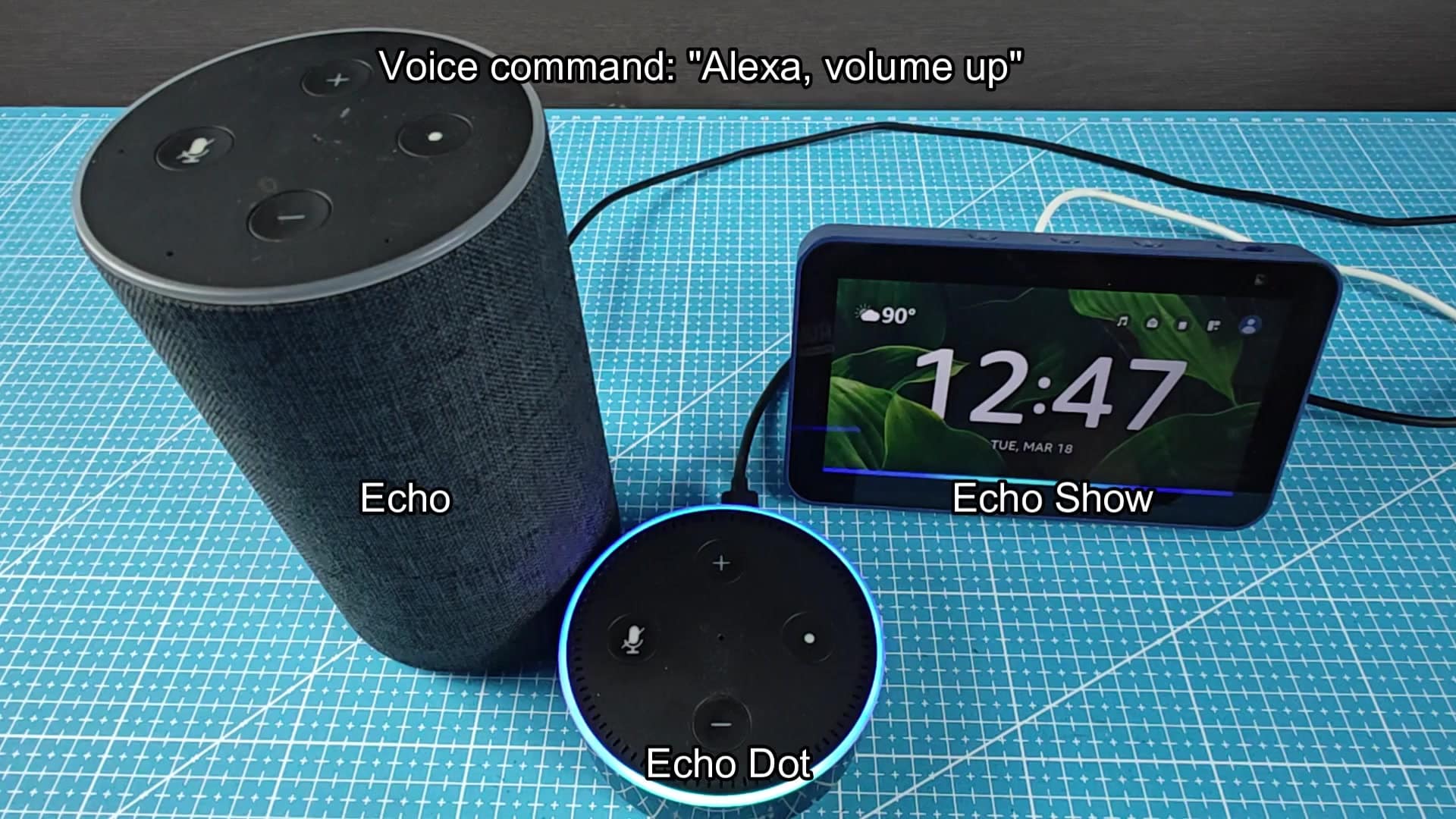
Turning up the volume shouldn’t be a hassle. From a design view, that’s exactly why Amazon built its interfaces to be as simple as possible. Whether you speak a word or tap a piece of plastic, you know what’s going to happen. There’s nothing complicated about it. Speak or press. Listen. Enjoy.