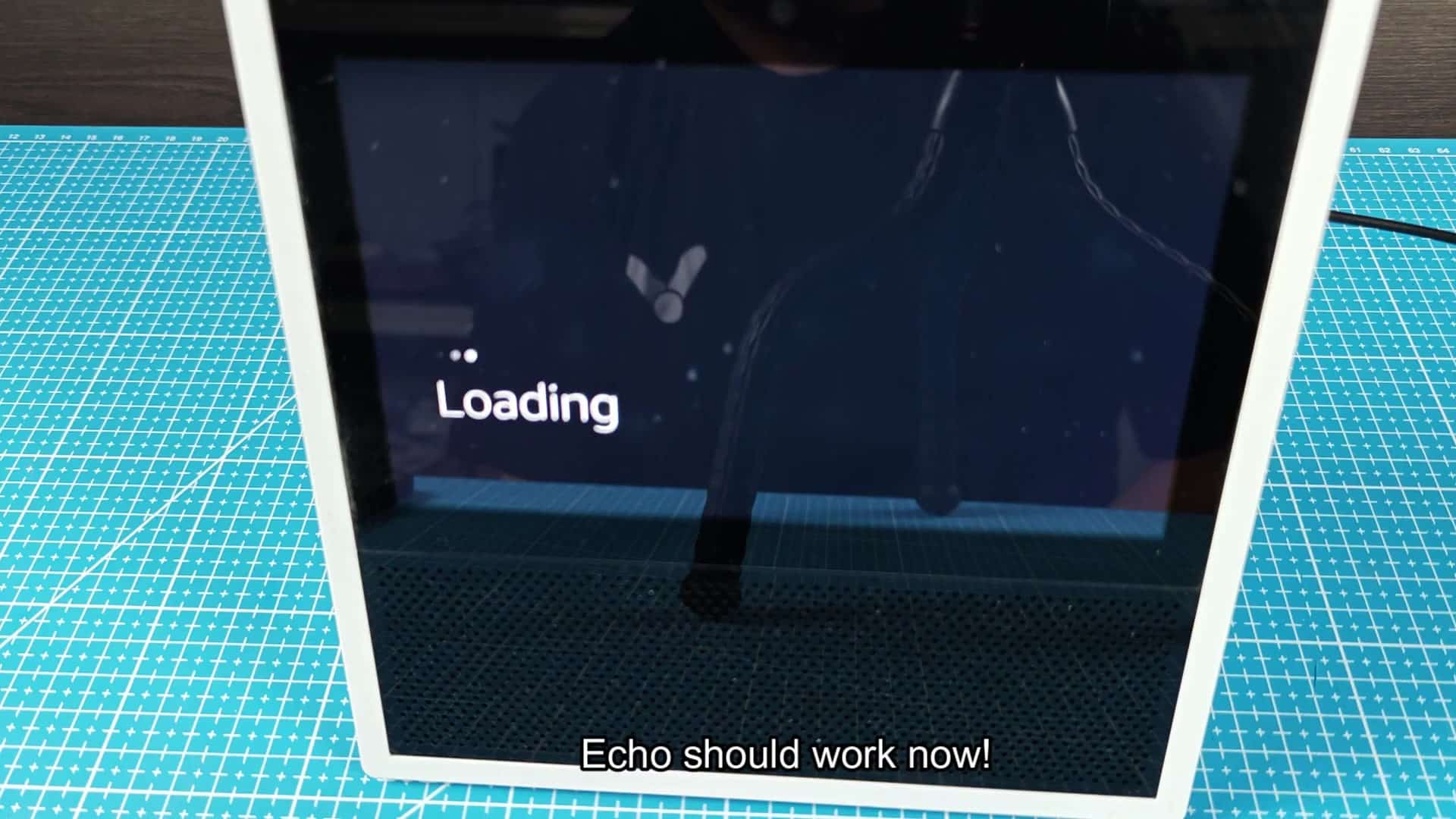
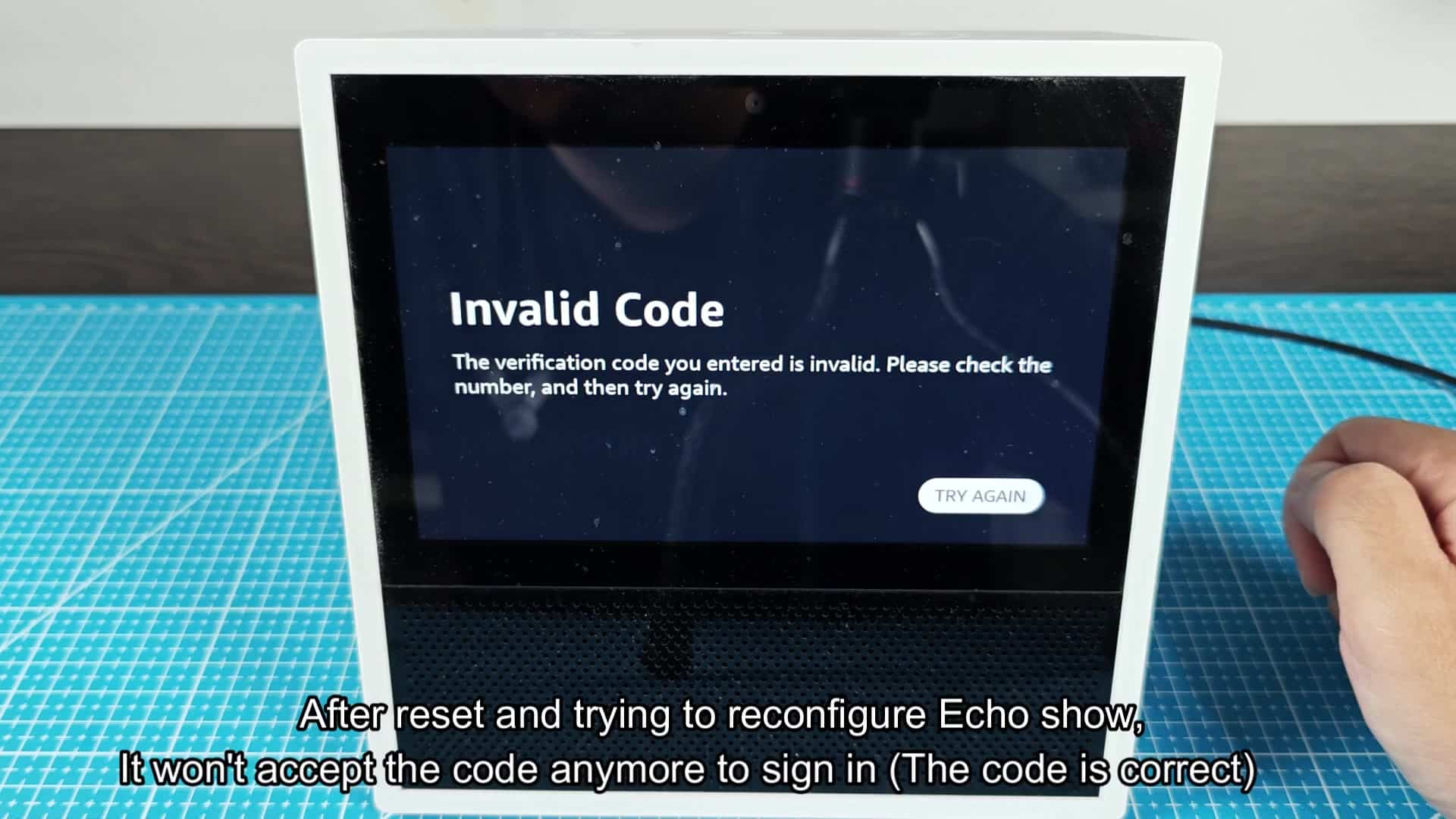
When you go to use your Amazon account on your Echo Show, you find that there’s a login wall. It wants a verification code, which is normal in the name of security, after you put in your username and password. But it might never sends this code to your email address or phone number. You keep checking your phone over and over again… and waiting… Perhaps it’s time to ditch the text message and rely on an authenticator app? You’re prompted to enter the code produced by the device. It tells you the code isn’t valid. You re-type carefuly, scanning the numbers just in case you’ve made a typing mistake. Still nothing.
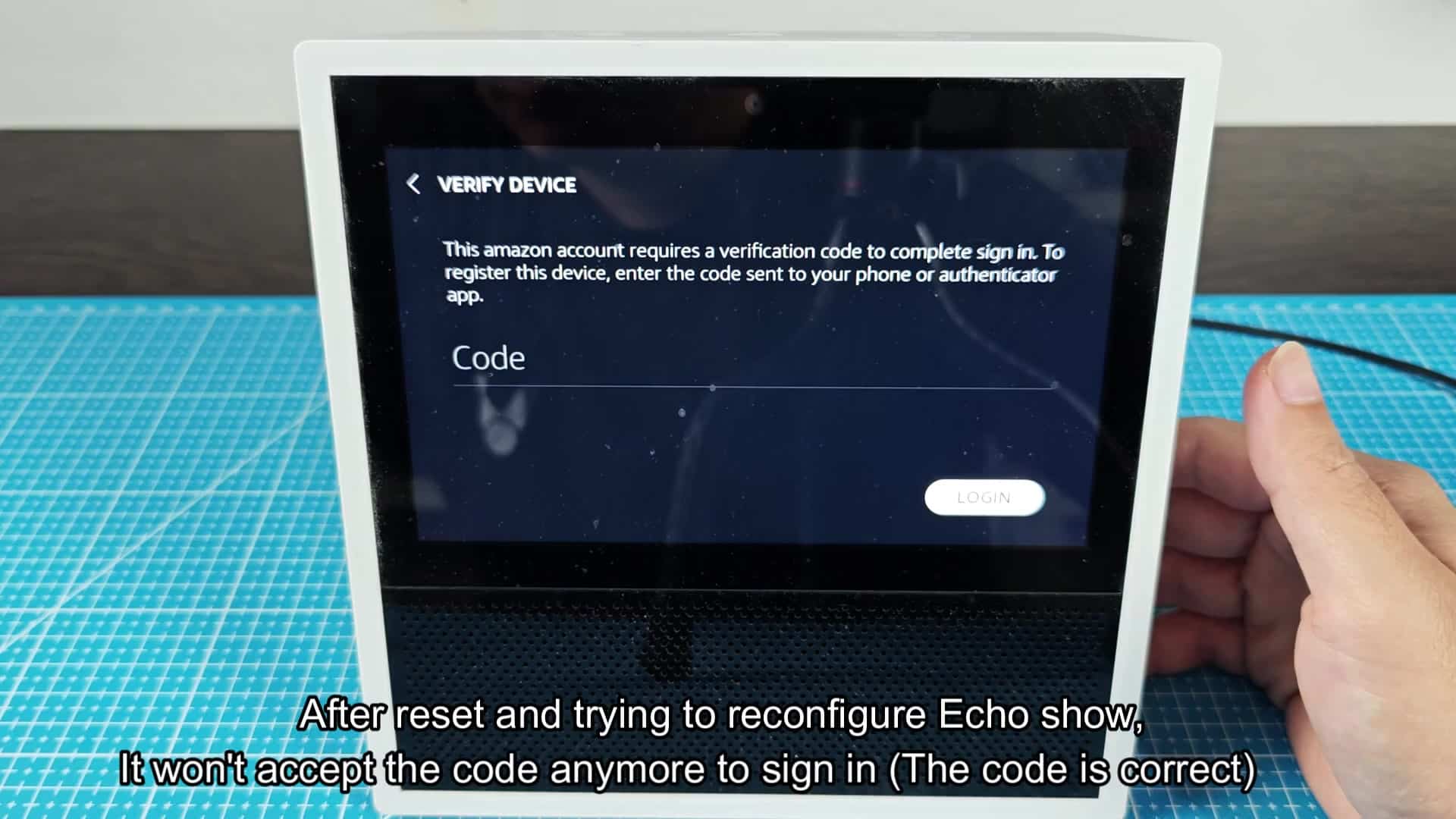
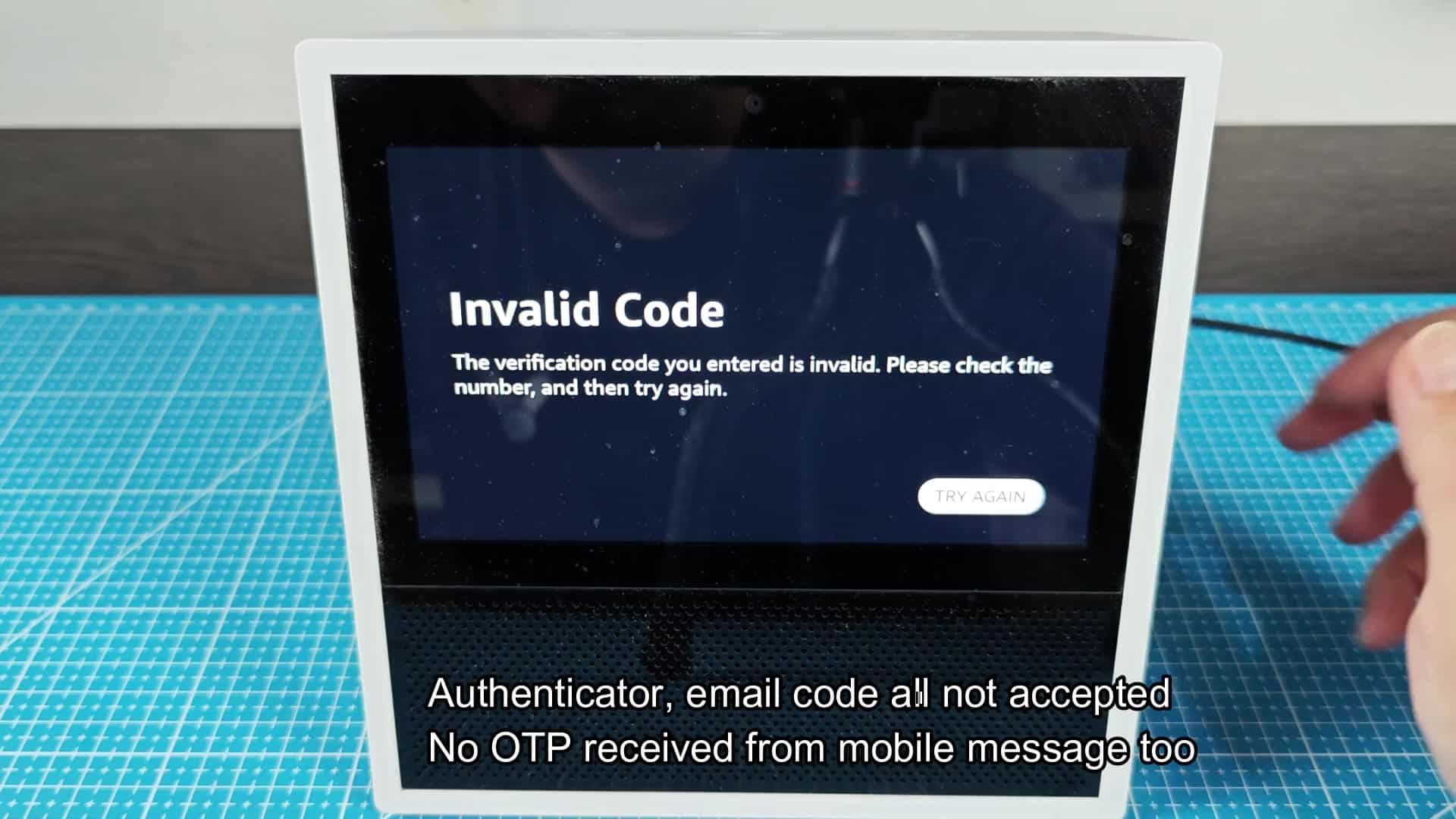
For some strange reason, your valid code has been denied. You’re getting more and more frustrated because you’ve exhausted all of the easy solutions: The email code doesn’t work; the code from your authenticator app doesn’t work. In fact, no one ever even sends an SMS code at all. So it feels like phone is locked into a vicious loop. How can you get around the block?
Use the Alexa App Workaround
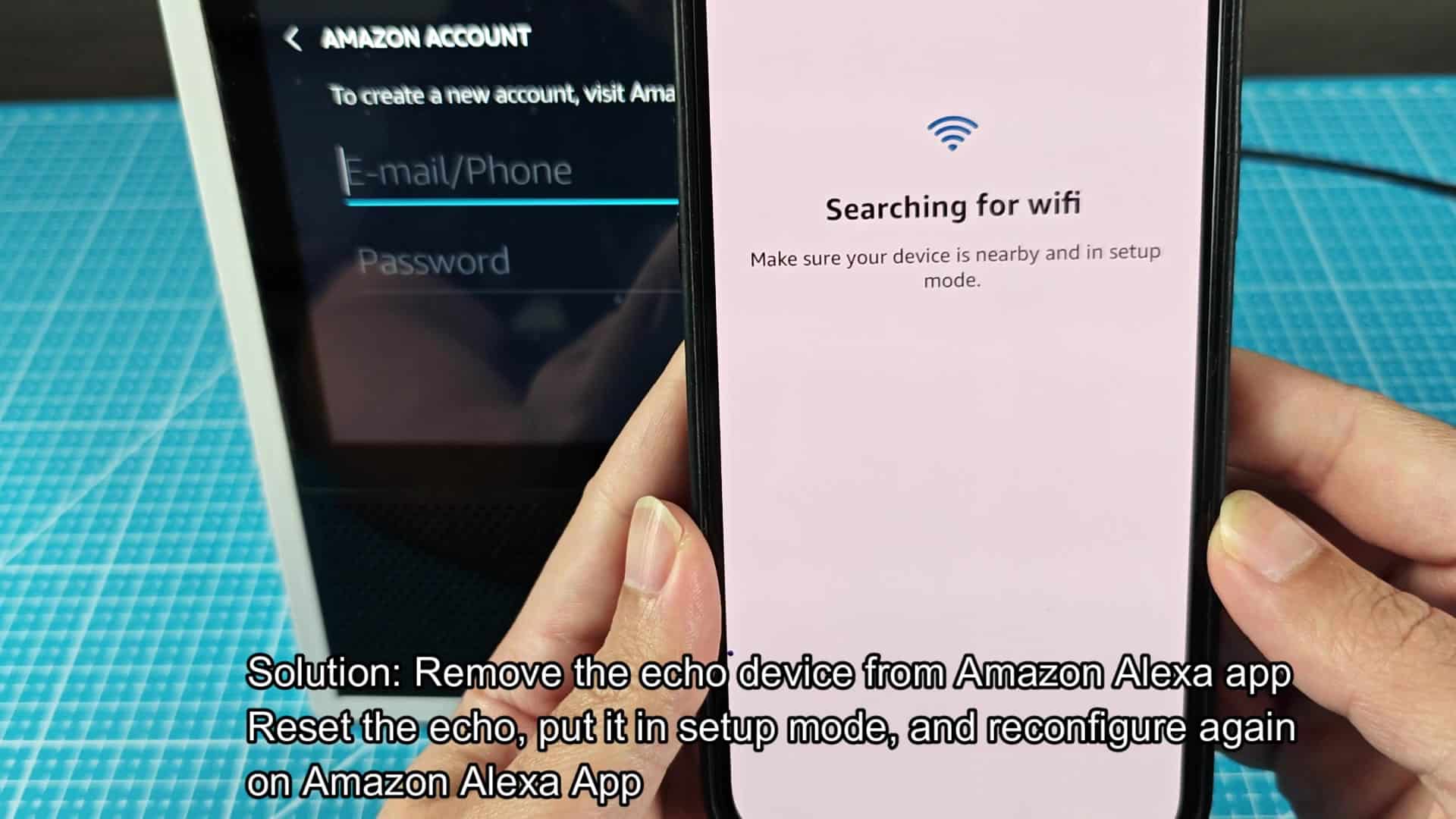
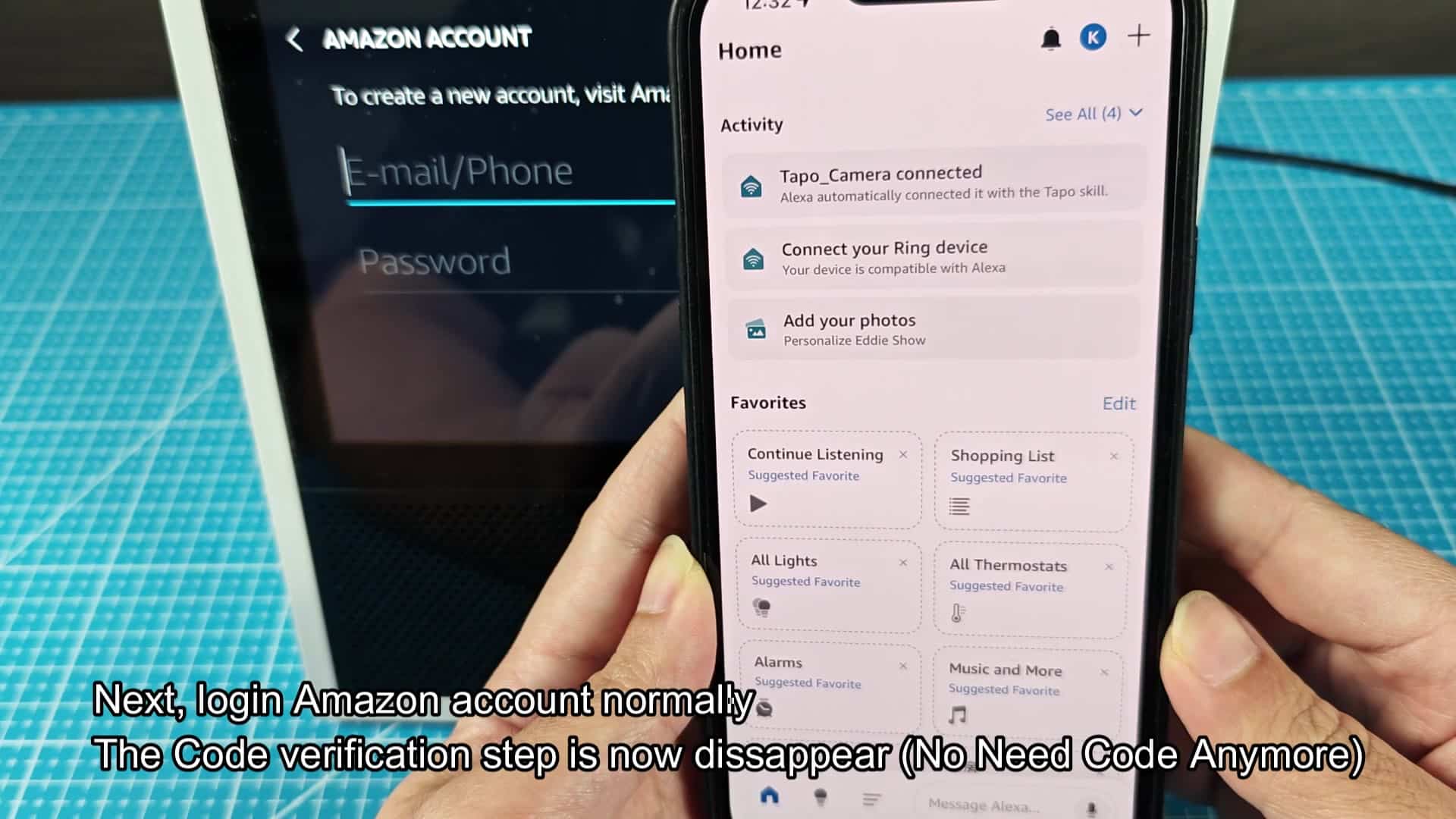
However, before you go through the hassle of setting it up on the Echo Show directly, there is a workaround that might work, use your phone. The Alexa app loads and the interface is clean and respond well. Tap add a device option, and soon enough your Echo Show is found nearby. It’s promising, different than being stuck on that screen. After that, setting up the device via the Alexa app goes quite well. It auto-detects the device without any code entry. The process continues on your phone as you go through steps inside the app, and it all work fine. Your phone doesn’t show any verification problems, and things seem to be syncing reliable across both device. Next, you’ll return to your Echo Show and wait until it’s finished setting up. What you’re greeted with looks much different now; there’s no more request for a verification code. Instead, it will simply register itself and the process should of complete without any issues at all. Indeed, that pesky error message no longer appears. Things look like they’re back to normal. You try it one last time just to be sure the sign-in feature is actualy working as intended. Everything looks fine; there’s the Amazon Account screen. You can see the fields for email and password, type in your password and it signs in normally with no hiccups whatsoever.
And this second time around, the whole verification process are bypassed altogether. It all appears to work properly, just like a regular connected device should works. Perhaps shifting the setup location has fixed whatever was wrong?
After reloading the home screen correctly, it looks like this:
Everything works now. The time is correct (12:35). Night mode is on based off the icon, and all temperature readouts are easy to read against the background. It even reacts instantaly to my input touches. Looks like the workaround I had work! And that’s the lesson here: Device setup is a bust. The companion app sometimes provides a simpler route, and going through your phone completely eliminates the verification snarl. You won’t need factory resets; there is just a lot less fuss and bother, and no invalid codes. Just get it working somewhere else, and this way will get you out of it in double quick time.
It’s a quick and easy fix that doesn’t require any technical know-how (just time (and a backup plan)). And if you’re having login loop issues with your Echo Show, it immediately brings the device back to life. There are no more missed codes and no fuss; it is a straightforward solution for a problem that is simple enough to solve. It is exactly what you need for this problem.