
It’s always easy enough to add a new Google Nest Mini. Open up the app, tap through a few steps, and it is done in a couple of minutes.
But it wasn’t so simple for me when I tried adding mine. After tapping “Next” to configure my assistant, an error appeared: kGSKErrorDomain 83902. What? Now what?
How To Fix The Error
At first glance, there was nothing wrong with the device. And it seemed connected. So why wouldn’t the app advance? This hiccough halts everything. I didn’t want to abandon my brand-new speaker without trying again.
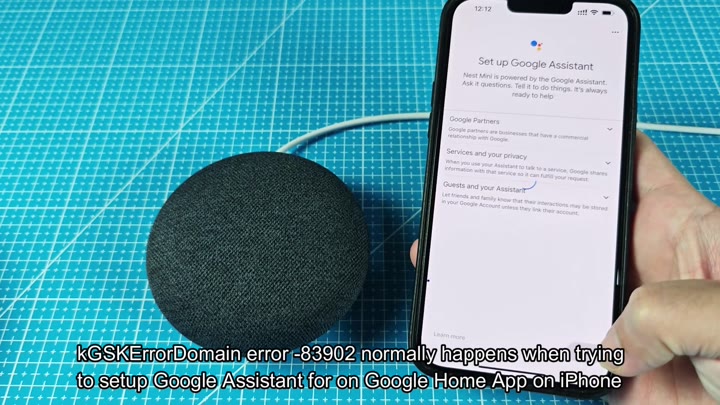
So I assumed it must be some kind of software issue. More often than not, this sort of thing hide in basic settings. In my case, it was iPhone’s region settings.
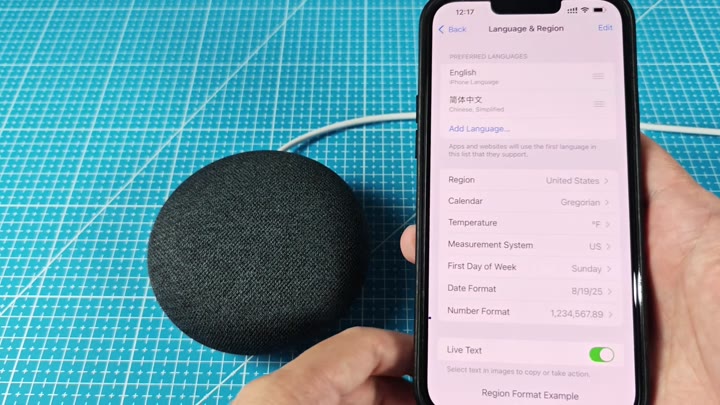
Turns out, fixing that is easier then you’d think. Go into Settings > General > Language & Region. Specificly, toggle your region to United States. That should resolves the domain error on your device. For others, reverting the region back to the one where the Nest Mini was sold will solve the problem right away.
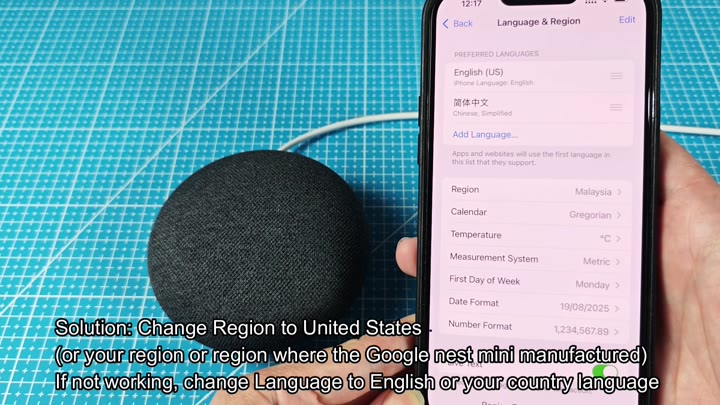
The error code kGSKErrorDomain 83902 popped up right after pressing “Next” during assistant configuration.
Location can matter more than you’d think.
For good measure, I also switched my phone’s device language to English. This also seemed to help smooth things along quite a bit.
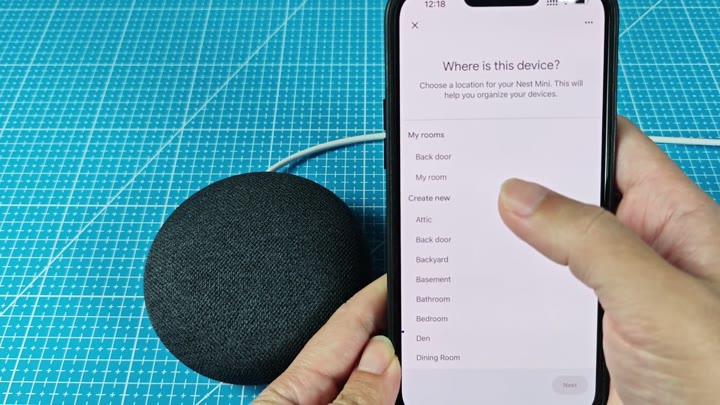
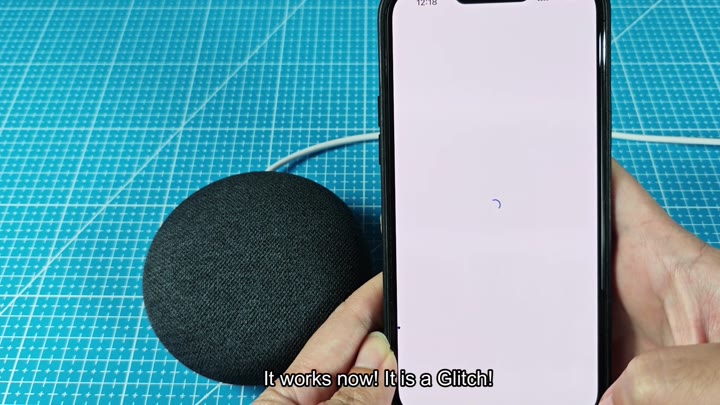
Once I had updated that setting, I relaunch the Google Home app. This time, the process resumed smoothly. There were no more error messages. Everything completed successfuly for my Nest Mini.
There you go, finally. Phew. Glad that wasn’t a hardware problem. Glad it was nothing more than a temporary software issue that required a little local adjusting. I am glad I didn’t have to spend more time there trying to fix the glitch.
Easy fix.
It is a simple solution.
Once you’re successful, there’s one more thing: don’t forget to revert your region setting. You’ll have all of your home settings restored on the Nest Mini and the Google Home app will function just fine.
Your phone, however, is different story… It’d be better to keep that set to your real location as using it day-to-day will be far better.
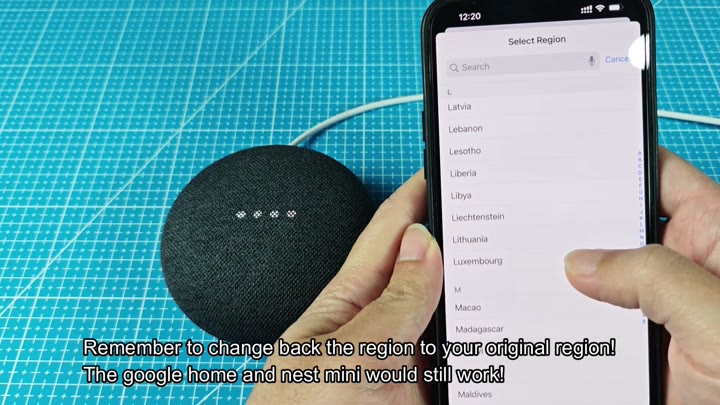
Once I got the speaker working, I put it all back in place.
The entire process lasted under 10 minutes from beginning to end. Technology halting on small details are annoying. But being able to resolve the issue without losing your mind helps.
I discovered one more thing: region settings can cause app flow problems you wouldn’t expect. And not all errors is signs of hardware failure. Occasionally, it’s a config thing. The tweak did the trick and my set up was complete. It would of been good enough.
