
Getting started with your own home security system might seem daunting, but it doesn’t have to be complicated when using a Blink camera. Knowing the ins and outs of its modes will help provide that peace of mind, which is what this is all about, right? After all, just plug it in and hope for best?
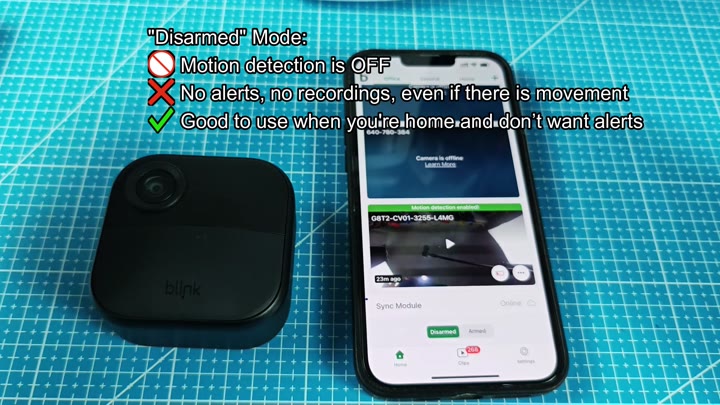
The camera will turn itself off from motion detection entirely. It won’t record any video clips or send any alerts in this mode.
Understanding Arming and Disarming
But why? When you’re at home, you don’t want notifications going off every time you move around. It’ll save battery life and avoid false alarms by not popping up anything on your phone. Use this mode when at home so you can have some private space inside.
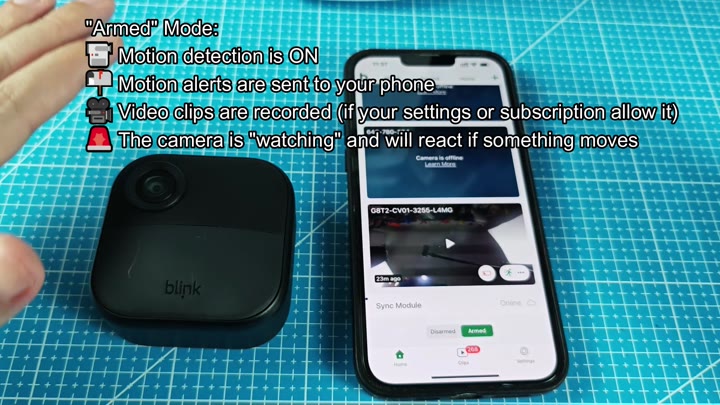
When the system switch to armed mode, the system acts differently. The camera come on and begins monitoring motion all of the time. It detect when something moves, records a clip and alerts you via your phone.
That’s the point of buying this system, to see who is at your door. You can use the green armed button in the app to confirm the system is on, and check the sync module to confirm it’s connected.
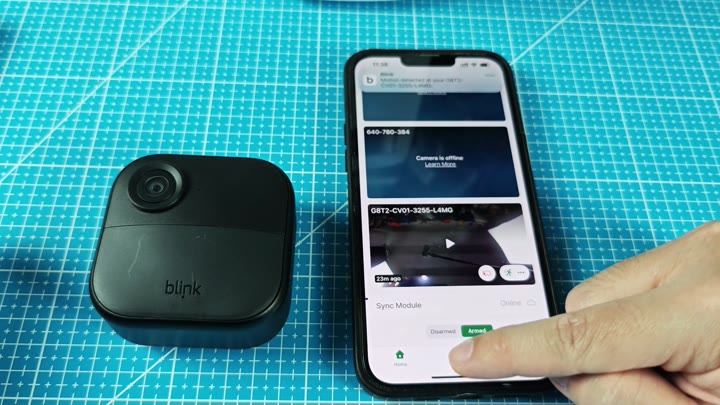
The app’s state changes the interface, so you will know what is happening once it are armed. Armed is clearly displayed, and the sync module shows that it is online too. You can be sure your data are syncing properly.
There is a green armed button you can push to try it out. The screen update immediately. It’s built to respond fast, so you just sit there and wait for it to detect something.
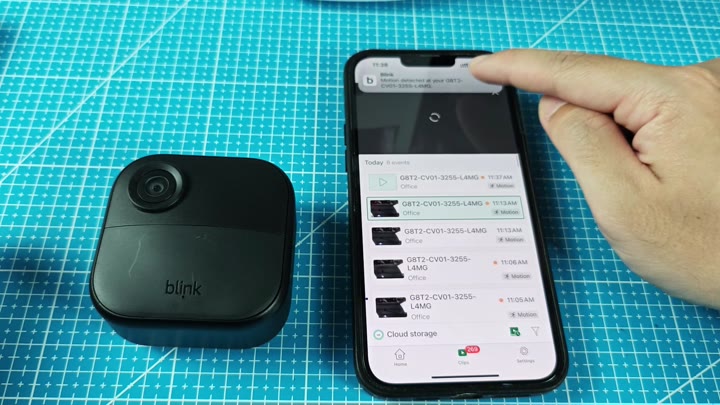
When it detects motion, a notification banner pop up on-screen. Tap the banner to display live video from the camera. This show exactly what the camera is seeing right now. Each event are logged correctly, with accurate timestamps on the notifications.
One is active and alerts you; the other is passive and silent. After a bit of time getting used to it, you quickly know how to flip between two. And it’s second nature soon enough.
When in the house, disarmed. Out of the house? Arm it. Easy. Simple. Basic. That’s all that most people want out of this sort of thing: reliable security. It is not complicated, but it just works like it should of. It does its job and lets you get on with yours without hassle.
