
Overall the Blink system works well but you might experience some of these typical glitches. Recording what fixes it will help others know how to fix them as well. Here’s a breakdown of the most common problems/issues and fixes.
Common Glitches And Quick Fixes
A blinking red light on your camera typicaly means there is something wrong with power.
A flashing red light on the camera usually indicate a power issue.
Check your battery compartment; make sure it has new AA batteries in place.
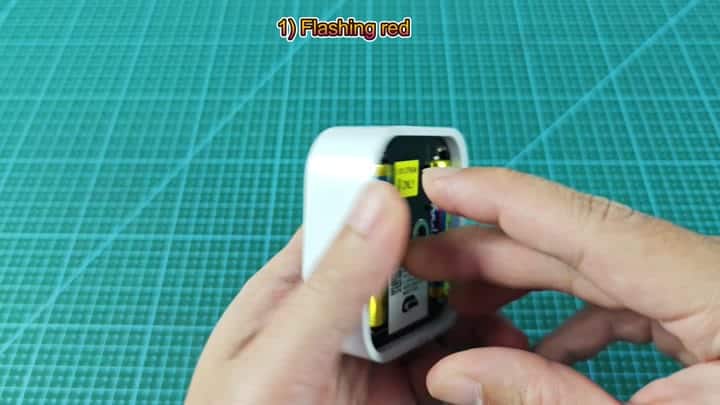
A quick fix for a flashing red light can be found by simply switching out the power. When the sync module blinks green, that indicates device isn’t connected to the internet or is offline. Turn off your router, wait 10 seconds then plug it back in.
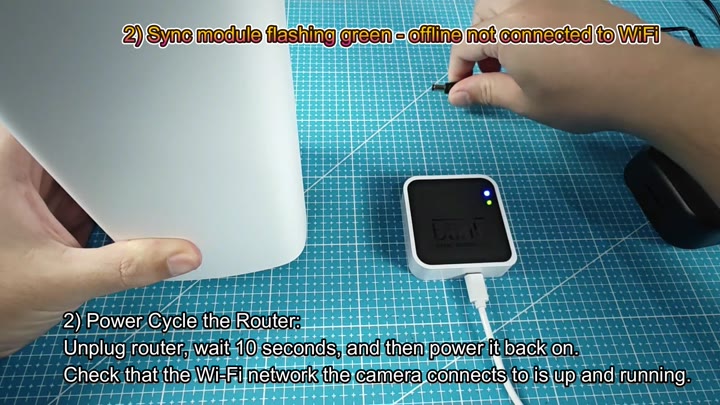
It will force a reconnection to network.
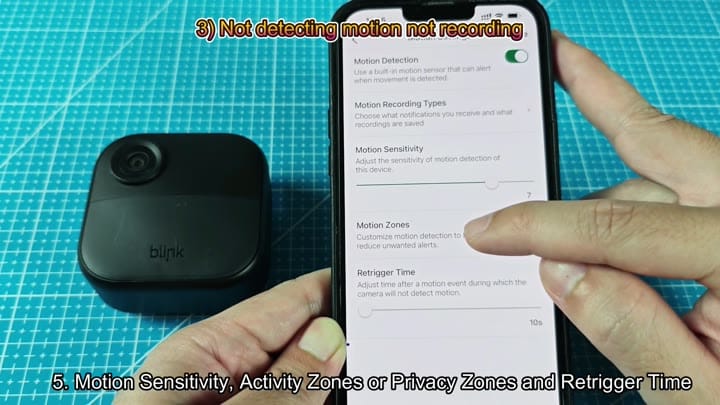
You might be frustrated if motion are not being detected. In the app, you can tweak settings. Review your activity zones, retrigger time and move that motion sensitivity slider to make sure it’s covering what you want.
Recordings will not be saved sometimes if it’s disabled. Go into system settings, then check under camera in question to make sure video recording is turned on.
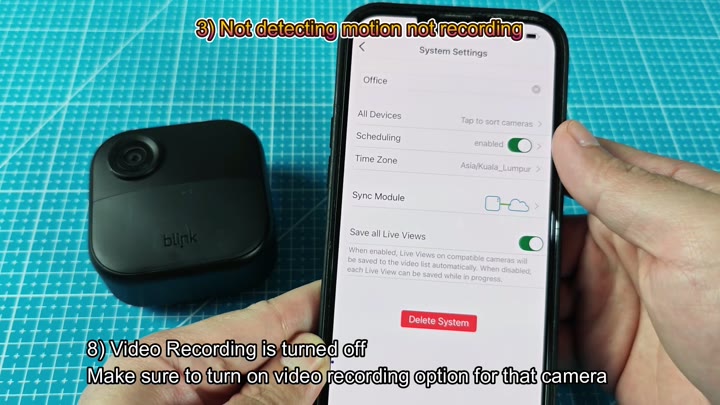
It is simple enough.
In my experience, you can run into a situation in which the sync module fail to accept the proper Wi-Fi password. Make sure you’re connecting to the proper network band, the SSID should be printed on the device label.
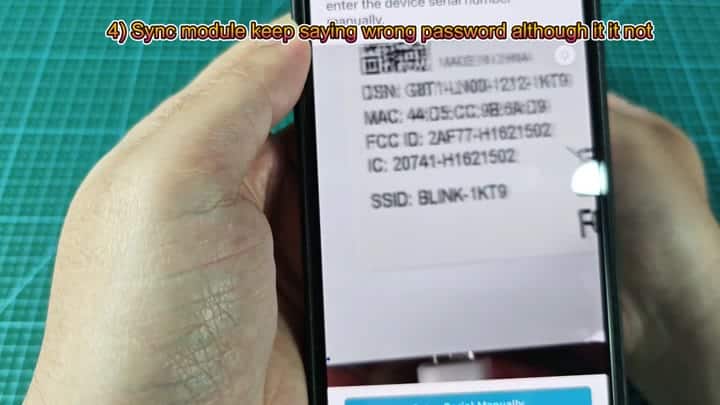
Often, it’s not a password issue. Your live view stream might fail to load because of buffering problems. In your Ring app, try adjusting video quality setting to Saver mode or Standard and see if that helps.
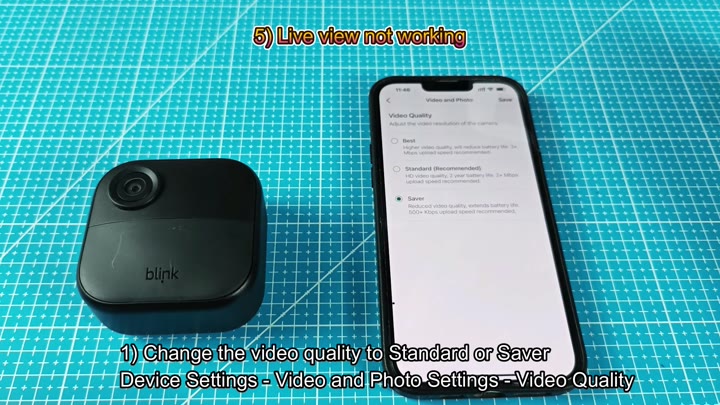
That fixed it right away.
The other issue is that sometimes pairing new cameras fails with an “add camera failed” message. Force a firmware update on the sync module if you can’t pair them normaly.
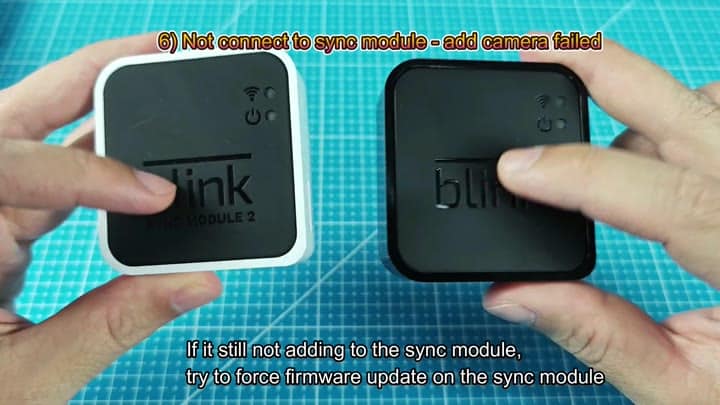
Any outstanding software blocks is cleared here.
A lot of local storage problems can be traced back to a loose connection. Ensure that USB drive is fully seated in the sync module.
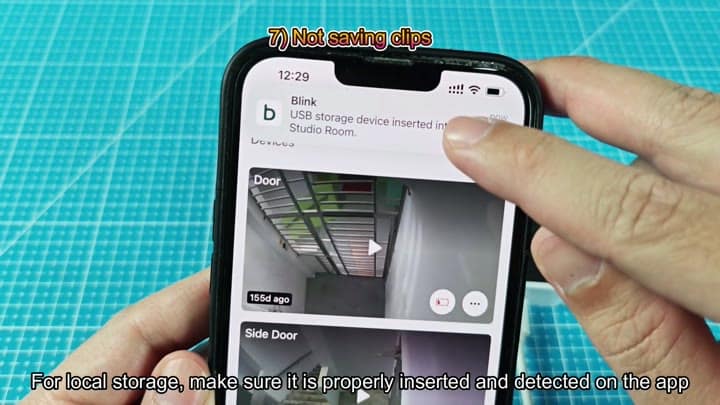
Once connected, you will see a confirmation that your device has been found and it’s ready to take clips. Compatibility with local storage depends on your camera model. It will work if you have an Outdoor 4 or Mini 2, but it won’t work with anything else, including older models like the XT2.
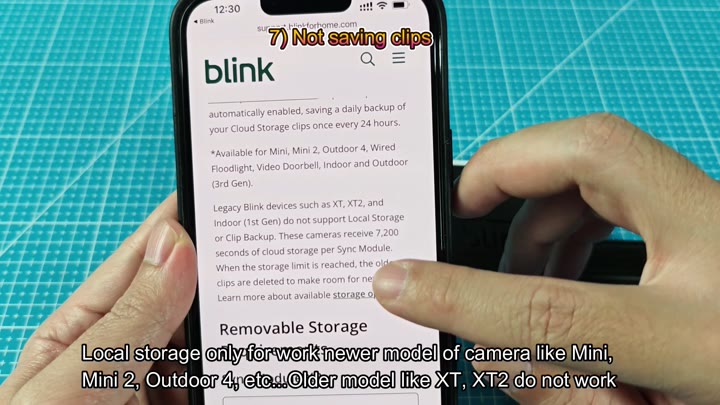
First, check your device list to confirm your camera model supports local storage. Then, if you’re still having trouble saving clips to local storage, go down one more notch and reduce video quality to Standard or Saver to lessen the load on the drive data.
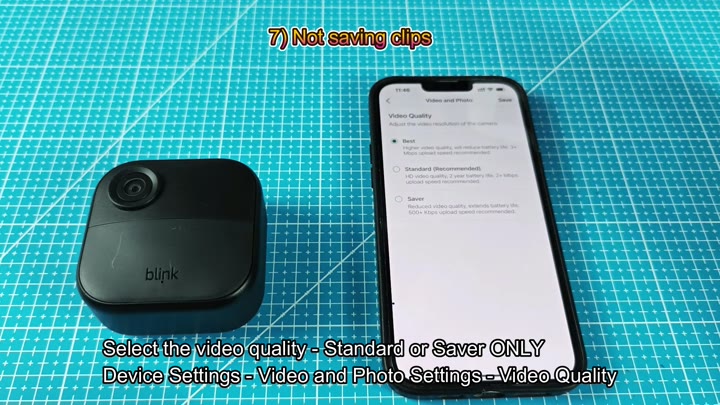
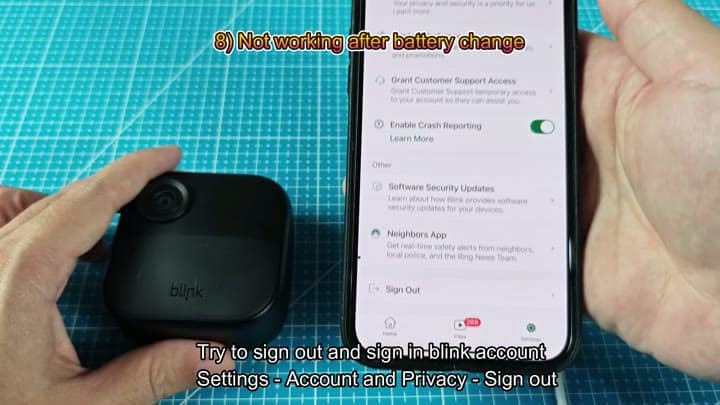
No more storage bottlenecks: Lowering the video quality settings prevents them. Reboot it if that doesn’t work. Otherwise, go into your account settings via the app, and sign out, then sign in again to restart the connection.
These are mostly configuration or software problems. In my experience hardware failures is rare. It’s almost always a matter of restarting or tweaking one setting.
Both storage speed and live view can be addressed by adjusting video quality. High resolution demands more bandwidth, but lower settings are more stable for most homes. For most homes lower quality are more stable.
Motion activity affects battery life. Higher sensitivity settings drain the battery quicker. Keep it moderate to save battery.
The sync module is the hub of the system. When it goes offline, everything shuts off. It doesn’t work without it. So make sure your router is stable.
The Blink system is generally reliable, but you may encounter common glitches. None of these fixes should of required you to hire a pro. All the necessary tools come from the app. Take some time with the settings and check each one.
Don’t skip the local storage compatibility notes. Nothing is worse then wasting time trying to plug a USB into a moddern model that won’t accept it. Check your model number first to confirm eligibility.
These eight issues account for most common complaints. From pairing errors to LED lights, each has a fix. Some simple steps gets things going again and boom. Done.
