
If your Electrolux Ultimatecare 500 washer-dryer has a frozen display you can do hard reset of the machine. It’s likely that the machine will appear as if it’s in a loop or simply not respond to button presses, a reset should clear out this type of glitch which happens naturaly with electronics.
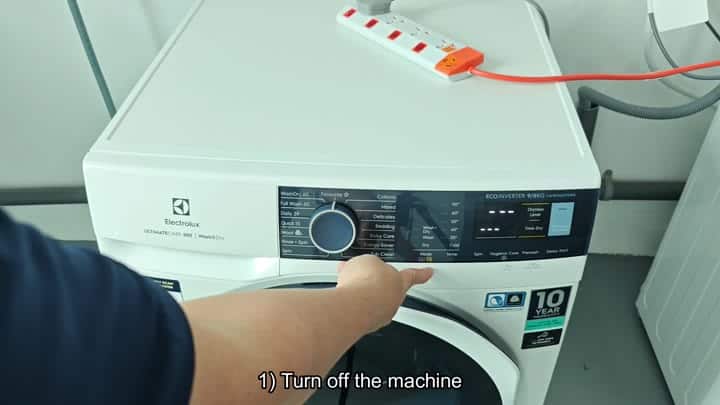
This is a fix that doesn’t require tools and if you try it before contacting your tech, you’ll be saving yourself some cash.
Resetting the Logic Board
Begin with turning the unit off. This will shut down power to the main board as well as make screen go dark. Next, unplug cord in the electrical outlet.
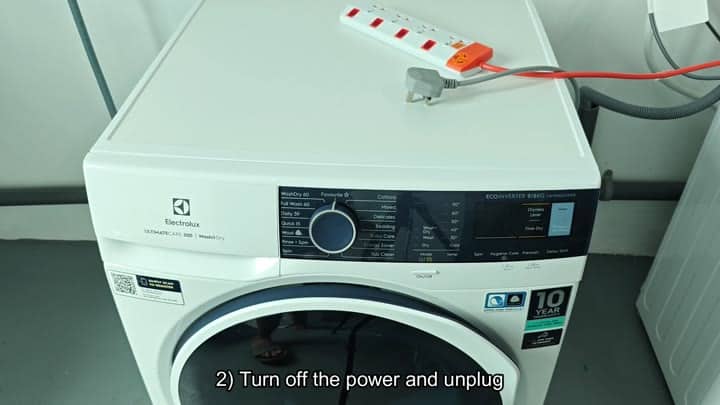
You want to make sure you are thorough here, there could still be some leftover power in the system.
Unplugging will allow any capacitors to drain out and give your internal logic board time to clear all memory. A full reset is key and skipping this step might lead you back to square one then previous attempts.
Turn machine off and then unplug it from the power source.
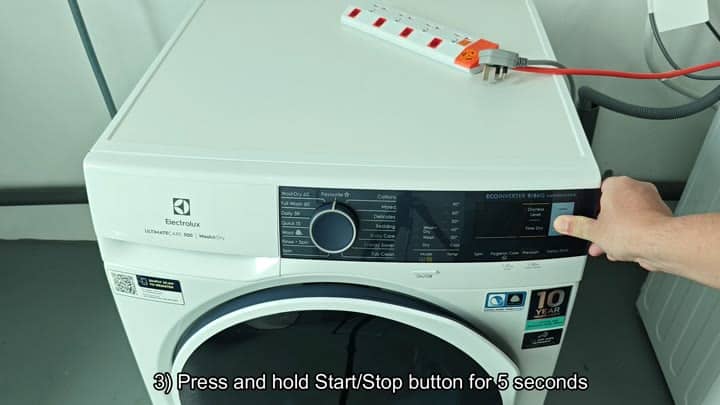
While pressing the start/stop control, press firmly. Don’t let up on it, and don’t let go until you’ve counted to five. This resets the machines internal logic and clears its memory.
Five seconds is just enough time. Holding it any longer isn’t necessary, and holding it a bit less might not suffices.
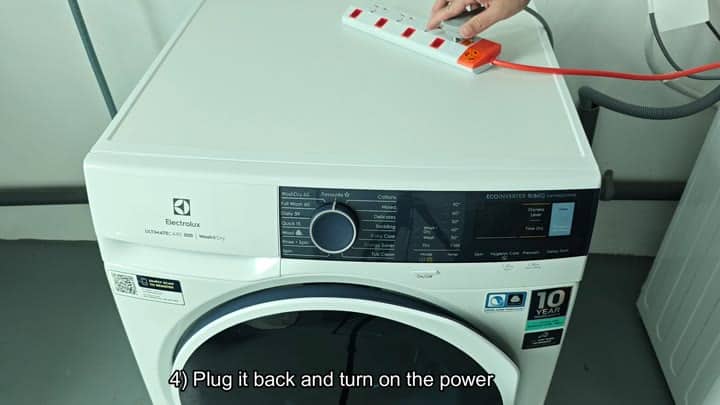
Wait 5 seconds…then let go.
At this point it’s time to restore power to the device. Unplug cord from your outlet, plug it back in, and double check that it is seated properly. If you’re using a power strip, flip that switch too, and keep an eye out for the little light indicating it has power.
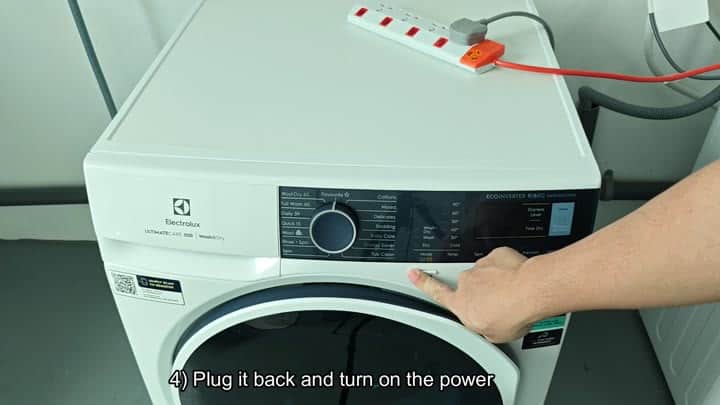
After that, you’ll have to be patient as the systems boots up, the machine won’t make any noise during this process. Once ready, push the power button on your washer to get it going.
Your screen lights up and you’re presented with your wash cycle choices: Baby Care, Delicates, Cottons, etc.
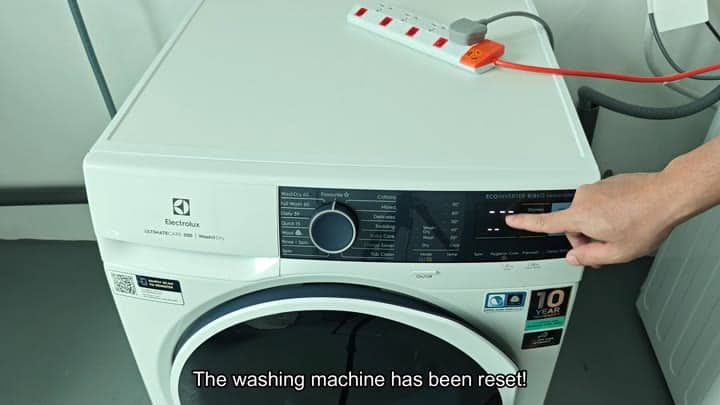
You’ll notice the temperature settings appear as well; this means everything started up properley. There’s no glitch anymore and display is unfrozen.
That only took under a minute to do and is such an easy fix to a big problem. You would of had any trouble washing your laundry and your appliance will be running smoothy once more.
