
If your Broadlink RM4 Mini ever becomes stuck or you want to start over because it won’t connect, don’t worry (resetting the device is easy). No need for any factory tools here.
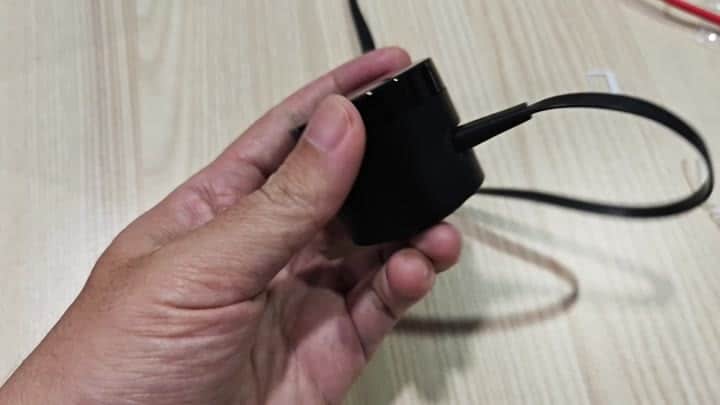
Now you want to flip the remote over to find the reset button located on the rear of the remote. The button will be small and can easily be missed. Look close to where cable plugs into the remote.
Restoring Device Control
Once located press it down firmly then hold it down for several seconds. The timing is important for the reset operation. Counted to 4-seconds while holding your finger pressed down on the button.
When you release your finger nothing happens… that’s okay. You’ll need to wait for the device to notify you it has been reset.
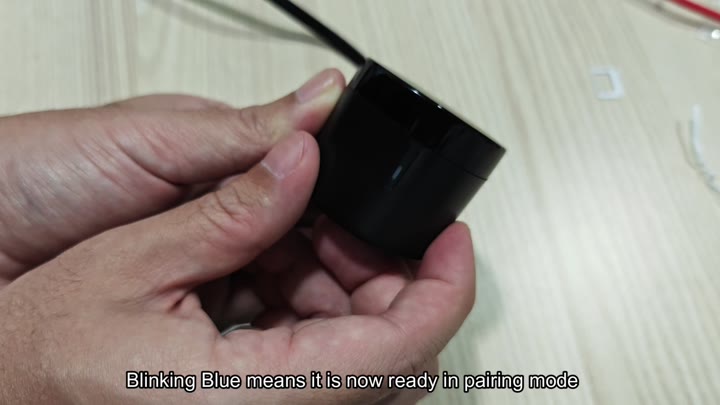
Wait for the RM4 Mini to go into pairing mode. Look at indicator light that is on body of device. You’ll want to wait just a second until the light begins to blink blue.
When you see the light blinking blue, that’s your cue that it has entered pairing mode and you’re good to go. If it doesn’t blink blue, it won’t pair based off settings.
Wait a moment for the light to pulse indicating you can begin to pair with it. From here open up your smart home app of choice and hit add device.
Find the RM4 Mini and within a few seconds it should show up. There are no more error messages or anything else, just a quick connection.
It’s all extremely simple and doesn’t take long. It doesn’t require any driver install nor even computer. All you need to do is reset your device.
And then you’re up and running again, as good as new, and ready for new commands. You could of just done this earlier.
Now you can program whatever it was controlling (TV remote, air conditioning) again. The old data has been wiped out and you’ve got a fresh start. The blinking blue indicator makes it realy clear that it’s in pairing mode.
This is a tried and true method that always works. It is simple and effective. Next time something doesn’t work right you’ll know exactly what to do. Press the button and wait for the blue light. An easy fix that restores control of your home.
