
Alternatively, if you don’t want to use SmartThings and just want to link your Samsung TV to Alexa, there’s this little device called Broadlink universal IR remote that can replace your factory remote. It support basic infrared signals. You do not need a complicated hub setup. No additional subscription are needed.
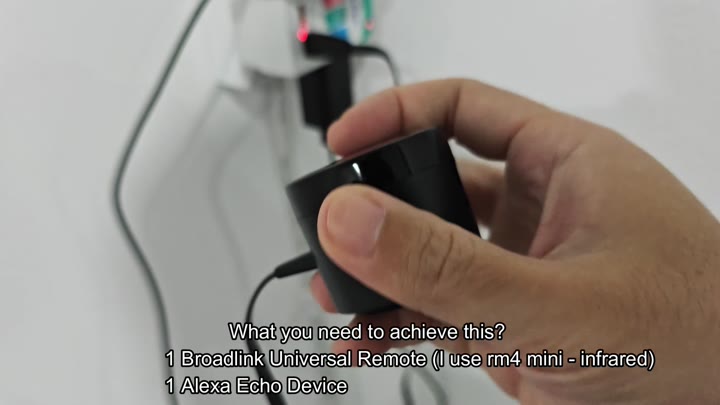
You can connect a Samsung TV to Alexa without using SmartThings by using a Broadlink universal IR remote.
Testing and Final Configuration
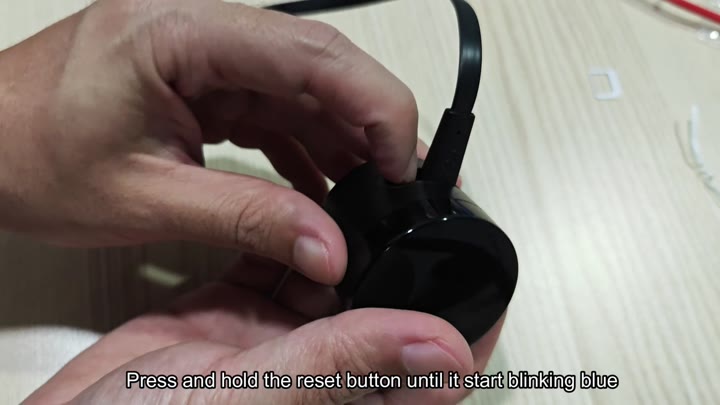
To get started, you plug in the Broadlink RM4 mini into your network. Press and hold down the reset button located on the side of the device. After a few seconds, it’ll blink blue, this means that it’s ready for pairing.
In the Broadlink app, you set up an account and then tap “Add Device,” followed by “Universal Remote.” Choose your device model number. Connect it to same WiFi as your phone.
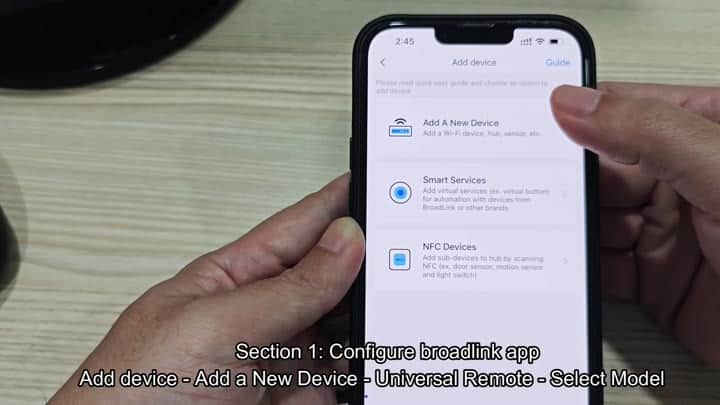
Installation couldn’t be easier
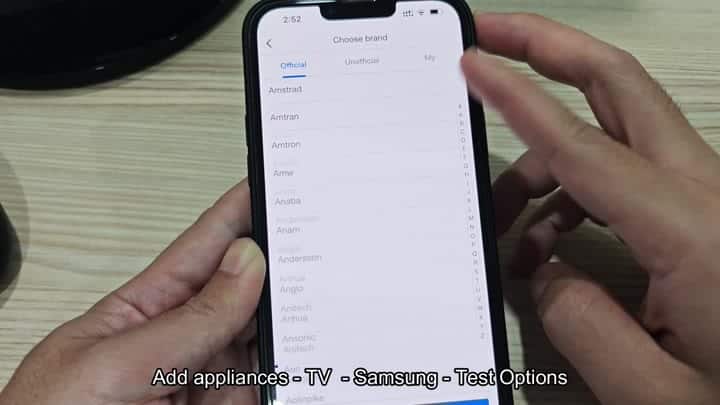
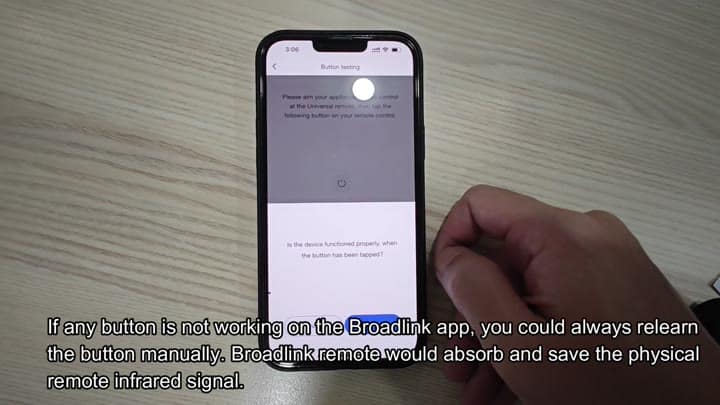
In the app, you add a new appliance. In this case, you pick TV, and Samsung from brands list. The app tells you to send one of the test commands. Then you point your Broadlink at the TV and wait until it respond.
On goes the screen. Test complete, the app understands you’ve added a TV. It can turns the thing on and off. And adjust volume too via the interface. Everything seems fine with the basics.
It’s all about the control.
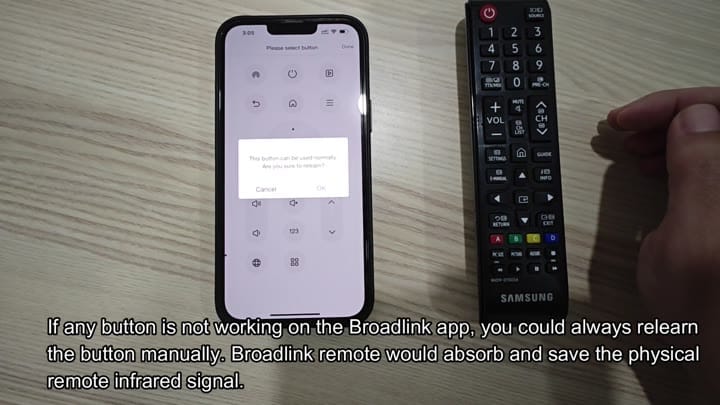
A single button doesn’t function at first. You can then reteach it via the app. With the Broadlink, you simply place your physical Samsung remote against it. It pick up that IR signal and stores it. Tap OK on the confirm popup.
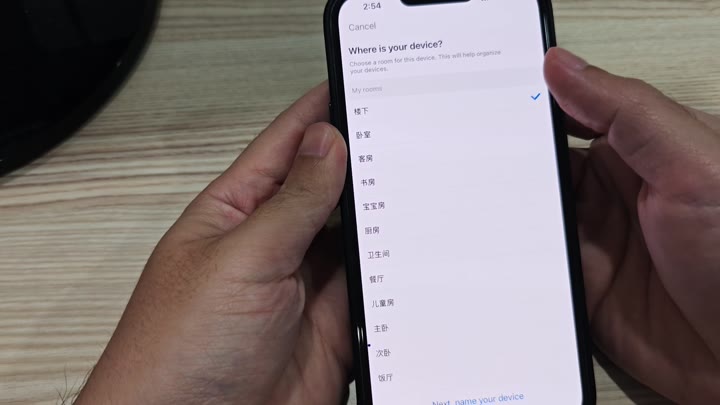
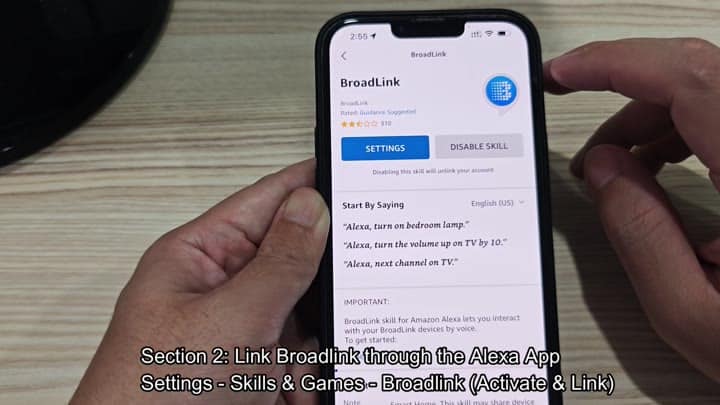
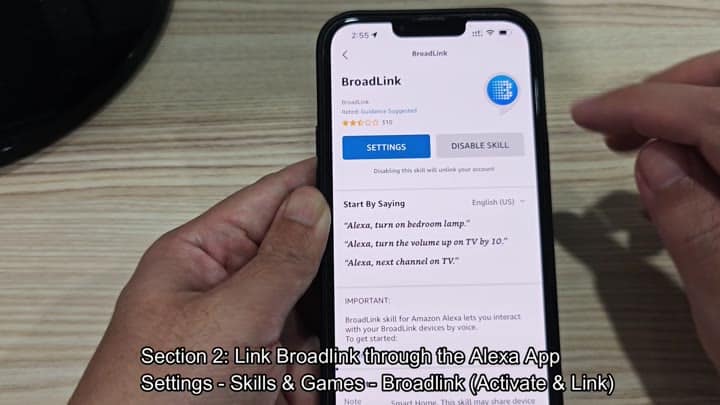
Next, you configure the button. Once you’ve set up the remote, you head back into the Alexa app. Under Skills, search for “Broadlink.” Enable the skill. Connect your account. Then Alexa will find the new TV device that has just been added.
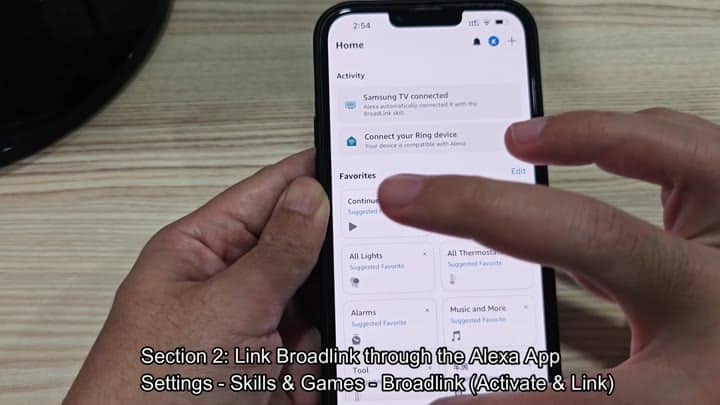
It all works like a charm. Check the skill settings and make sure the skill is enabled. There’s an option to turn the skill off. You can also change settings. It even lists example commands. Go ahead and see if your Samsung TV is in device list.
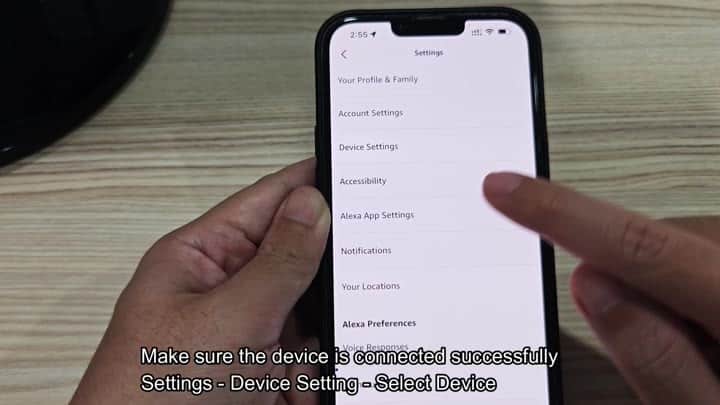
In the Alexa app, you go into your devices’ settings. Tap on your Samsung TV. Confirm that it’s connected properley. Look for disconnections and error.
It needs to work reliably. Plug in your Echo Dot and you’re standing in front of the TV. “Alexa, turn on Samsung TV” you say. The TV spring to life.
Then you want to boost the volume. The TV does it without a hitch. Want to mute? Piece of cake.
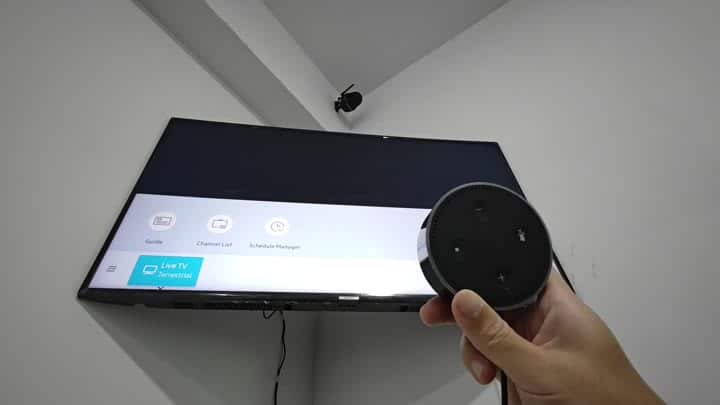
You don’t need an Alexa device built into your TV for this. It’s all handled by that little Broadlink IR bridge. It sends out exact same signals as your TV’s factory remote does.
Now you can just speak a few words and your TV will do what you say. It’s a solid SmartThings alternative. It should of worked better than I expected.
