
For example, if your TV is an LG and you want voice control, having that ability can be great. You can control the TV without digging around for remote. But there’s no complicated coding needed, and no special firmware update required; just two piece of hardware will do the trick.
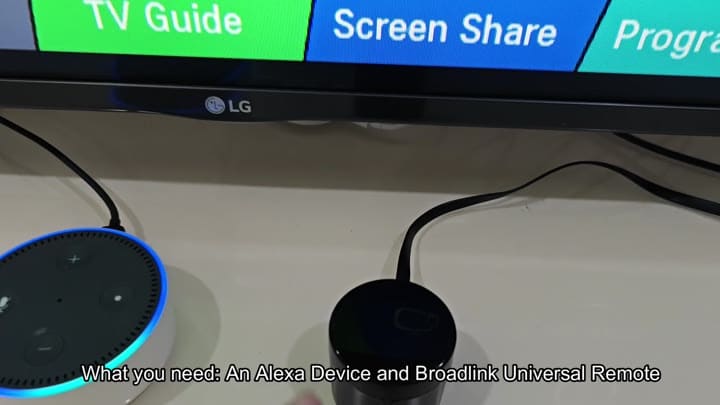
To get started, you’ll need an Alexa smart speaker (obviously), any one of the Echo devices would do just fine here. Next up is a universal infrared remote from Broadlink, which serve as the connecting piece between your voice control and your television. This device convert the digital command into an IR code that your TV can recognize.
Connecting Alexa to Broadlink
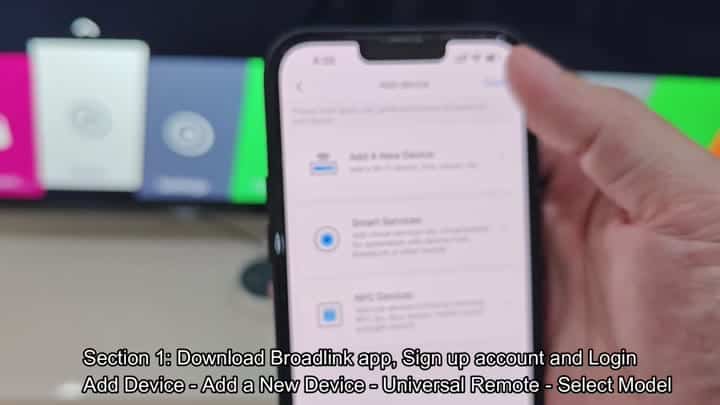
First, you’ll install the Broadlink app onto your smartphone. After that, you just launch the app, sign into your new account and tap Add Device when prompted. From there, choose Universal Remote as category, which will prepare the app for hardware recognition.
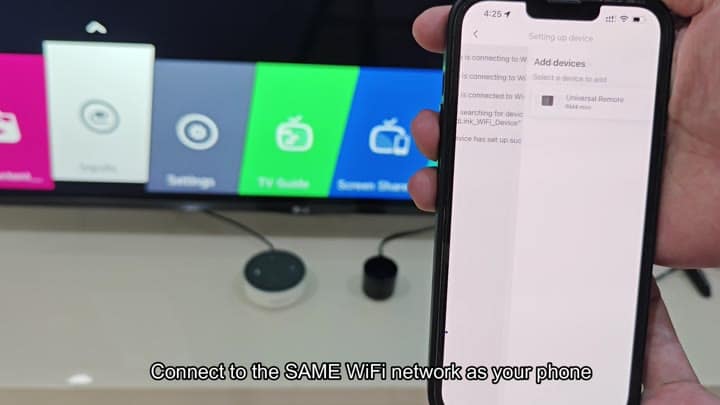
This one’s pretty crucial, and it means that both your phone and the Broadlink unit need to be connected to the same Wi-Fi network. You’ll check that first because if they aren’t (on the same band) it won’t work at all. There is a lot of problems with getting these things to connect, but it sounds easy enough.
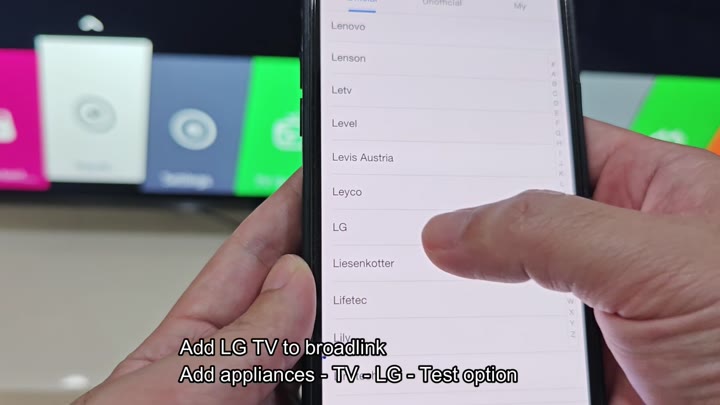
Then it’s time to add a new appliance in the app. In my case, I went to the TV section and picked LG from brand selection. LG is certainly highlighted, although there are a few more brands in there as well.
After choosing it, the app ask you to run a test command, which verifies that the remote does indeed has control over the TV.
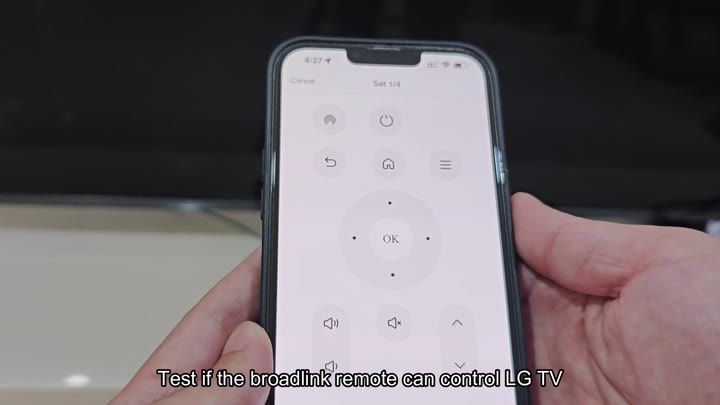
Plug it in, point it at your TV and run through the test. Does power button respond immediately? Yes. Can you adjust volume? Yup.
So that’s a good indication that we’ve got a solid hardware link between our device and the television. This is important because without this IR handshake, there’s no way for Alexa to do anything.
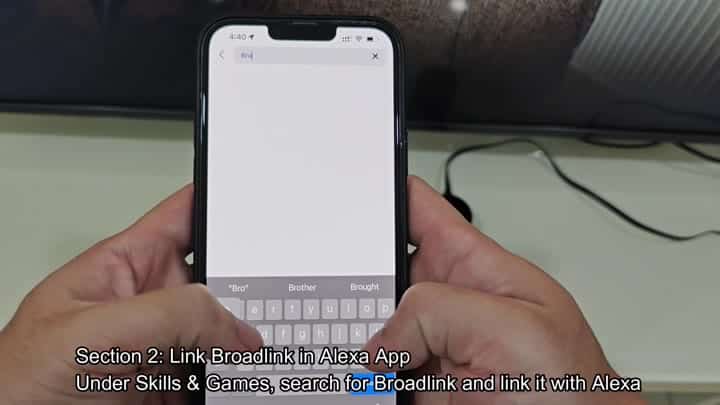
So you set up your remote as instructed. Then it’s time to head back into the Alexa app. Tap on Skills and Games… That’s where all the third-party connections exist. Search Broadlink in field, and sure enough, the skill pops right up at the top of list.
Then you tap it to start the authorization process. From there, log into your Broadlink account through the Alexa interface to give Alexa permission to send commands to your hardware.
There are no errors that pop up at this stage; the loading screen just pops up for a bit as it hands off the handshake.
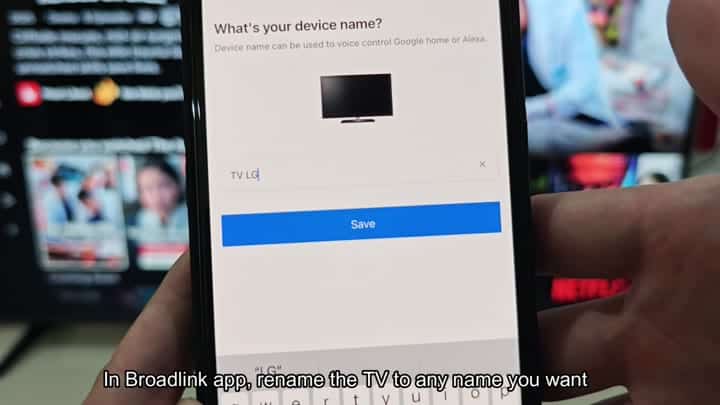
After pairing, give it a name inside the Broadlink app, such as “TV LG.” This makes it clear what you mean and specific names is easier for voice commands to understand.
Then you say “Turn on the TV.” That’s it. Less than 10 minutes and zero wire strapping is all this took, and it worked straight away. It should of been more difficult than that. Actualy, setting up the moddern setup was easyer than I thought.
