
The LG Inverter DirectDrive washer just won’t wake up. You push that power button and…nothing. There are no lights on display. The front panel just gives a blank stare. It is a brick appliance, it is frustrating. It used to work.
Well, it’s time to troubleshoot and get your washer back in business.
Checking internal components
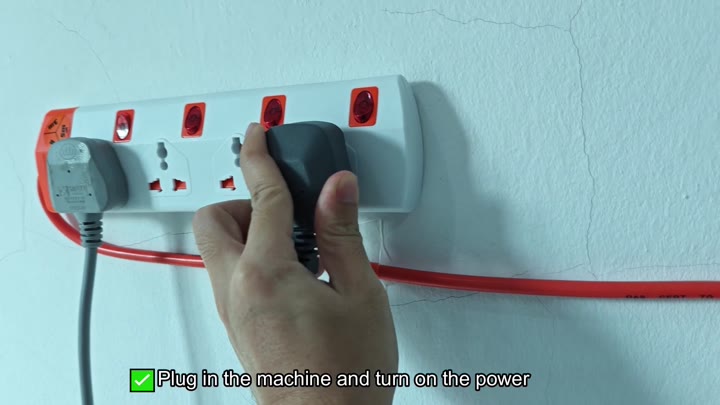
Start with a power reset. This is obvious, I know, but that’s where we always start based off electronics. Unplug the washer from wall. Wait one full minute (so the capacitors can discharge and the system will reboot). Plug it back in.
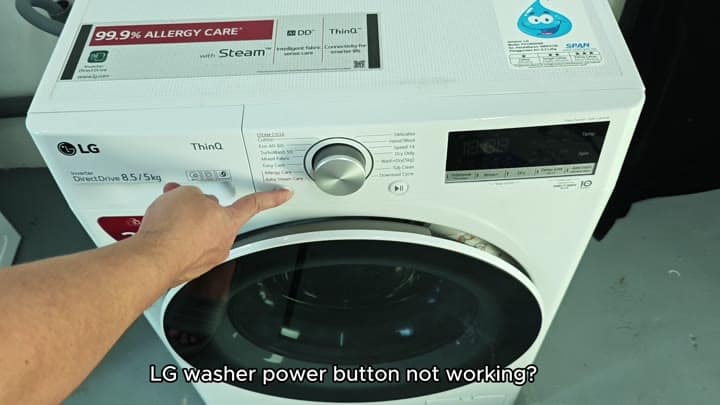
Keep your eyes on the screen
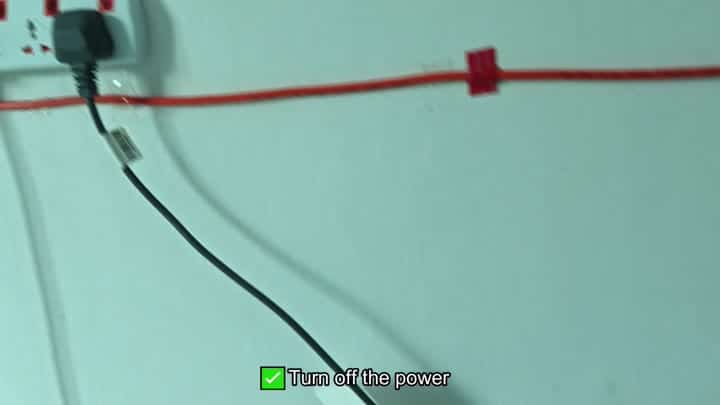
Nope, nada. Power button. Press again. Dark screen. Didn’t work. Annoying, yes. But not unexpected. Maybe a cold restart will do it. Nope, that’s not going to cut it this time.
Dig a little deeper.
Okay, so now you think it’s something wrong with the actual button. To get into that, you’ll need to take off the top of your washer. That means you’re getting down and dirty with all the parts inside. It takes a bit of effort. Eventually, you gets to the user interface board and can check out power switch itself.
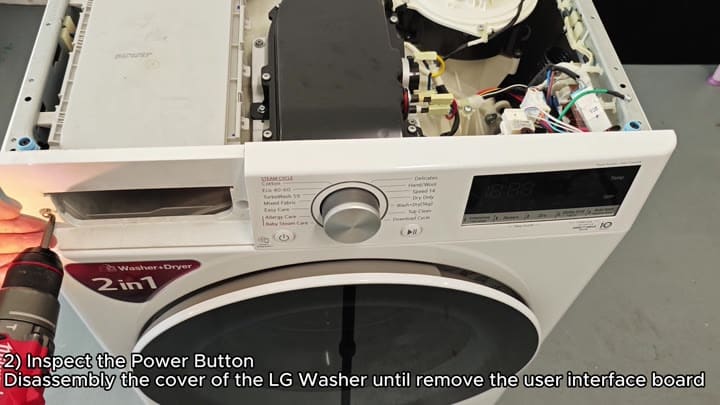
The button is stiff and unresponsive.
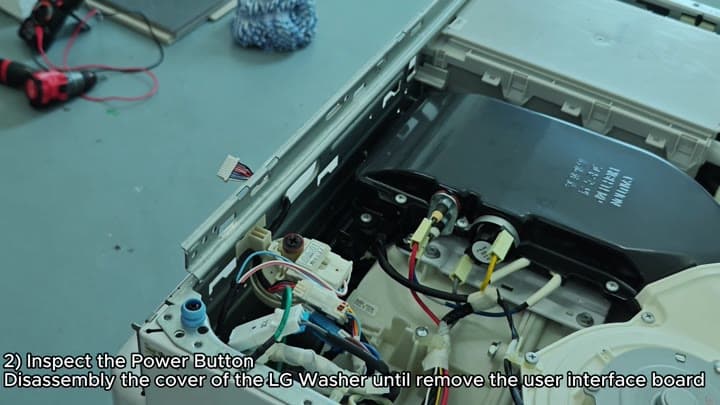
Then you apply a bit more force and push it a few more times. And then maybe again. The mechanical switch itself can wears out or get slightly stuck in place. Typically if the button is physically broken it requires replacing. Maybe your button isn’t clicking correctly.
But it’s also not sticking. This means that perhaps the problem are further down the line, pointing to an issue with the circuitry rather than the physical switch itself.
So you then proceed to check out the control panel. Since there is no light at all on the display, the problem is likely the user interface board or even the control board itself. A bad Printed Circuit Board (PCB) are often the culprit for many power issues with LG washers.
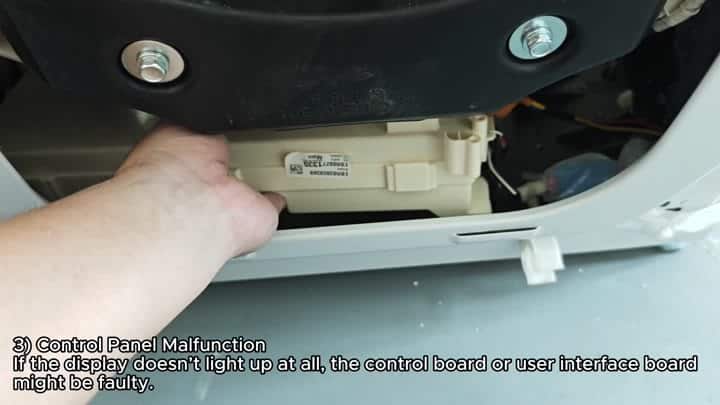
It is underneath master control panel.
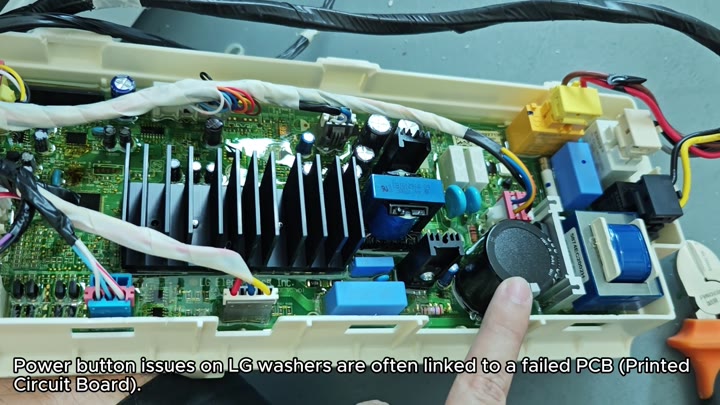
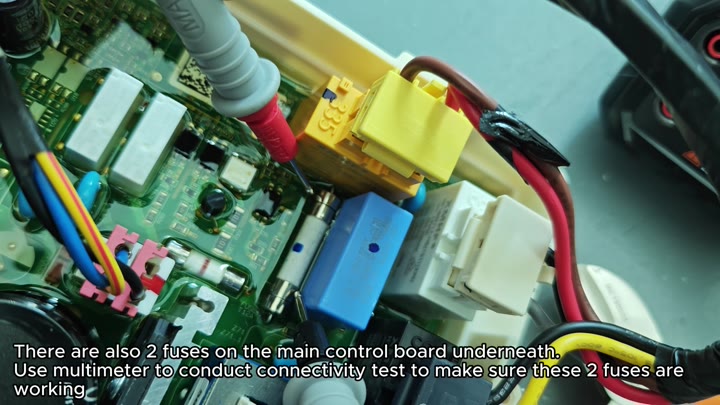
You look and see that there are two fuses there. So you pull out your multimeter and check each of the fuses for continuity. Why do this? If one of them was blown, it would caused no current to reach the board at all.
So you double check the connections. Both fuses on the board is good. That means power is getting to the board but the board isn’t sending the signal to turn it on.
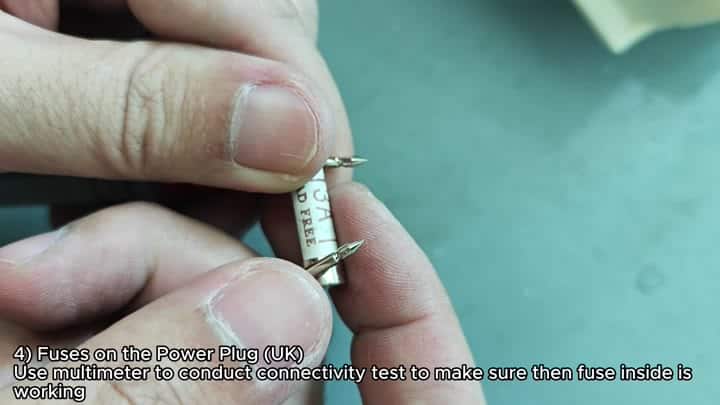
The internal fuses prove okay so it’s time to look at the power source itself. There’s also a fuse within the power plug for UK models. Open up the power plug and locate the fuse compartment. Use the multimeter once more to check if this particular fuse is working or not.
A) The plug’s interior has an intact, working fuse.
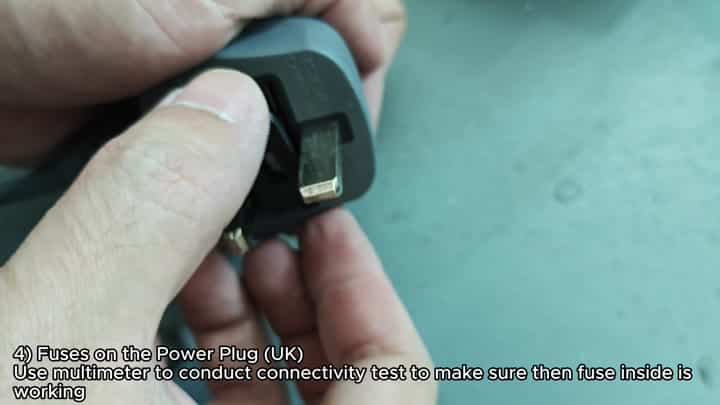
That eliminates any possibility of a blown fuse on the power cord. That’s good news. But what about that dark screen? How do we explain that?
By now, you’ve knocked off the low-hanging fruit.
So at this point you’ve checked the board fuses, the plug and the button. You’re down to a bad control board. The PCB is bad and has blown more then just a fuse.
The last option is to replace either the main control board or the user interface board. Not inexpensive, but there really isn’t much else that makes sense at this point. Out comes the board and in goes washer once more.
