
The Chromecast 4K can also be controlled remotely. You can still factory reset it without clicker or a remote by using the button on the Chromecast itself.
The Chromecast are a small white oval.
Understanding The Light Indicators
It’s simple.
It’s a tiny white oval. It’s got those regulatory markings by the HDMI port. And it has that little button on the rear side, close to status light.
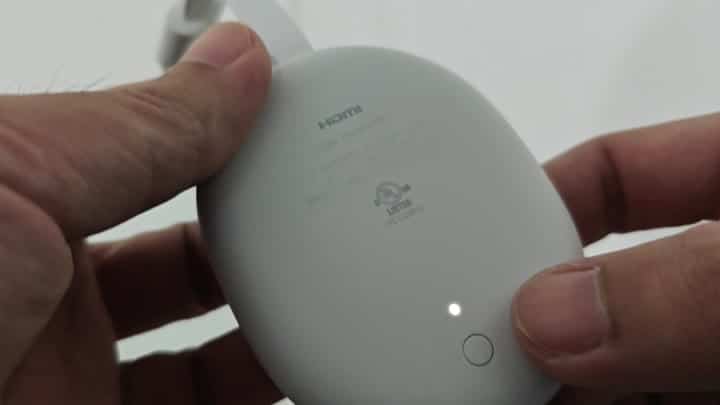
Press and hold reset button firmly. No need for any special tool. Just push down.
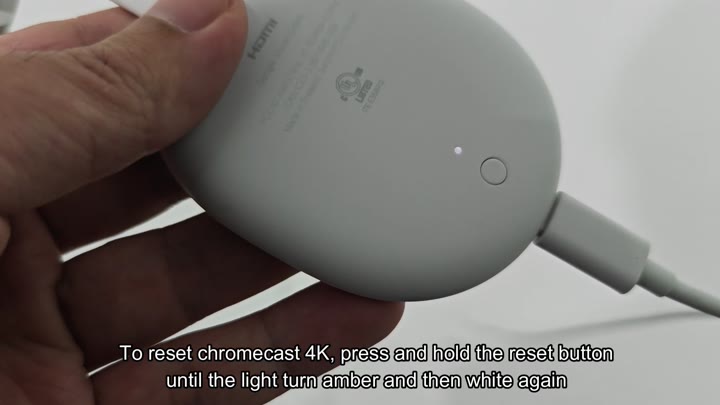
Just a firm finger push will do. The LED indicator respond when you hold the button down. First it flashes amber, that color shift shows that device has registered your request. Continue to hold button down.
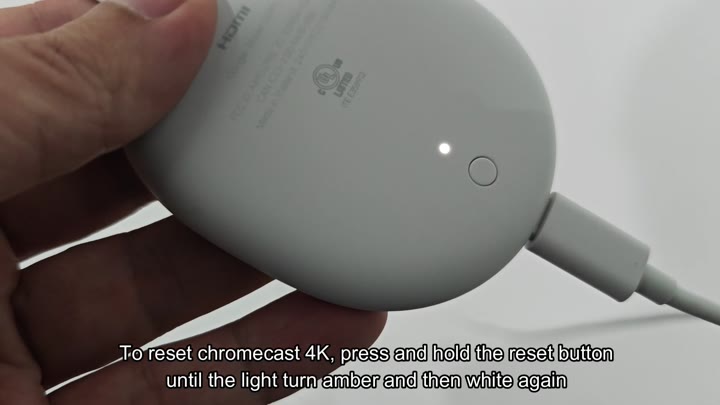
It doesn’t take long.
A few seconds later, the amber flashing come to an end. The light turns solid white. And this is what it all means: Amber means the reset are happening. White means it’s finished.
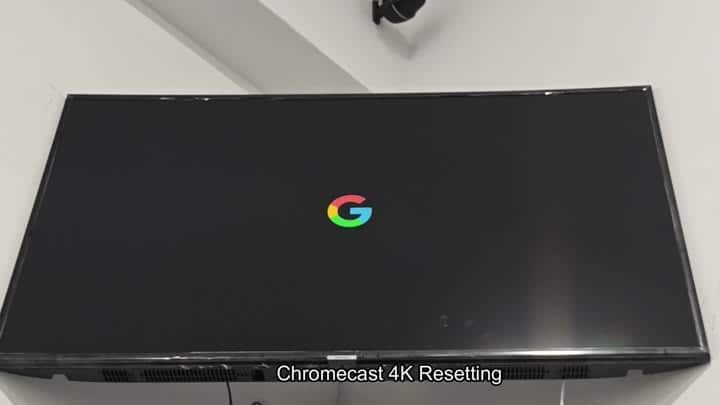
The LED indicator flashes amber and then turns steady white. Next you glance up at TV screen. Next you glance up at TV screen. At the screen, you’re looking for confirmation. At first, there’s nothing but black onscreen. A moment later, though, there it is: the colorful Google logo in the middle of your screen. The system’s rebooting itself.
These are newer.
The logo lingers a little while on screen. It is a hint that internal software is getting a refresh. At this point, there is no way out. The device is committed to the reset routine. Just sit there.
When light shifts from flashing amber to a steady white; voilà! Back to square one. Your Chromecast are back in its factory state again, all prior preference and connections deleted.
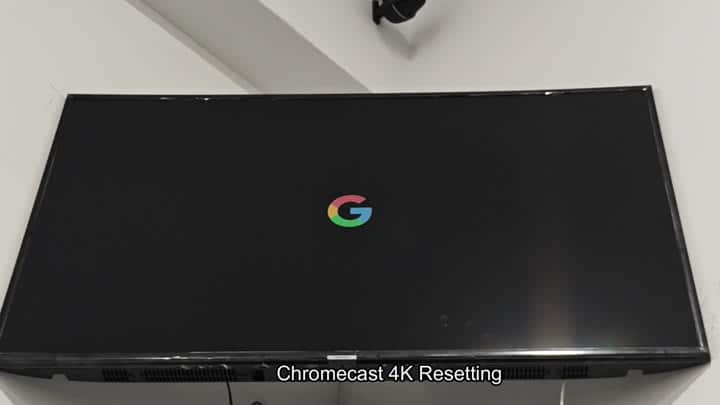
It is a blank slate. There is no menu navigation. There was just a single button. And it worked flawlessly. It worked perfectly. Remote free. No more rummaging around on the couch for that remote.
It is a simple solution. It is a solution that takes under a minute. One button push and that’s it. Nothing else to do. Nothing else to activate. Lights turn, so you know it work.
You’re all set to reconfigure your setup. It has removed those previous network settings. Now go configure like its day one.
That’s how you fix it when things won’t connect. A hard reset is your friend here. For those that act up, this will usualy be sufficient. No technical knowhow required. Anyone can perform it.
These models all follow the same pattern with their physical button placement. They are tucked away but within reach. Pushing it produce an instant response. The light transitions provide obvious clues. It is worth it. The end result is a full device reset. Screen turns off and then comes back on as system reboots. Ready for your next setup step.
And it’s not complex at all. Bypassing the whole bit with digital controls, just pushing the button, was pure hardware interaction. It was a predictable, quick result. A classic mistake was averted. The white to amber blink means it work. The factory reset is a universal signal for success. Your Chromecast are back to life. It makes a big difference. I am relieved that you got it figured out. You would of had no more remote-less days. The device responds; it is reset and ready. Finally.
