
If your Deebot isn’t charging correctly, it’s time to change the battery. It’s easy enough to do once you know where to go.
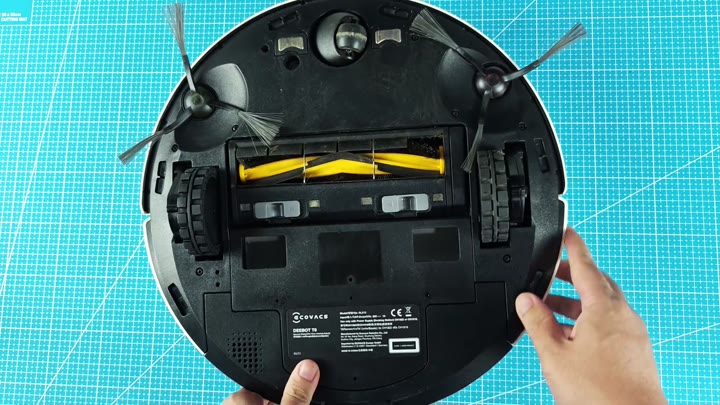
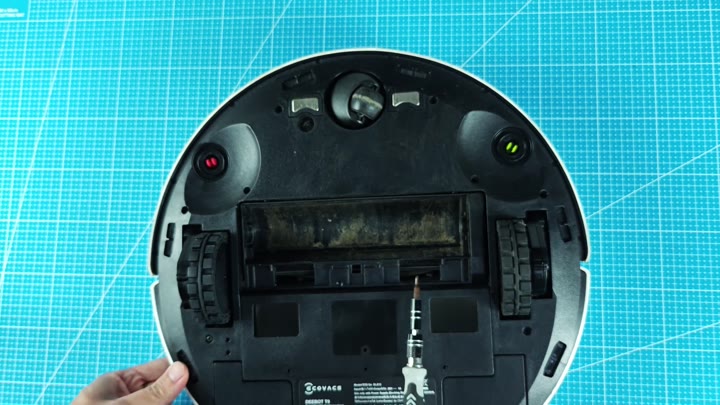
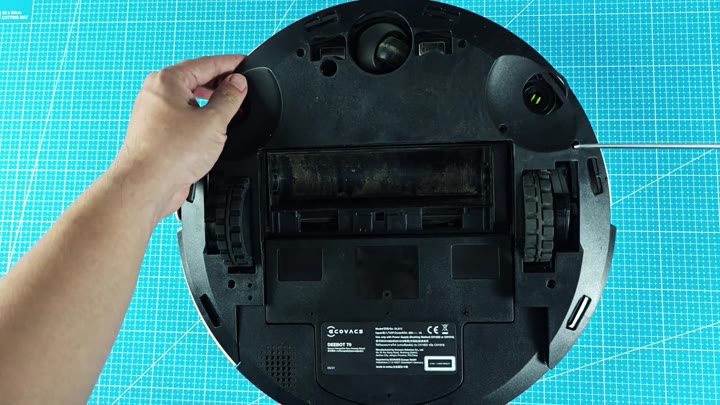
First, flip the robot on its back. On bottom are all the inner workings. To get at them you has to remove the bottom cover. Be carefull removing the cover as it has some stubborn clips that may require a little prying.
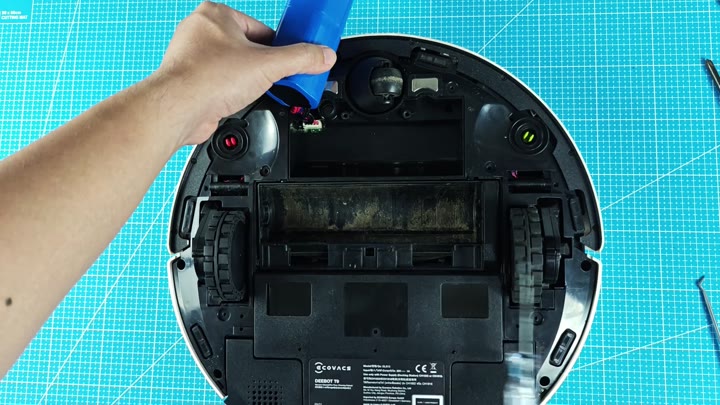
After removing the cover, here’s what you’ll find. It’s the wire harness and you want to disconnect it now. Eight 18650 cells makes up the power pack.
Installing the New Battery
The batteries is wired 4S2P, so that they deliver required voltage. The old pack died as it simply couldn’t maintain a charge anymore. Batteries are complex and failure can appears to happen suddenly.
Find a replacement with the same specs as original. It must have the same voltage and same capacity. You can get one online.
It has the right connector, making it easy to connect to new battery. Tie the wires down good…loose ones will bite you in the rear later.
So be sure to cinch things down, otherwise you run that risk.
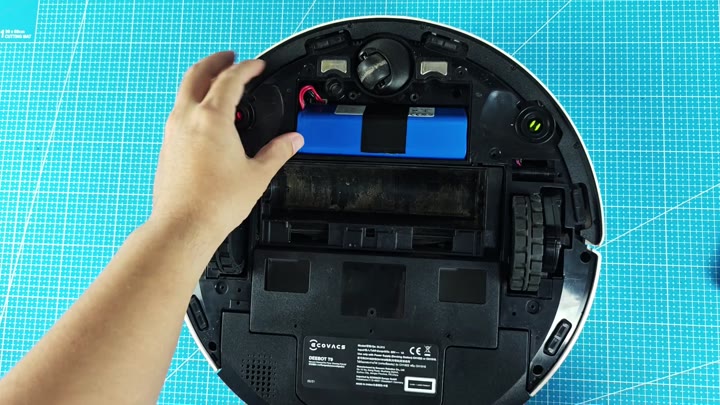
That’s the new battery in there. It’s blue and rectangular with a white label listing the specs on it. A 1500mAh capacity are standard for this model. It fits like a glove when inserted into compartment.
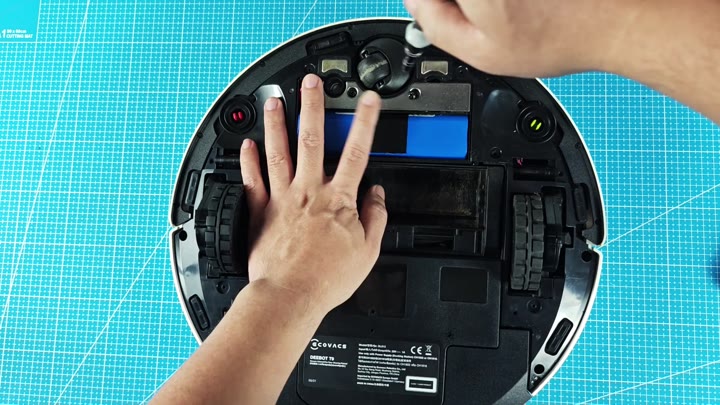
There’s no modification required. It fits snug, and that’s what keeps it in place. Make sure you check that the connectors aligns before securing into place.
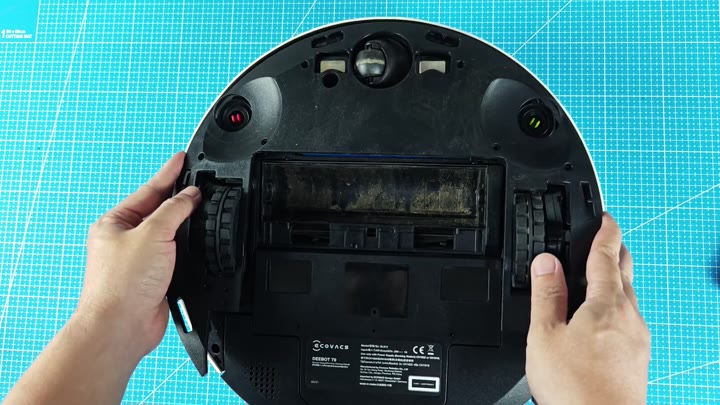
Snap that bottom cover into place, and there you have it. It’s a complete robot again! Flip it over and plug it in, let’s see if this thing works now.
The charge indicator light turn on right away. The Deebot begins its charge and we know it’s all good.
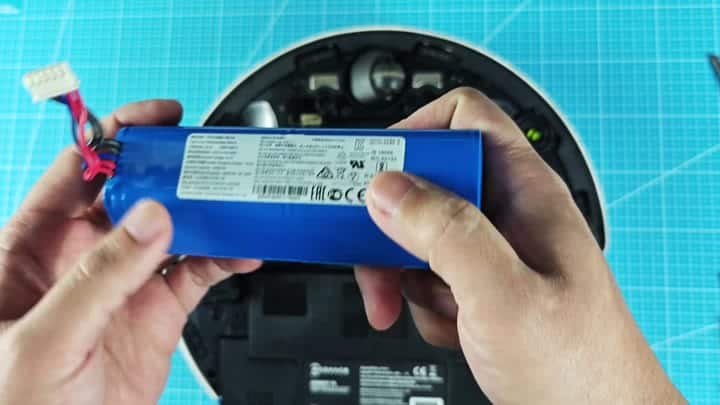
It’s super quick. No need for any fancy tools (a screwdriver, perhaps, and a prying tool). And you save some bucks different than buying a brand-new robot. It’s an easy at-home repair.
After replacing the battery, your vacuum has more power, which means it clean better. It perform much better.
Now your dead battery turns into garbage and needs to be properly disposed of. Because lithium packs can catch on fire, they has to be handled differently. Bring it to a drop-off point, don’t throw it in the normal bin.
It’s the safe thing to do.
The new battery powers your Deebot T9 like a champ.
Both sensors are operational. One glows green; the other red. That means that everything are working as it should, including navigation.
Obstacles is avoided just fine. Make sure you know how much battery power remains so you don’t end up in a jam.
Replace the battery and the floor cleaning robot will be running at its best. You gets your money’s worth. It doesn’t cost much but what it does for your life is big. And your house stay cleaner too.
