
You can reset a Gree Air Conditioner Timer without a remote control by using the unit itself.
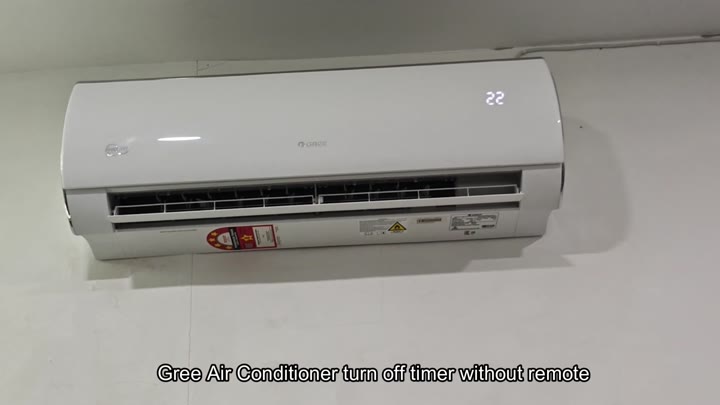
And there are two simple way to wipe it clean, both without any tech skill and no extra hardware. Pick what best suits you.
Alternative method using physical buttons
For method one, turn off the power to the unit. Unplug your air conditioner from the wall socket. That’s it; it only takes a second or two.
After that, give it about ten minutes. By doing so, you are letting all of the internal capacitors drain and resetting the systems memory. Rushing through this will often mean the settings hasn’t been erased yet. Giving it the full time ensures the system triggers the factory defaults.
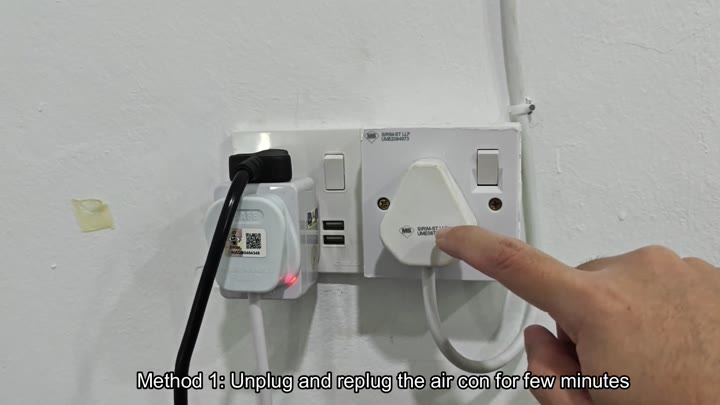
After the wait, you plug it back in. Voila! It is a fresh start. Hard reset clears all of your old timer settings. The air conditioner reboot the control board, and the display come back on.
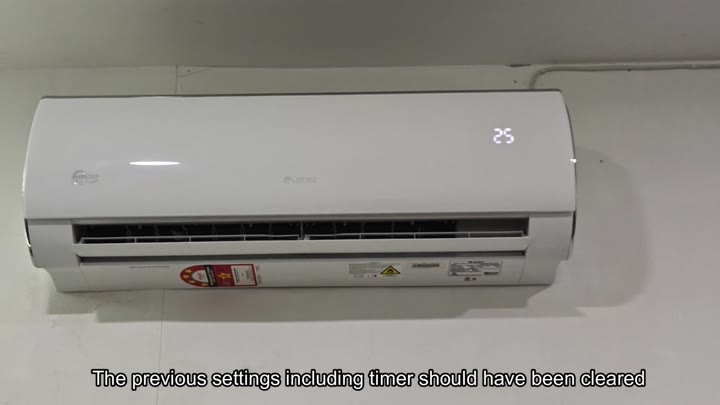
It works because it completely avoids the software logic. It gives you a known good starting point for your system.
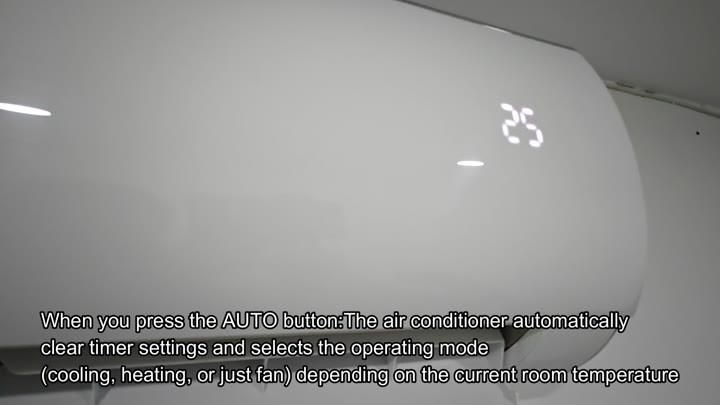
The other way is, well, you just don’t plug it in. There are some physical buttons on that panel inside your house. Pressing the Auto key clear the schedule.
What does that do? That button instructs the unit to forget about what you programmed before. And it puts it into automatic mode selection. Whatever was sitting in the active memory of this thing goes away and it’s empty again. When you push the button, there is no delay at all. The timer icon dissapears off the screen.
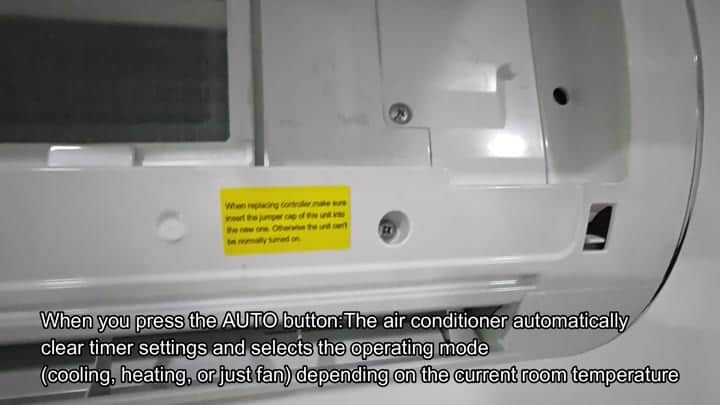
If, however, you’re near the unit, this is a quick fix.
Now that we have the timer cleared, what about the Auto? Besides clearing the timer, it also chooses the appropriate mode for the current room conditions. If the room is hot, the air conditioner will switch to cooling. If the room is already cool, it might just turn on the fan.
There’s no need to manually choose between cooling and heating. The air conditioner will figure this one out itself. When you don’t feel like tinkering with settings but simply want to be comfortabley, this is a handy feature. And the Auto button serves the purpose to stop the timer.
Many homeowners forget they have this built-in.
Depending on where you’re at, you can do it one or another way. If you have convenient access to the socket, try the power reset. Otherwise, if you’re right by the unit, pressing the button is quicker. No tools needed for either. Both will effectively bypass the schedule.
There’s no need to freak out because your remote is missing. Each input reliably resets the air conditioner. These hacks keep you from getting frustrated. The timer doesn’t work like it should of. Now you’re back in control of the unit again, no assistance required.
