
LG Washing Machine: If your washer has stopped right away, you may have seen the FE code. What does FE mean? It means either Overflow Error or Fill Error.
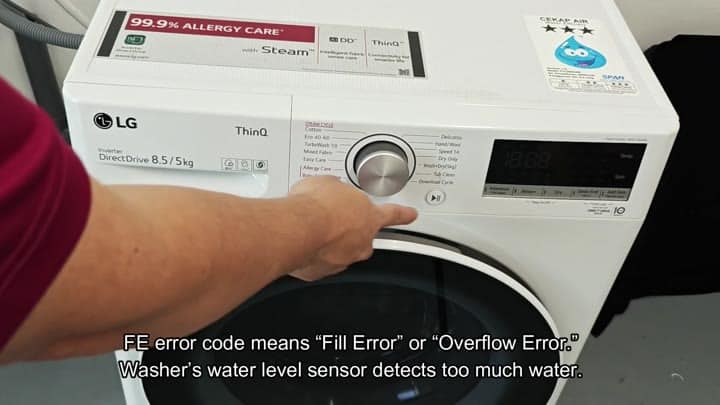
The sensor in the drum detected too much water. This means there’s a problem with the amount of water being filled into the drum. The sensor will detect if there’s more water in the drum then necessary and trigger this signal.
Troubleshooting Steps for FE Code
The FE code on an LG washer stops the cycle immediately.
This, of course, is to prevent flood water.
What’s wrong? Here are the three main reasons:, Defective solenoid inlet valve. The pressure switch is faulty. Too many suds confuse the sensor.
The inlet valve is a known trouble spot, so start there. Is the valve jammed open? Even though the washer tells it to turn off, it continue to allow water into the machine.
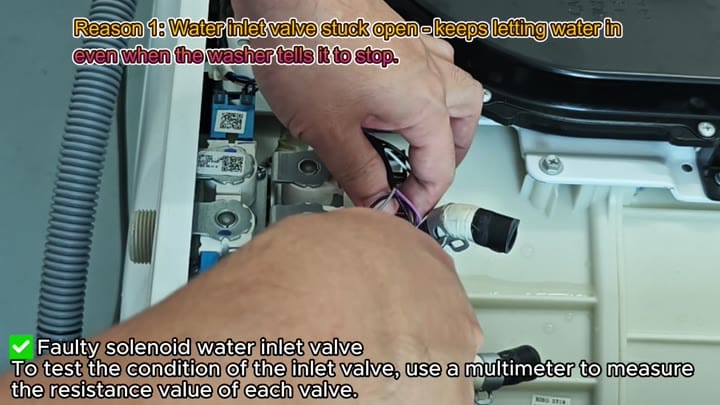
This creates a continuous flow issue.
Troubleshooting the FE code is manageable.
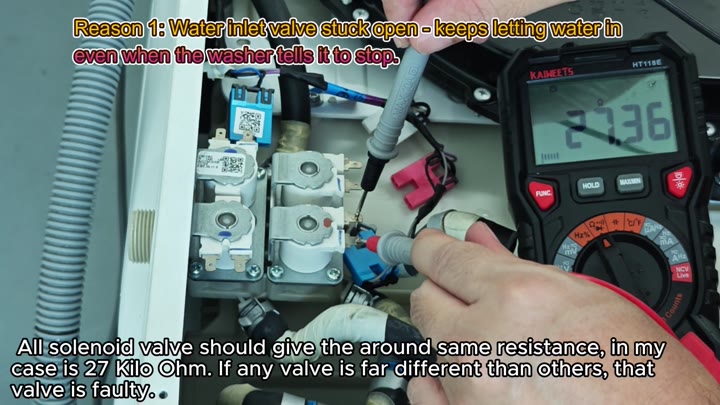
Next, you pull out your multimeter and check the condition of the inlet valve. Resistance value of the valve. Each valve will be about the same. Target reading is about 27 kilo-ohms.
Anything more than that and the valve is bad. So you double check the other connections carefuly. The readings is as they should be. Likely, the valve is ok. Now you have narrowed down where the issue might lie.
Next, you take a peek inside the drum. At the base of the drum you might see some suds and leftover water. If you use too much detergent, then you’ll get too many suds.
The excess suds trick the sensor. It believes the drum is overflowing even though it’s not. That’s a frequent misdiagnosis.
Perhaps you used too much liquid detergent in the drawer. During the washing cycle, the suds will form quickly. The sensor sees the foam and mistakes it for an overflow. It mistakenly sets off the error code. No water leak here.
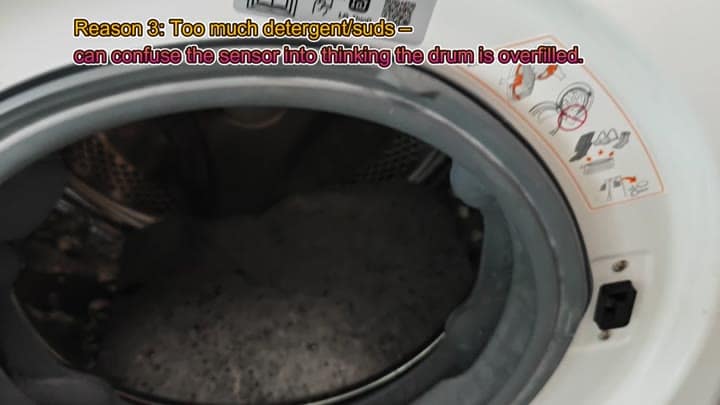
These are soap bubbles.
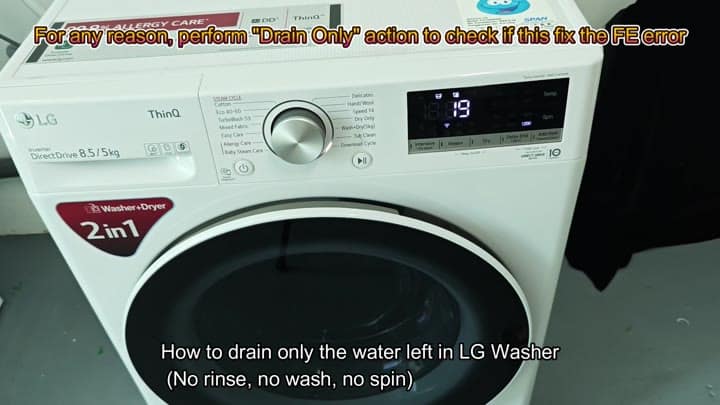
Now you want it drained and the error cleared. To do this, there’s an option called “Drain Only”. On the control panel, you choose this cycle and it will drain the water without rinsing, washing, or spinning.
Now it starts pumping the extra water out. No, it doesn’t run through a complete wash cycle. Otherwise, you’d be wasting even more water (and more detergent).
As it runs, the display indicate what’s happening. It only takes a couple of minutes. The water level go down fast.
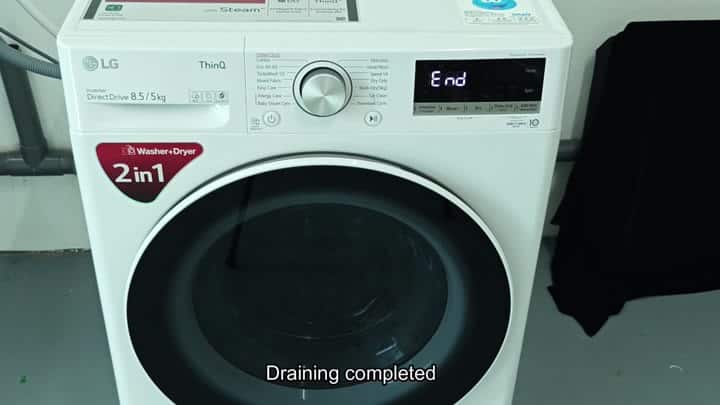
The screen says “End” when it’s done draining.
All is well, no more FE error code. You begin your next load.
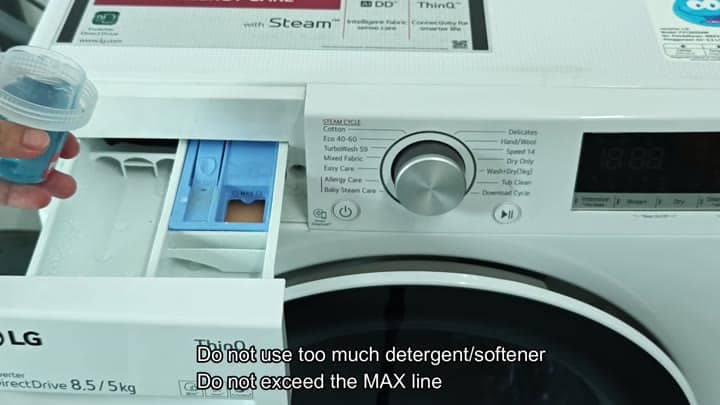
Remember to use less detergent next time. Fill only to the MAX line in the drawer. Less soap means fewer suds. Fewer suds means an accurate sensor. Clear water works better for the pressure switch.
You look at the detergent drawer, too. These are the wash and softener compartments. Remind yourself that you shouldn’t fill it past those MAX lines. Don’t want an overflow error!
Just dump in as much as needed for this load. Drawer slides back into place with no fuss, everything is all set to go.
The FE code is not difficult to troubleshoot. You test the inlet valve’s resistance, which should of be approximately 27 kilo-ohms.
Next, you determine whether there’s too many suds. If so, you simply drain the tub. Also, try reducing your detergent usage on subsequent loads. That will usually fix the problem. Afterward, the washer work fine without any other adjustments needed.
