There’s some debate about whether any of these fit inside battery compartment, though Blink specifies that their cameras must be powered by particular batteries. Even so, you can use a rechargeable cell (though they recommend not doing it at all).

It boils down to voltage specs: A normal, non-rechargeable lithium battery deliver 1.5 volts per cell. But rechargeable ones delivers just 1.2 volts. That’s a big difference… And it’s one that throws off the Blink system‘s calibration, which is geared toward higher-voltage norm. It confuses the software.
Real World Performance

The hardware itself behave just fine when you replace AA cells with rechargeables. Motion detection are just fine. Camera boots up just fine. You can still stream live view and everything is rock solid. The thing doesn’t behave different than physically at all.

But on the software side of things, it’s another matter. The app display low battery warnings almost immediateley. This happens even though batteries are fresh off charger. Why? Because to the system, 1.2 volts means dead. That’s where the settings for what voltage means “low” comes into play.

Depending on what you use, you might want to try out some different brands and see which one do best for you. Popular brands include Amazon Basics, Duracell, Energizer, EBL, and eneloop. There is not a particular brand that stand out as doing particularly great in how they function in the Blink camera.
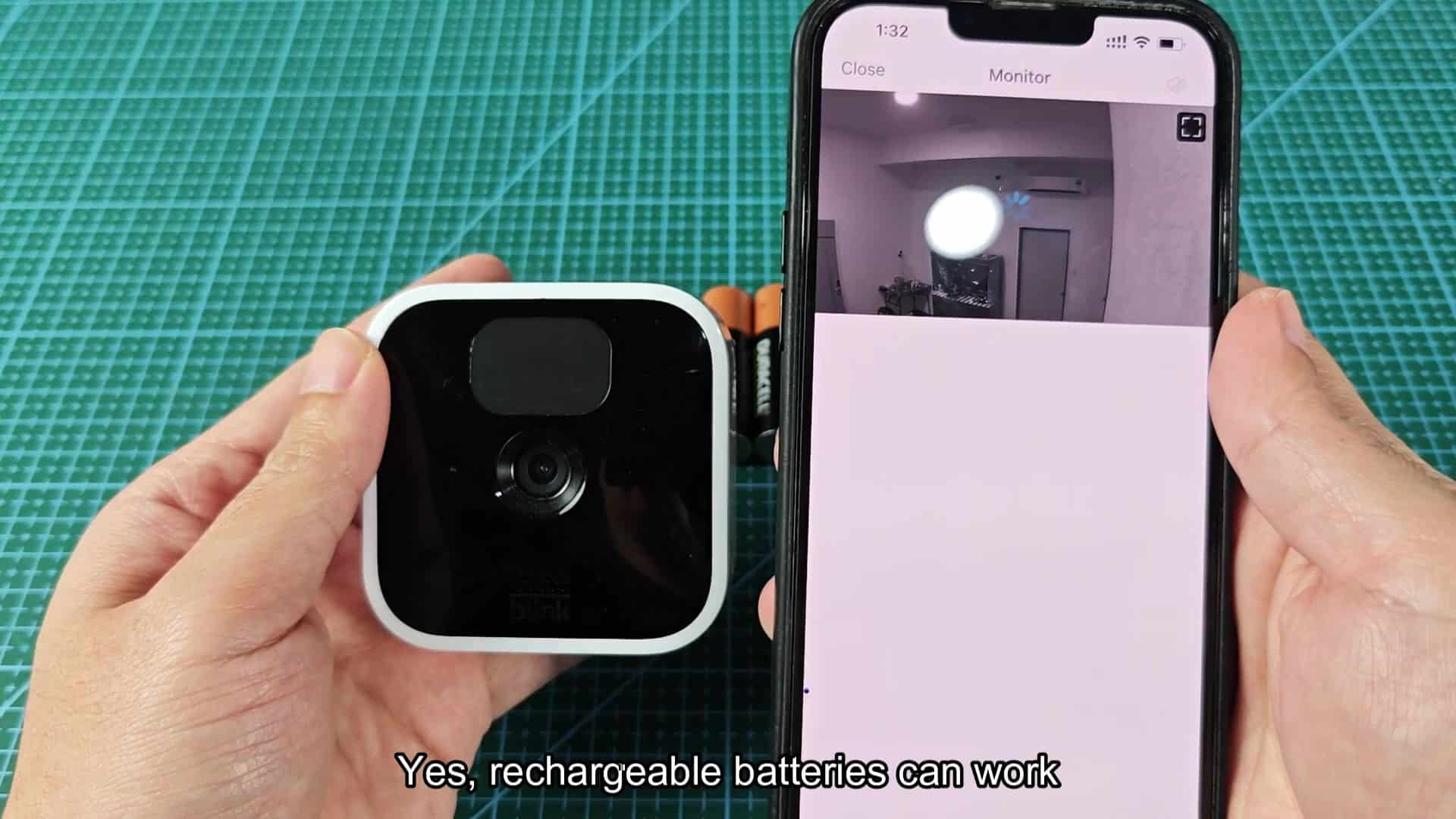
In every test, we see this low battery icon. The message suggest the camera won’t be able to record your clips, which is an ongoing visual annoyance. It is almost like you’re being warned that your camera will be difficult to access and might even go offline. Both are very serious claims, as noted in the app warnings.

But in practice? It’s always on. Live view work fine and recordings is saved perfectly to the cloud each time. It will keep working just as well when it flashes red “alerts” on your phone, even though those alerts are just visual warnings based off voltage readings.
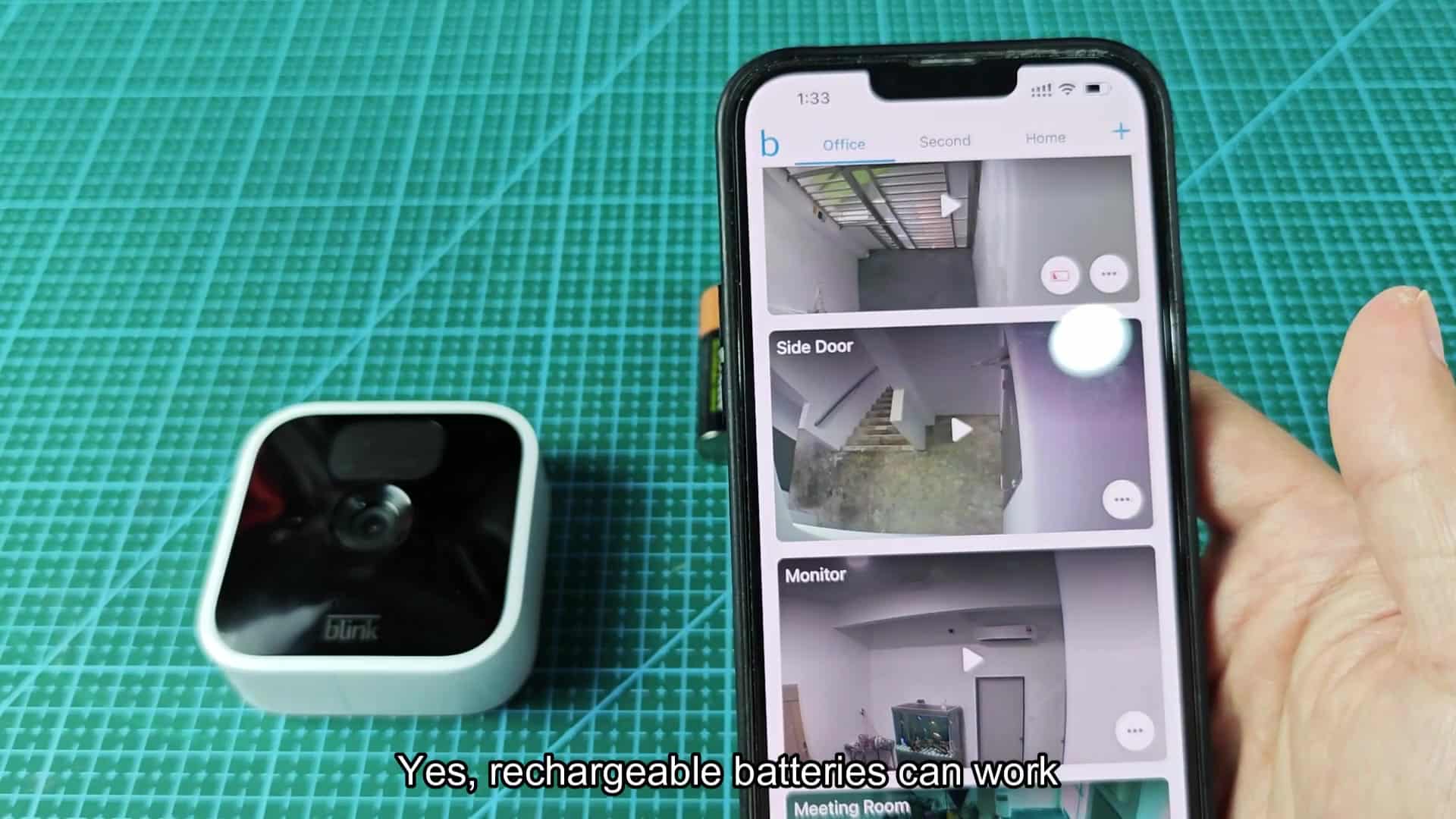
It’s all very confusing and annoying: Your cameras are perfectly fine, running just fine on a 1.2 volt battery that doesn’t match the app’s internal definition of “full” but which still has enough to run them just fine and keeps your batteries charged for long time (you’ll continue recieveing alerts saying your battery is dead).

After a while of ignoring those alerts, you get what this means: You know the camera hasn’t powered off because it’s constantly recording every motion event that gets logged. The low battery notice fade into the background and then becomes completely ignored when you realize it doesn’t affect how you monitor things for security each day at all.

Rechargeable batteries will save money in the long run. Picking up single use lithium cells gets expensive after awhile. If you’re a battery hog, then recharging what’s already there can go a long way towards reducing waste. It is also more environmentally friendly for most people. You don’t have to keep buying batteries all the time which is always nice.

One downside is inaccurate status updates. Family members will see a low battery alert and get concerned that your device has issues. Will they understand why you’re getting a warning? Will they understand that the camera died, or do they need a technical explanation of what happened? Managing user expectations on how interface works through teaching can be helpful.

I recommend against following the manufacturer’s suggestion
Go ahead and do it with caution, but keep its voltage limit in mind. Don’t trust the app to show the power level accurately. Use what actualy happens with hardware. In fact the camera will work when the software report that it won’t.