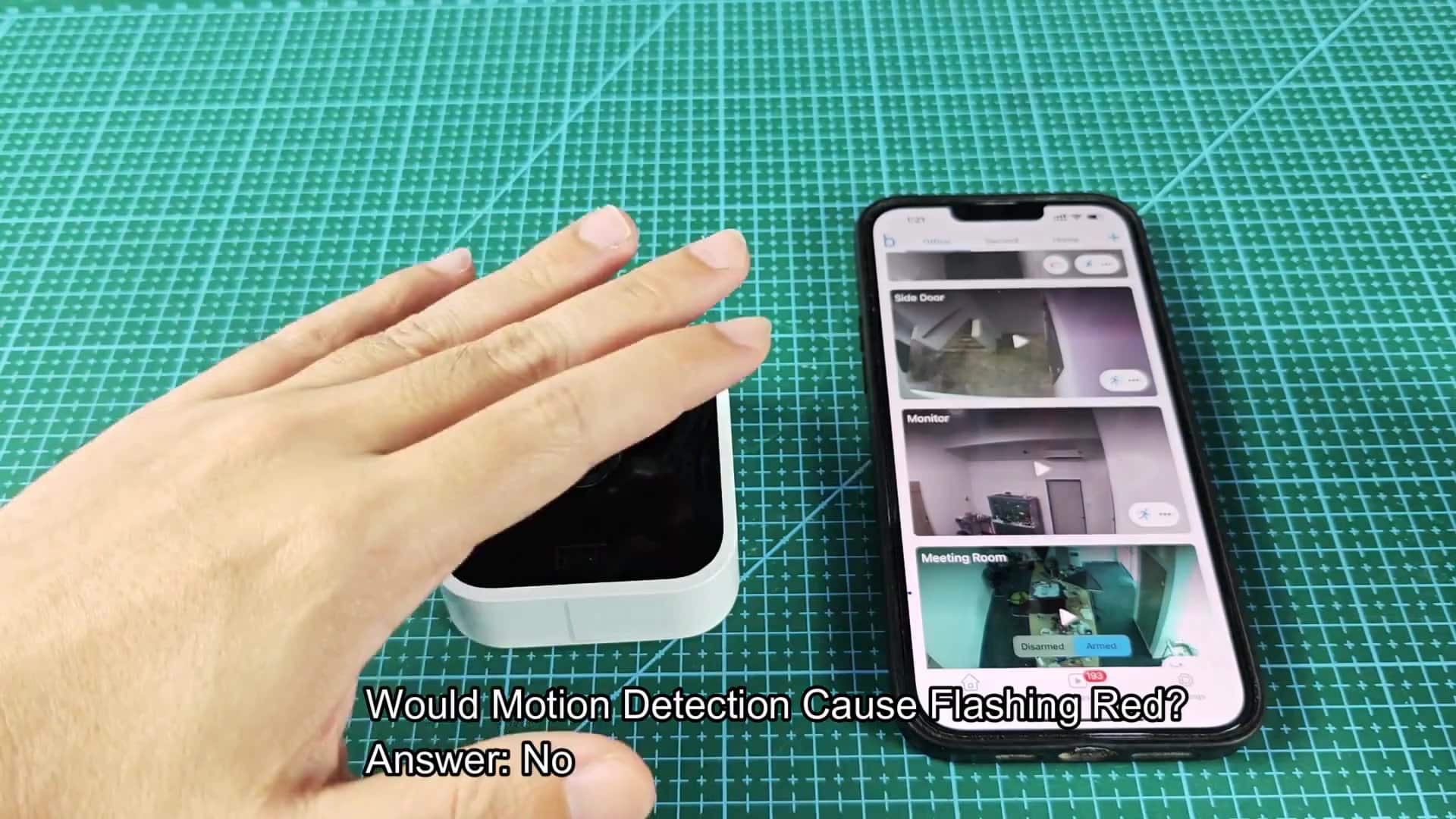
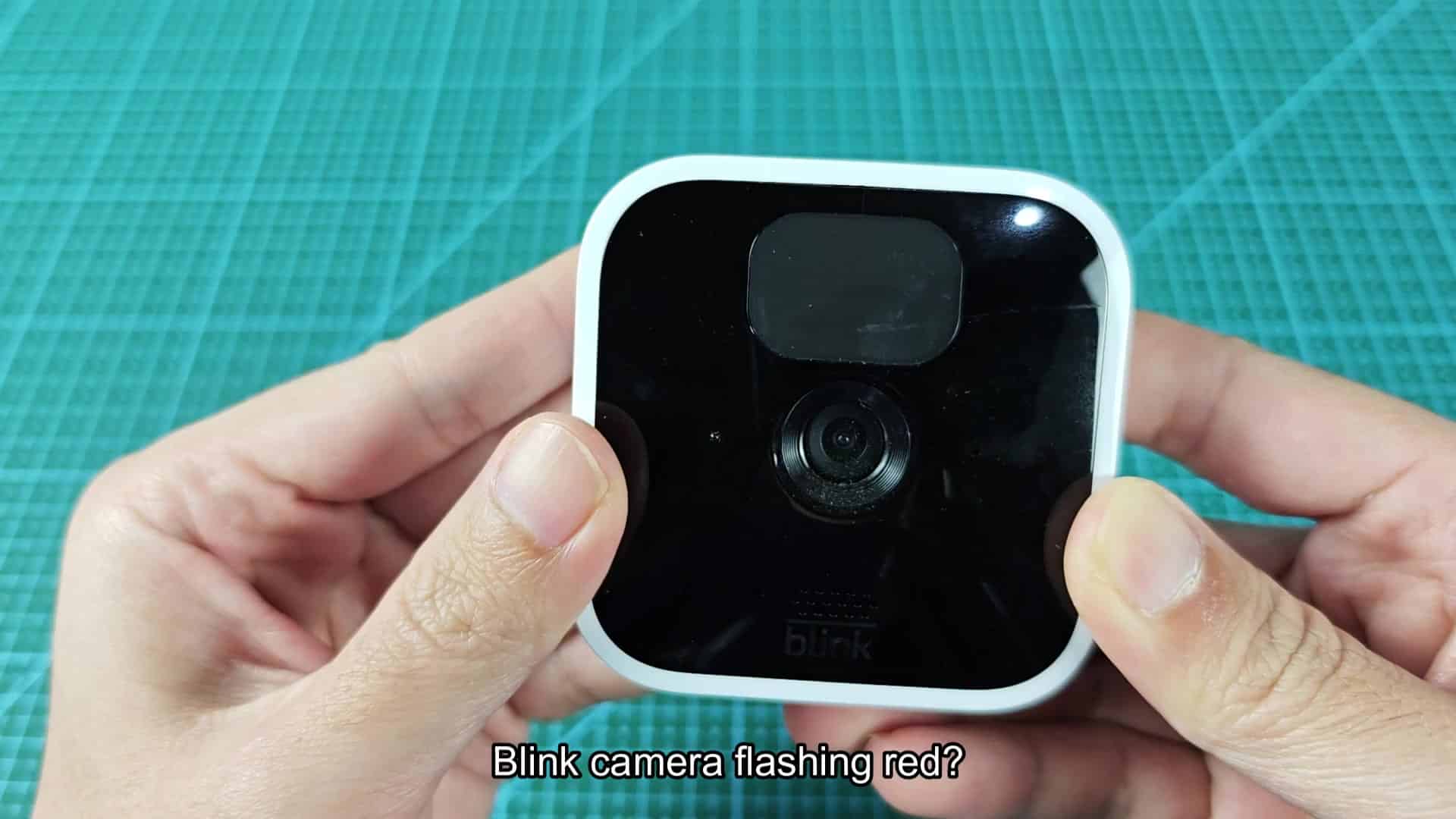
If your Blink camera‘s status light is flashing red, don’t panic. It doesn’t necessarily mean that your hardware has failed in some way. Most of the time, it isn’t a part that’s broken and you shouldn’t rush out to replace your camera. More often than not, its a simple matter of connectivity or power. It is easily corrected once you know what to check for.
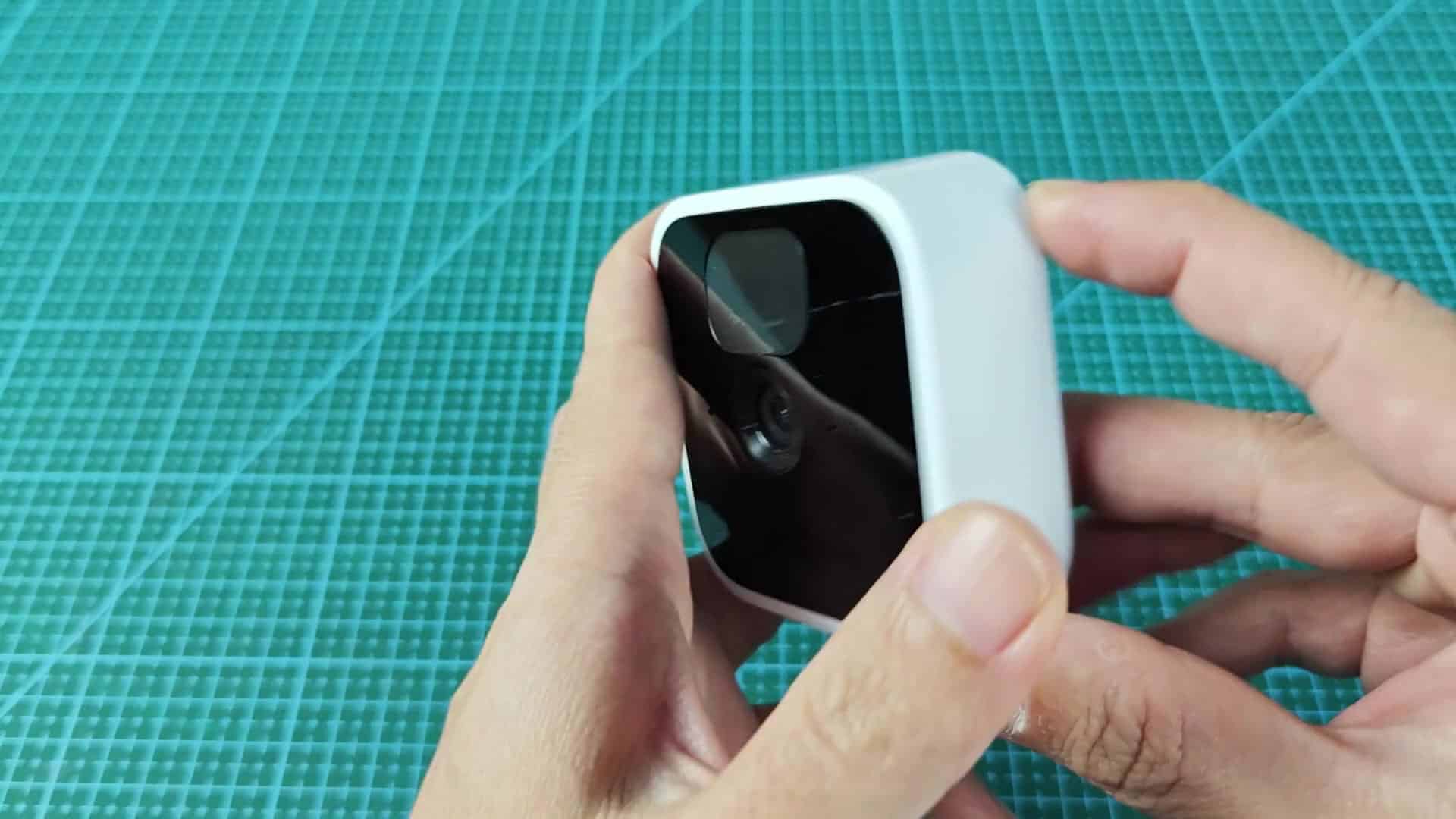
What’s the first thing you do? Check the batteries. This is one of the most common reasons why the camera will stop working correctly, if its power levels are running too low, the LED will start flashing in red. This indicates that they’re getting pretty close to needing replacement, so it acts as an alert signal to switch them out.
Fixing Internet Connection Problems
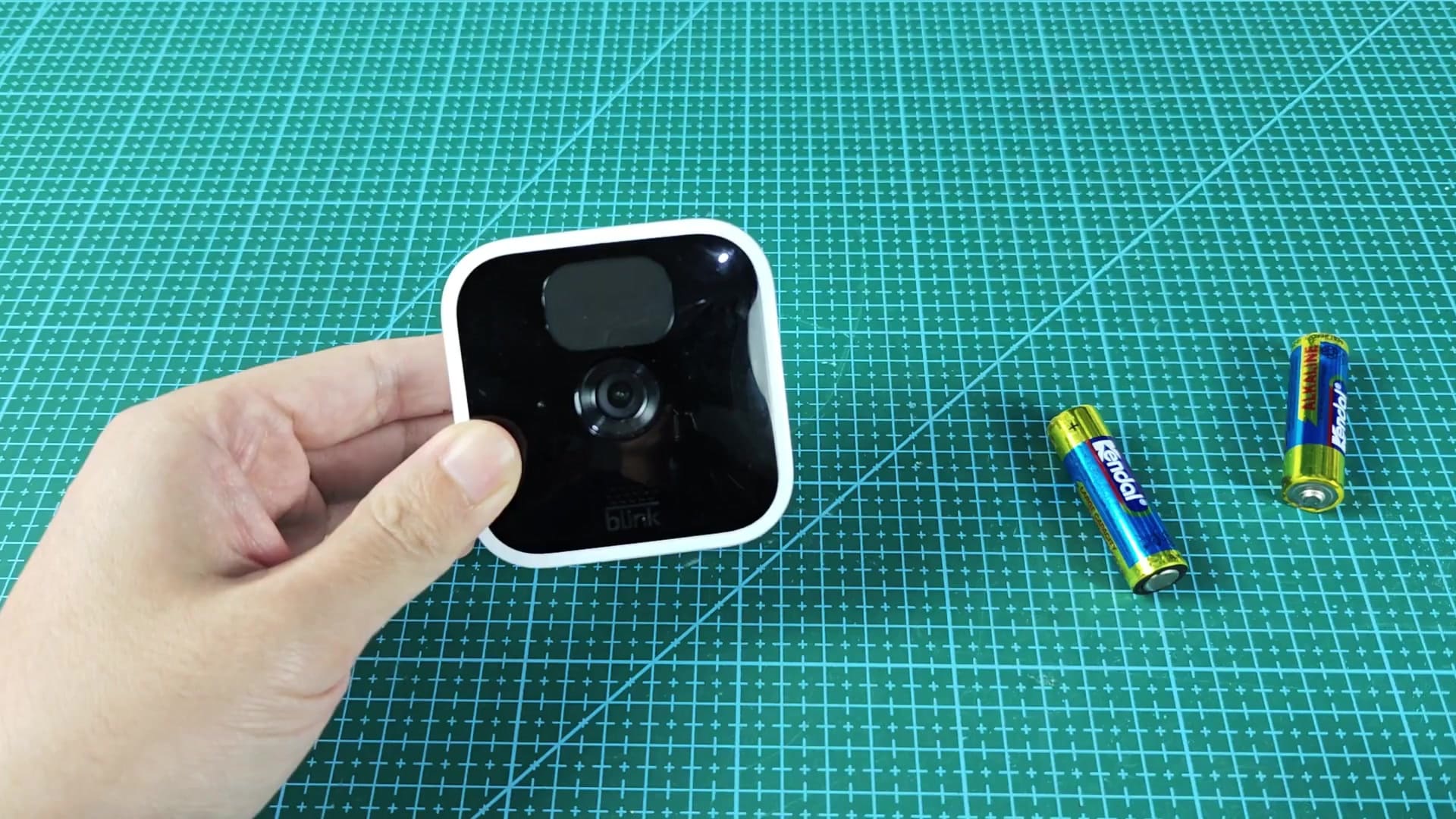
You’ll know if there’s something wrong with the battery because when you open up your Blink app on your phone, you’ll be able to see status of each device. The battery level indicator will let you know when it run critically low (at which point the LED will flash red). Pull the old batteries out of the compartment and swap them out. For best performance, Blink suggests using standard lithium AA cells. Changing them out is simple enough, just pop in a couple new batteries and enjoy them for as long as possible.
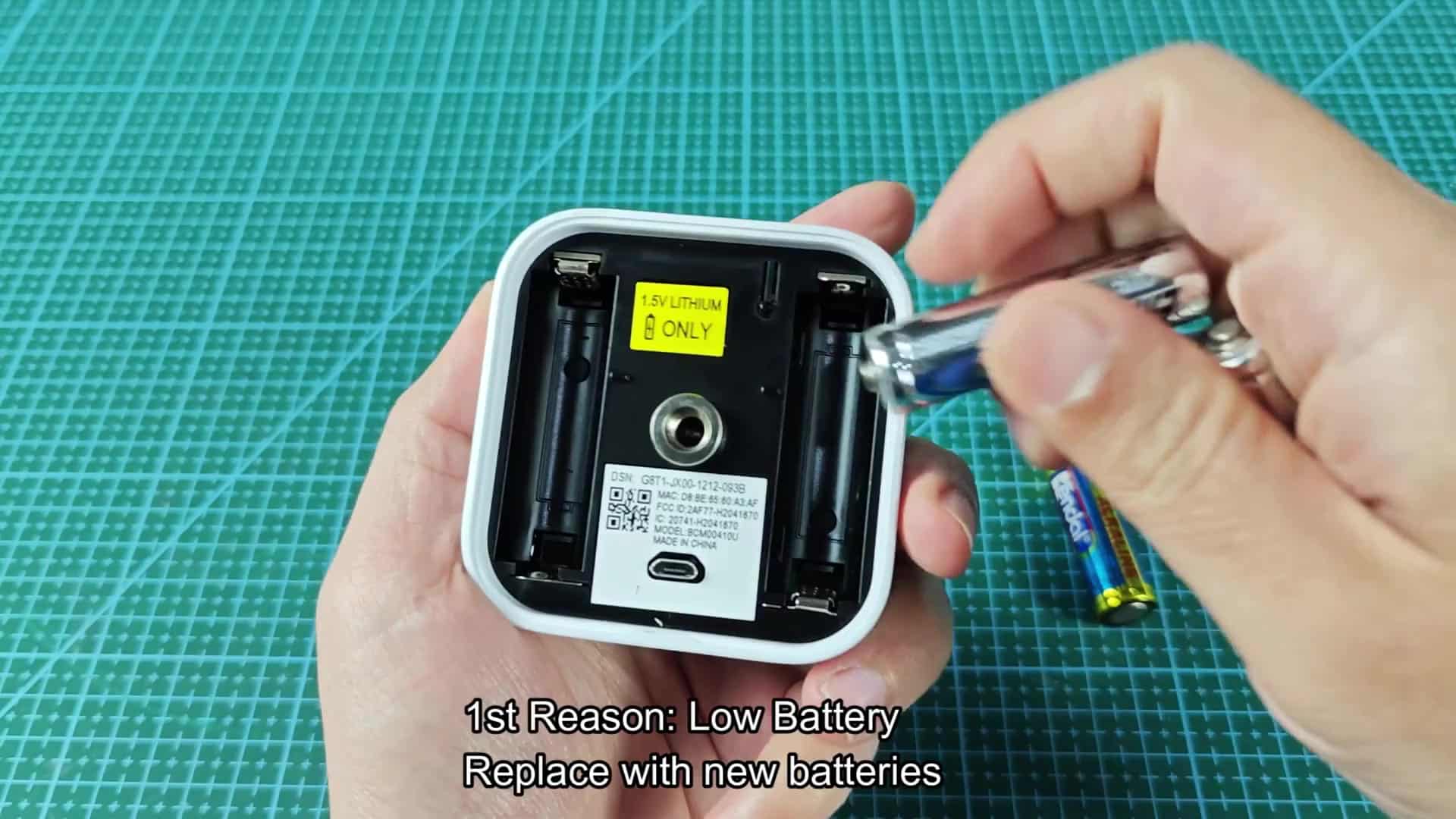
Alkaline batteries don’t last very long inside of these things; make sure you’re sticking with 1.5V lithium batteries (as recommended by the manufacturer). After replacing the battery, give it some time to reboot the camera. Once you replace your batteries, monitor that status light. Once the red flashing ceases and becomes solid blue or perhaps even just a solid red, you’re home free. The red light will usually dissapears and in most instances the camera will actually come back on almost instantly.
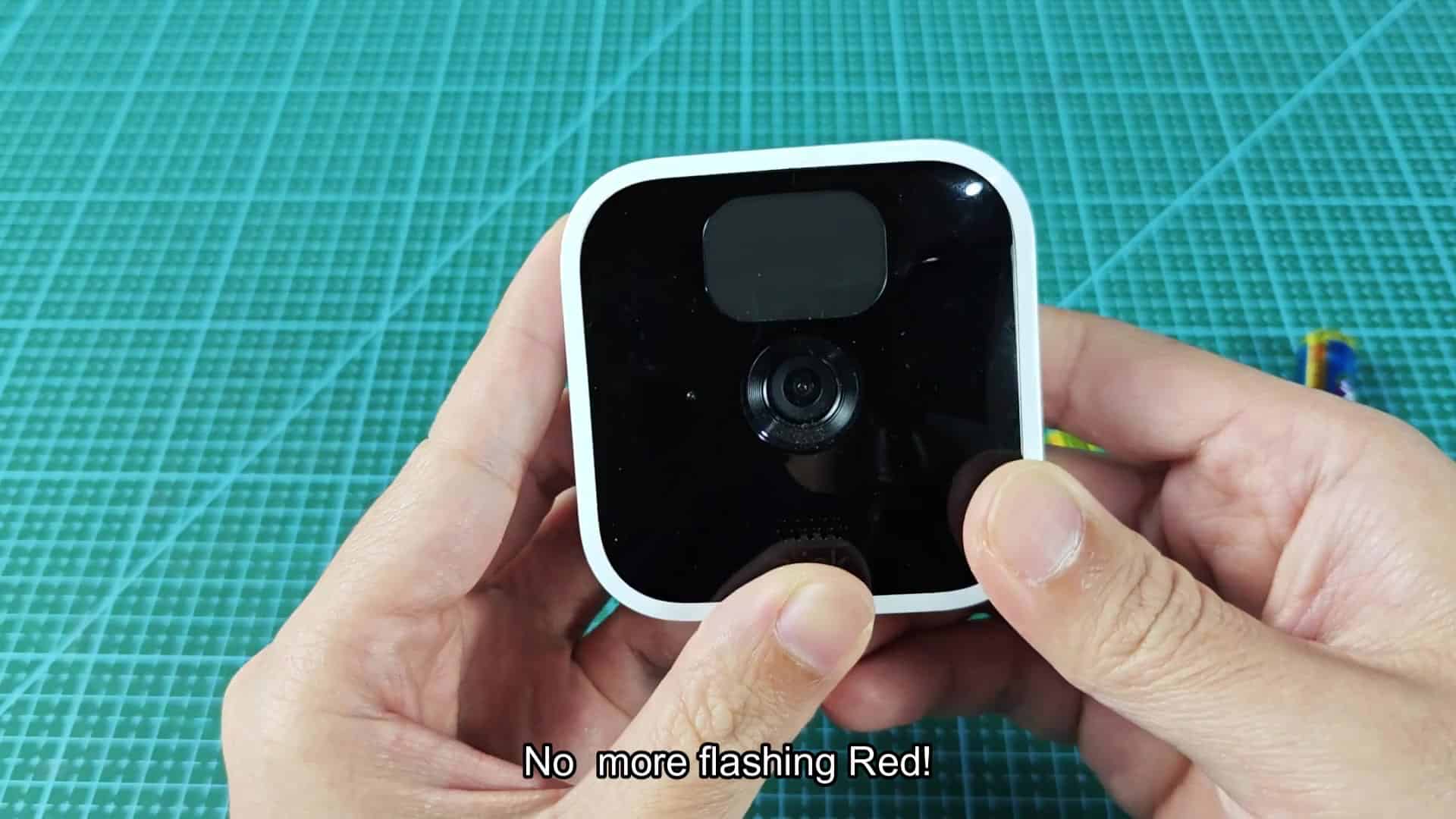
When it’s a power related issue, it’s a really simple fix. There’s no special knowledge or tool required for this step; you simply pop in a couple fresh batteries and you’re good to go.
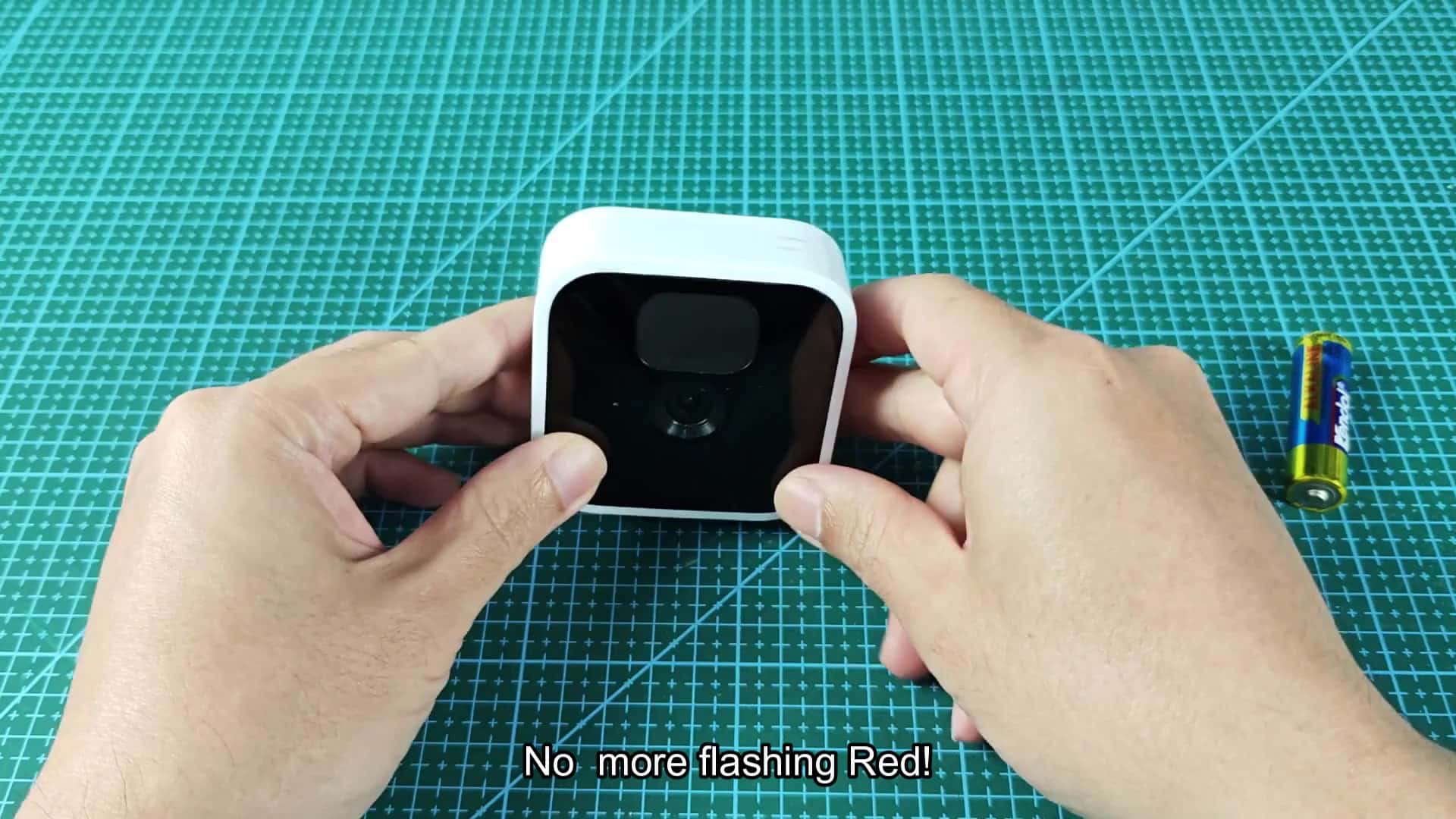
But if replacing the batteries doesn’t resolve the red flashing, then there’s something else going on. The other leading cause of that pesky light (besides dead batteries) is losing an internet connection.
Without a solid internet connection back at your house, the camera can’t save any footage or tell the cloud what’s going on. It flashes red by default to signal that the internet connection has been broken. Believe me, this occurs far more frequently then you’d imagine. If neither the camera nor the Sync Module is working correctly, check their respective Wi-Fi status. If something go wrong in the system, such as the loss of an internet connection to the Sync Module, each connected camera will begin flashing red as well.
Check the indicator lights on your Sync Module: It’s the bridge between your cameras and the internet, and makes sure everything is hooked up properly. Also, temporary issues with your home network can sometimes be solved by simply restarting your router. Make sure you have sufficient Wi-Fi signal strength in that part of the house.
In the case of continued internet problems, however, the next obvious solution is to reset your Sync Module. To do so, you simply power it off (unplug), let it sit for a few seconds then plug it back in, essentially forcing it to find your network again.
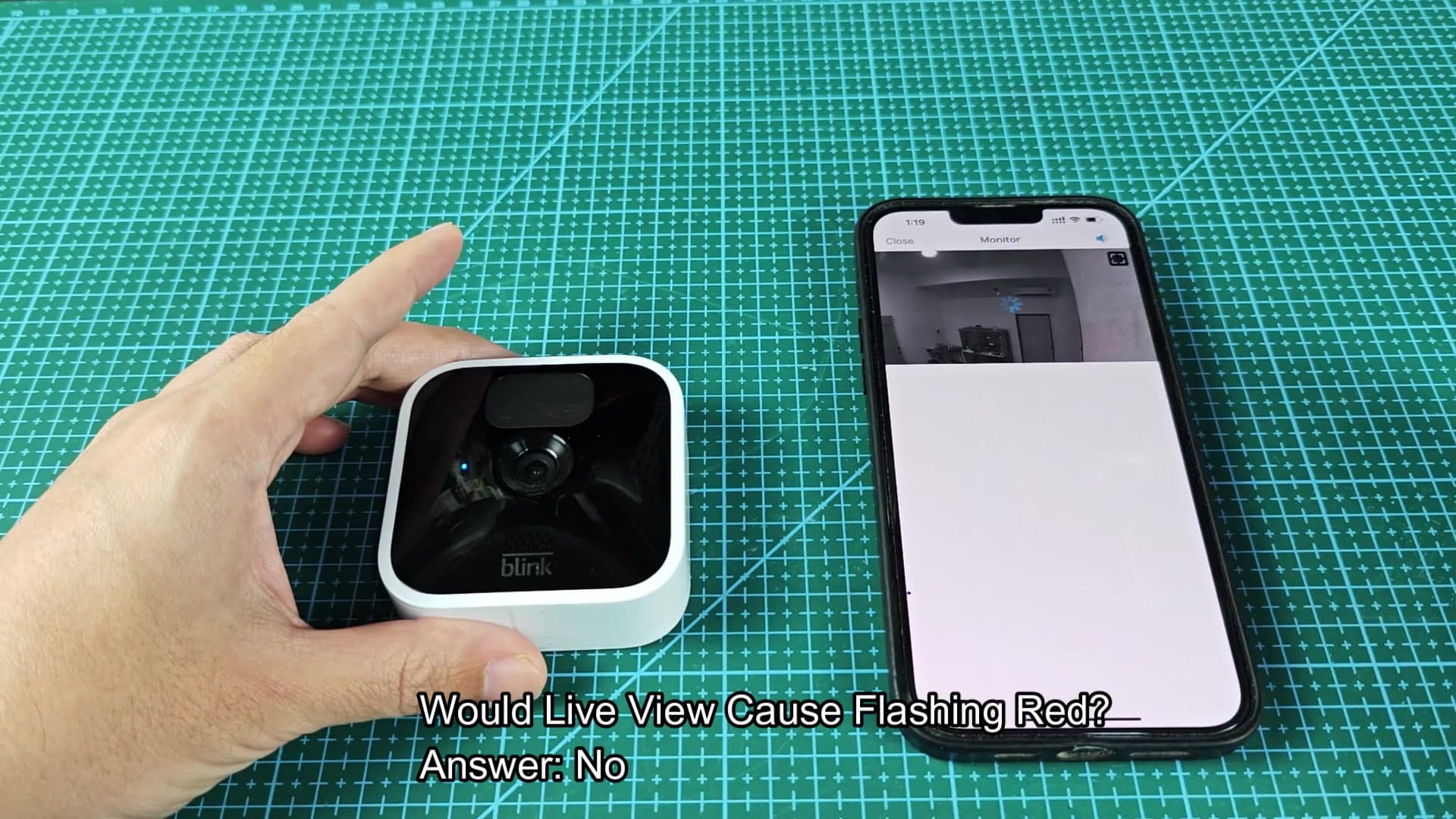
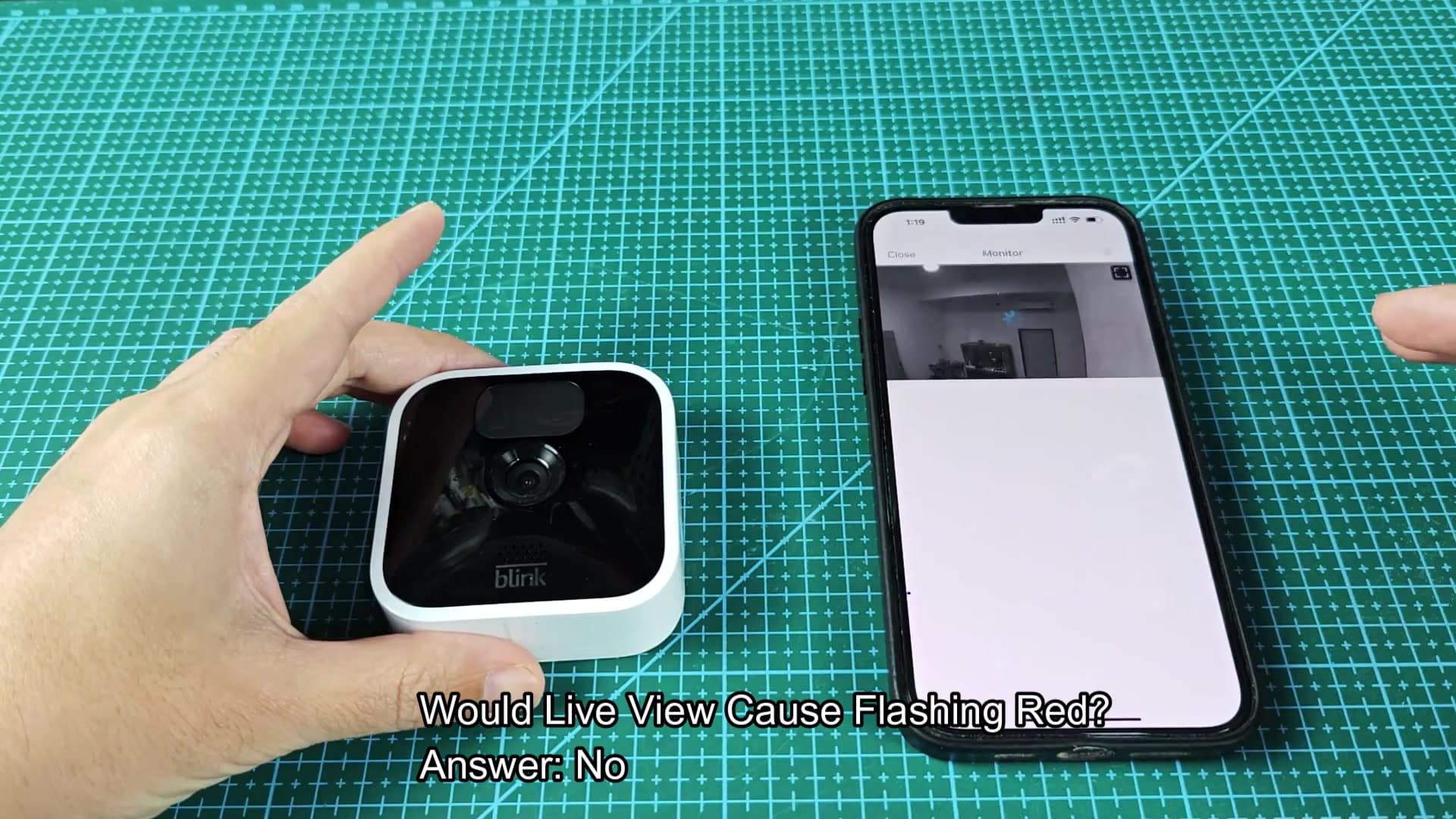
This basic reset has a tendency to eliminate stubborn connectivity issues. After the module finds your network, the cameras will stop flashing red and resume normal operations. It is a quick fix. A restorer of order. While you’re at it, you can eliminate several other common myths, too. For example: Does using Live View make the red light blink? No. A red blinking light isn’t related to watching your camera feed on the app. Watching the feed is just a way of monitoring your cameras through the app, and it won’t trigger warnings about loss of connection or low power.
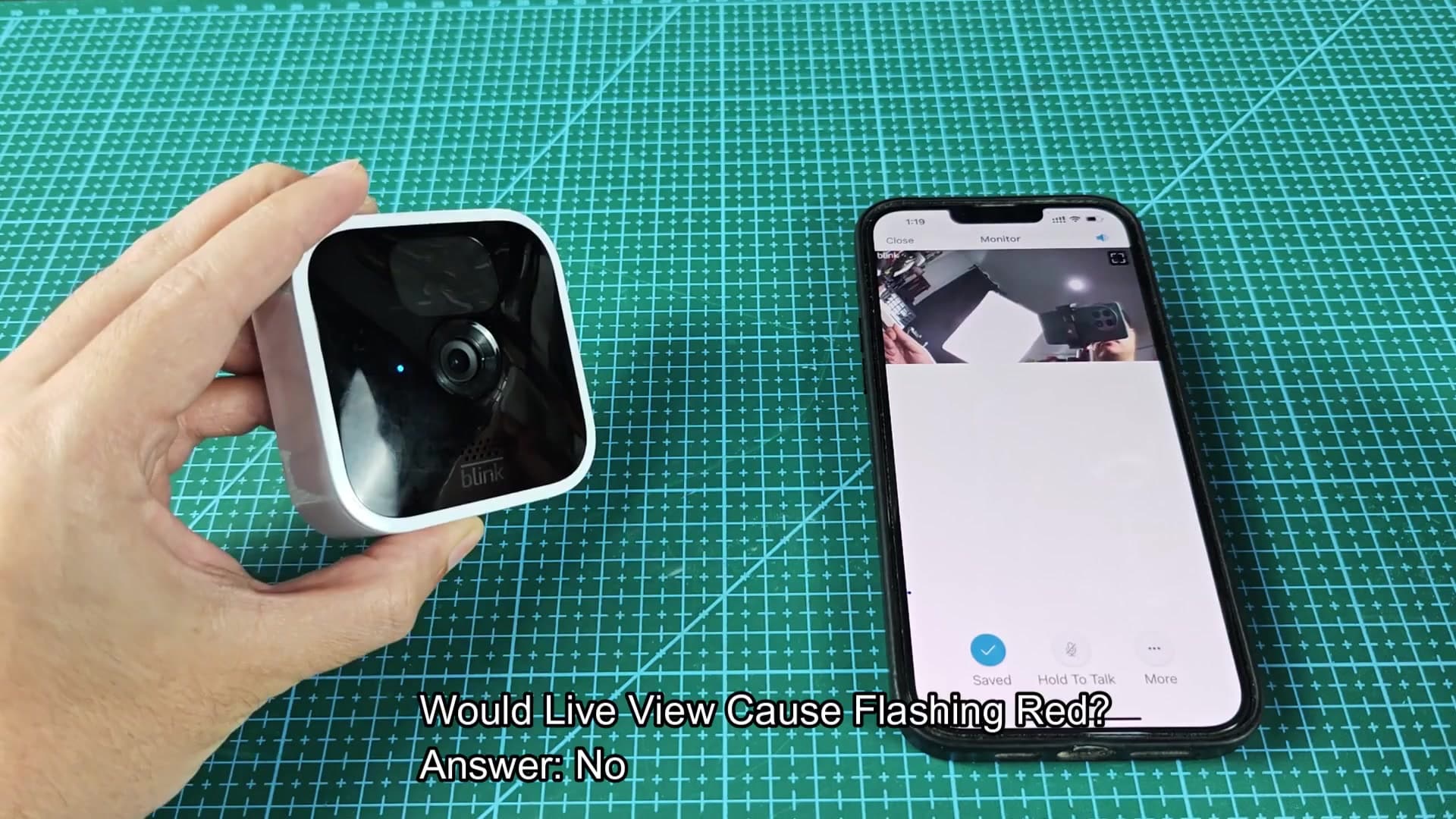
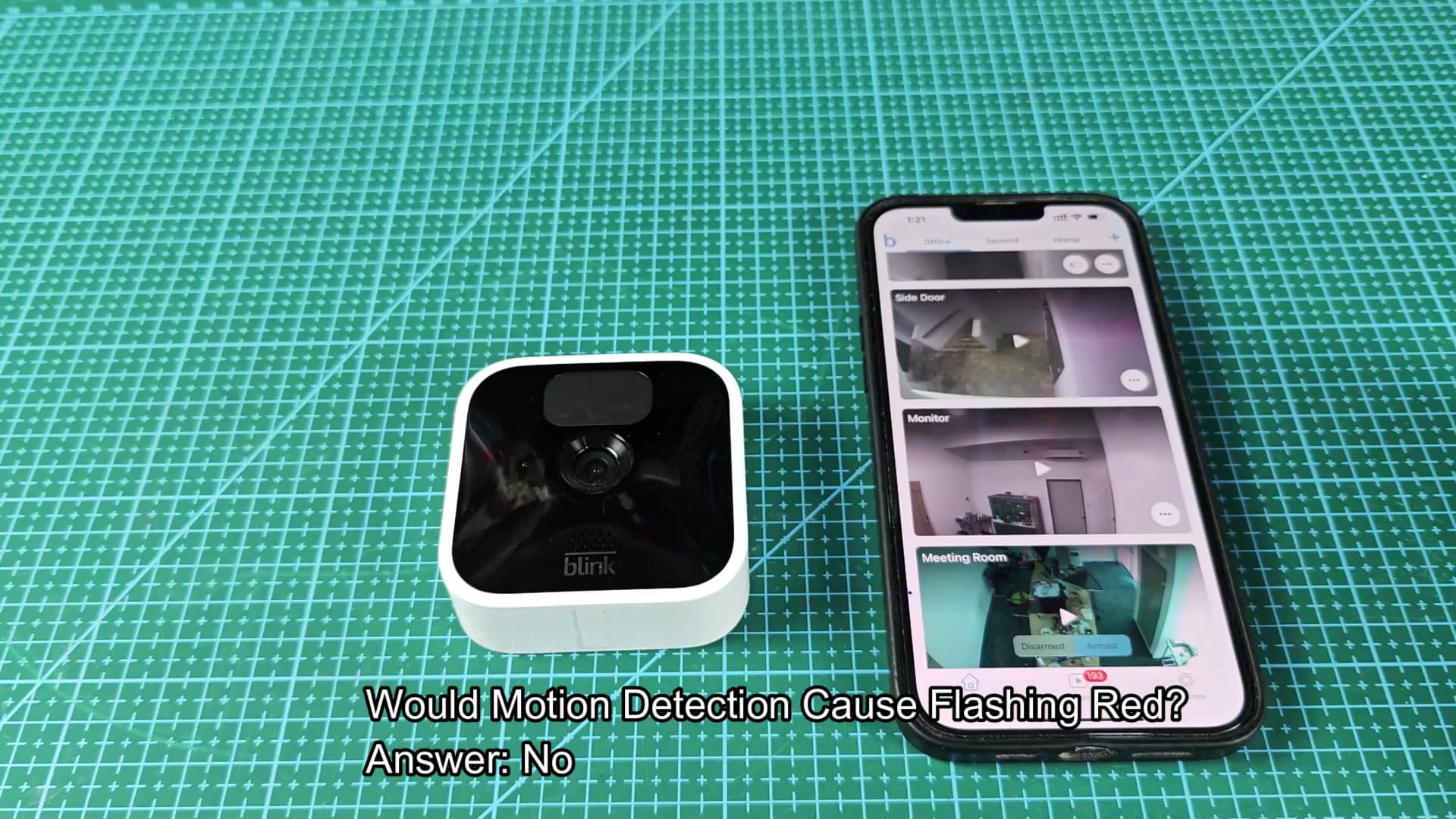
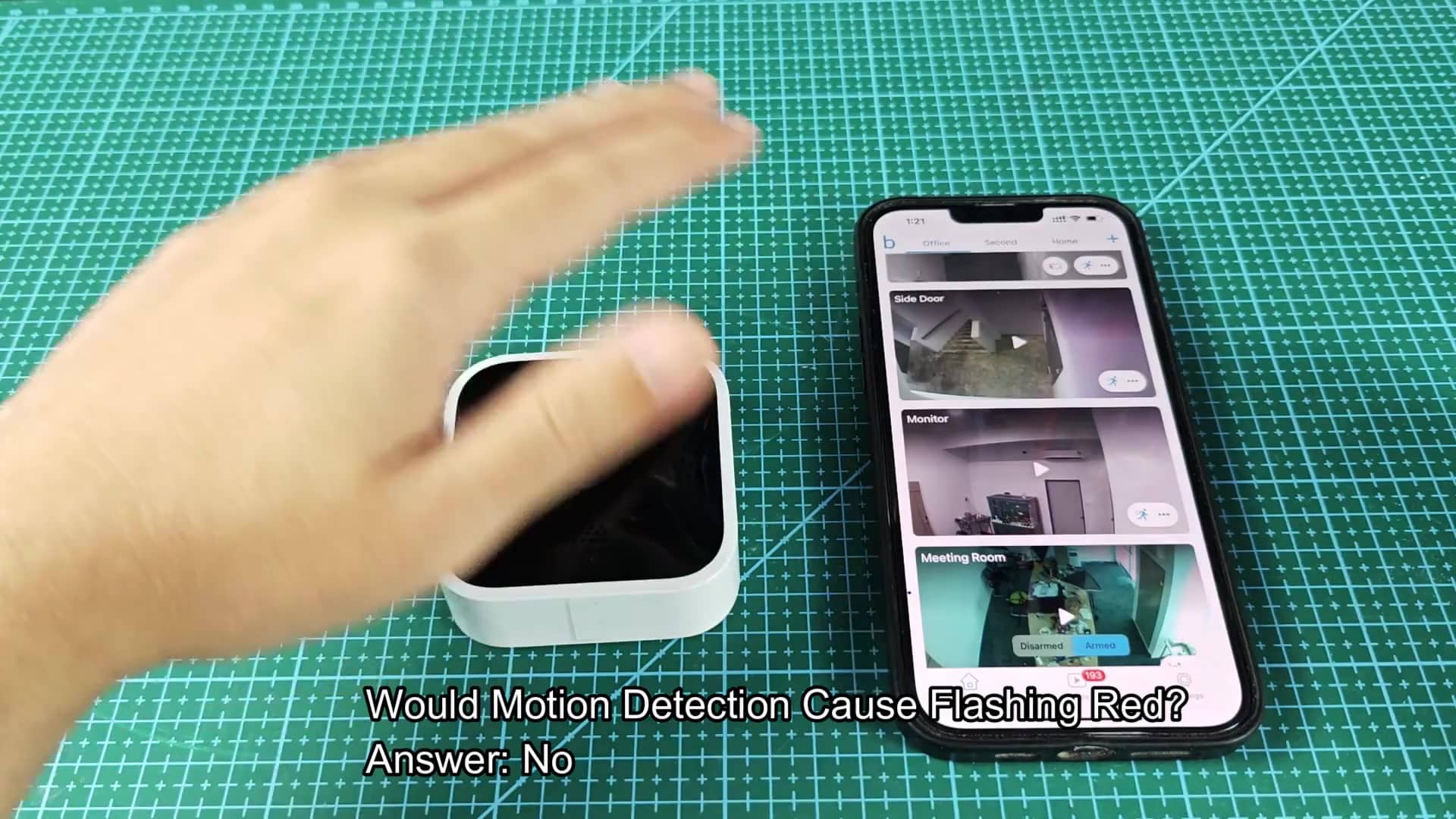
Will it blink when it detects motion? Nope. Motion detection events are normal functions that happen constantly, they don’t trigger an error state, so you can forget about those things, too. You don’t have to worry about much more than wifi and power
The red light is very simple; you don’t have to do any fancy troubleshooting if you don’t want to. If it’s red, it’ll tell you generally what the problem is. You lost your internet connection. Check your network. The battery is low. Change batteries. There are no complicated settings and no factory resets (unless you really want one). Keep it simple, less stress. Follow the lights, fix the problem. These two reasons account for nearly all red light situations, at least in most scenarios. It is frustrating to expect your home to be covered by security only to find yourself staring at an error indication.
However, when you know that’s typically either a network hiccup or a simple battery swap, it’s something you can manage. Knowing that a simple check of connections and power should fix the issue will help put you at ease and show that your camera isn’t actualy defective.