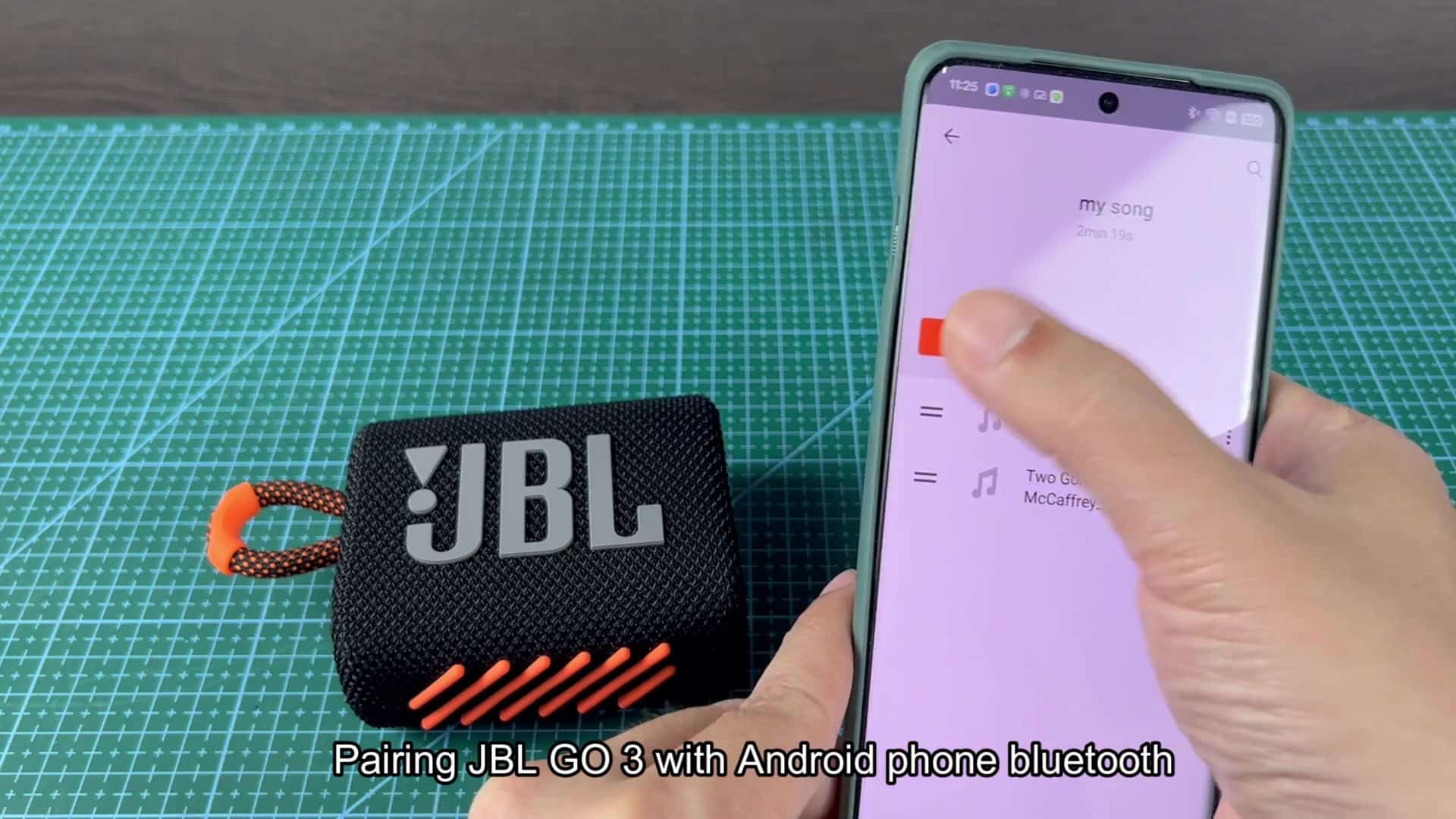
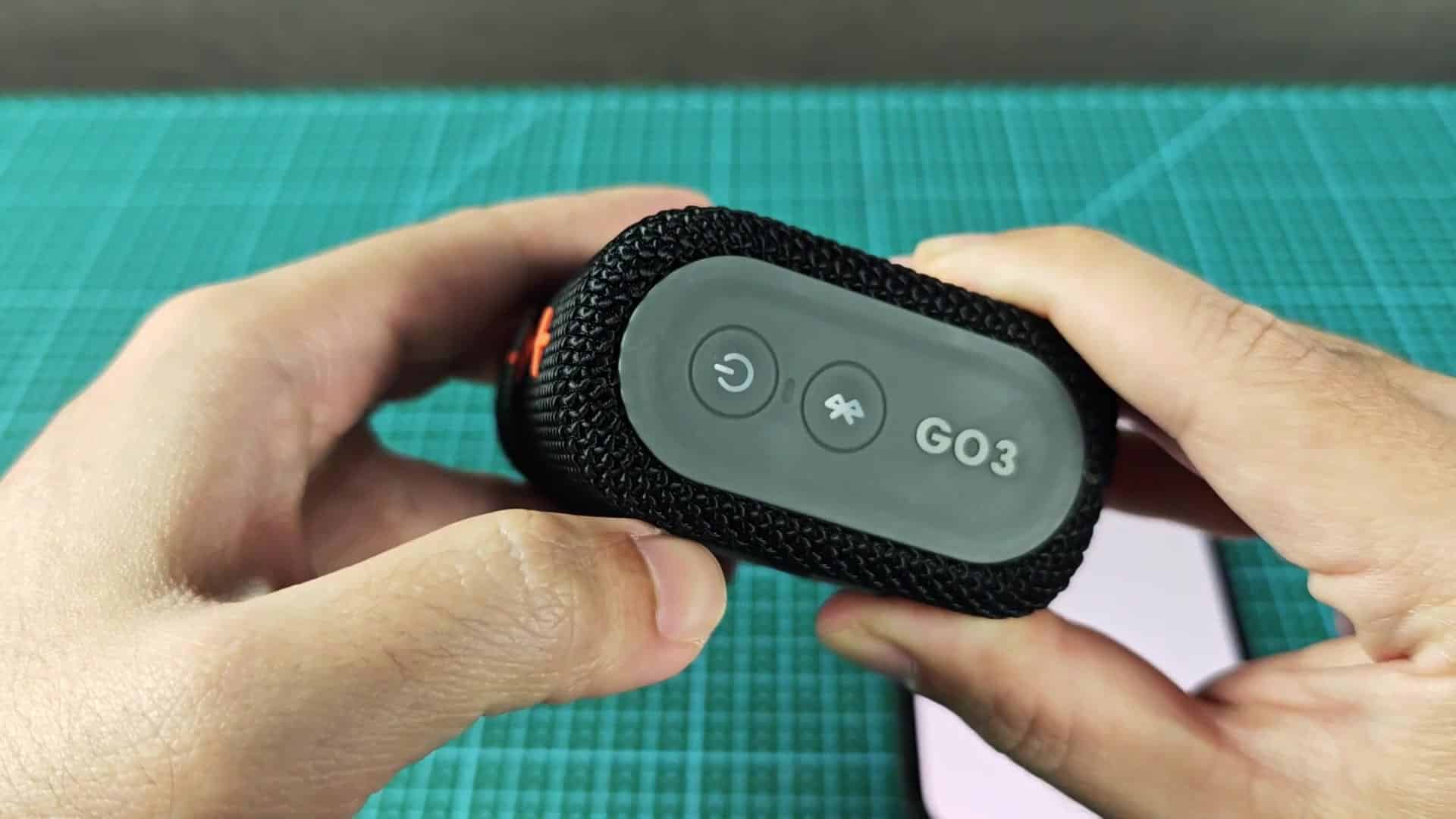
The JBL Go 3 doesn’t have an elaborate user manual and you should of be able to pair it with your phone in a snap. The tiny speaker are small enough that you’ll just need to know where the buttons is located on end panel.
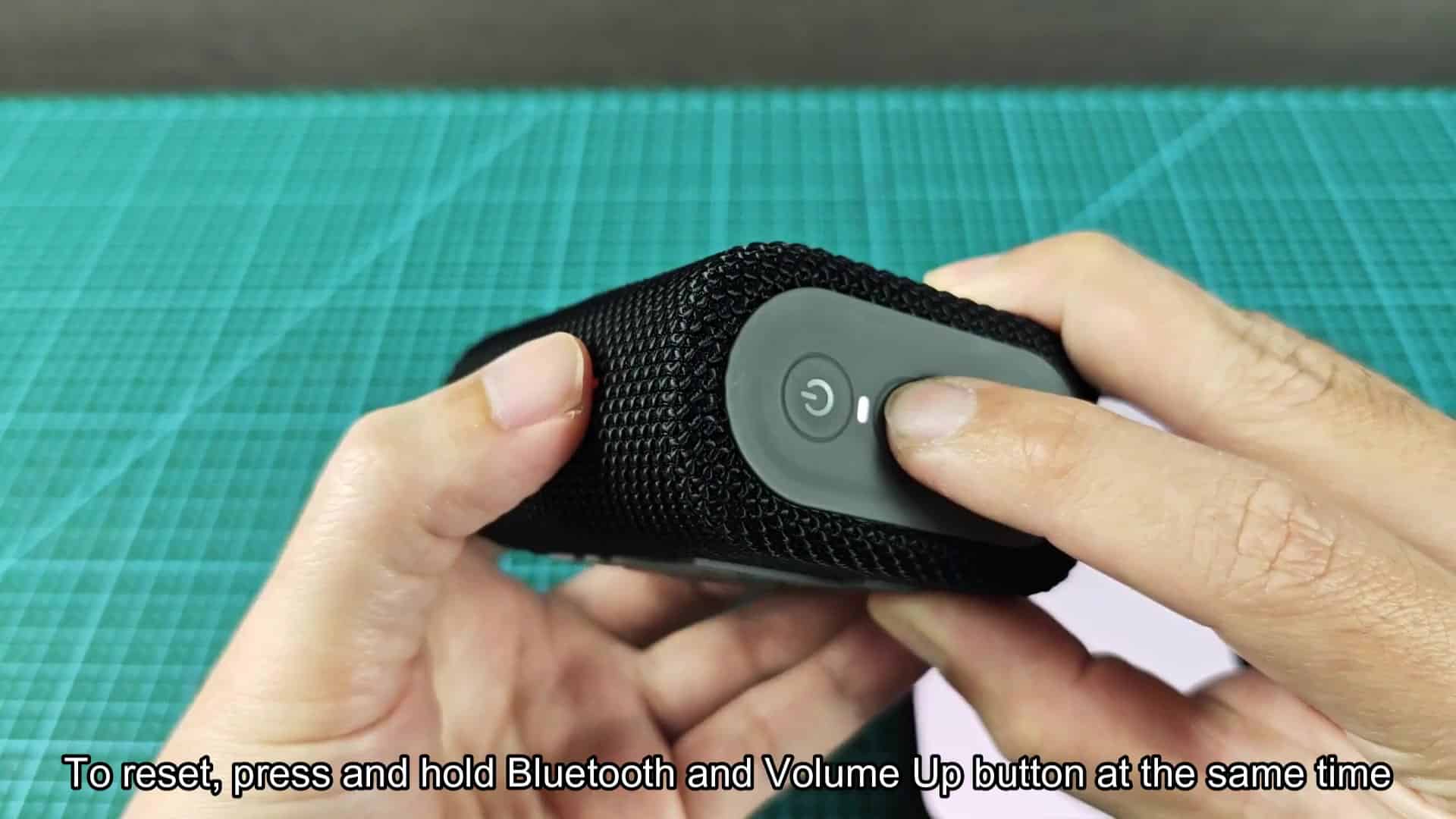
To reset the unit in case of any problem, simply press and hold together the Volume Up button and Bluetooth button at the same time. Hold it several seconds until LED turns on. When the white light starts blinking you’ll know that pairing mode are enabled. It’s now cable-free and ready to pair with other devices.
Pairing With Android Devices
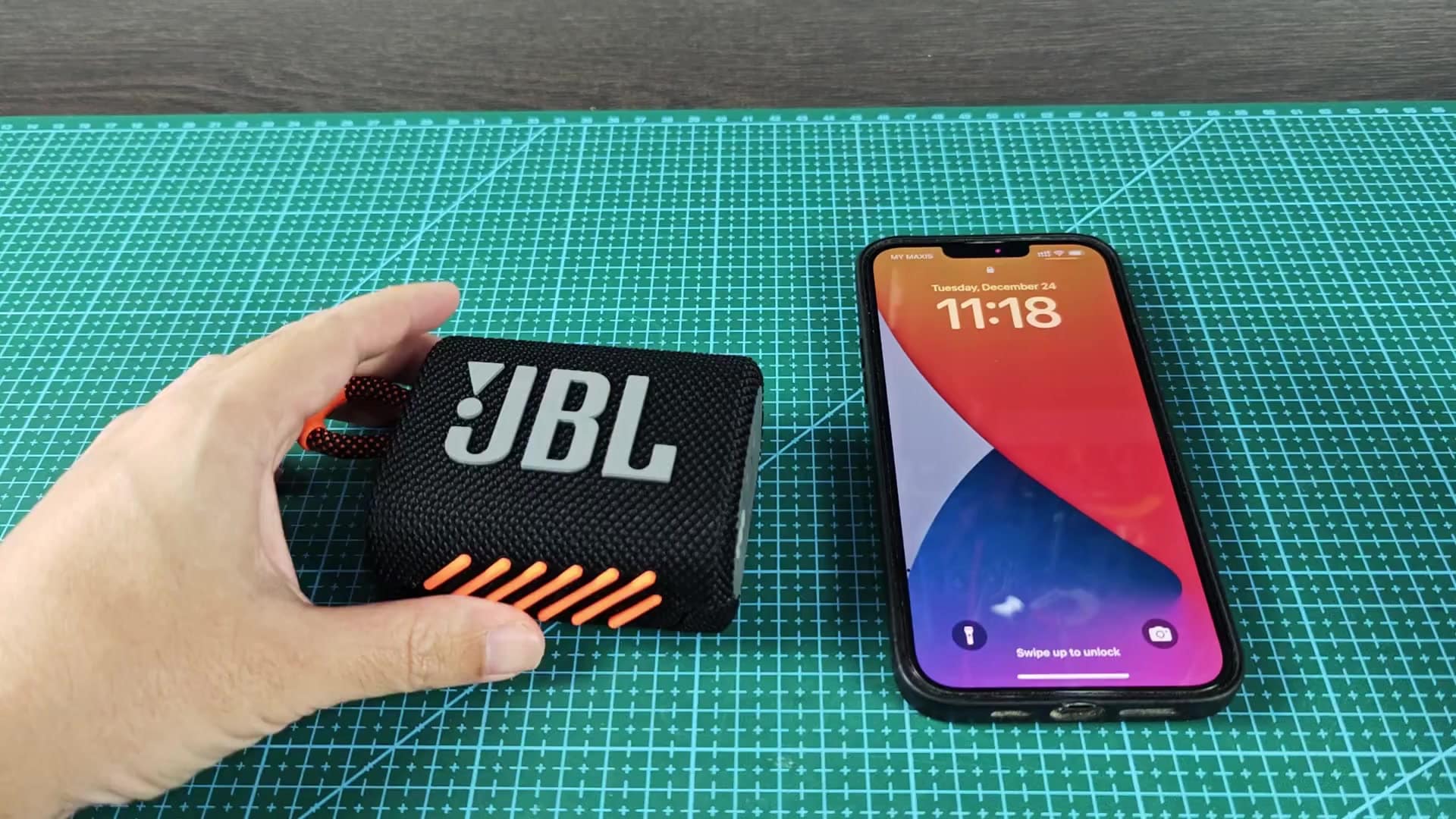
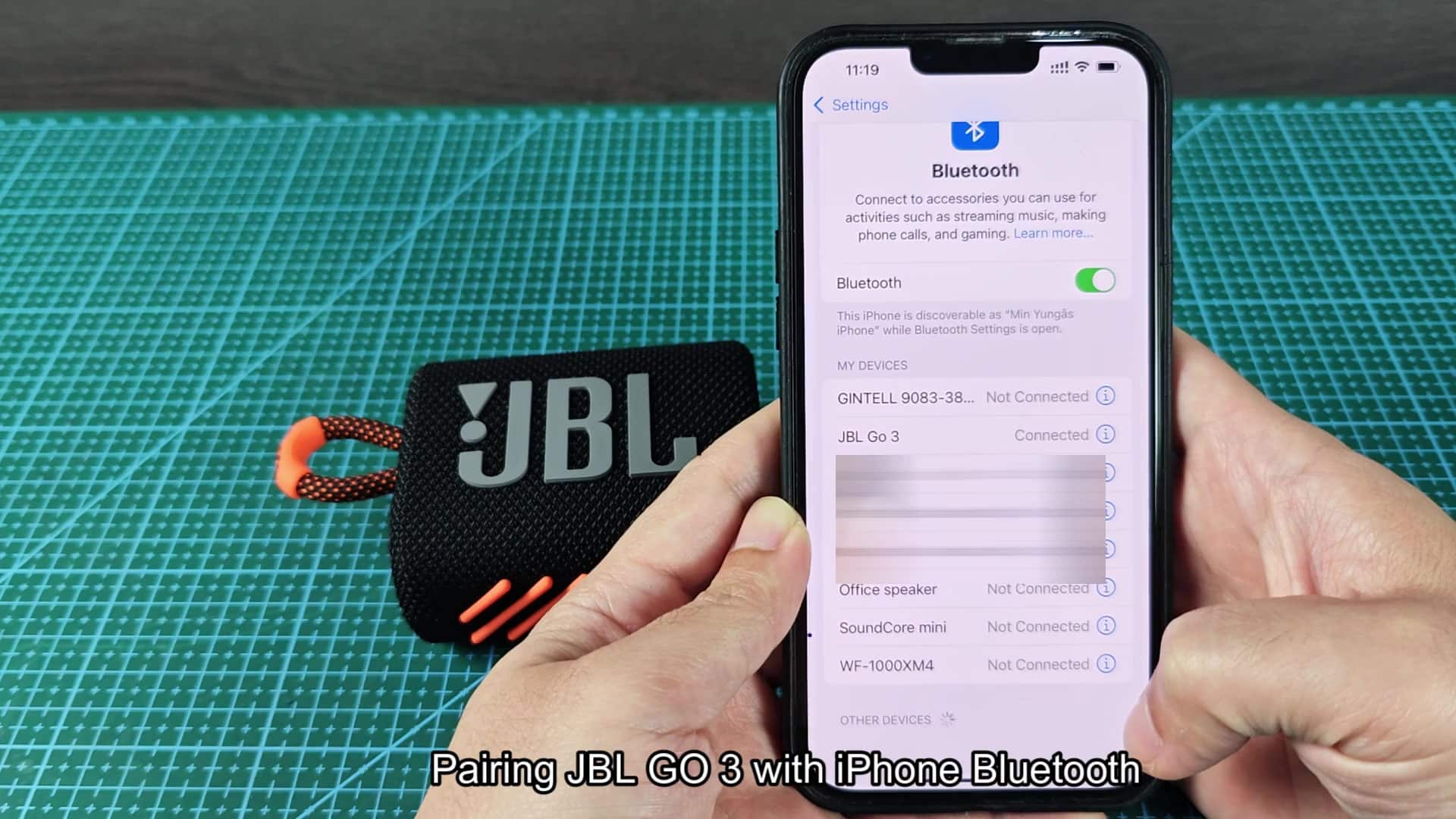
To pair the Speaker with your iPhone, open the Settings app and then tap Bluetooth in main menu. You’ll need to make sure the toggle switch is enabled, and then you’ll want to scroll down until you can view available devices. Your phone should of be able to locate the speaker immediately.
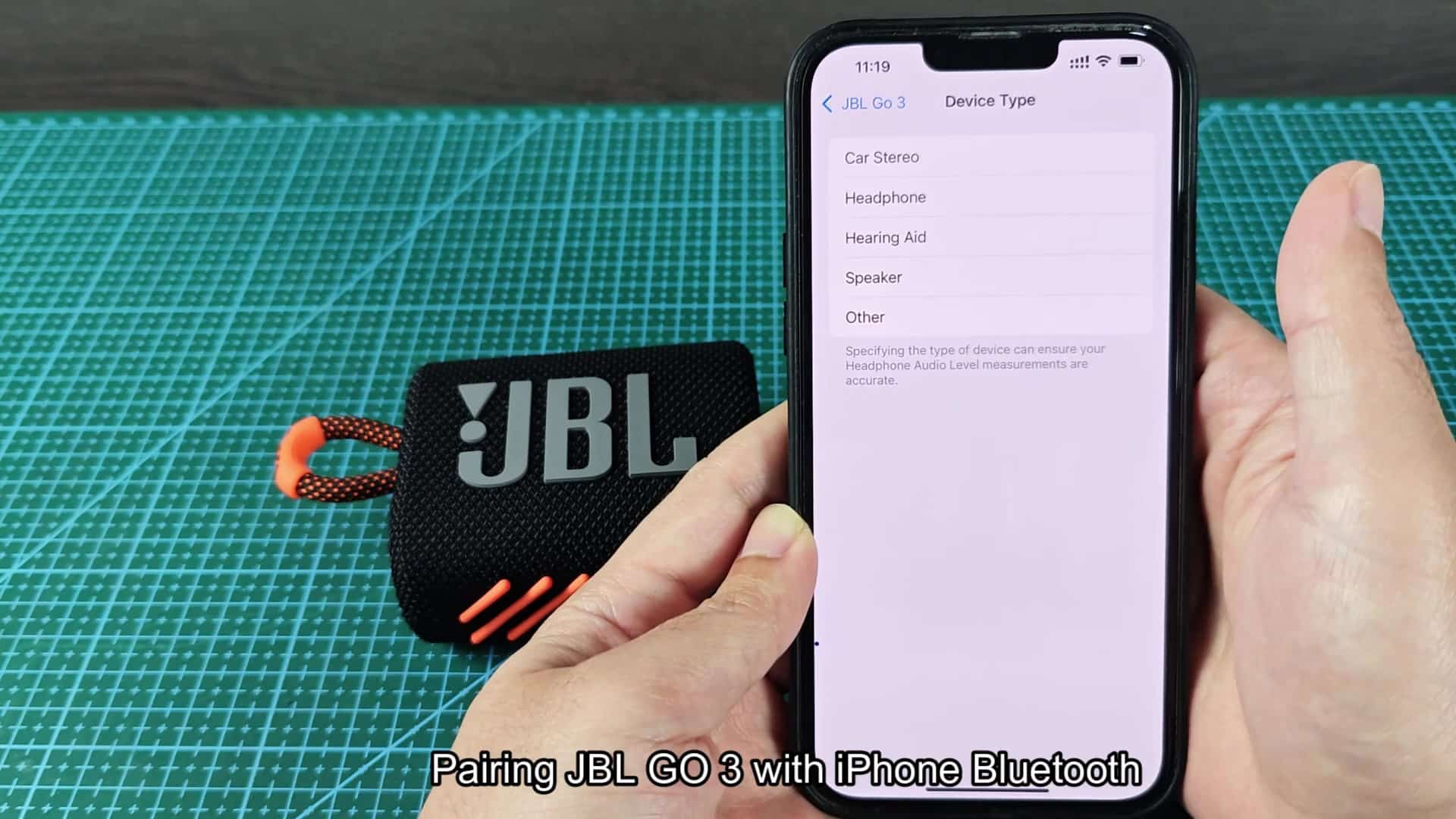
From there, tap Speaker from list of device types, as it’s an audio output device. After you select the device type, it’ll establish connection without a hitch. Once the two are paired, play a song to test out the sound quality immediateley.
After doing this, the song will plays loudly enough for a speaker of that size. Music is crisp and clear, and there isn’t any lag whatsoever.
On an Android phone, it’s almost exactly the same. Head over to your Bluetooth settings and ensure that Bluetooth is toggled on at top of the screen. You should see list of available devices to scroll through. Give it a second or two for the device to show up, then tap on JBL Go 3 to start pairing process. Your phone will pair with speaker easily, no need to click refresh button.
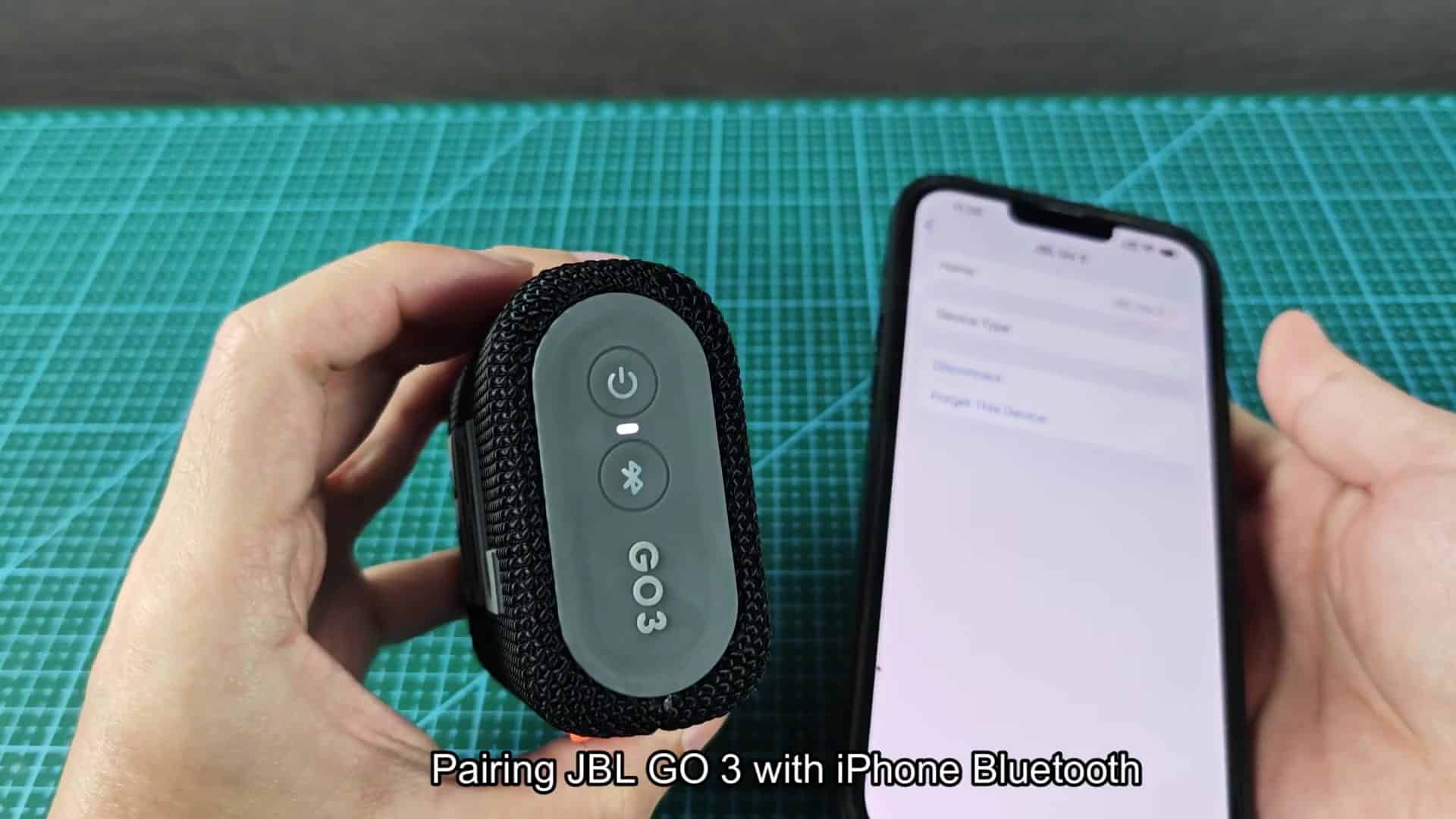
After pairing, you’re taken directly into the device details page where you’ll find Media audio already enabled with options to Unpair or Disconnect. Leave all settings alone on default (everything work just fine).
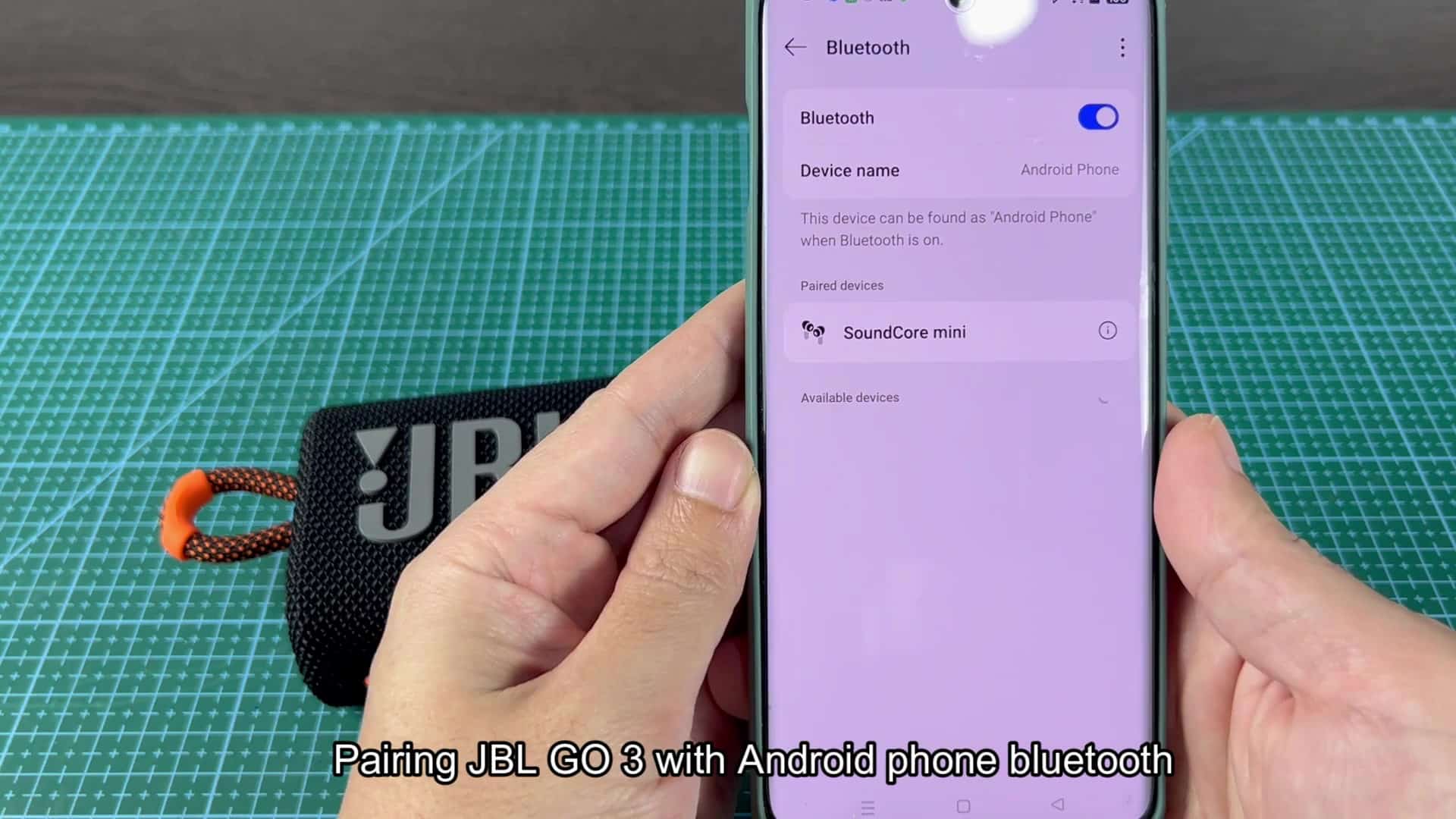
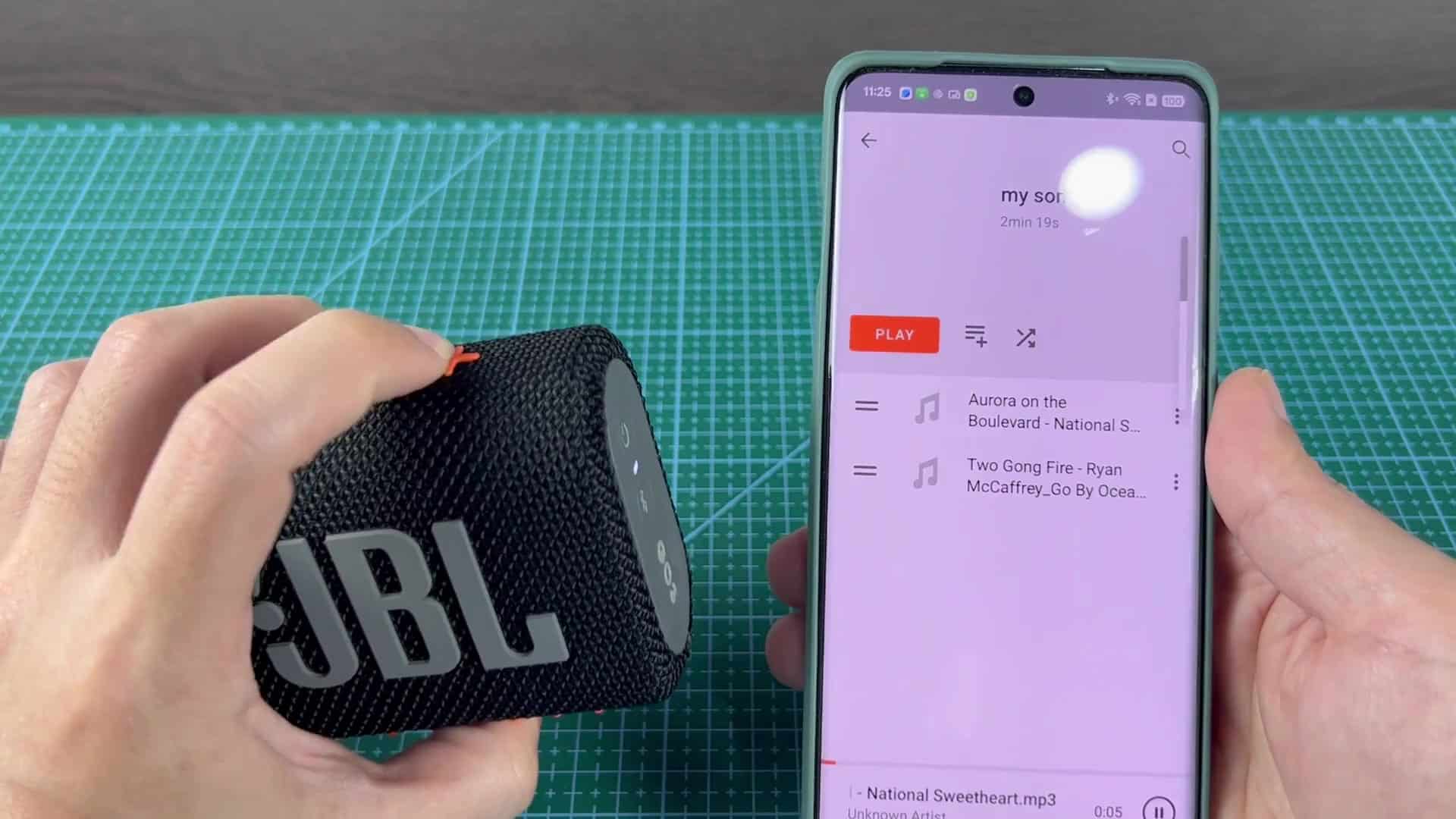
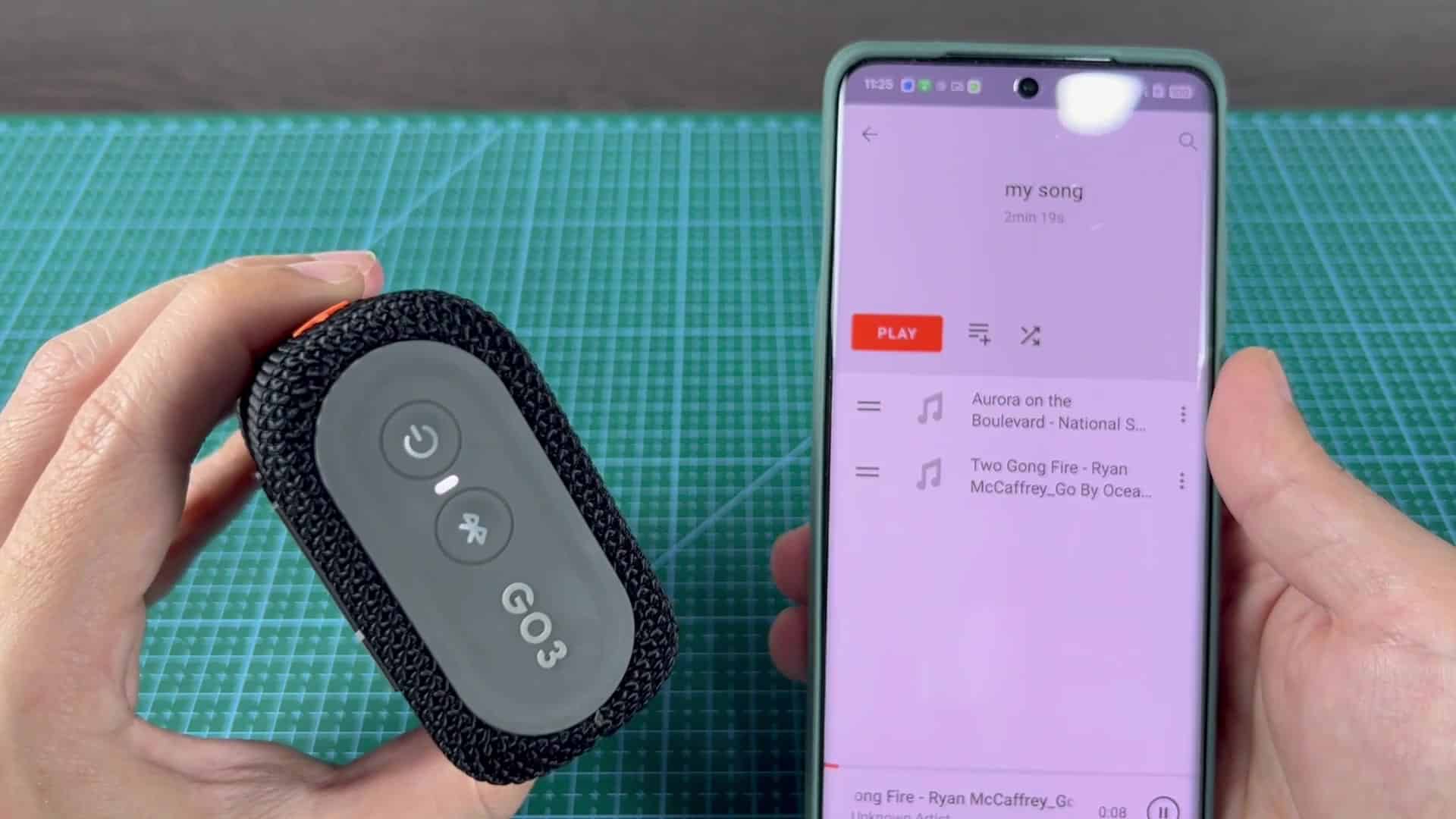
Test the connection by opening up your playlist and tapping Play. Immediately, audio will route through speaker, making it easy to smoothly switch from one device to another.
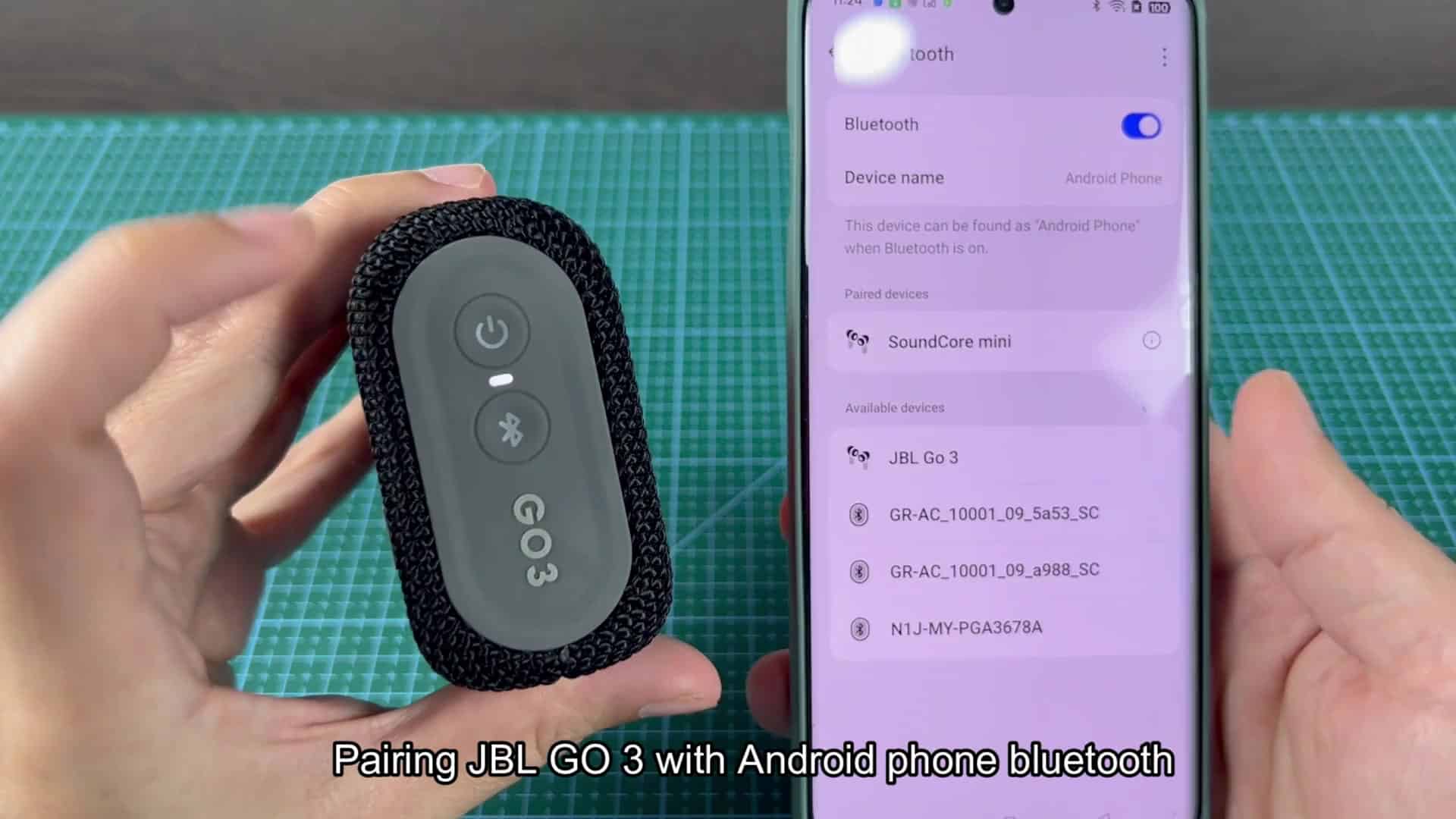
Tap Got it to dismiss the typical warning that playing at such high volumes may be dangerous for your ears. Nothings amiss with the speaker.
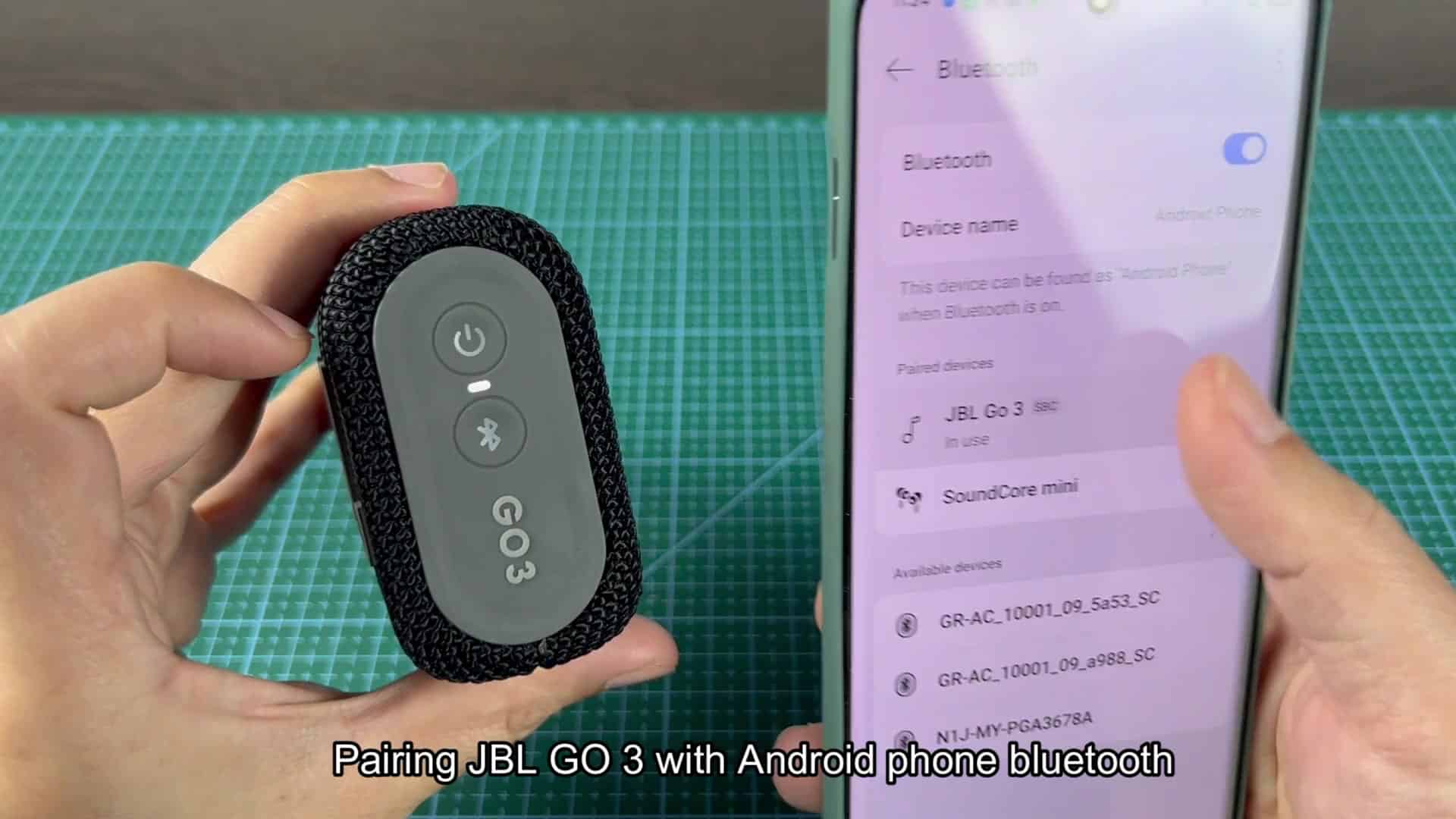
Turning the device around, you’ll notice it sports some nice touches: round, easy-to-grab buttons on the end panel, accented in orange. It’s also built well; it’ll sit nicely on your desk, and feel solid in-hand too.