
To see how much juice your Anker Soundcore Mini has left, simply glance at its indicator lights on the device itself or via your phones Bluetooth settings. Because it’s small enough for a pocket, you’ll want to be sure you’re aware of charge before heading out with it. That way there’s no guessing at power levels.
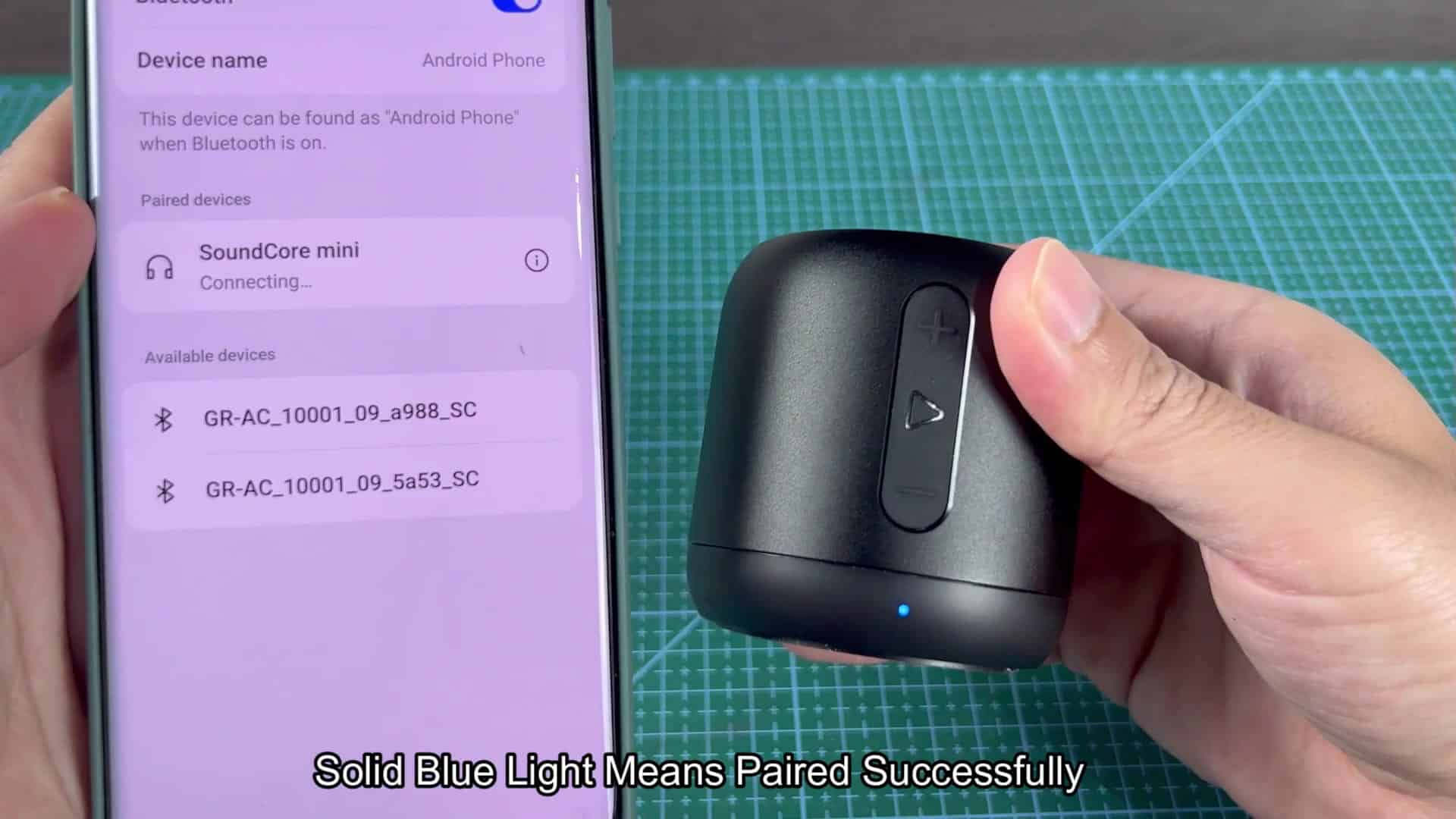
Checking Battery Status via Bluetooth
Open up the Bluetooth menu on your phone and there’s the speaker. In your list of devices it’s paired with, it shows up. It says the speaker is being used, and it tells you actualy how much battery is left. No more guessing whether or not you’re going to run out of juice while you’re working out. Just a number.
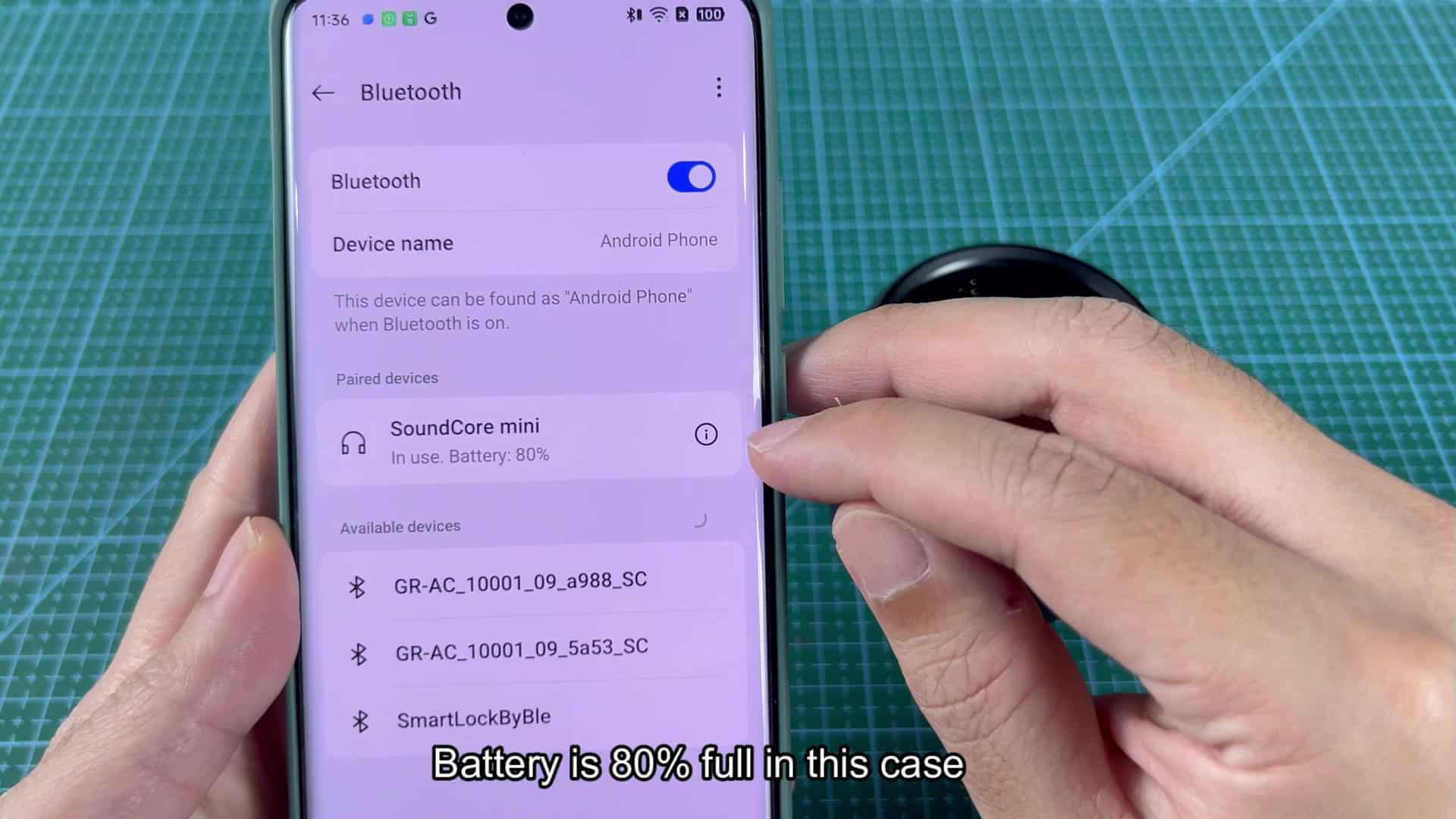
At that point, I saw it show 80-percent remaining on the screen. As you listen to music, you monitor status and make sure it doesn’t change. During the entire listening period, the numbers don’t changes. This data tells you exactly how much longer you can play them. No more guesswork involved in your daily life.
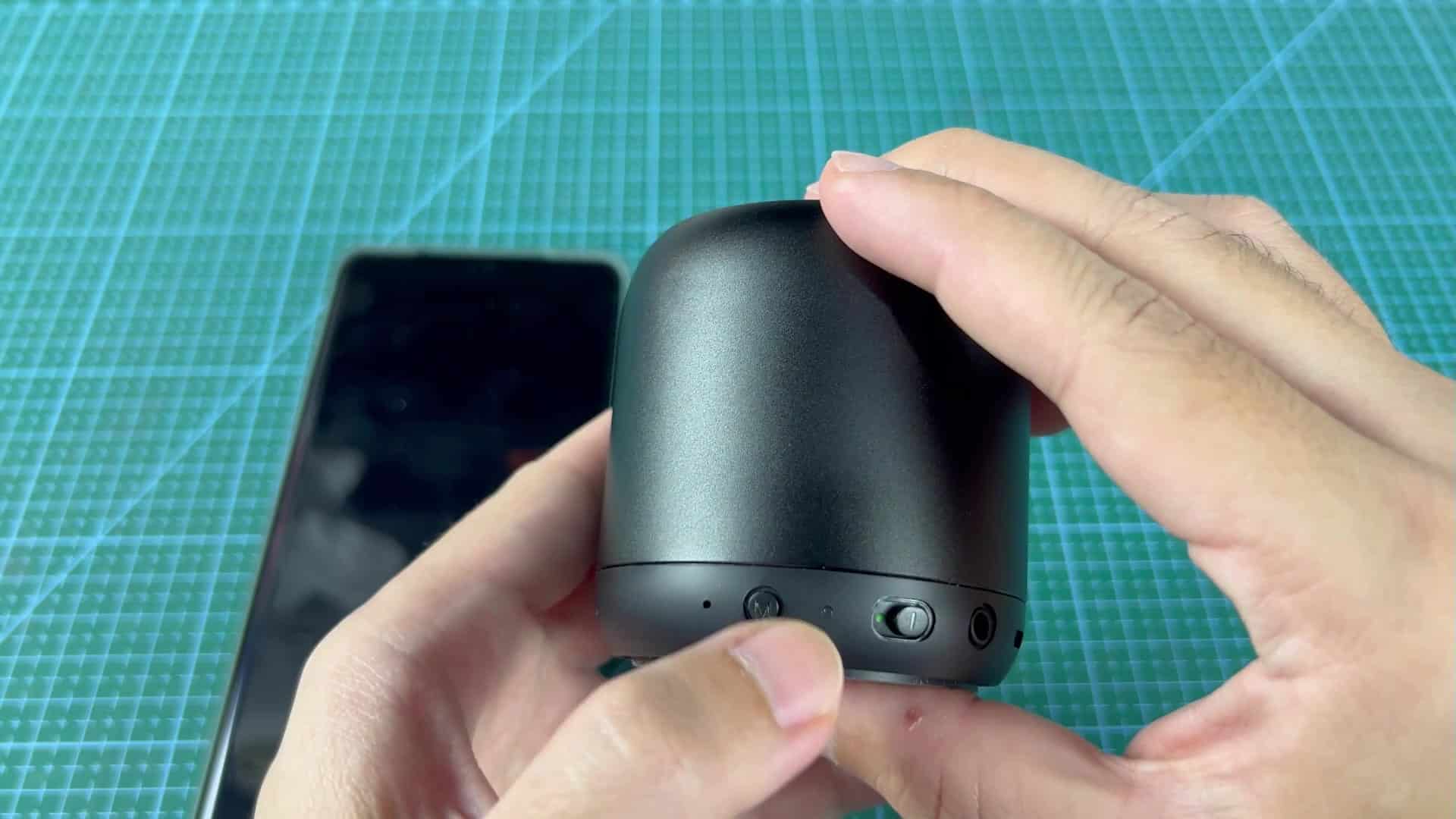
Sometimes, however, you don’t want to use your Bluetooth connection. Sometimes you just want to check and see what battery status is. For that, there is the real-life indicator lights on the bottom of the speaker.
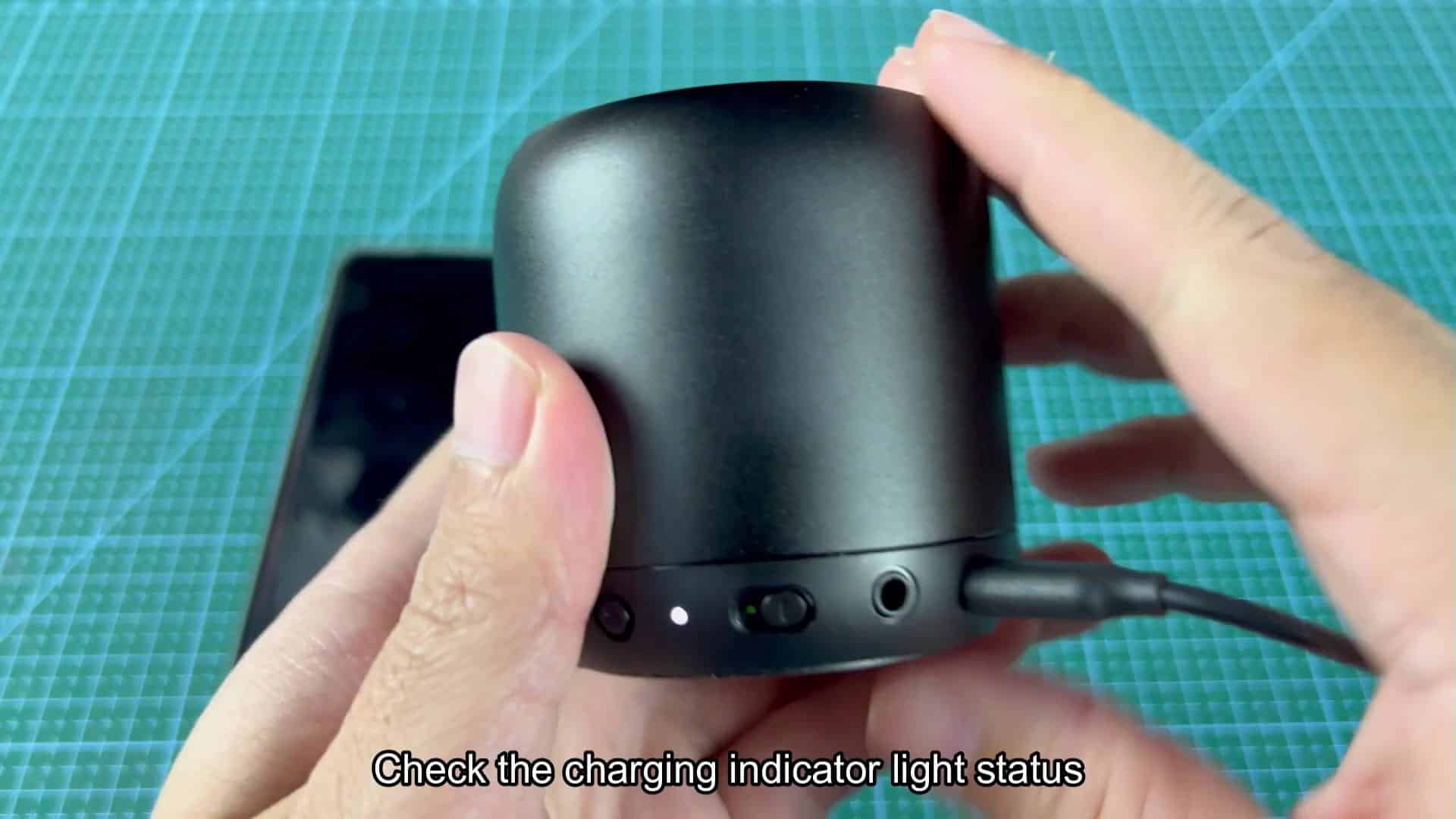
The speaker has a few different combinations of these light which tell you visually how much power is inside. Before plugging things in, you should of learned what each combination of lights means. Once you have that down, system works well.
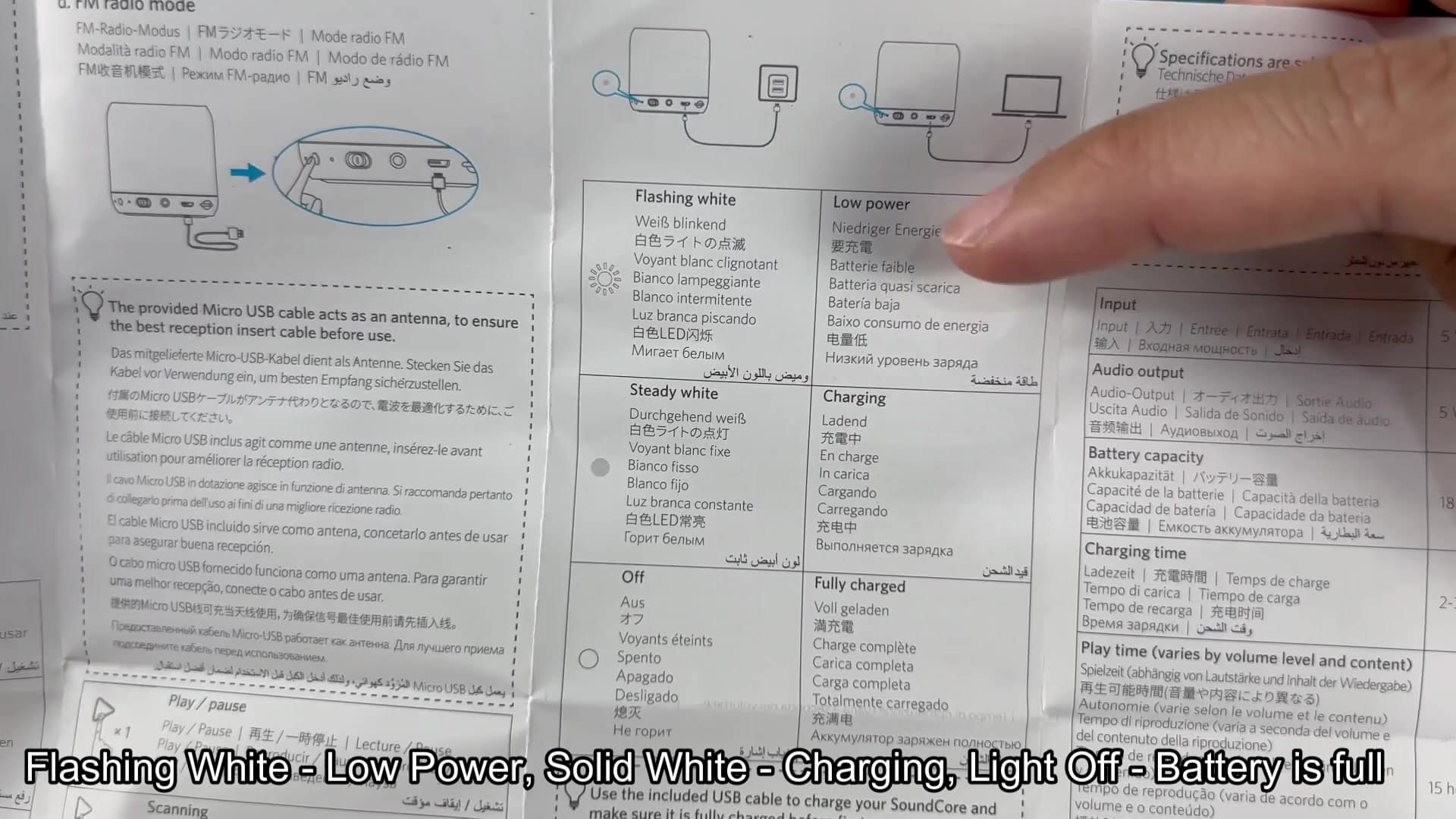
To test it out, plug in a charge cable and observe what happens with the lights. As soon as power enters the system, that bottom LED comes alive. And color shifts let you know exactly where your battery stands. Understand the basics and there’s no guesswork. Observe light shift from one state to another to make sure device is talking to you.
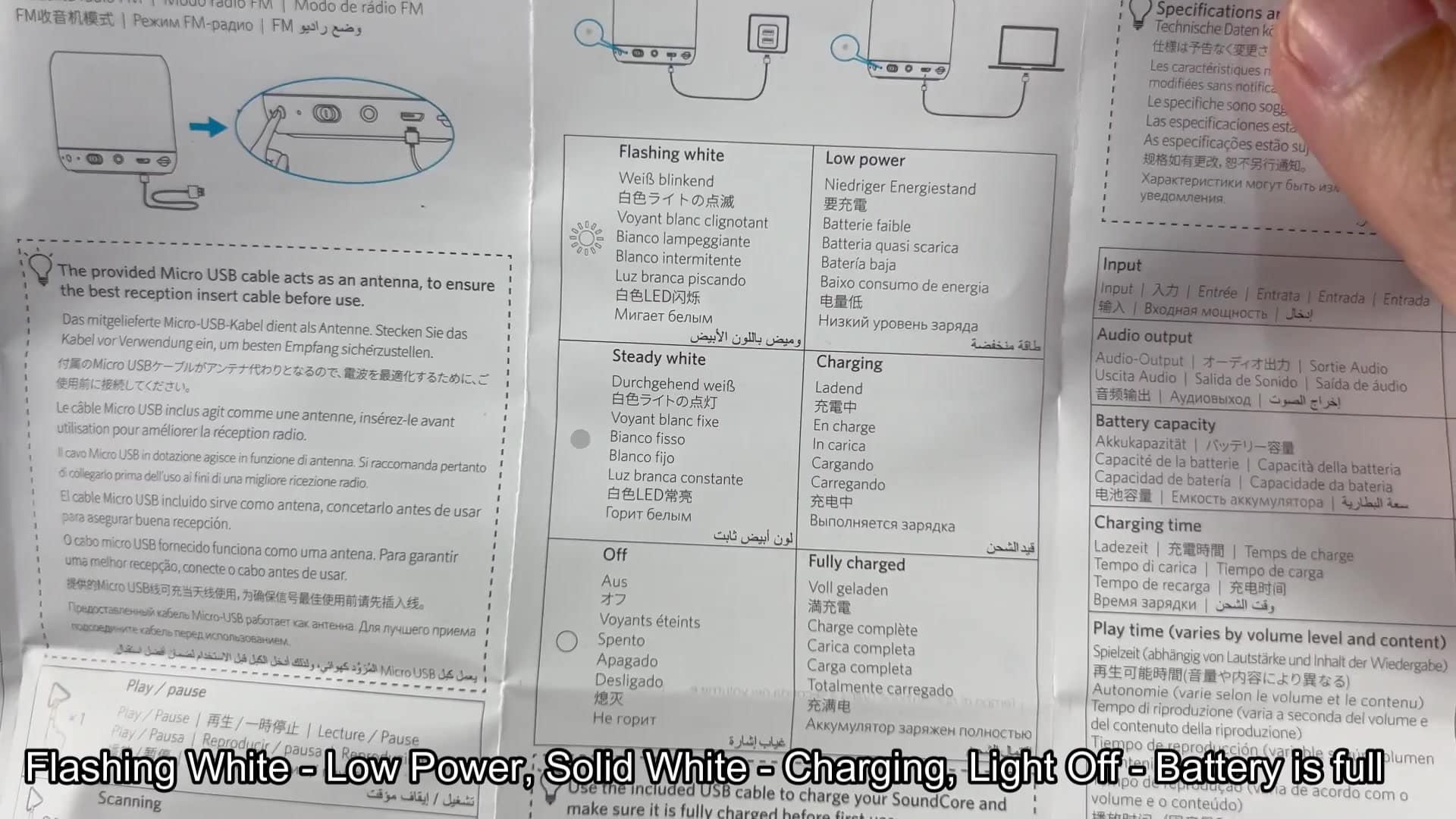
The manual explains what each light behavior mean. When it flashes white, it means you have a low-power situation. If it’s a constant white, then you’re actively charging your battery. When it goes out entirely, it’s because you’ve reached full charge. That makes for more solid observations different than vague ones and lessens the guesswork.
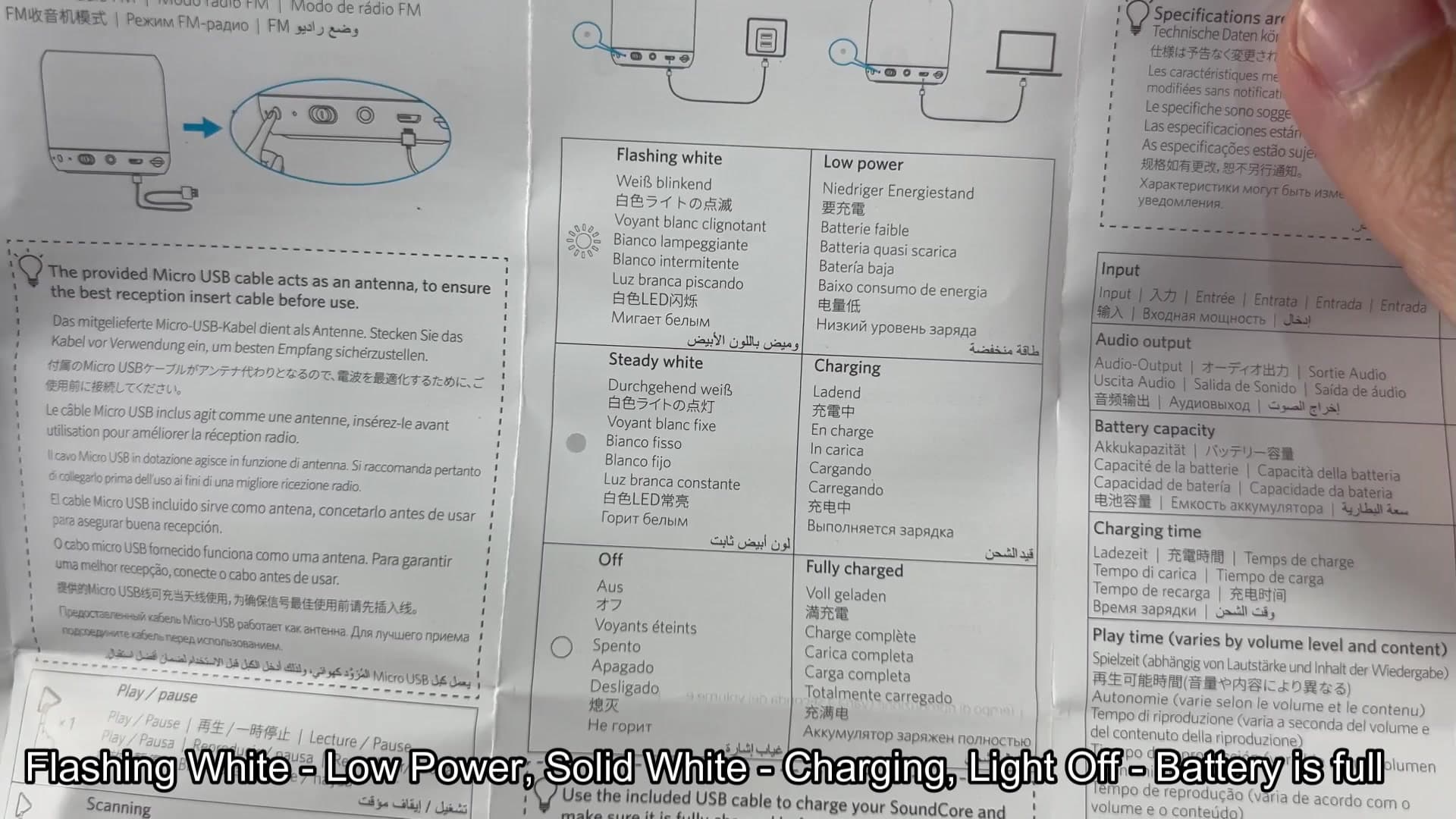
Bookmark it for future use
If you’re wondering why a specific feature work or what the specs are, you’ll find them under the specs tab here. This adds more context to the inputs and outputs. Knowing where to look helps ease some stress in troubleshooting. No need to memorize anything, but it’s nice to have an organized breakdown that will save you a little bit of time if you ever have any questions.
The best part is that combining both methods give you a complete picture. The digital display allows you to get accurate reads while the lights gives you an immediate readout.
So when you’re using battery you can monitor it in real time via Bluetooth. When you need something quick, like checking it at the dock or whenever you want, no need to turn your phone on, just glance down at the LED indicator lights for a visual cue.
