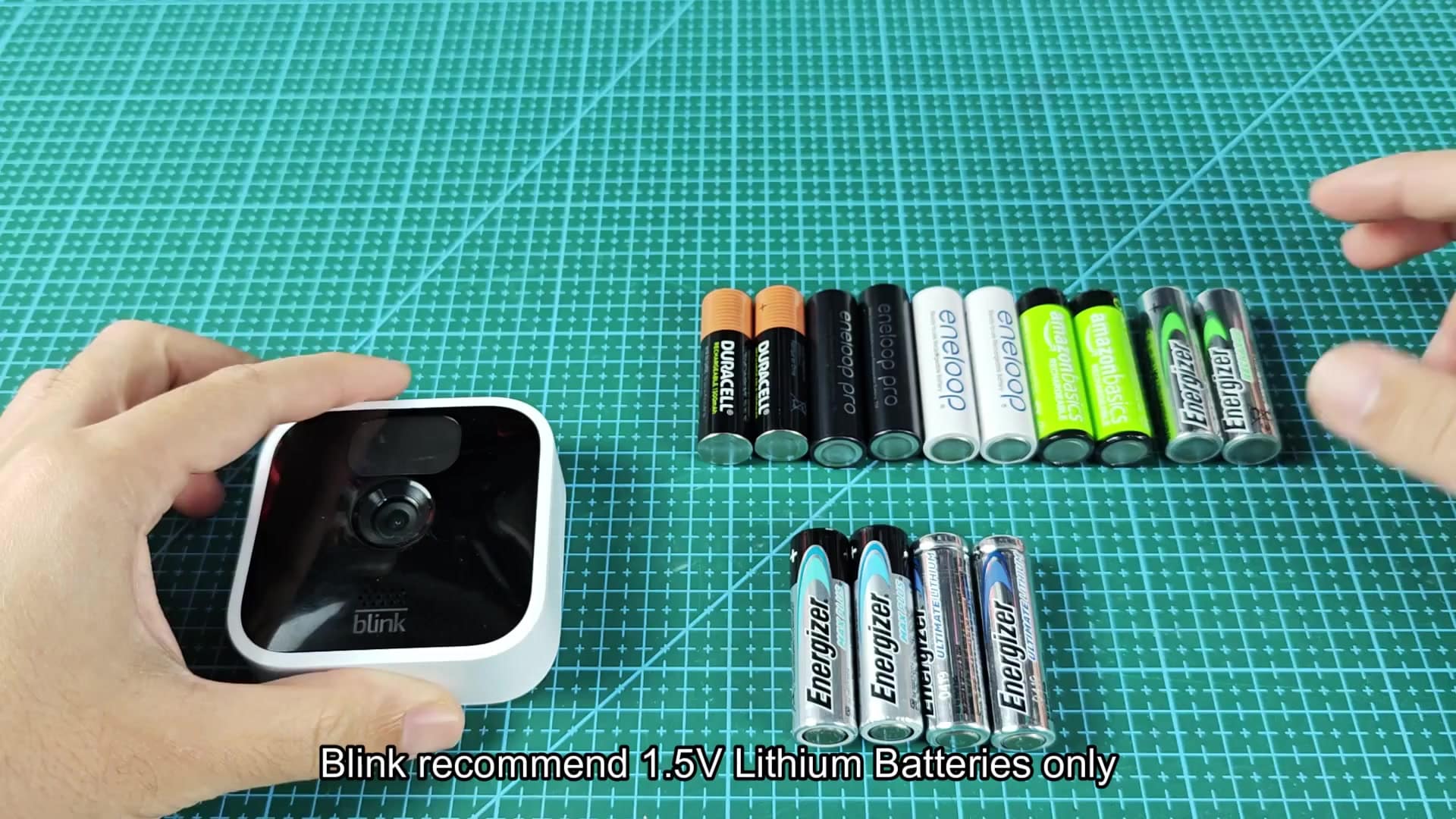
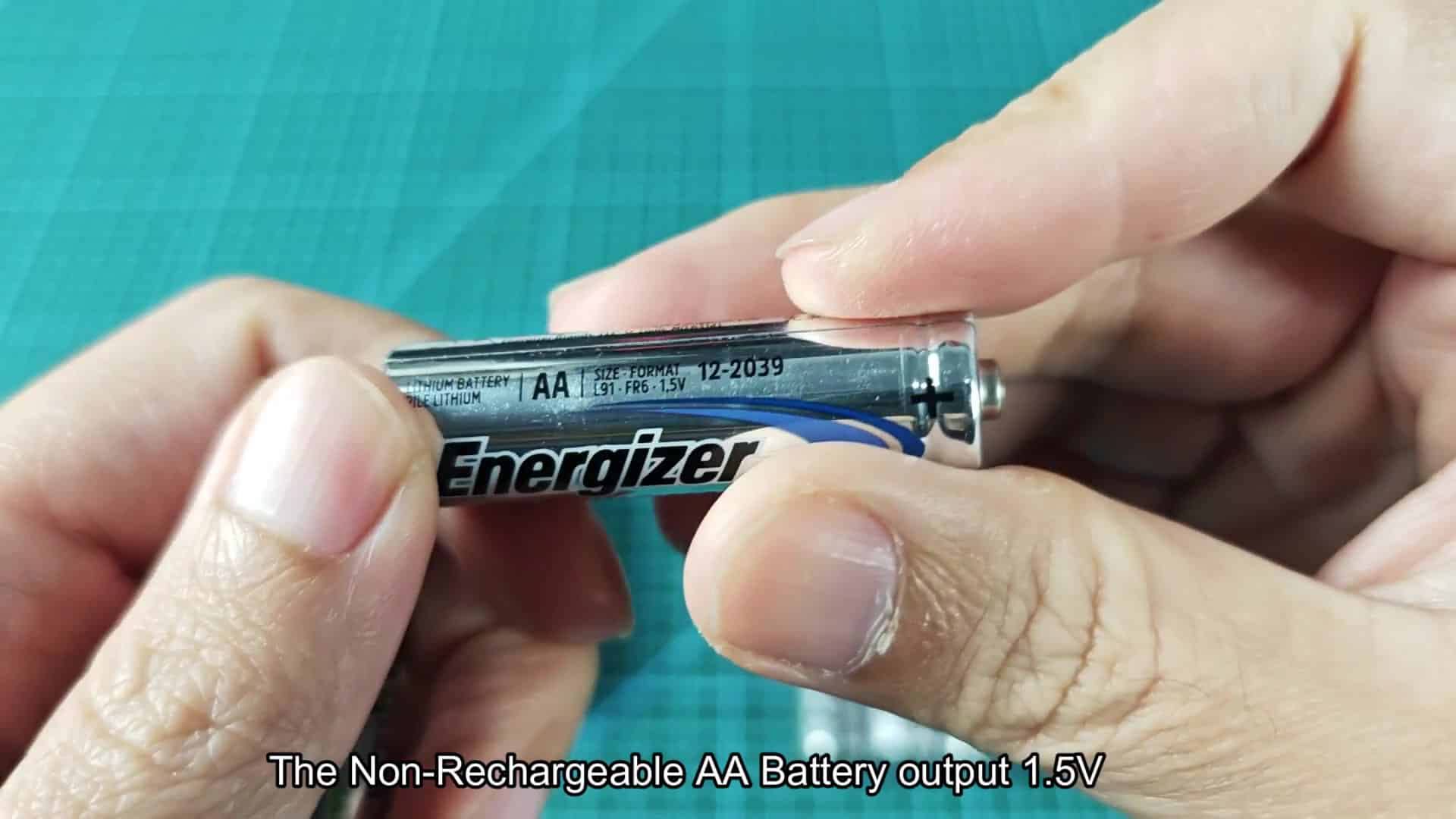
The package for Blink cameras spesifically says you need lithium batteries with a rating of 1.5V. The support pages even have a specific section that tells you not to use either alkaline or nickel-metal hydride batteries, nor should you attempts to use rechargeables.

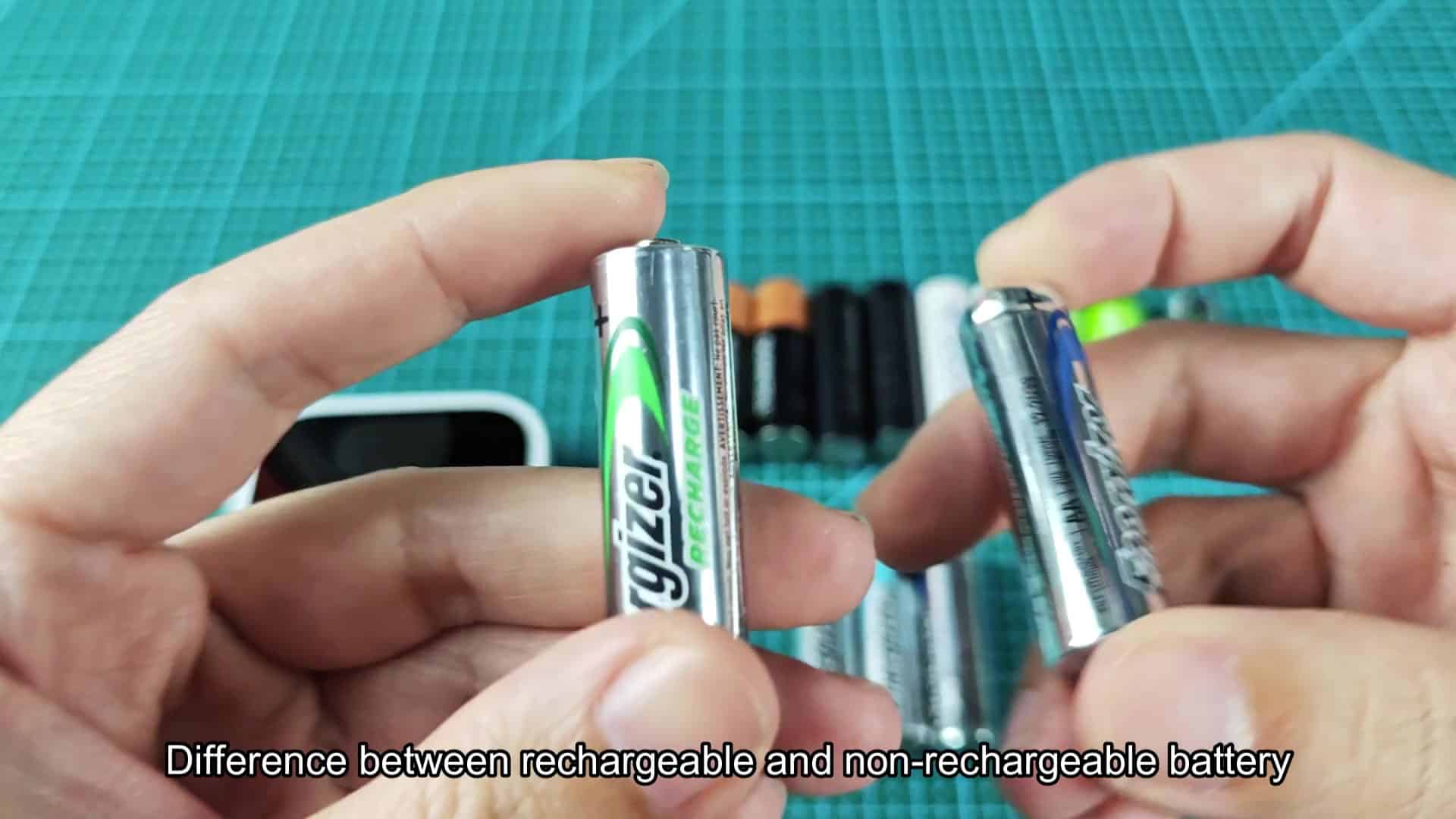
That’s because the voltage matter for how the sensor works. Lithium batteries are standard and they run at 1.5 volts, exactly what device needs to work. Alkaline runs slightly above this at 1.4, 1.6 volts. However, rechargeable AAs will put out just 1.2 volts. That means it can’t give camera enough power to operate properley.
Why rechargeable batteries trigger warnings
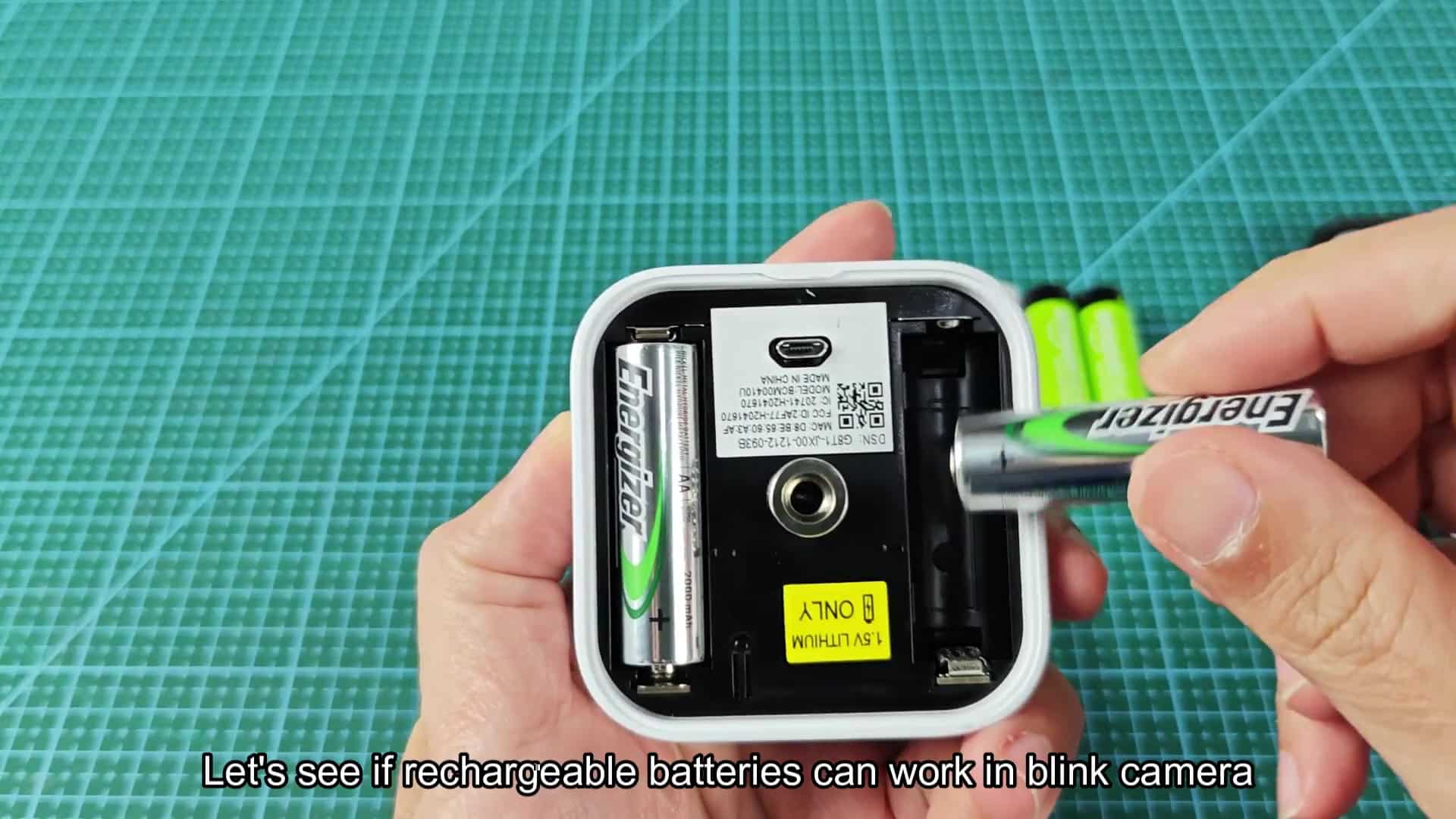
If the voltage falls below that threshold the system will then run some checks internally. It is odd that this policy blocks a battery that adequately powers the device. In our testing we have found no problem inserting rechargeable batteries into stock compartment. Simply install the batteries in one of your unit (while off) to verify. They slide right in and are physically compatible.
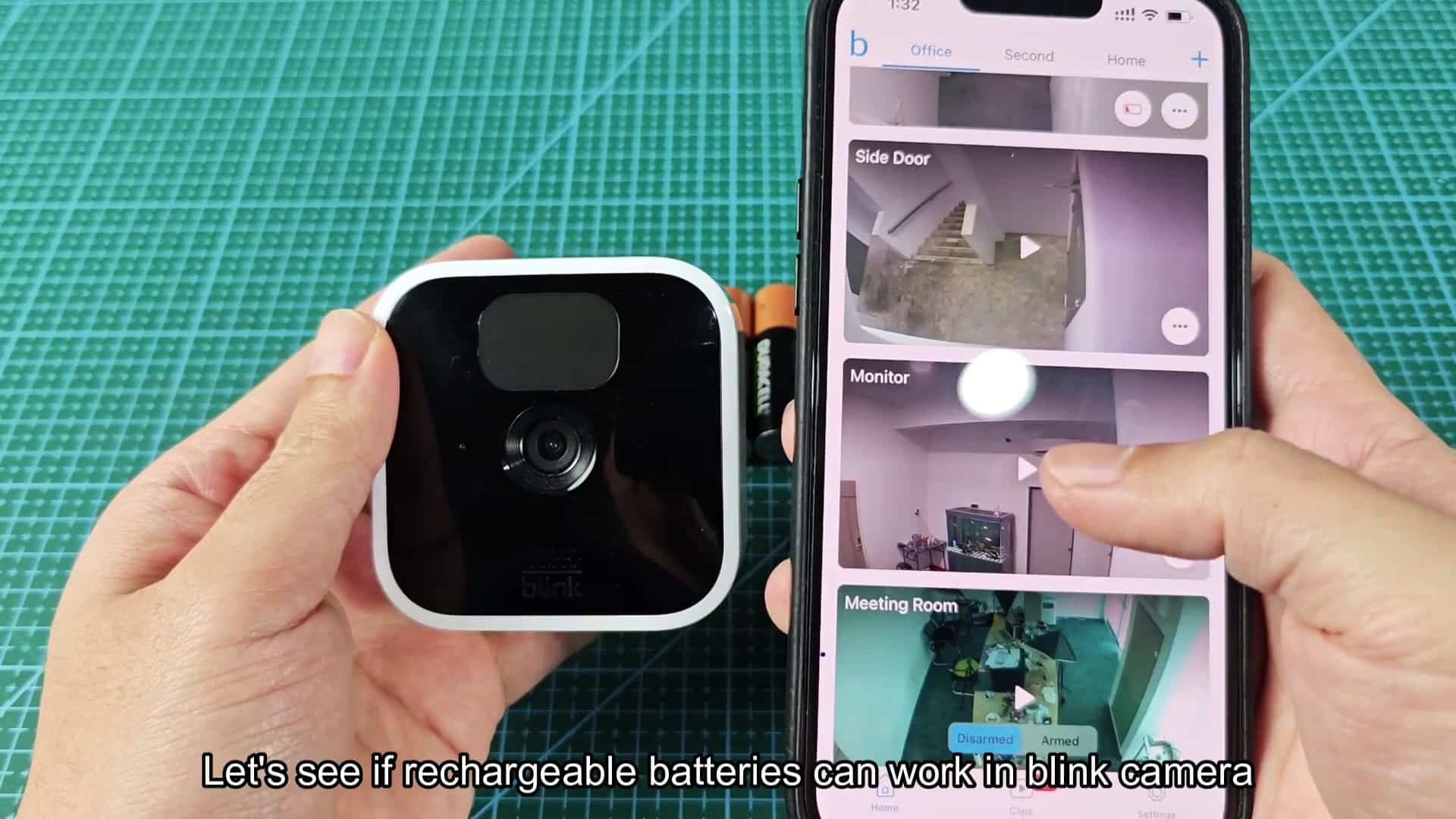
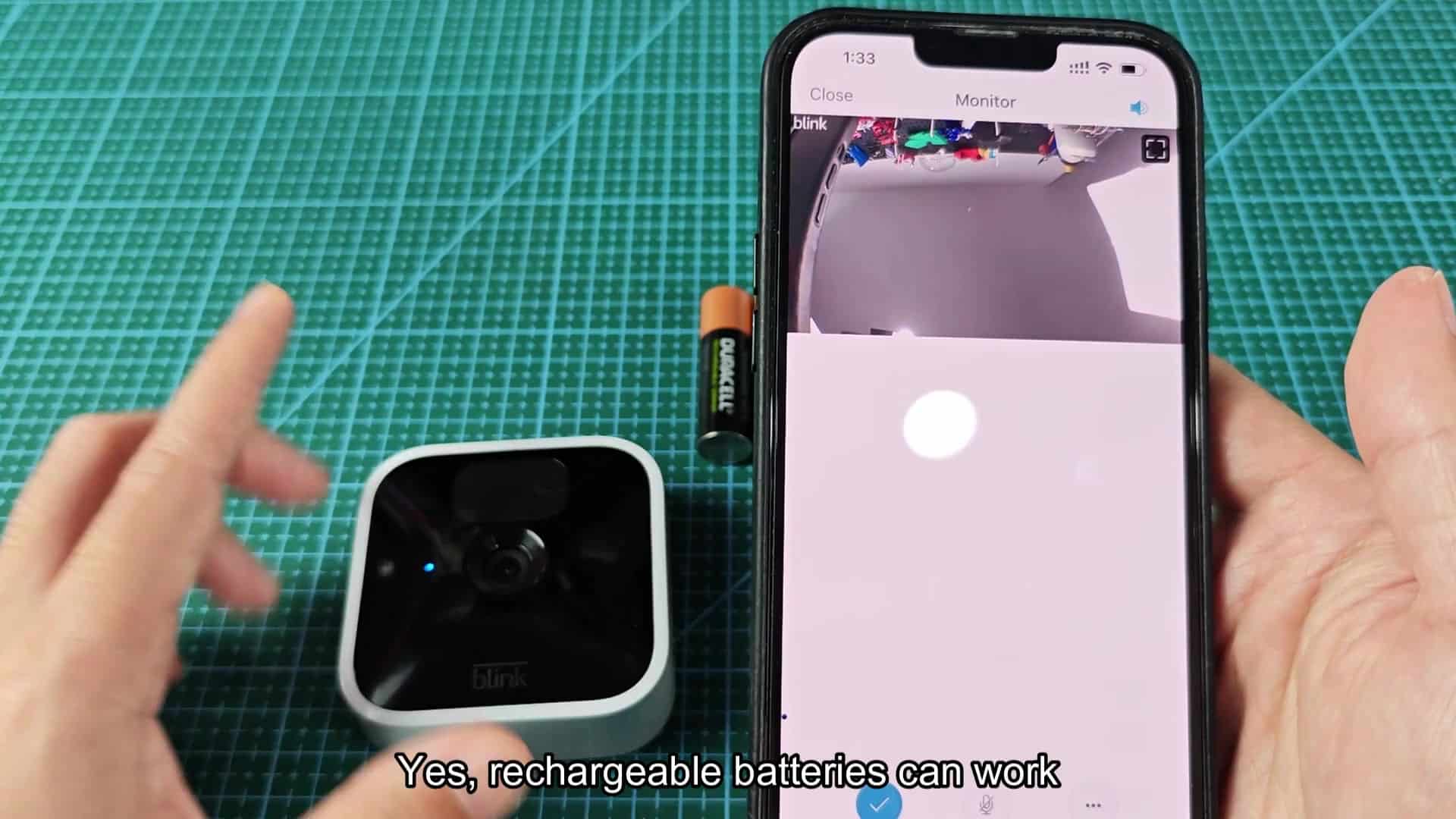
The camera tiles open up just fine and look normal when you open the app. You tap into one camera and it load the live feed. It looks like a nice clear video signal when you wave your hand across the screen.

So far so good, the rechargeable batteries is able to get the system going. But not for long. Shortly after installing them, the warning signs start appearing.
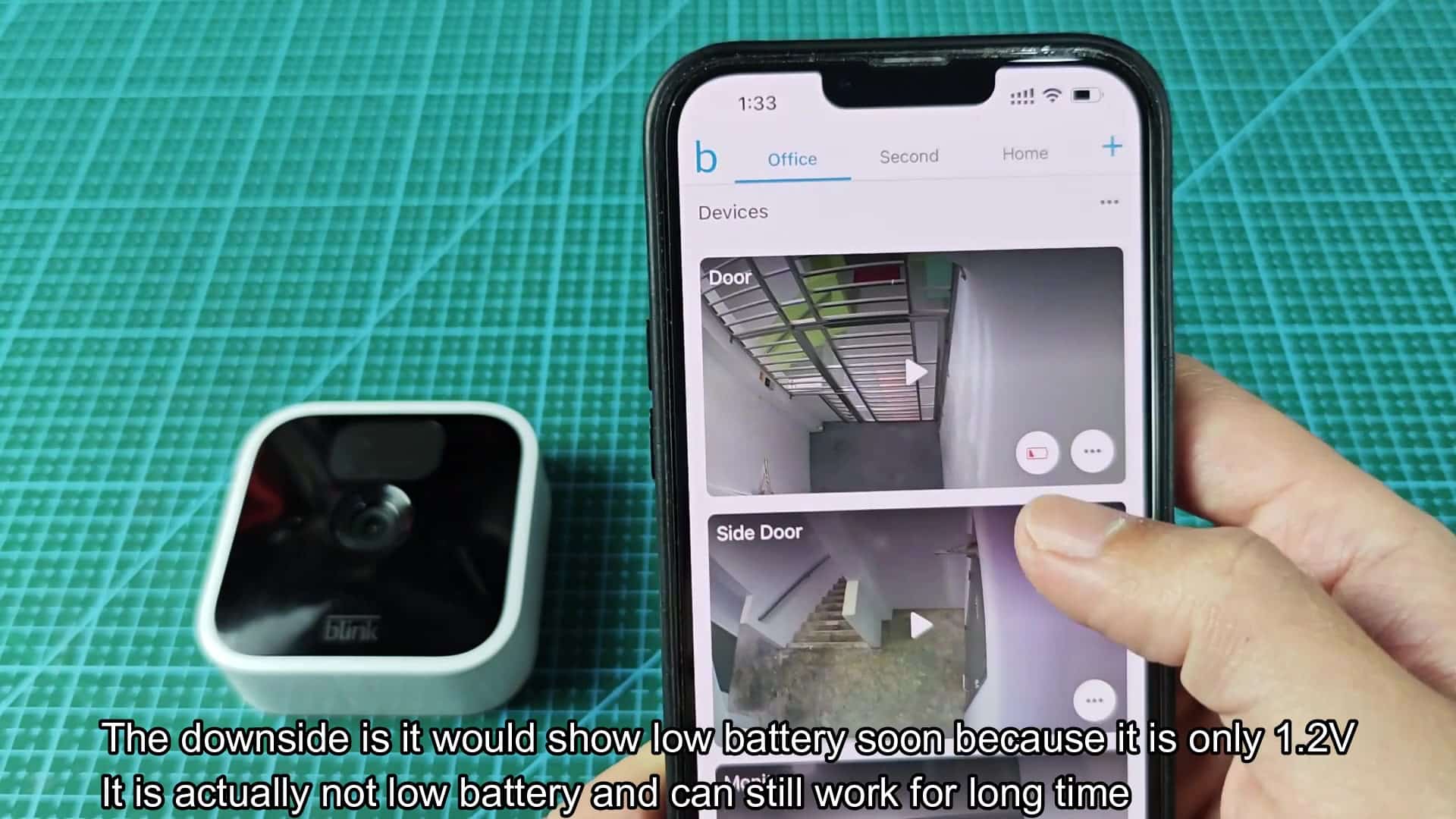
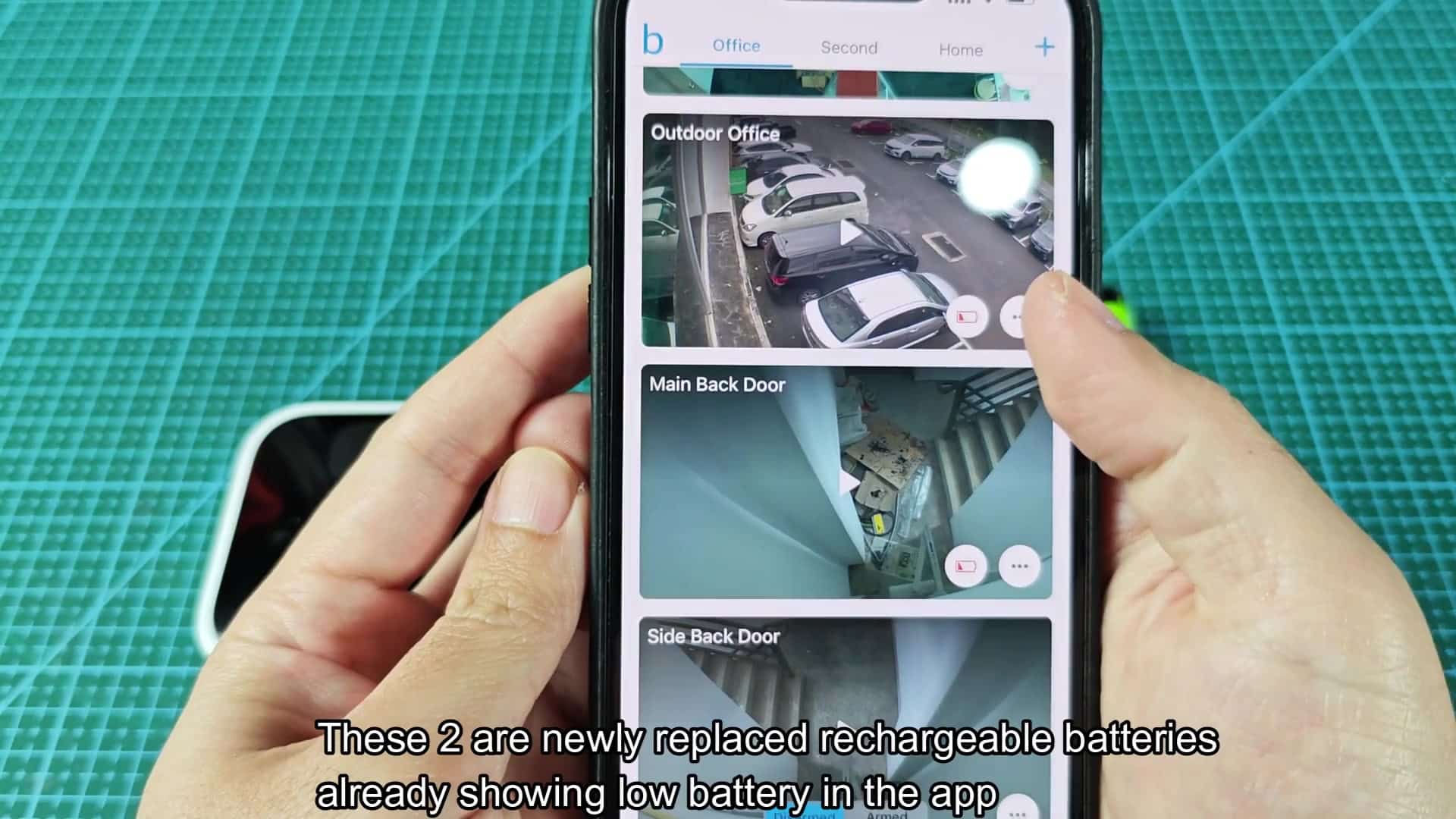
When the cameras are installed with full battery, the app show a red low-battery icon. It tells you the camera may stop recording videos or you might have trouble getting to live view. It notes this issue could result in a total loss of connection to the camera. This happen even though the batteries are full.
That’s when it kicks out false warnings like this. The system detects that the power is lower than normal.
When I take these batteries out and install some fresh, rechargeable ones in another camera, it’s the same story. Even if they’re completely new and just off being charged, the app flags them as having low battery right away. That means it doesn’t see the weak cells… It simply can’t understands their 1.2V signature.
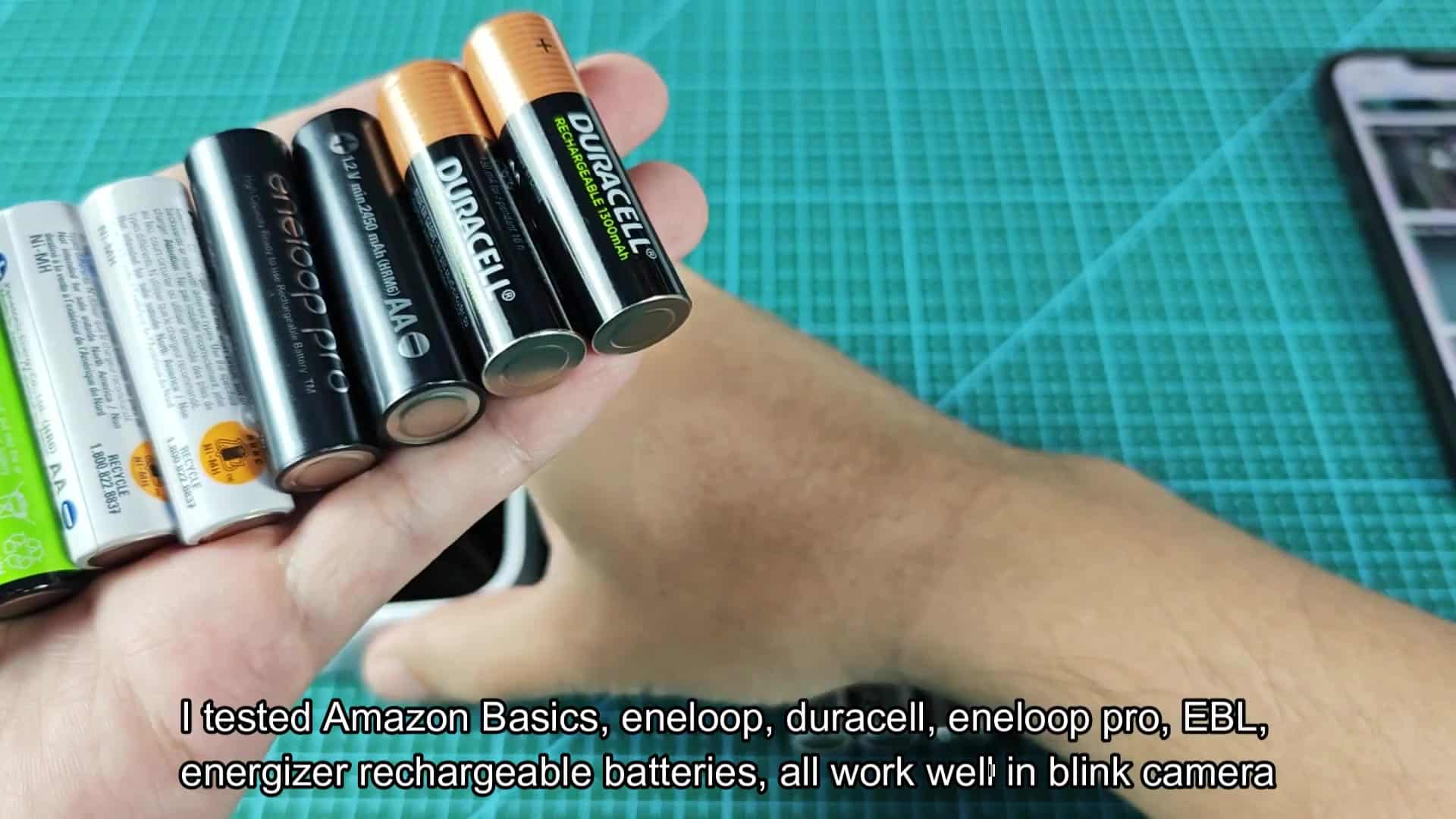
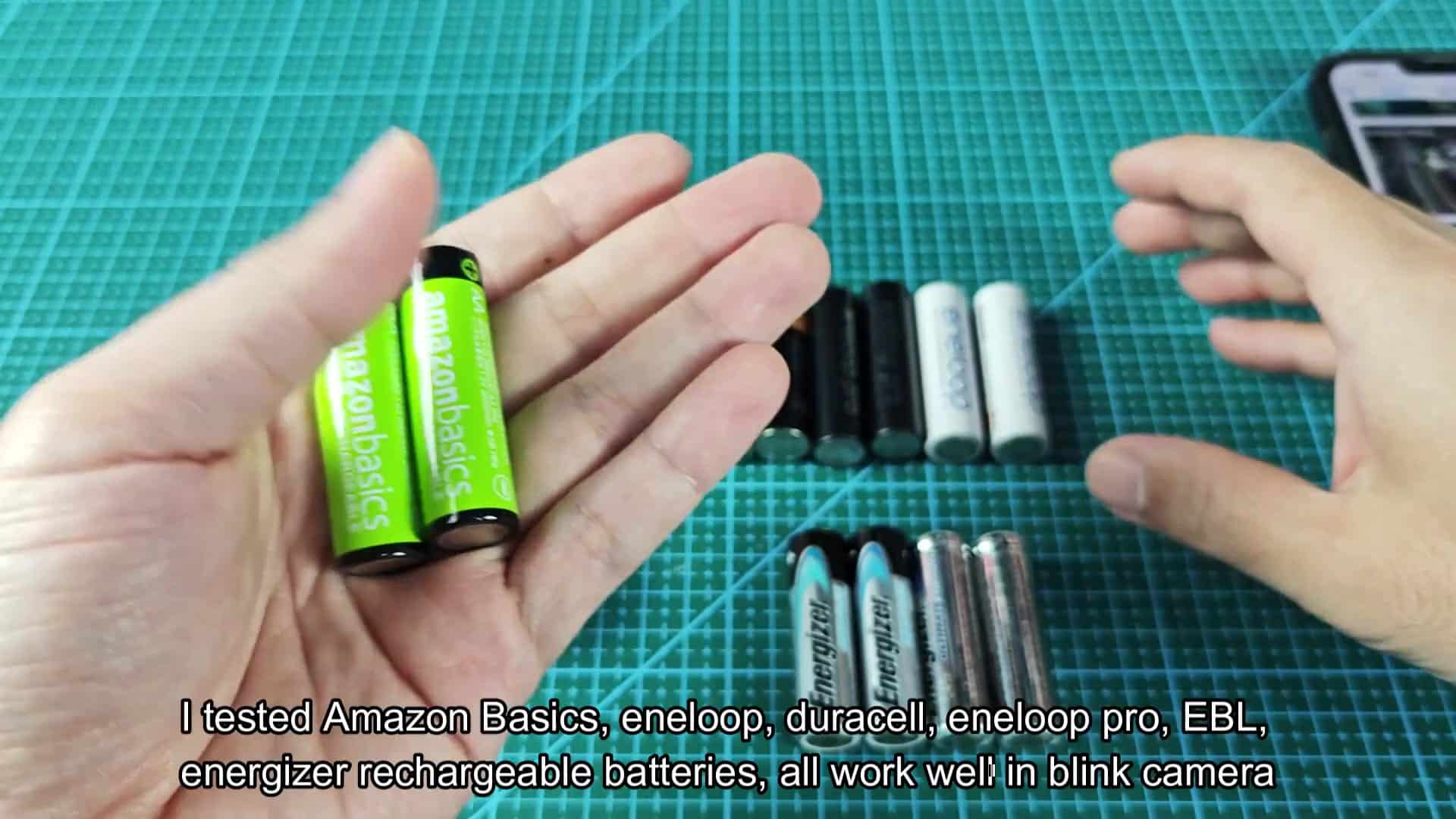
I tried several different types from various brands (Energizer, EBL, Duracell, Amazon Basics, eneloop) and all of them would of prompt the same warnings.
The app shows some red flags but in practice everything just works. It doesn’t lower recording quality throughout our testing. You still have a smooth live view and the cameras don’t disconnect as promised by the warning message. Everything keeps chugging along with no interruption, that’s all cosmetic as it depends on voltage threshold instead of actual battery level.
I know some of you will ignore the false alarms and use rechargeable batteries in your Blink cameras anyway. Even though it tricks the diagnostic system into thinking there’s less voltage everything works just fine. It still works fine in real life even with those warnings flashing on the screen.
Long term, this actualy ends up saving you money. Don’t believe the app when it tells you the batteries is dead. They’re just running at a different voltage than normal.