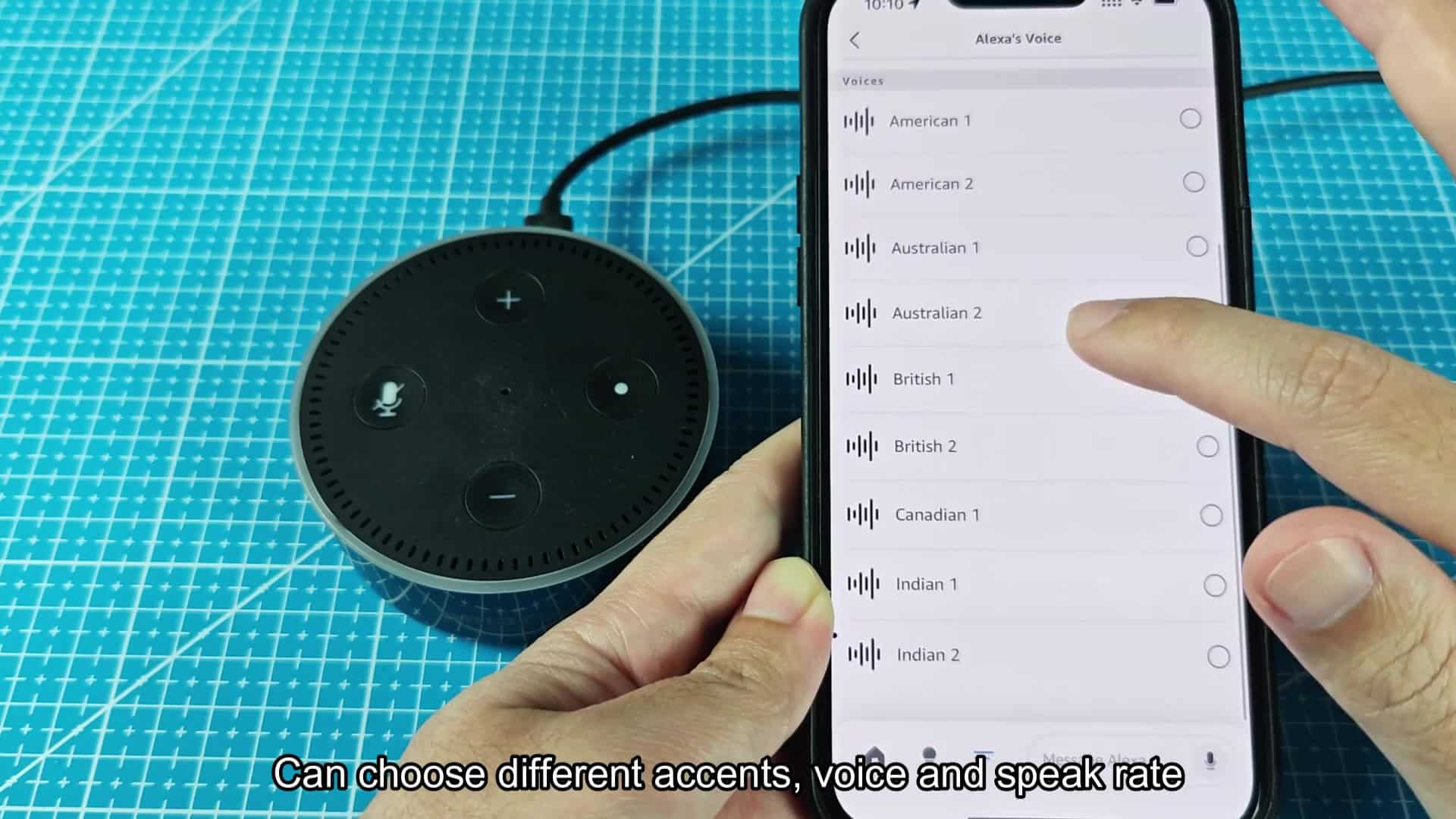
To switch the accent of your Alexa device, just open up settings in the Alexa app. There are several accents to choose from: British, Australian, Indian, American and Canadian. This mean you’ll be able to pick an accent that sounds good for you. It doesn’t require buying new hardware.
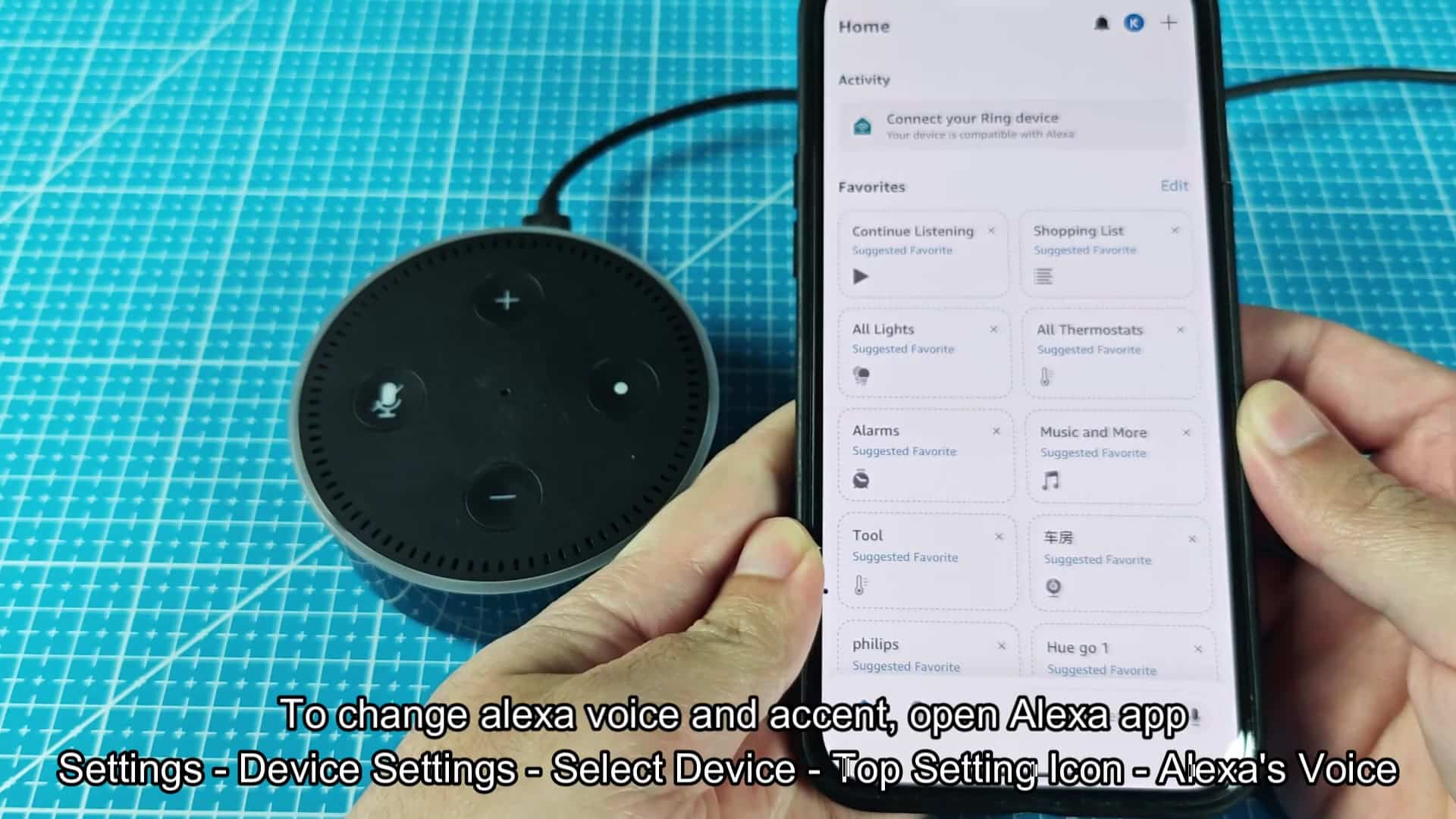
To get started, you will need to open up Alexa app on your phone. Inside the app, there is a mix of home screen with favorite tiles and connected devices. Most people uses it that way every day.
Selecting Your Preferred Accent
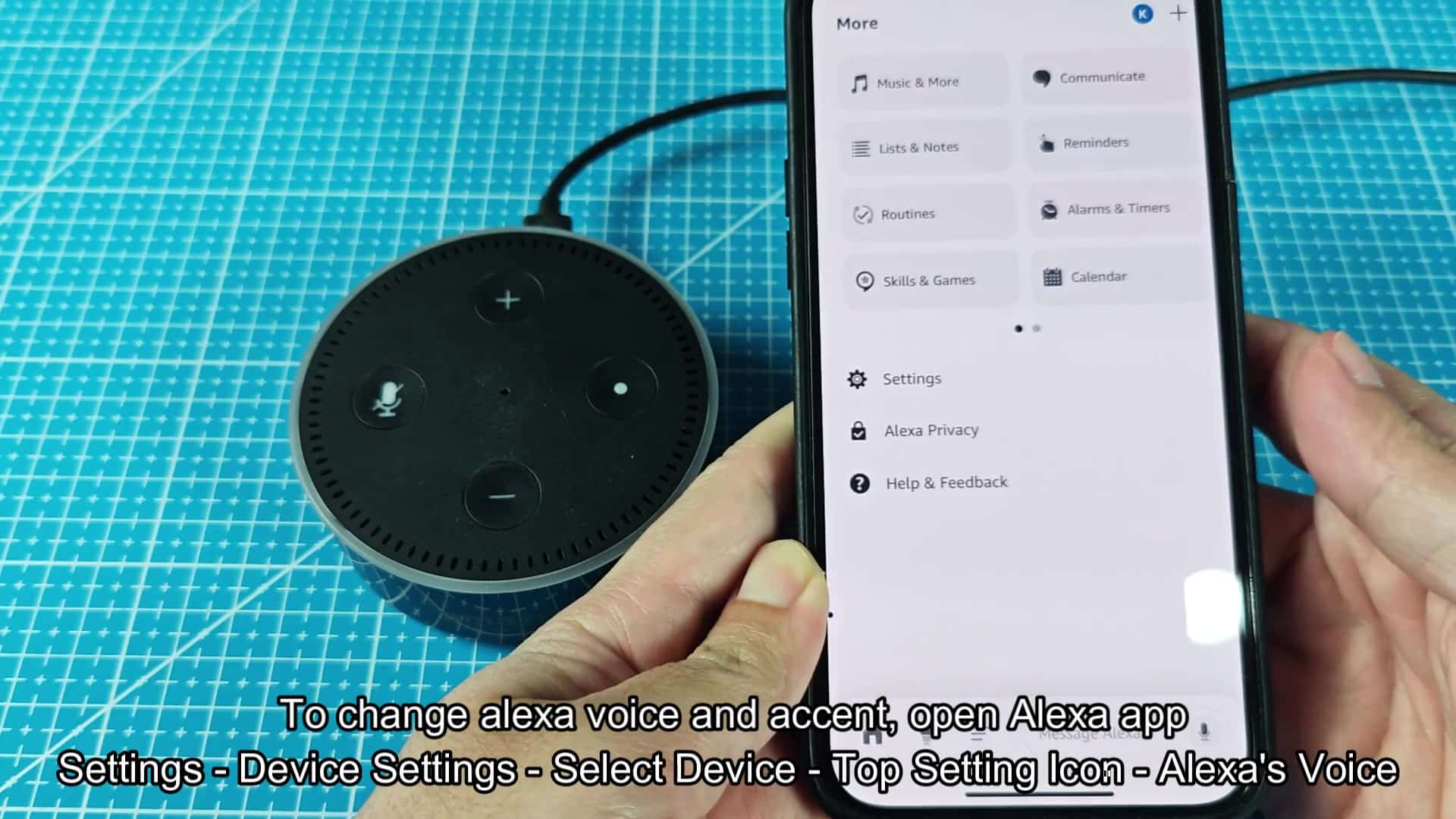
To access the voice settings, you’ll need to go below main dashboard. No obvious button here at first glance. Then, tap the More option from down on the right side of the screen.
Doing so will bring up a fairly lengthy list of settings and other features. In this menu, you’ll find things like alarms, reminders, skills and more. You’re looking for setting that’s closer to the very bottom.
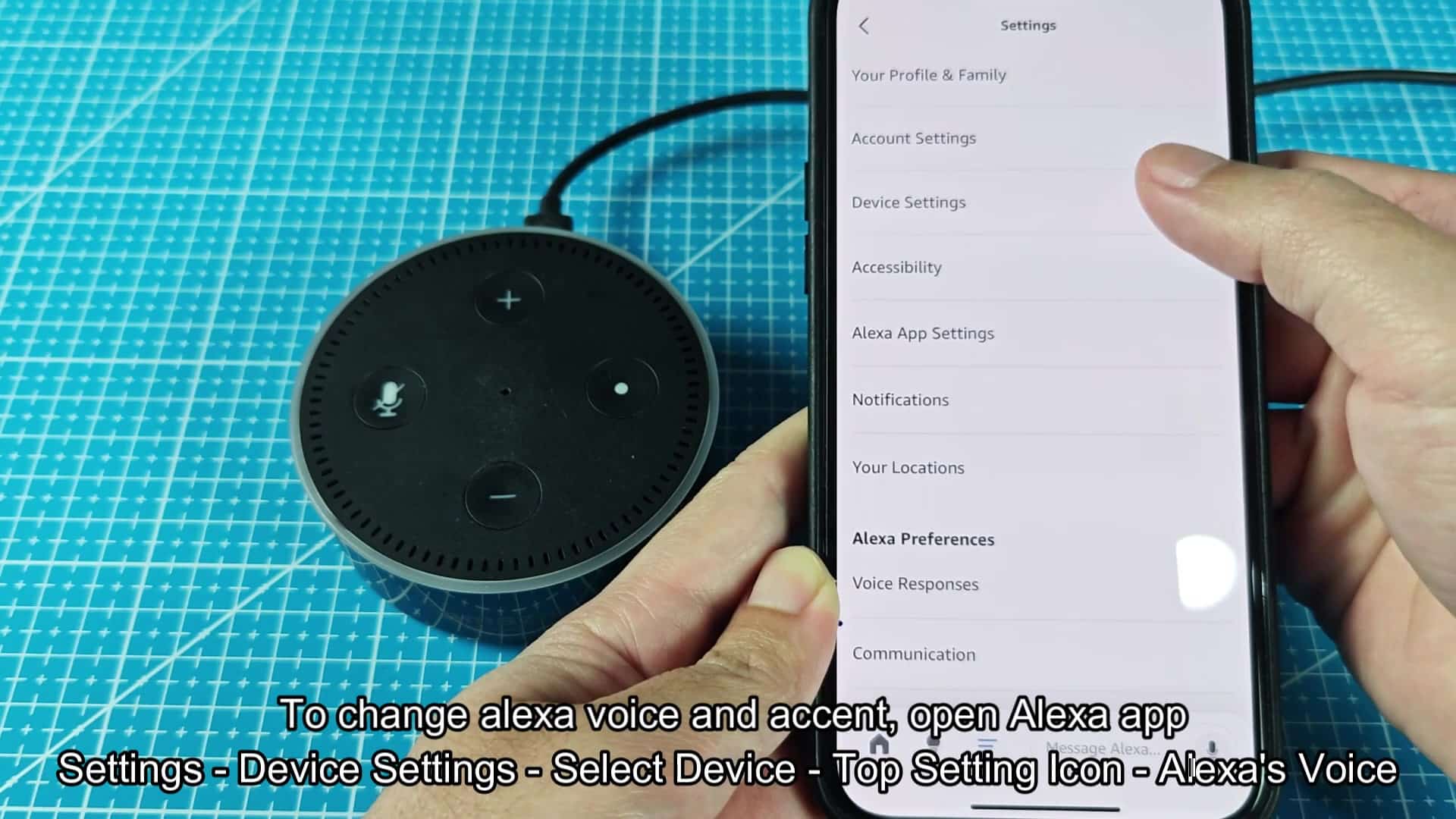
Another lengthy list awaits in the Settings. At the top, you’ll find your account and profile information. Quickly scroll past notifications and accessibility options.
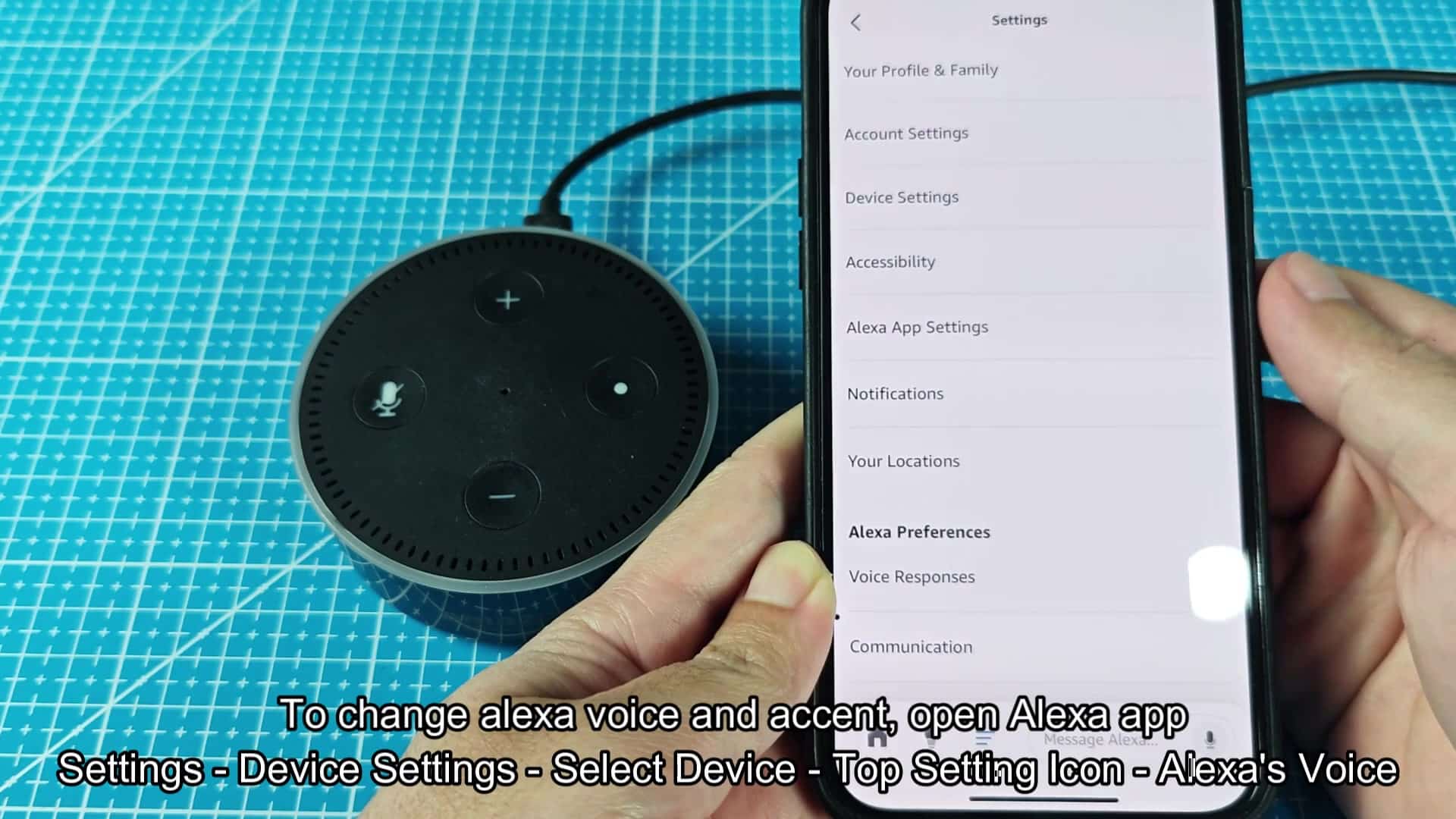
You are looking for Device Settings. Account settings is usually listed below. If you rush through, you could of missed it.
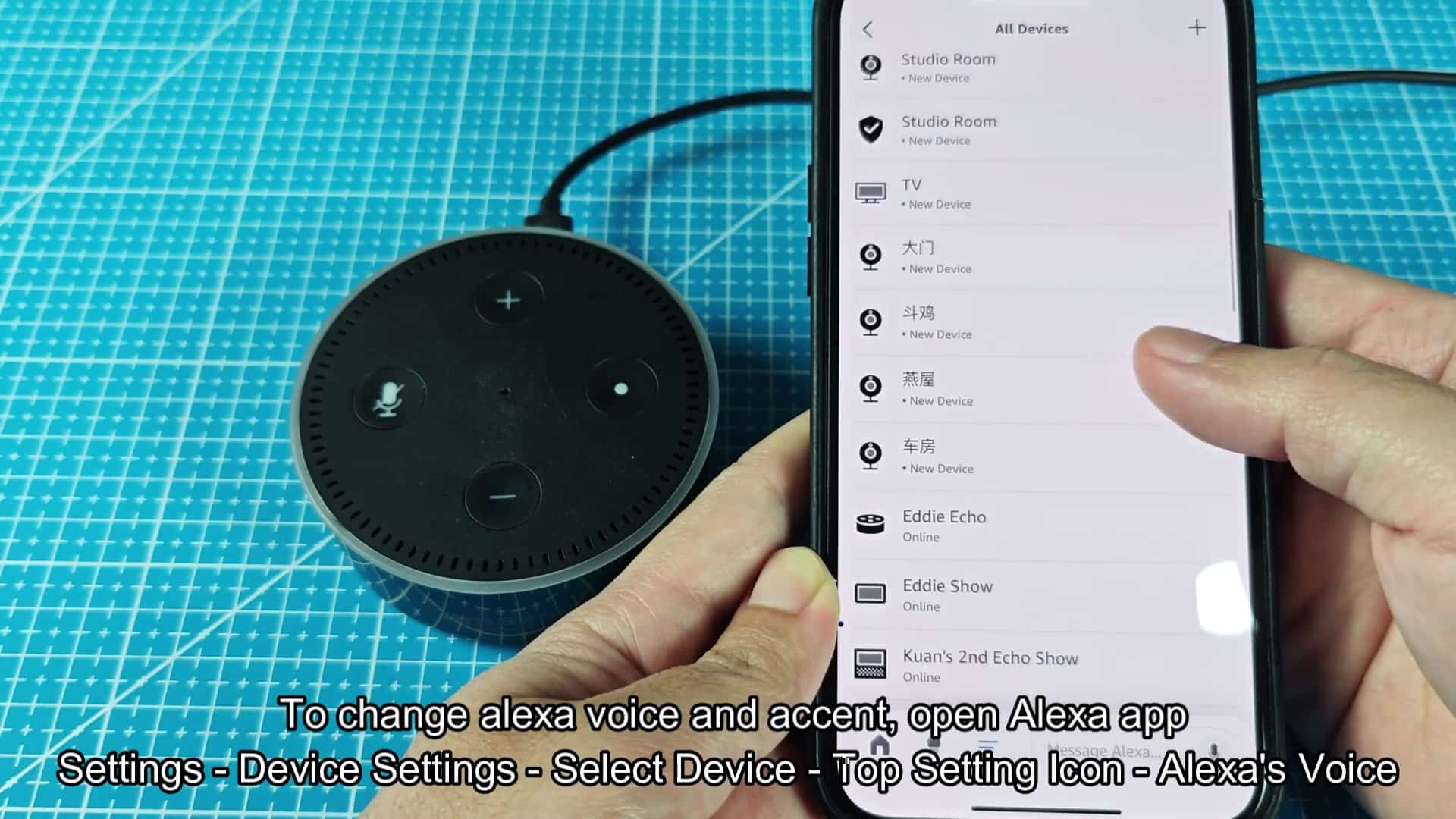
Now tap on Device Settings for a complete listing of your network. This pulls up the All Devices list, which includes all connected item. It will show you plugs, cameras, shows and Echo Dots. And some may be labeled by their serial number or generic name. After years of purchasing items, its probably a mess.
It’ll scroll down to your primary speaker. In this case, you’ll look for your main speaker in the list of connected devices. Tap on the name and it will take you straight to correct control panel for that device.
You can even see when devices goes offline, which makes this all handy. Now tap on the actual Echo unit on your desk. That takes you directly into personal settings for that piece of kit. No more guessing at which is which.
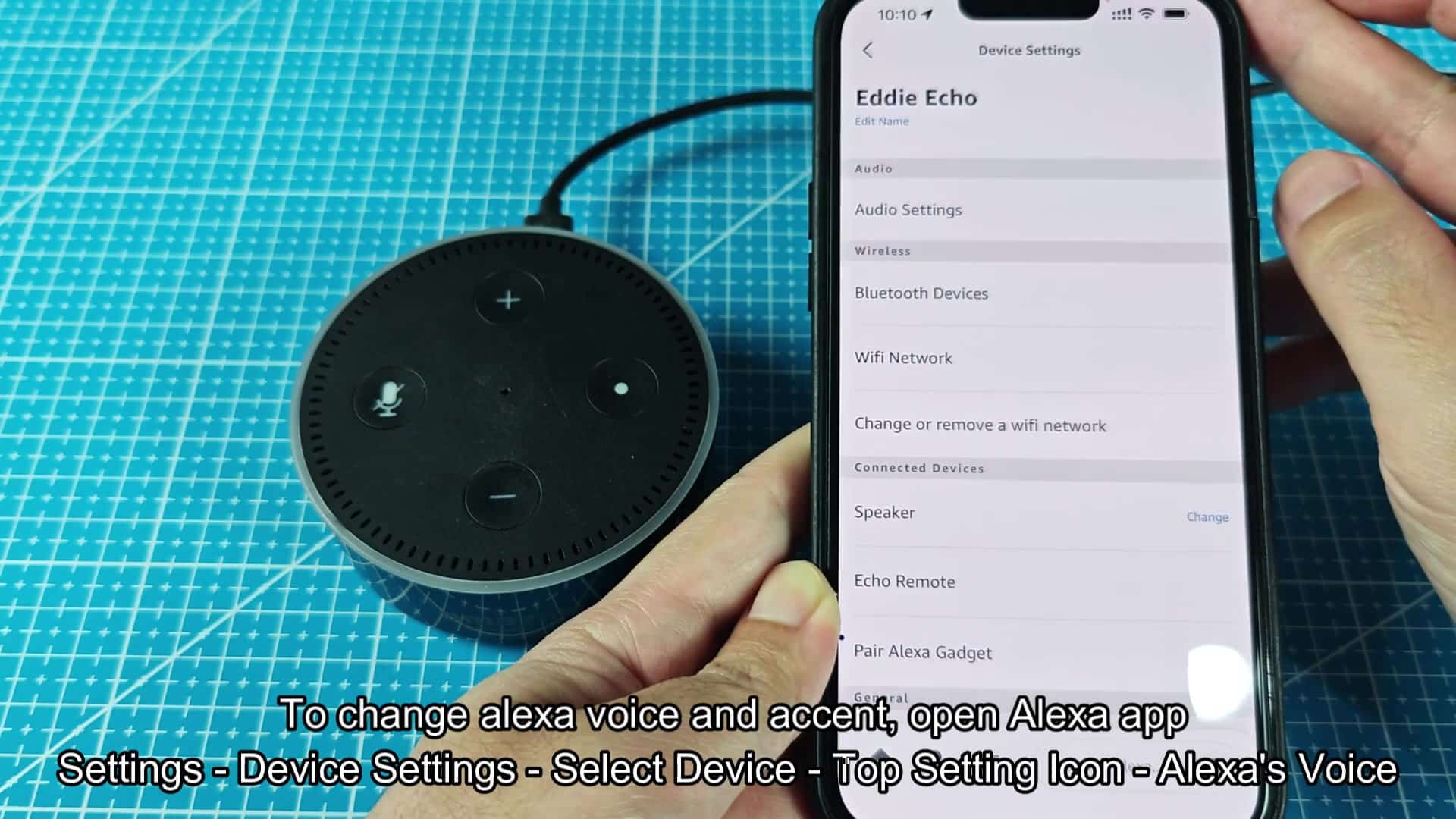
Technical options appear on the Device Settings page. This include standard stuff like Wi-Fi networks, Bluetooth devices and audio settings. Look closely at speaker output options as you scroll down. You’ll also find toggle switches for follow-up mode and a wake word section.
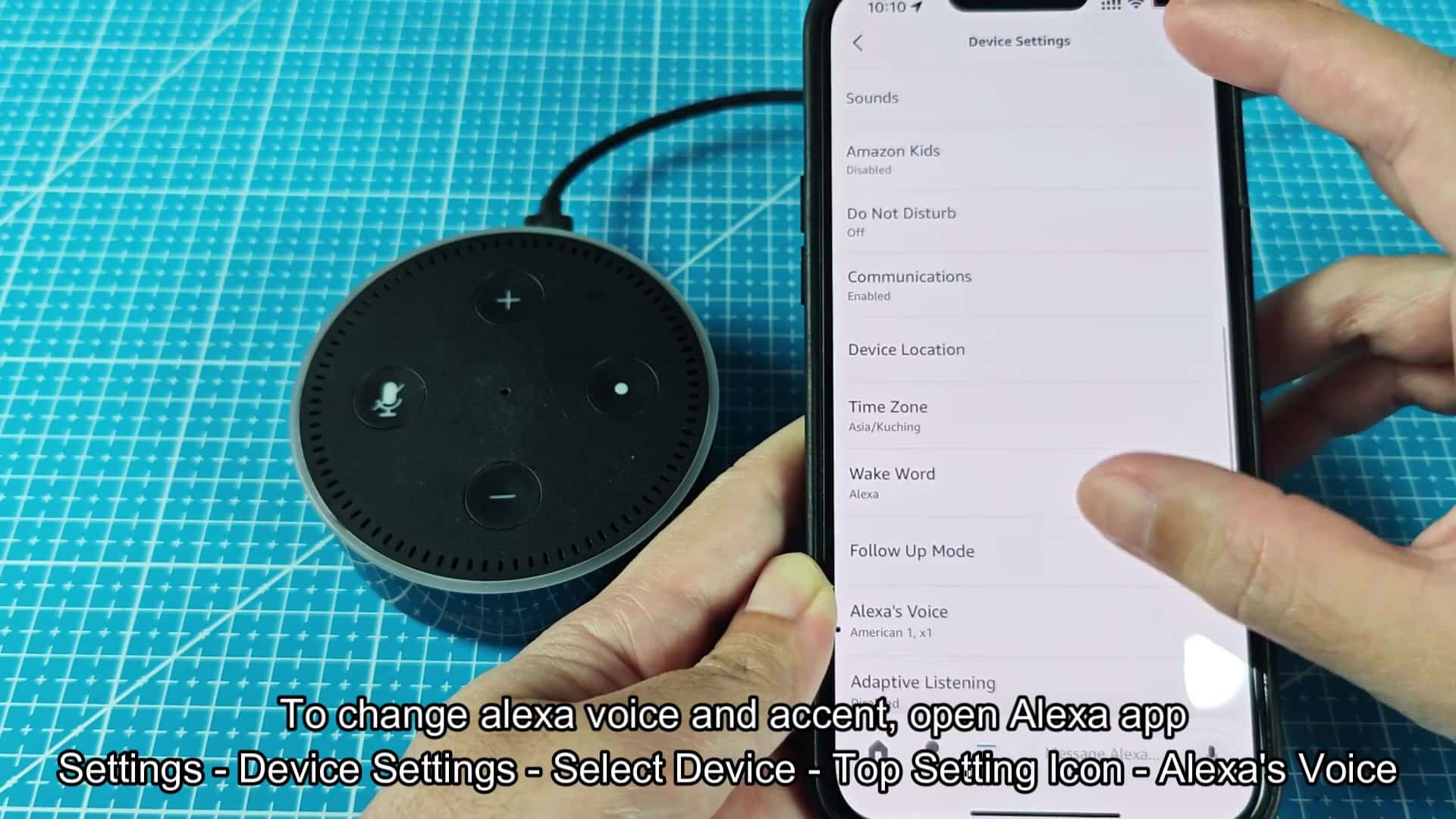
Further down the list is the voice option; it takes some scrolling on smaller screens. Next, tap Alexa’s Voice to access the menu. It will be located directly above where it says your default language.
Once tapped, you’ll see another screen with additional options. Towards the top you’ll find a sliding bar labeled speaking rate. Adjust this to speed up or slow down how fast it speaks. When you’re listening while cooking, that goes a long way.
The list of available voices is shown below the slider. These will normaly default to American 1 and American 2. Try swapping from one to the other, you’ll notice straight away that there’s a slight difference in sound. For some, the second option have a slightly deeper tone. It’s very much down to personal preference.
Below that, you’ll find the option of different accents for the US. Next on the list is Australian 1. You tap there and are instantly switched over to try it out. The accent is thick and obvious at once. This voice suddenly has an entirely new kind of character.
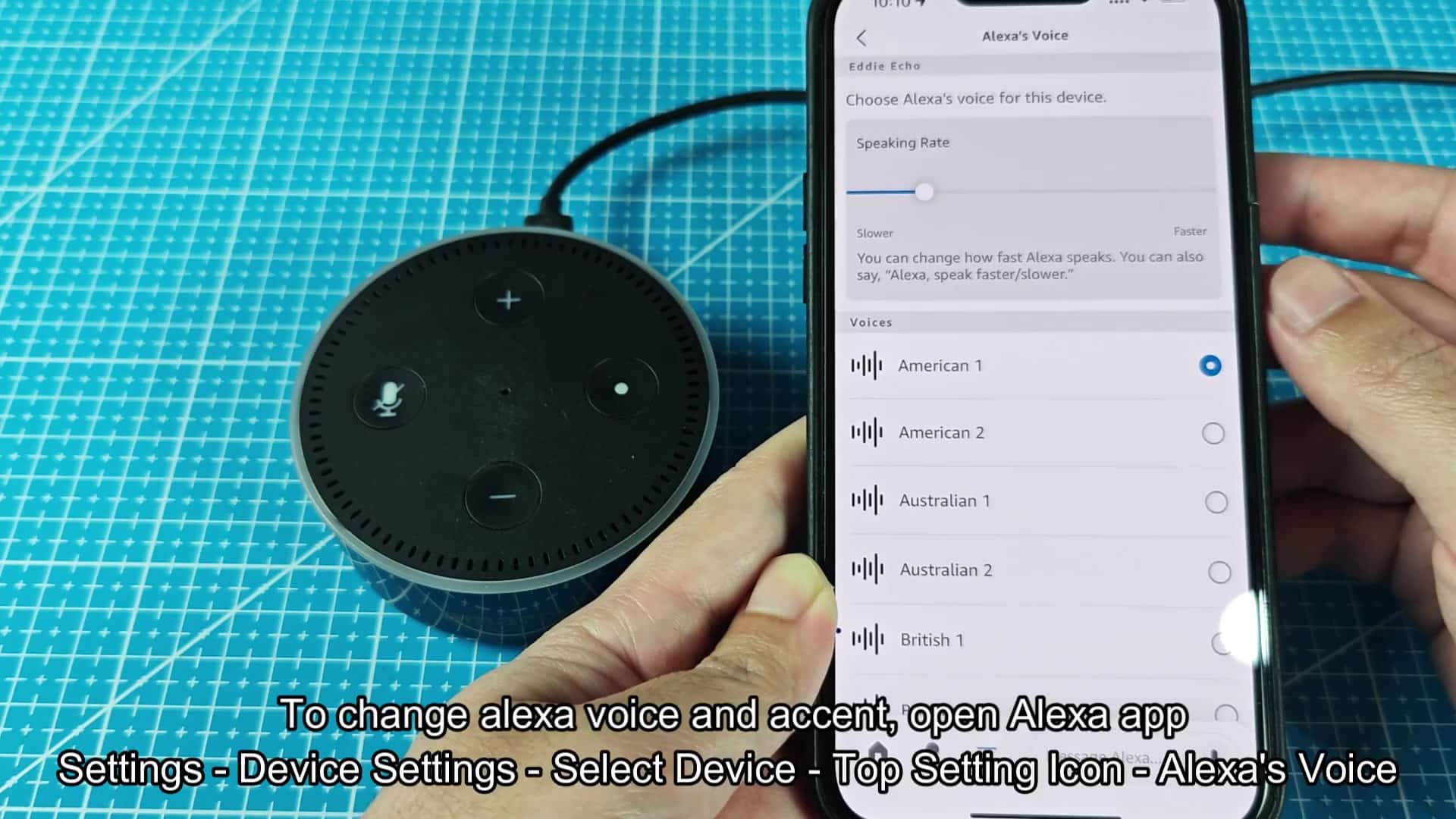
Scrolling further down the list, we finds our first British choices. There’s British 1, and there’s British 2. Go ahead and tap on British 1. Just see what it sounds like. Actualy, it has a pretty nice crisp way about it. It makes you think back to old school radio reads from the past. It is nice when you’re reading a book aloud.
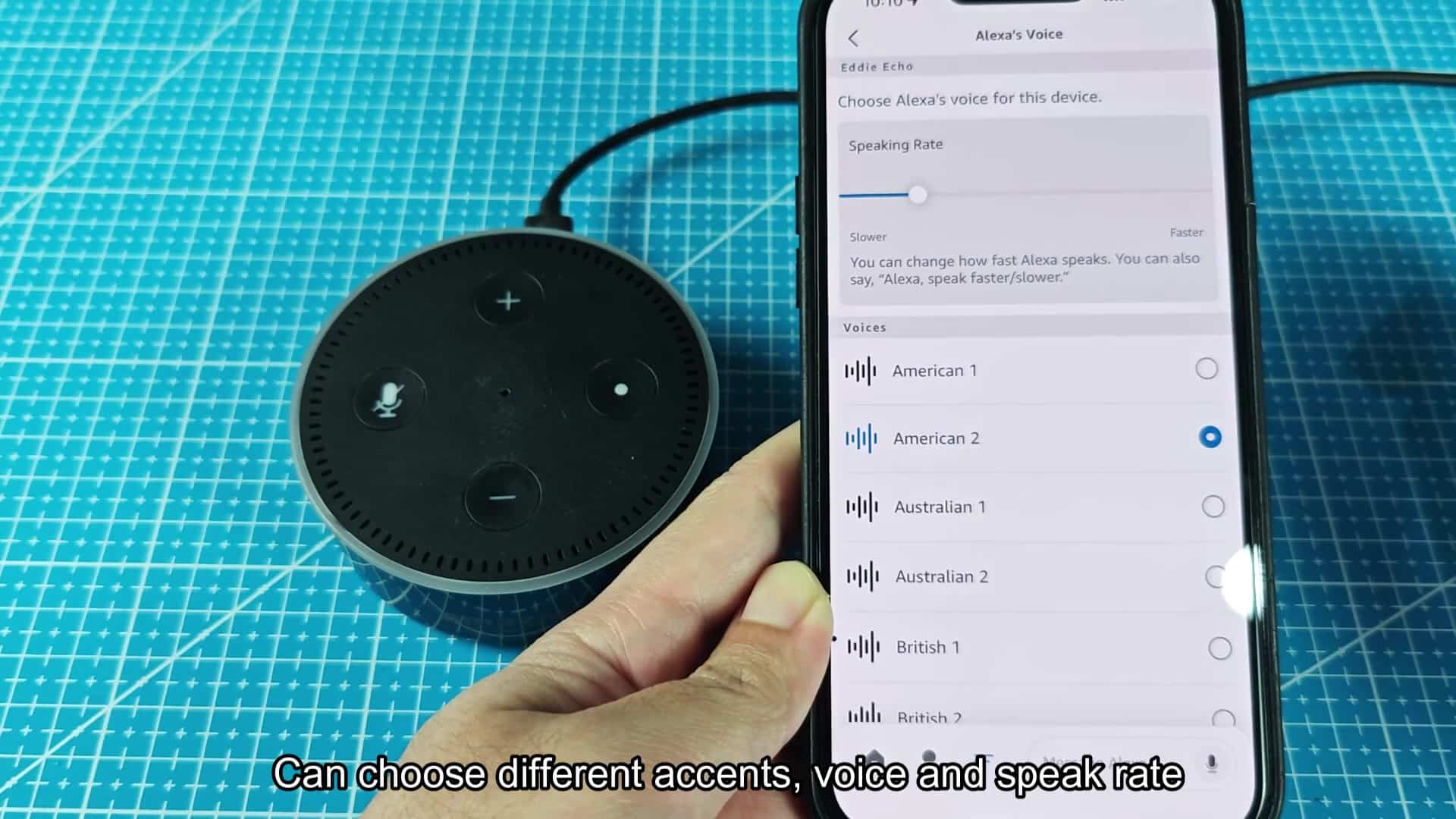
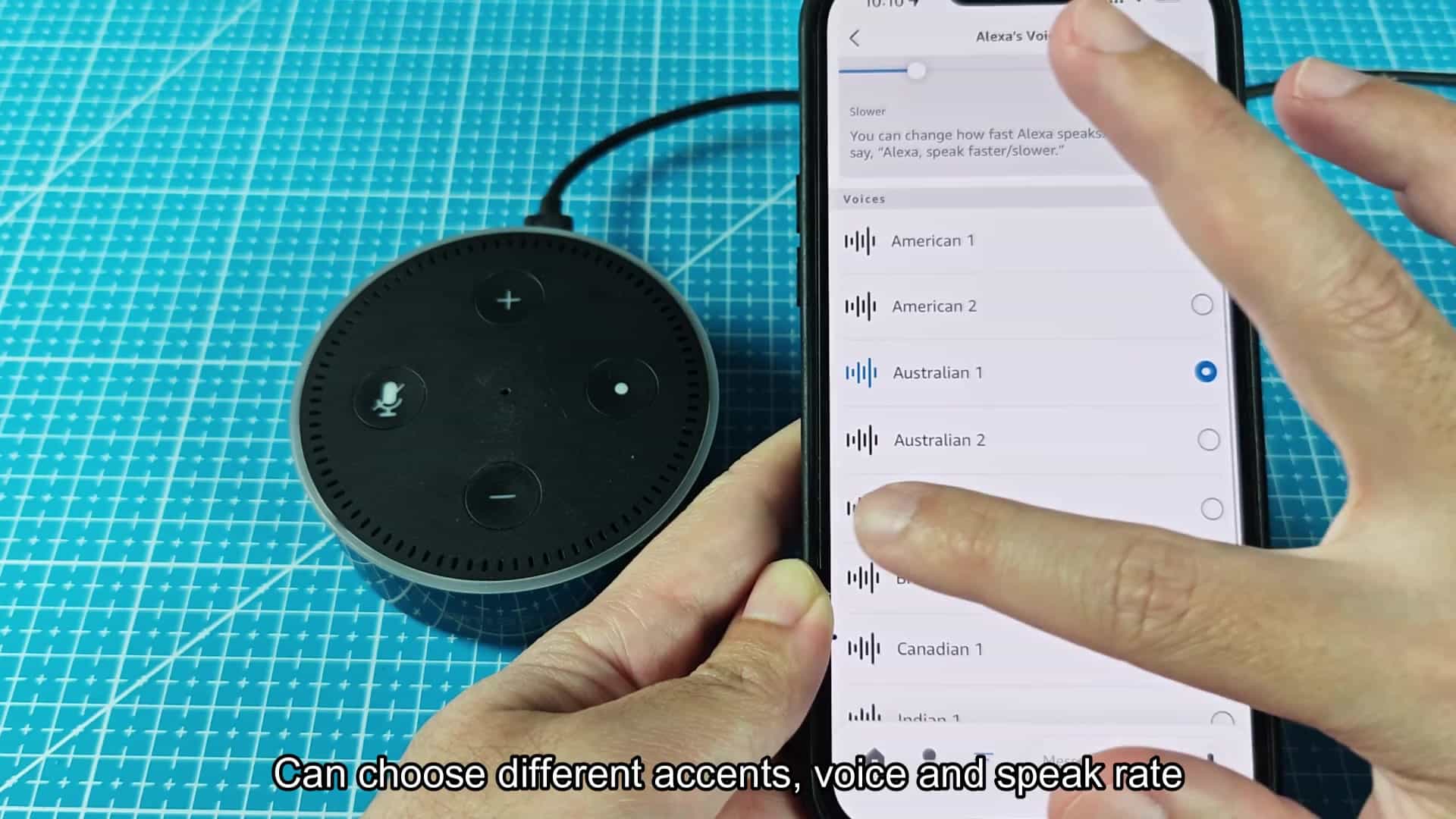
And, scrolling down a little more, you have some Canadian voices as well. To round out your accent trip, choose Canadian 1 from the menu.
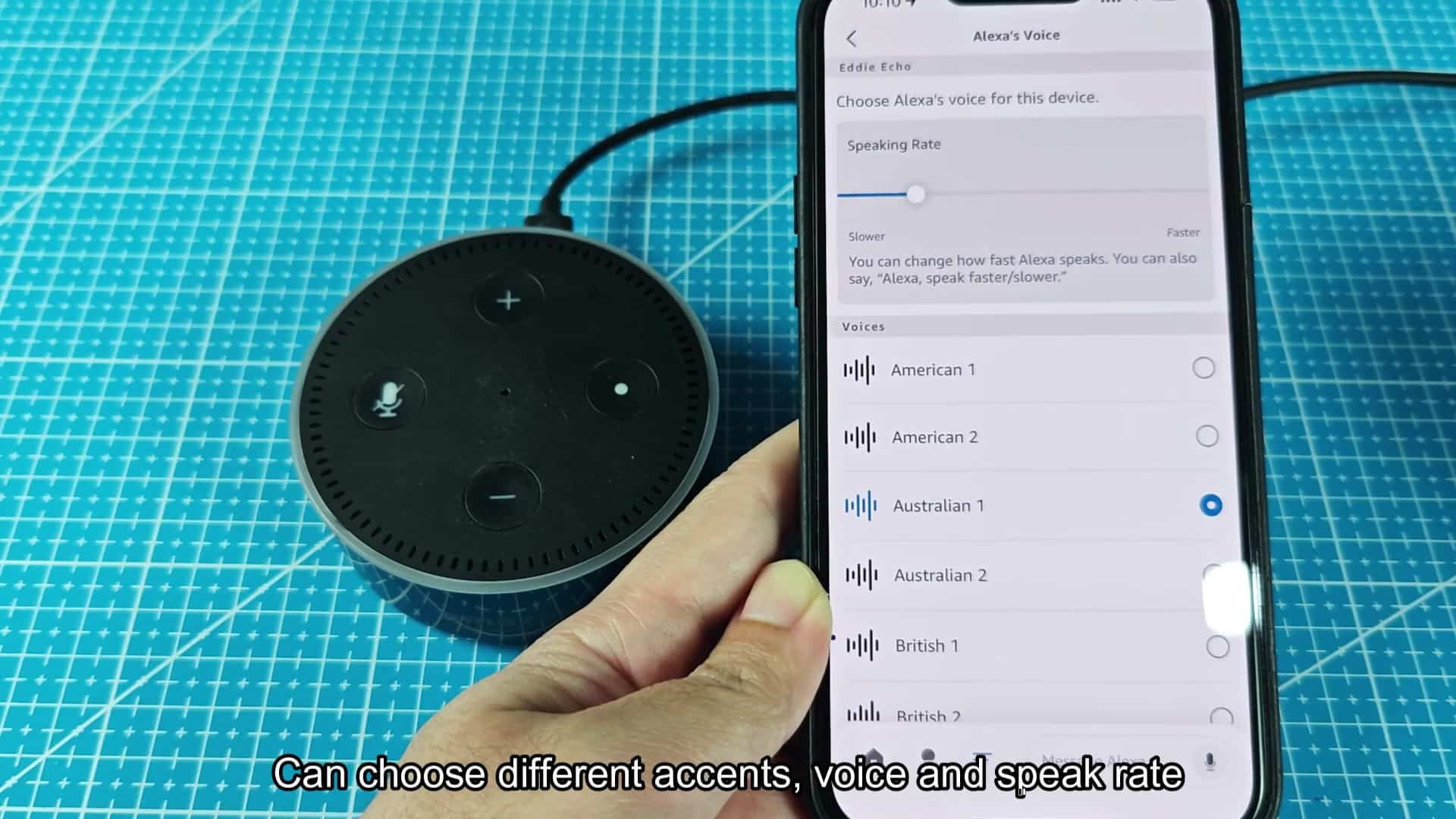
At the absolute bottom, you’ll find some Indian voices as well. It is a surprisingly wide selection for just one app update. No need to get multiple devices to try them all. Keep tapping on that list and you’re good to go.
It takes less than two minutes to change an accent. No tech skills necessary, no complicated menus. Just get everyone through that first set-up screen. Then it’s simple experimentation using the voice menu. Once you settle on an accent, sticking with it will feel different than fresh.