
The display of my Dyson air purifier were completely dark, and the remote’s power button clicked. At first glance, you may believe that it’s just an issue with the remote control batteries.
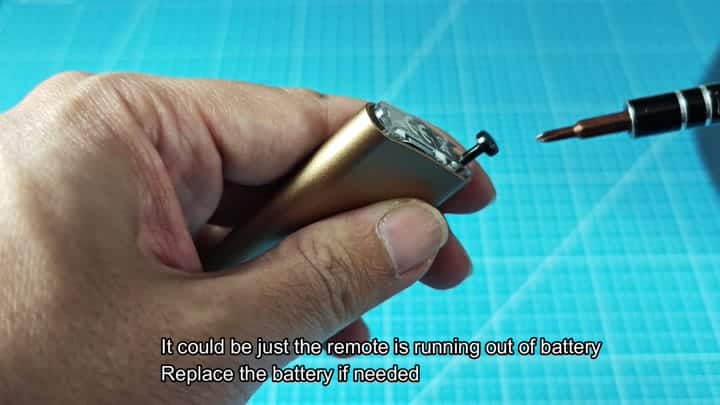
As a quick test, remove the remote control battery and replace it. If that fails, you might have a remote control issue but the display would still be dark. So you’ll need to dig further into machine itself.
Inspecting The Internal Connections
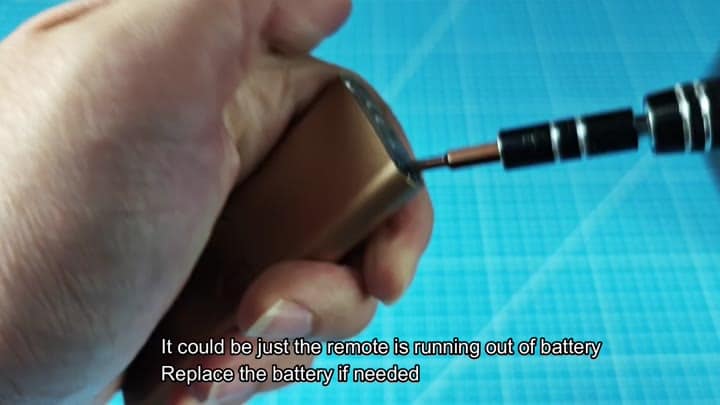
To do that it’s time to remove the front panel. Make sure to unplug the purifier from power first. After that, be careful as you remove the front. Without a user guide, tinkering around inside will feel somewhat dicey, it isn’t particularly straightforward.
Open it up and you’ll discover that it’s filled with a fine flexible printed circuit board that connect straight to your display screen. Pulling on it a little too hard can absorbs damage through that fine ribbon. You have to be patient and has steady hands when inspecting this component for fear of doing more damage.
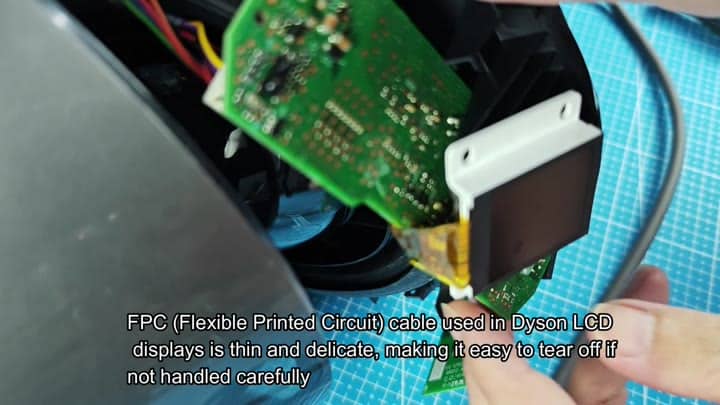
You should of look closely at the FPC cable for any tears or breaks because connector needs to be securely seated in its slot.
The connector has to seat firmly into place so check carefuly at the FPC cable for any breaks or tears. You may notice a few contacts is not seated properly and want to address this, that will help a lot with understanding the root cause.
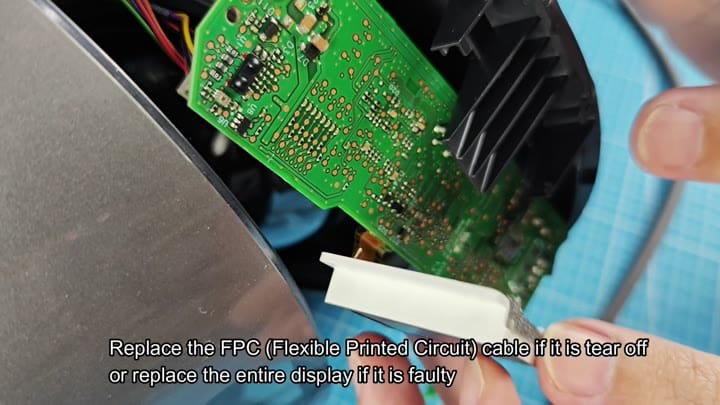
In other words, once the ribbon’s been ripped, there’s no way to fix it; the only solution is replacing the whole FPC cable. If the damage is beyond the connection point however, sometimes you’re looking at swapping the whole display unit.
In your case, you verified that the connection itself wasn’t damaged, just not making good contact. The connector re-seated and the display sprang back to life instantly. After getting everything connected again, it displayed right away. Turns out it was nothing more than a contact problem, saving you from purchase of an entire new unit.
