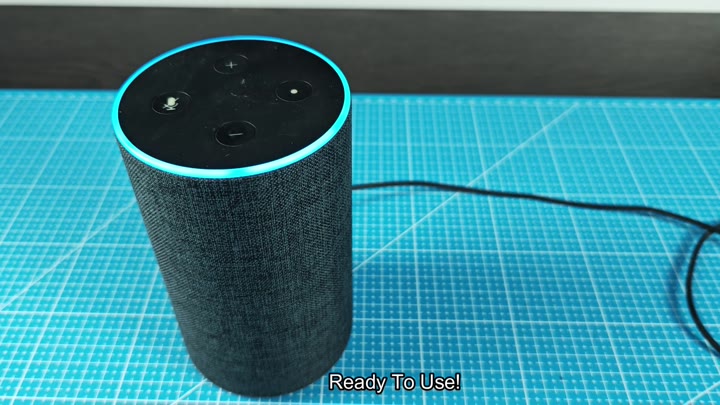
If you’re dealing with a finicky smart speaker, it’s understandable if you want to take the nuclear option (a.k.a. Perform a complete factory reset) rather than spend hours troubleshooting the issue. A factory reset will erase your device’s history and give it a fresh start, helping it connect again naturaly.
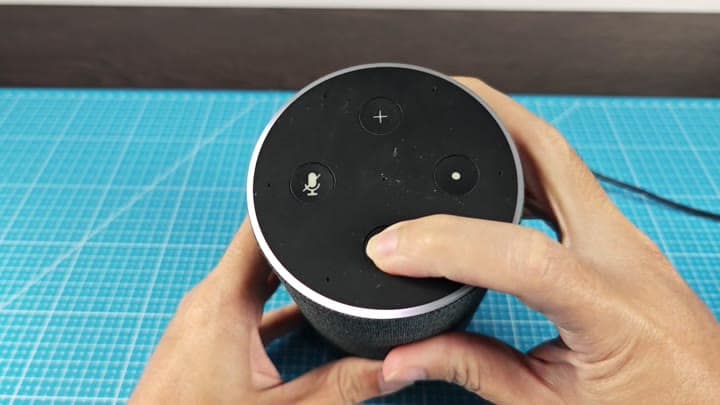
“The first thing is to find the buttons on the top of this unit,” he says, “And then what you want to do is press and hold it, but you’re going to firmly press and hold that mute button.” While holding the mute button, push down the volume button with your other hand. Don’t let go yet, however. Wait for a visual cue.
Reconnecting Your Device
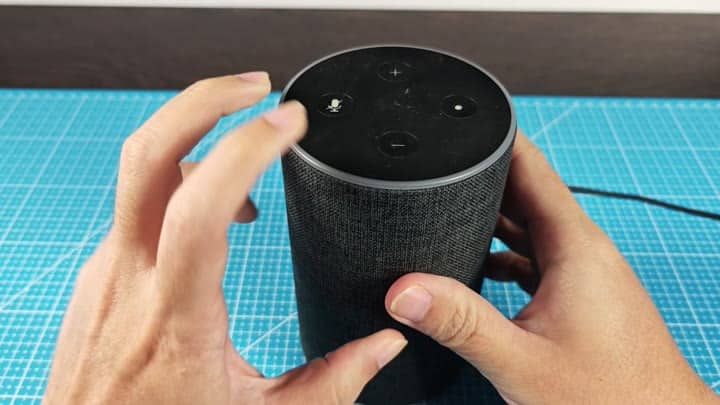
When you hold them, an orange ring lights up a few seconds later and it remains solid initially (that’s normal). Continue to hold down on those buttons; that mean things are progressing with the reset, but light will do something different than soon.
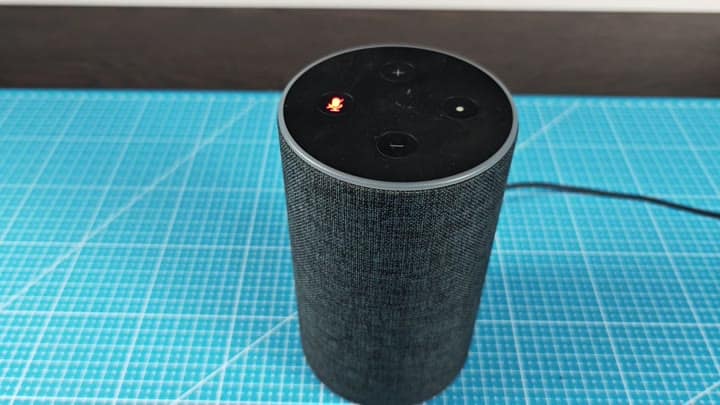
After awhile, however, the orange circle starts spinning around, which signal its in setup mode. And device tells me that factory reset worked. It’s waiting to be set up again.
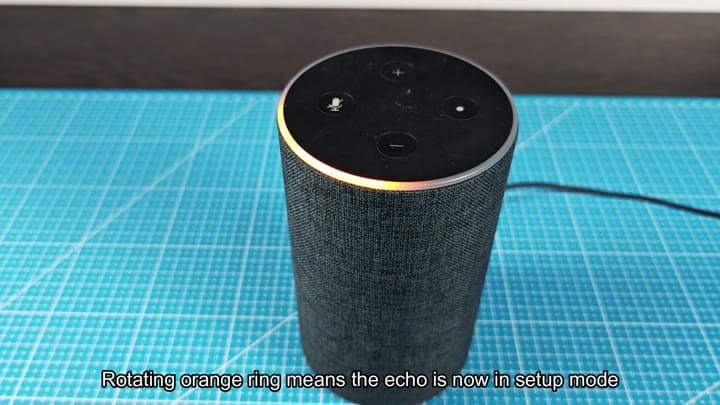
Next, you open up the Amazon Alexa app on your phone where it quickly recognize the device. It then asks you to re-connect the Echo unit, which you do by following the on-screen instructions closely.
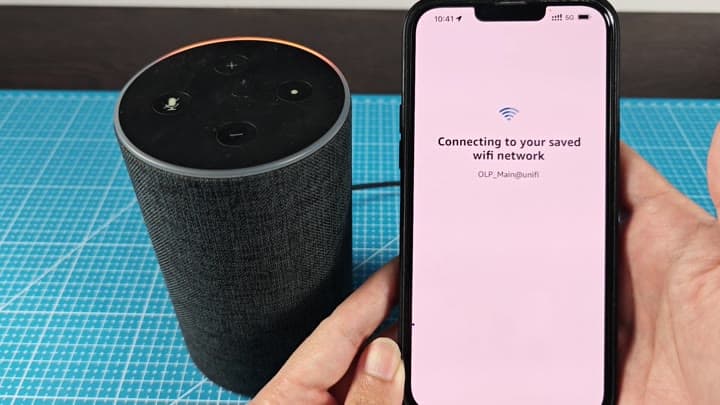
Completing the setup takes just a few minutes because you connect it to your Wi-Fi network again. You enter your credentials and wait for confirmation, so process is straightforward and user friendly.
Setting up this thing only requires a couple of minutes. It will reconnect to your Wi-Fi network, ask for your credentials and confirm everything; it’s simple, easy-to-use and that’s all there is to it.
As you can see in the last one, it sports the blue ring around top of device, indicating that the Echo is back online. It’s completely reset; voice command respond immediately, just like they should of.
And it was a pretty clean reset, whatever was wrong with it before, we’re not seeing any more connectivity issues whatsoever. Good job.