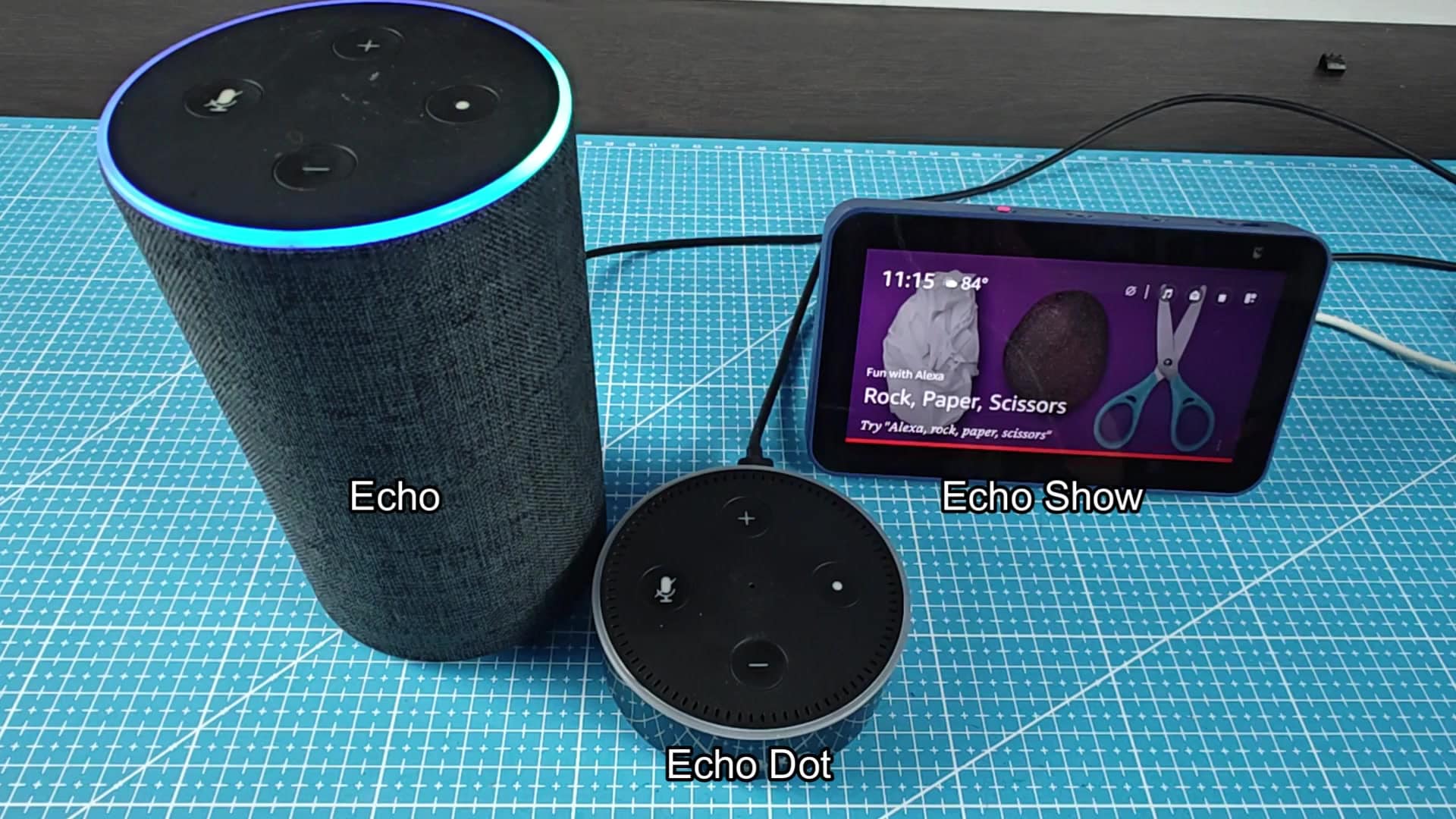
In the past, Alexa gadgets were cumbersome to configure. Do you have multiple on your desk? Do you have an Echo speaker? A Dot? A Show? They all appear alike, with that flat top.
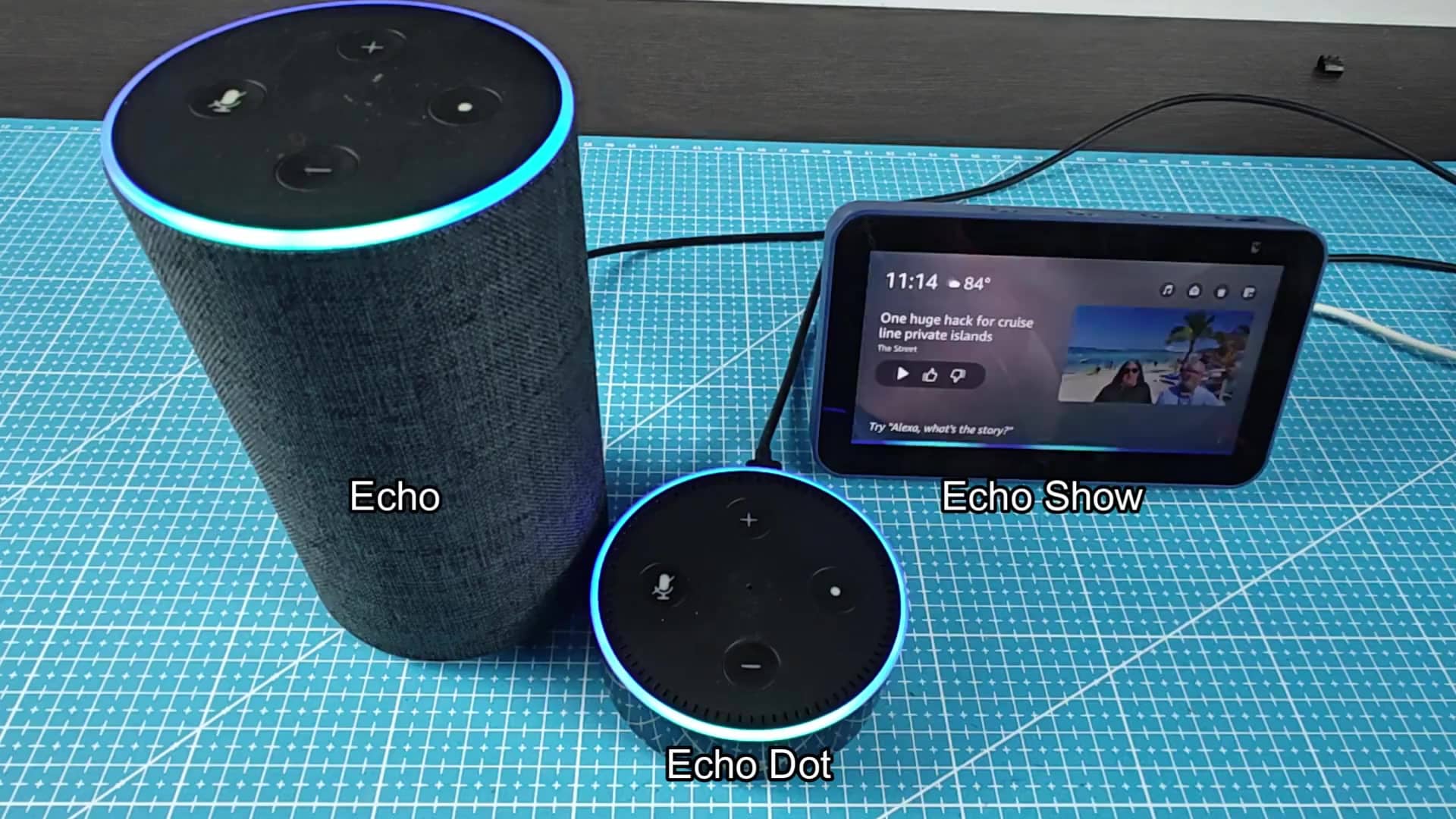
When you rely on voice assistant regularly, privacy is important. It’s an easy fix. No menu diving, no app opening necessary. Simply press the button at the top of it.
Understanding the Indicator Lights
A physical microphone switch for instant control of what your Alexa devices picks up. Handy if you want to double-check those privacy settings in a hurry.
A blue ring indicates that mic is on and that Alexa is listening. That’s your signal to say something. Whether you have an Echo, Dot, or Show, all of them will glow blue when their mics is lit up.
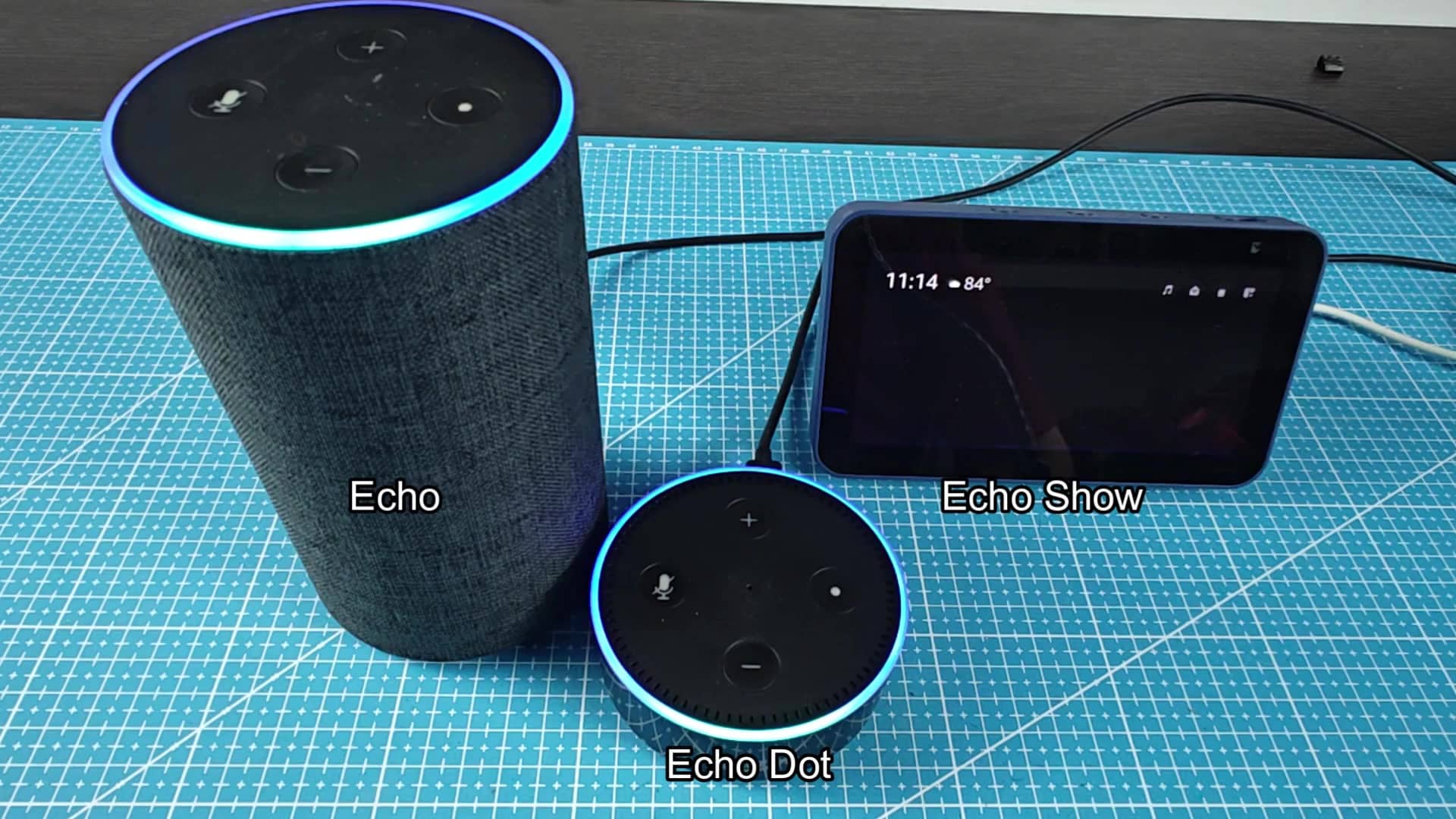
You can see it clearly on the tall Echo, and even on the Dot, itll be glowing blue. Even the Echo Show do the same thing. It makes sense to have one universal signal to keep things consistent.
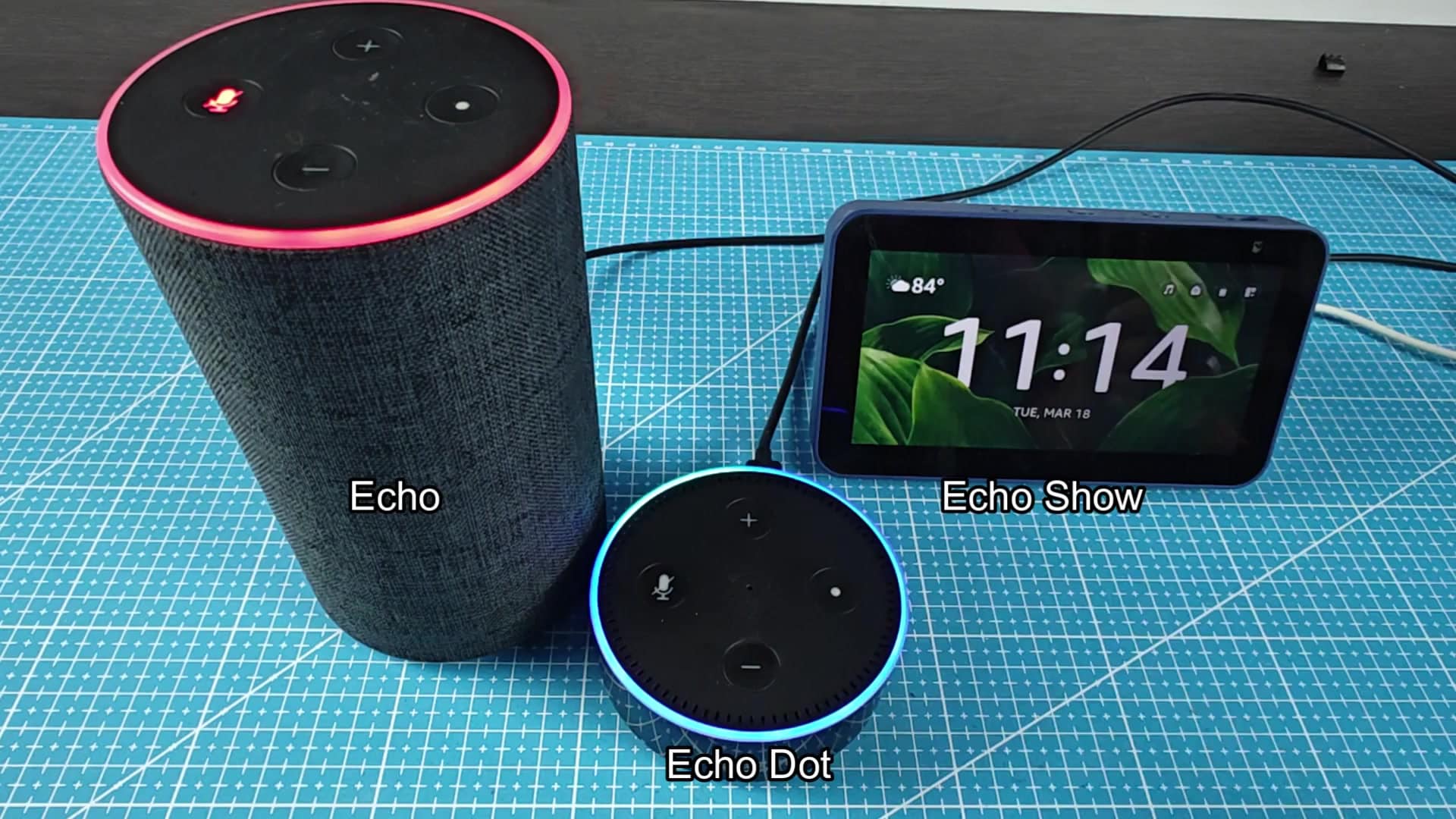
Again, press the button and it turns the microphone back on. Immediately the light shift from red to blue.
When the mic is muted, a red ring will appear as solid. In this mode, Alexa doesn’t hear what’s going on. Because there’s a hardware switch, it can’t be overridden by some software glitch.
With the three units now tested side-by-side, you’ll notice that they all behave similarly. When you tap on the tall speaker, it react. The Dot does too. And so does the Show unit.
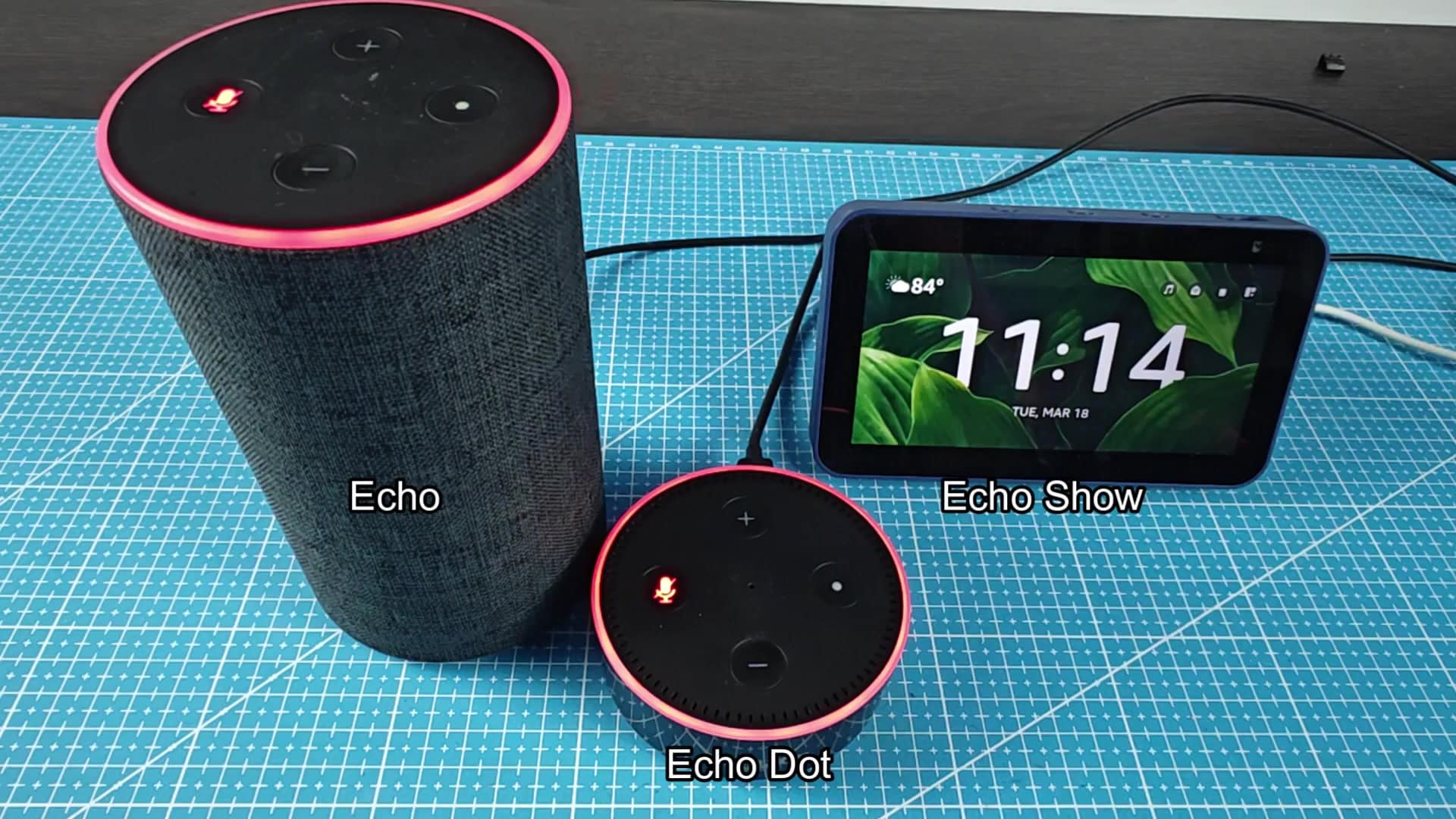
That’s one less thing to confuse everyone in the house about. There is no need to memorize different controls for every device.
The Echo Show shows you clearly whether or not its listening. Not only does it display the time and temperature (as expected), but visually indicating that the mic are muted makes it easy to confirm everything is set up properly.
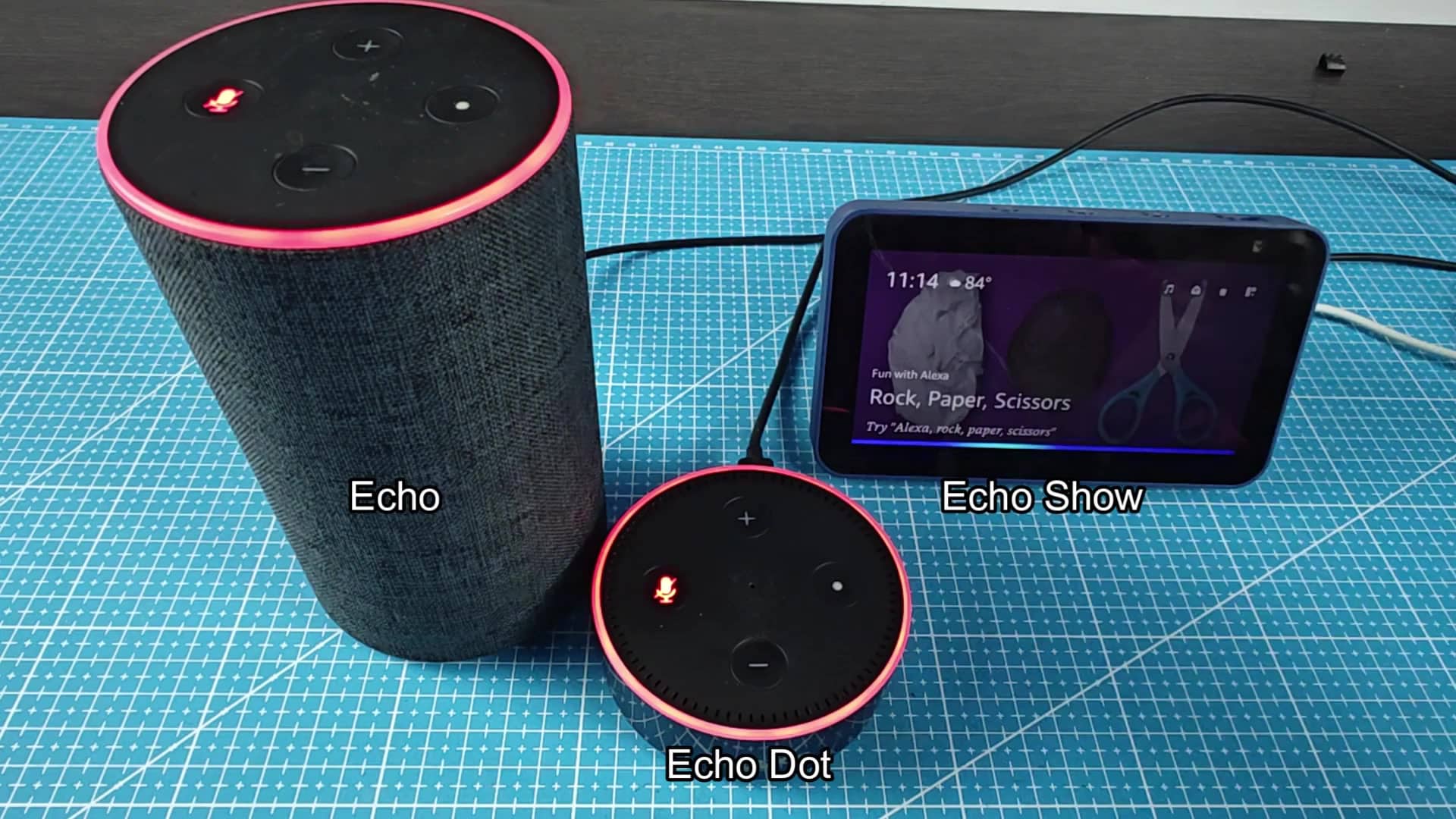
Privacy isn’t hard: There’s no need for technical know-how to get it right. Red = off. Blue = on. You can take care of privacy concerns with a single tap.