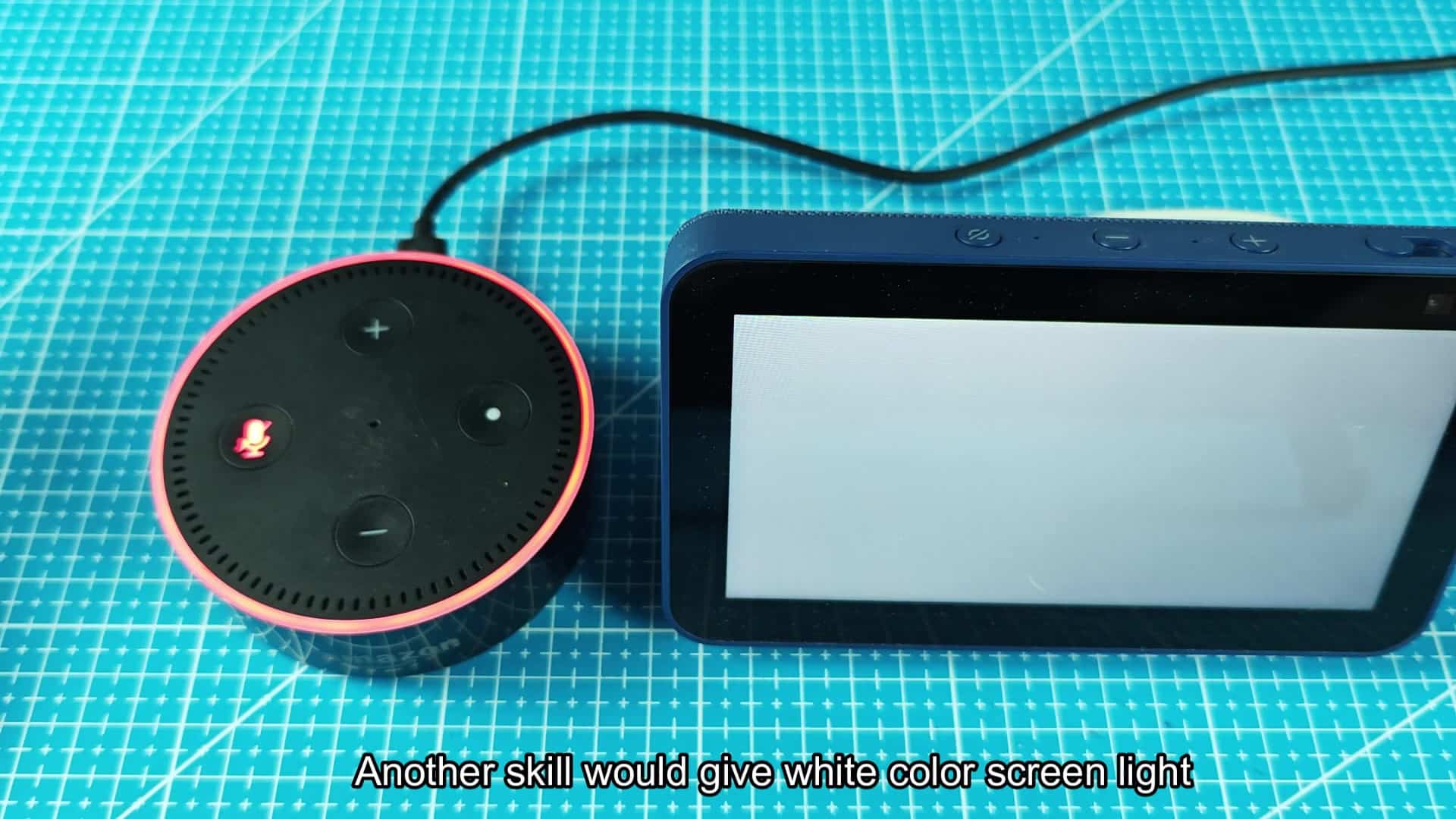
Turn your Echo device into an impromptu flashlight, with zero adapters or other gizmos necessary. In a pinch, just turn on the ring light integrated into the device and it’ll light up a space pretty nicely. This makes it a bit easier to see at night while using your Echo without having to shell out any money for hardware.
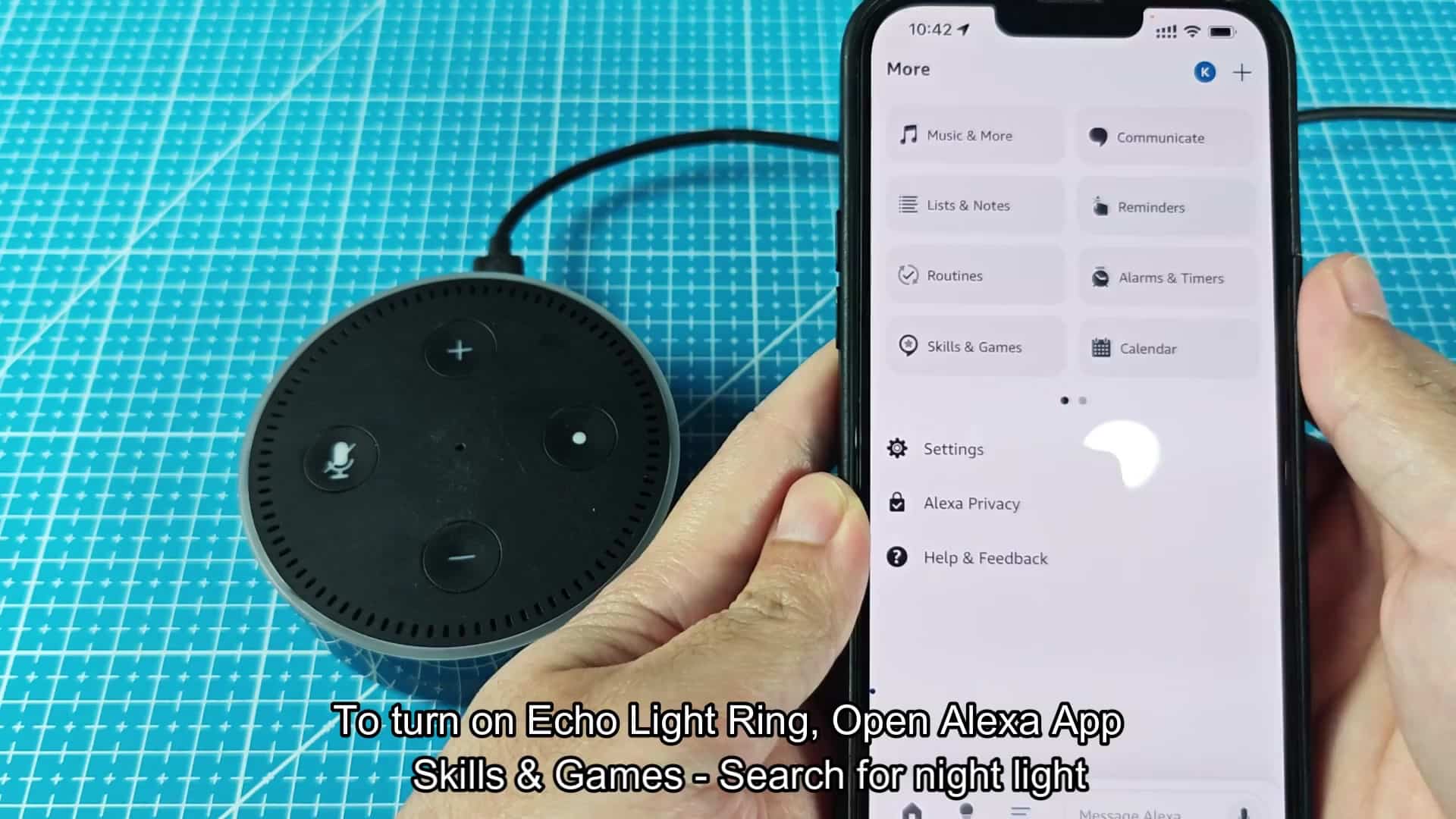
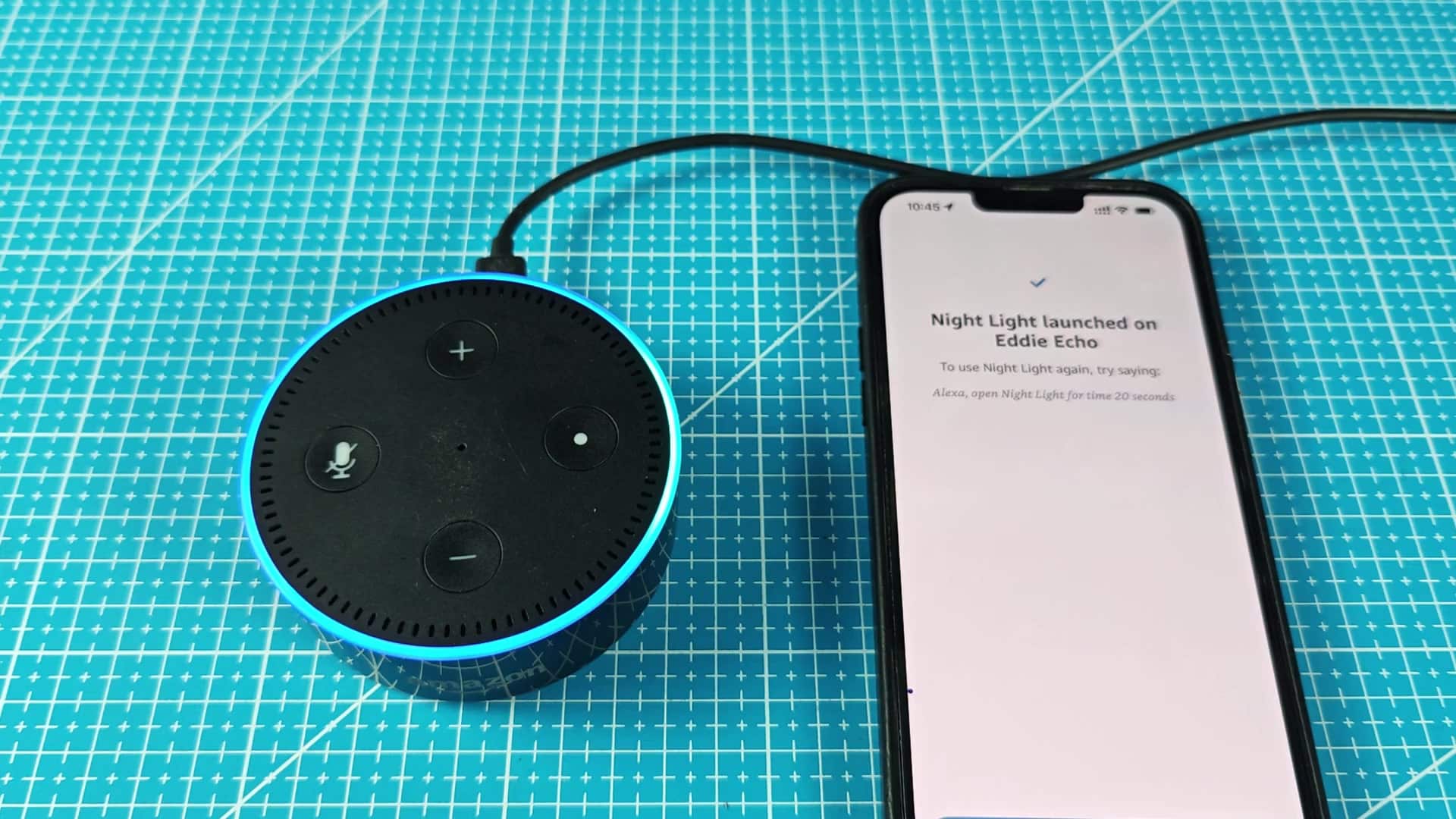
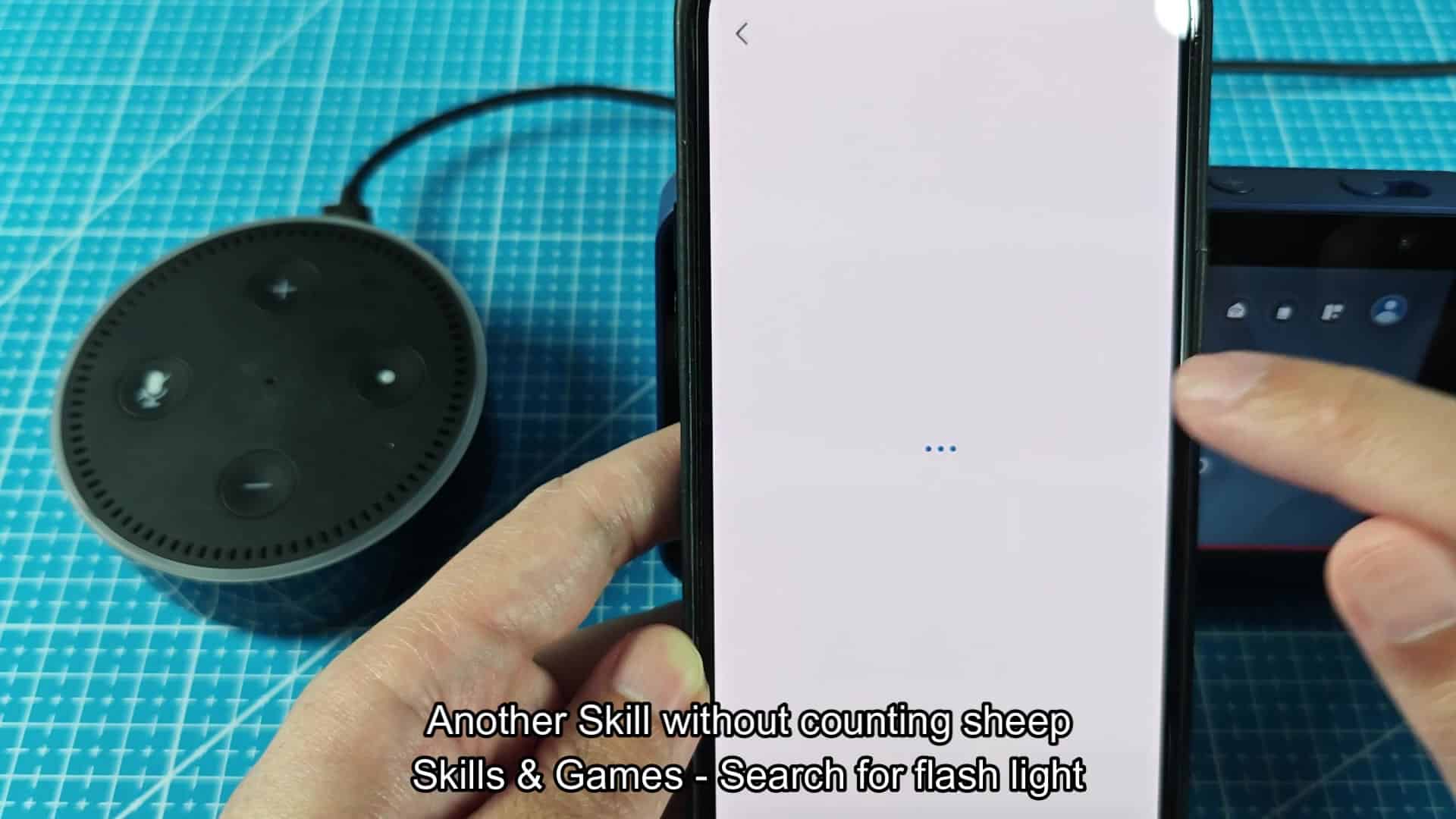
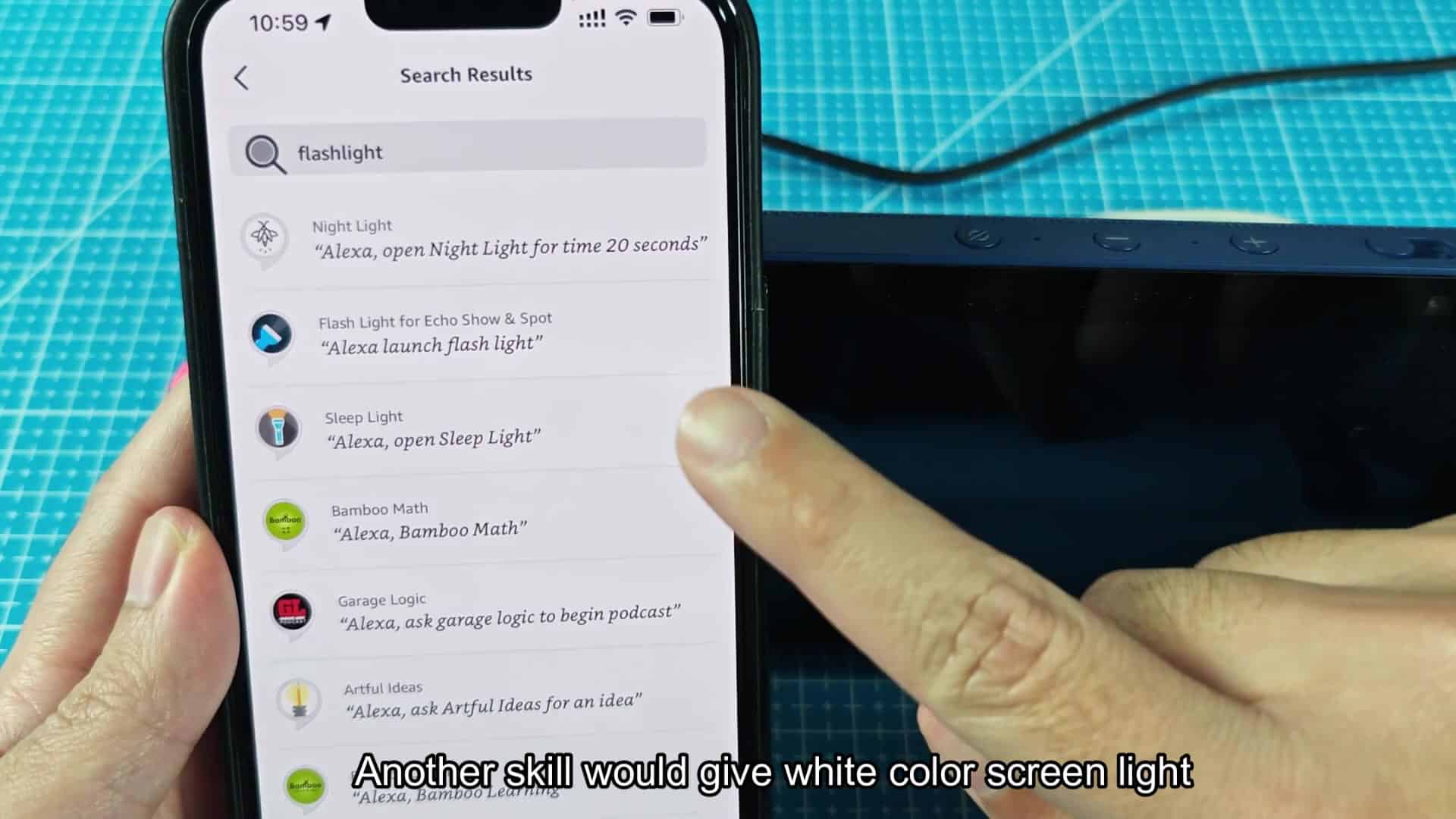
To use that feature, head over to the Skills and Games page within the Alexa app from your smartphone. Search for “night light,” and you’ll find a handful of results that claim to help brighten things up (some more realisticly than others).
Testing The Flashlight Skills
Turning on the ring light and counting sheep is one thing, but it doesn’t help you see any better. And the sound won’t help either. If all you want is some light, this seem like a waste of your time. You are probably best off searching for something that is only about lighting up the room.
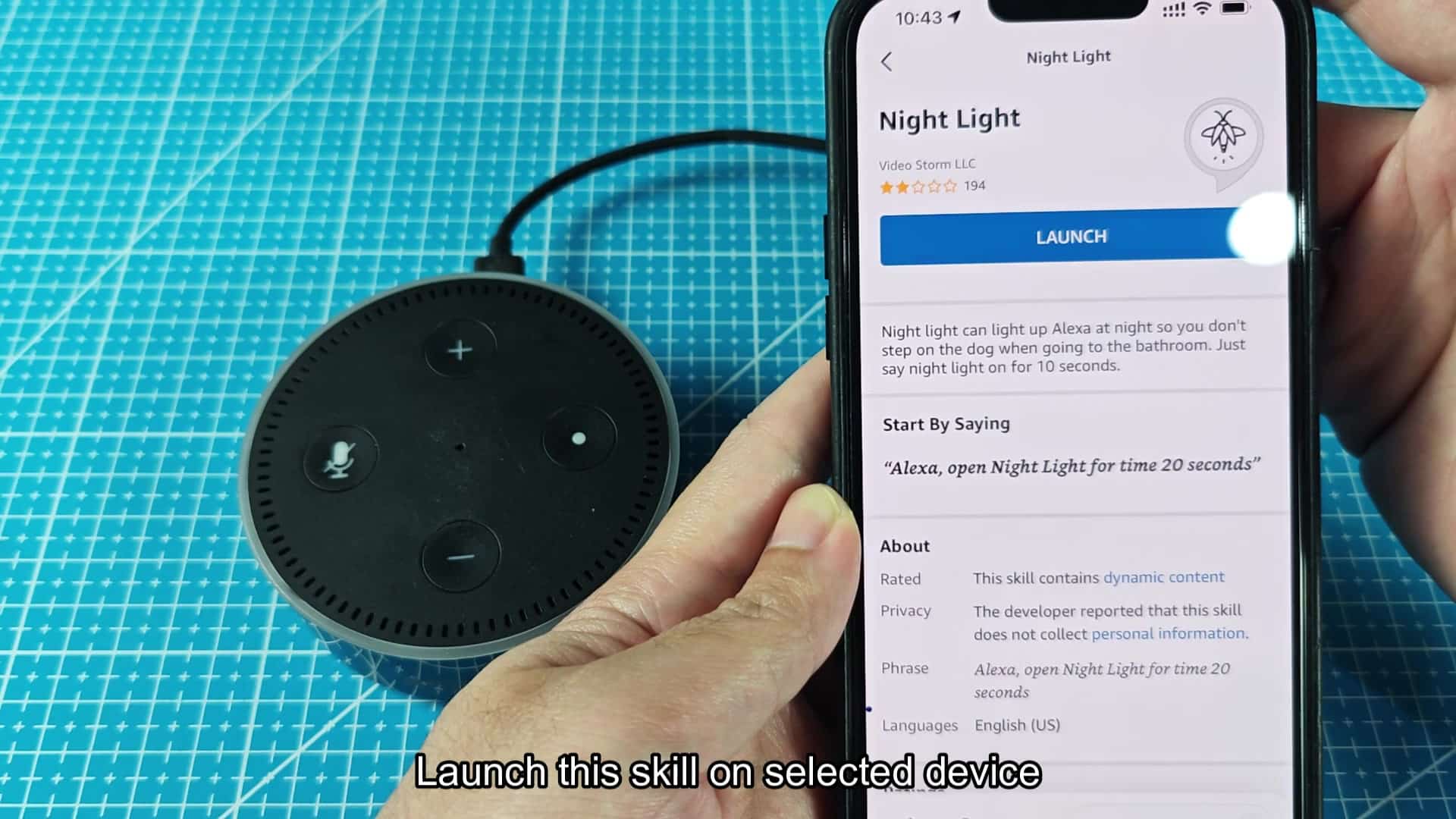
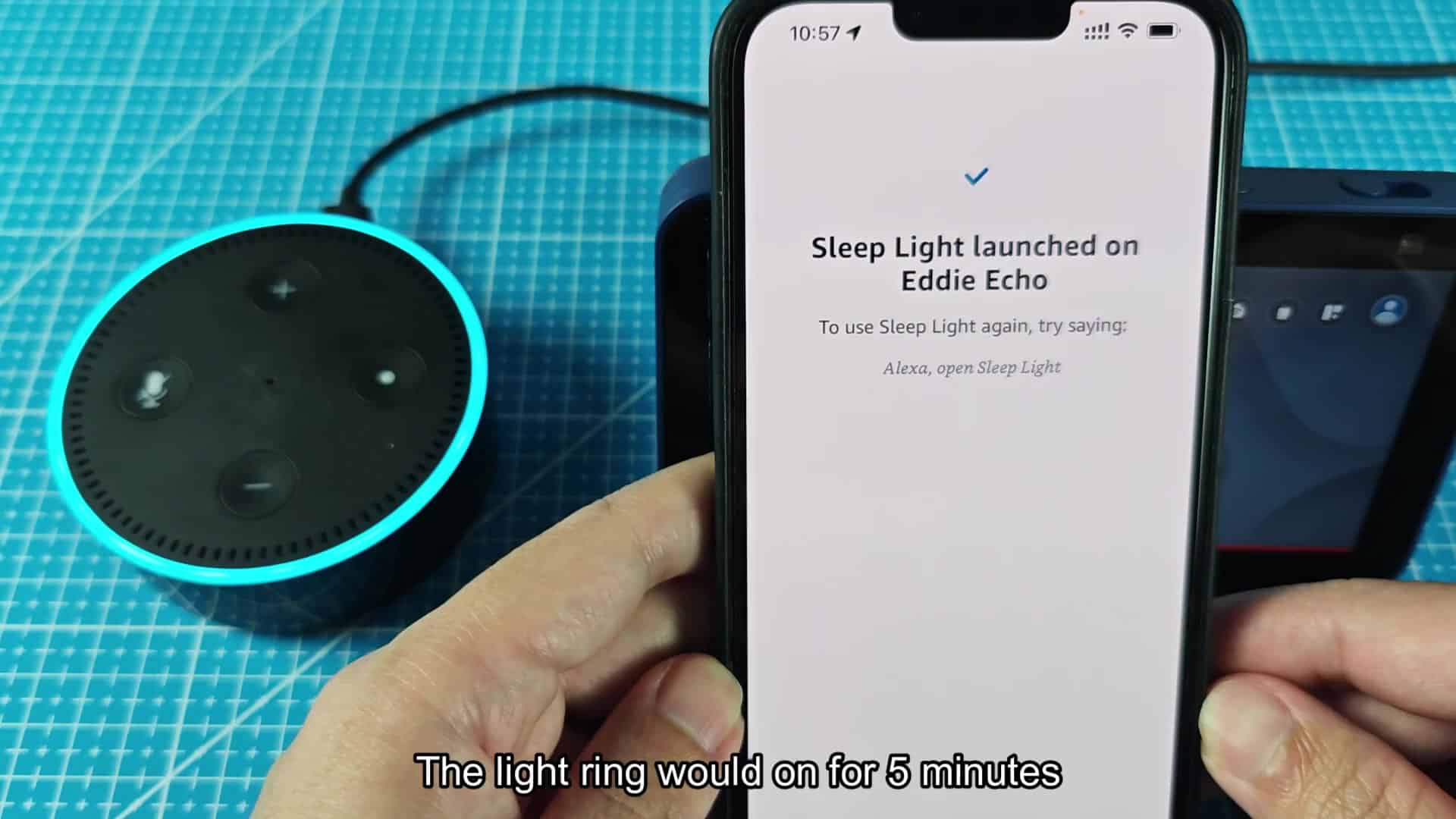
A quick search for “flash light” returns several skills that turns the ring light on (but no sound) for a predetermined amount of time. For example, Sleep Light, developed by Healing, is well-reviewed and pretty handy.
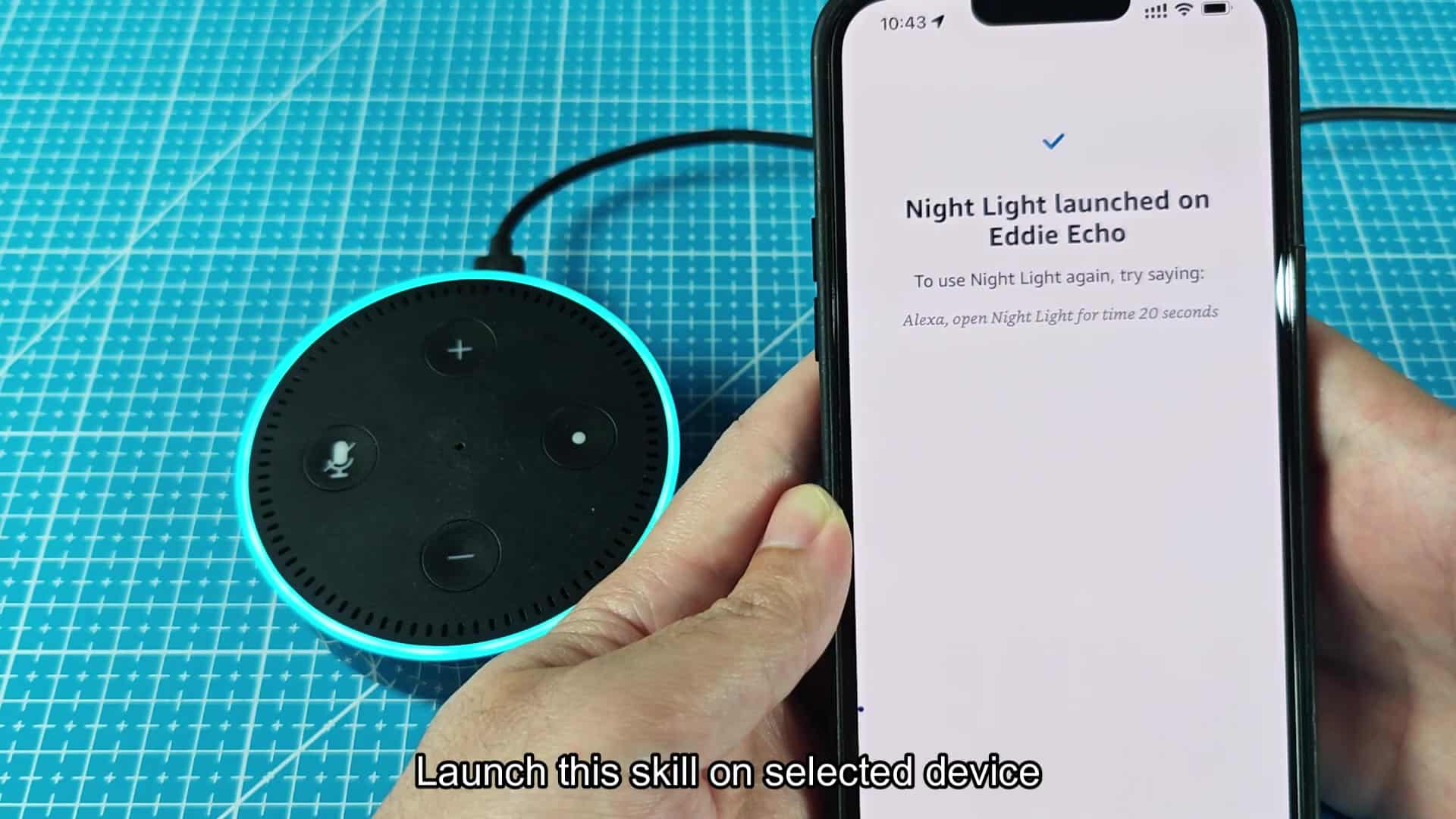
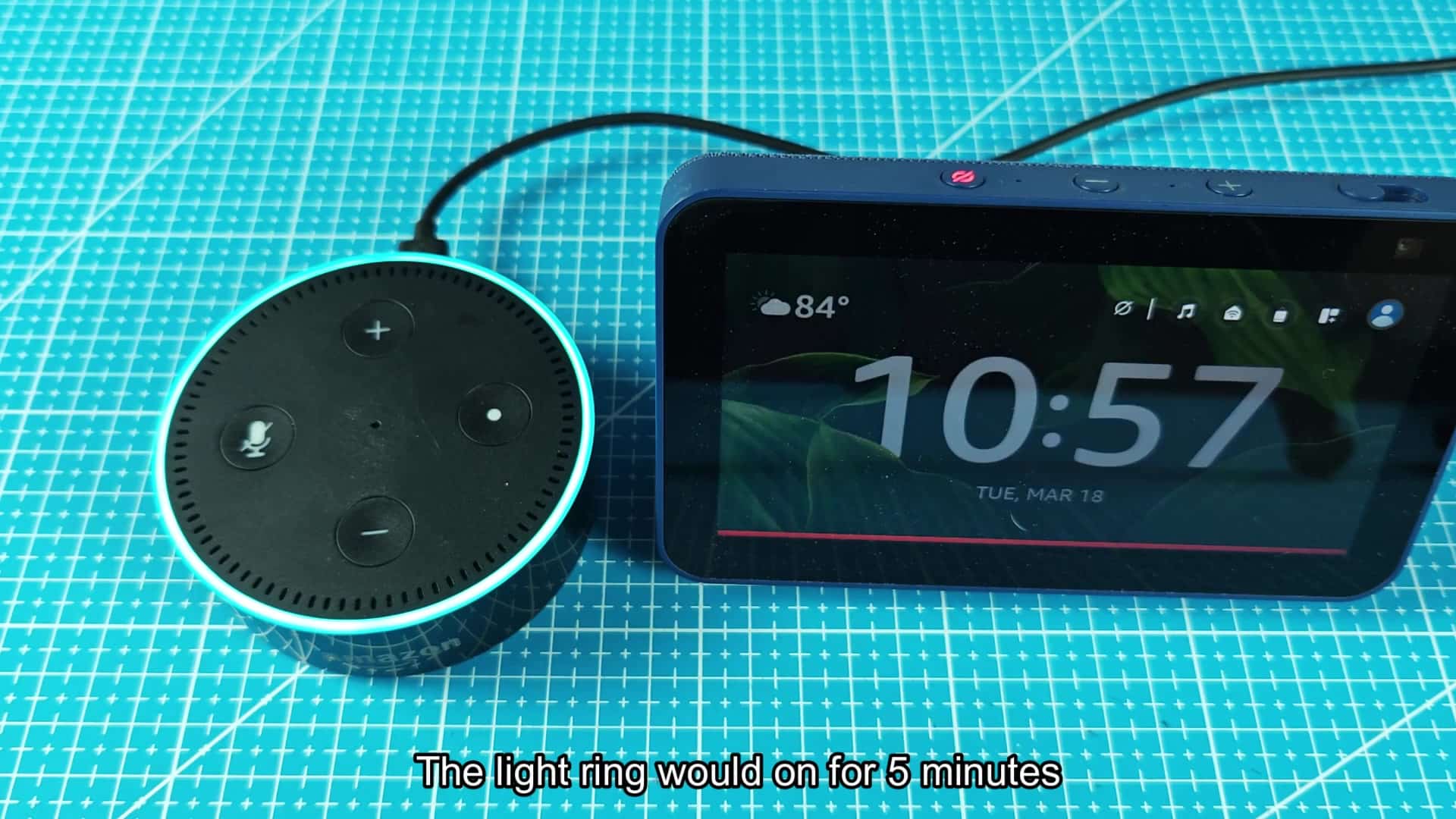
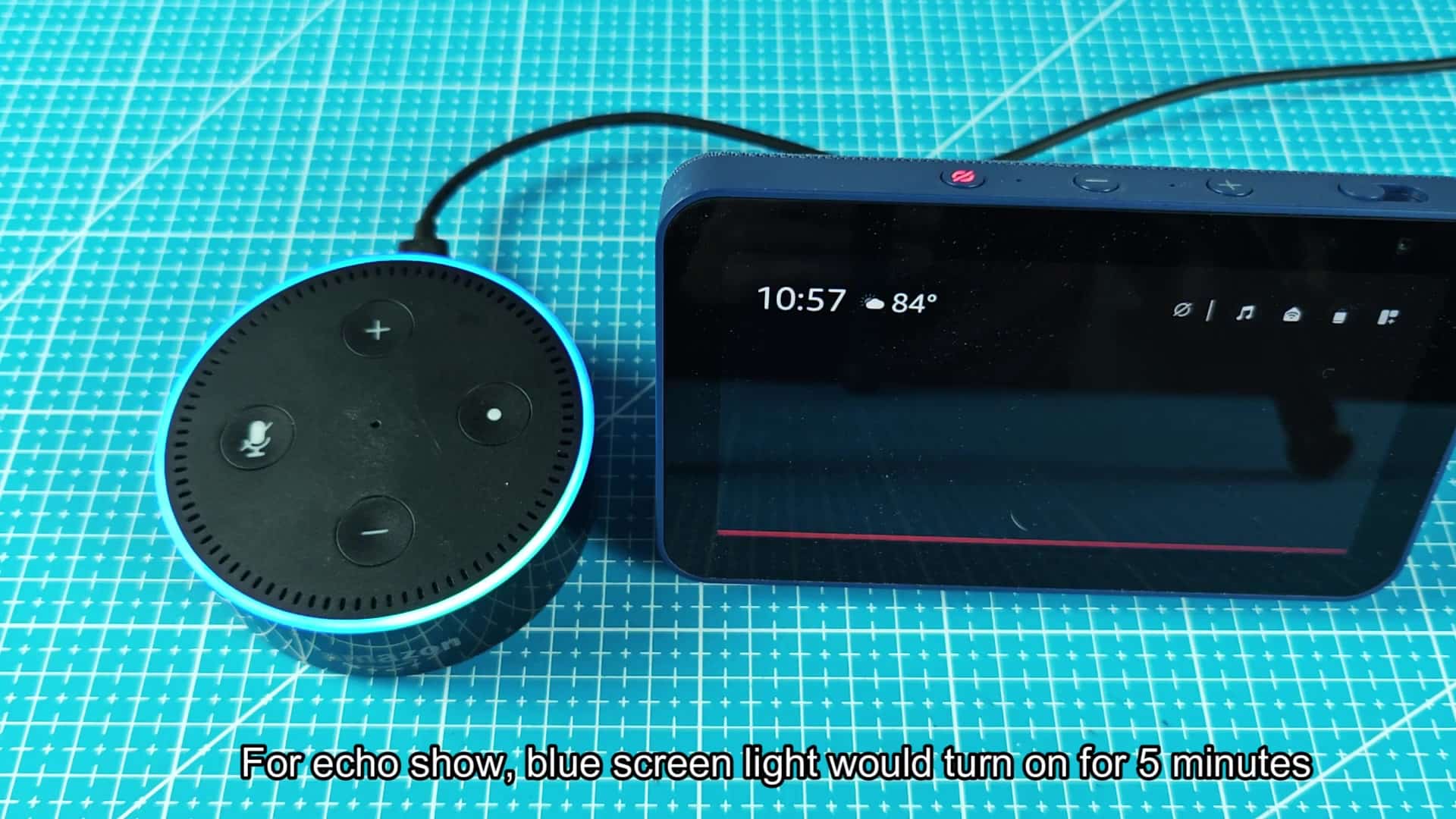
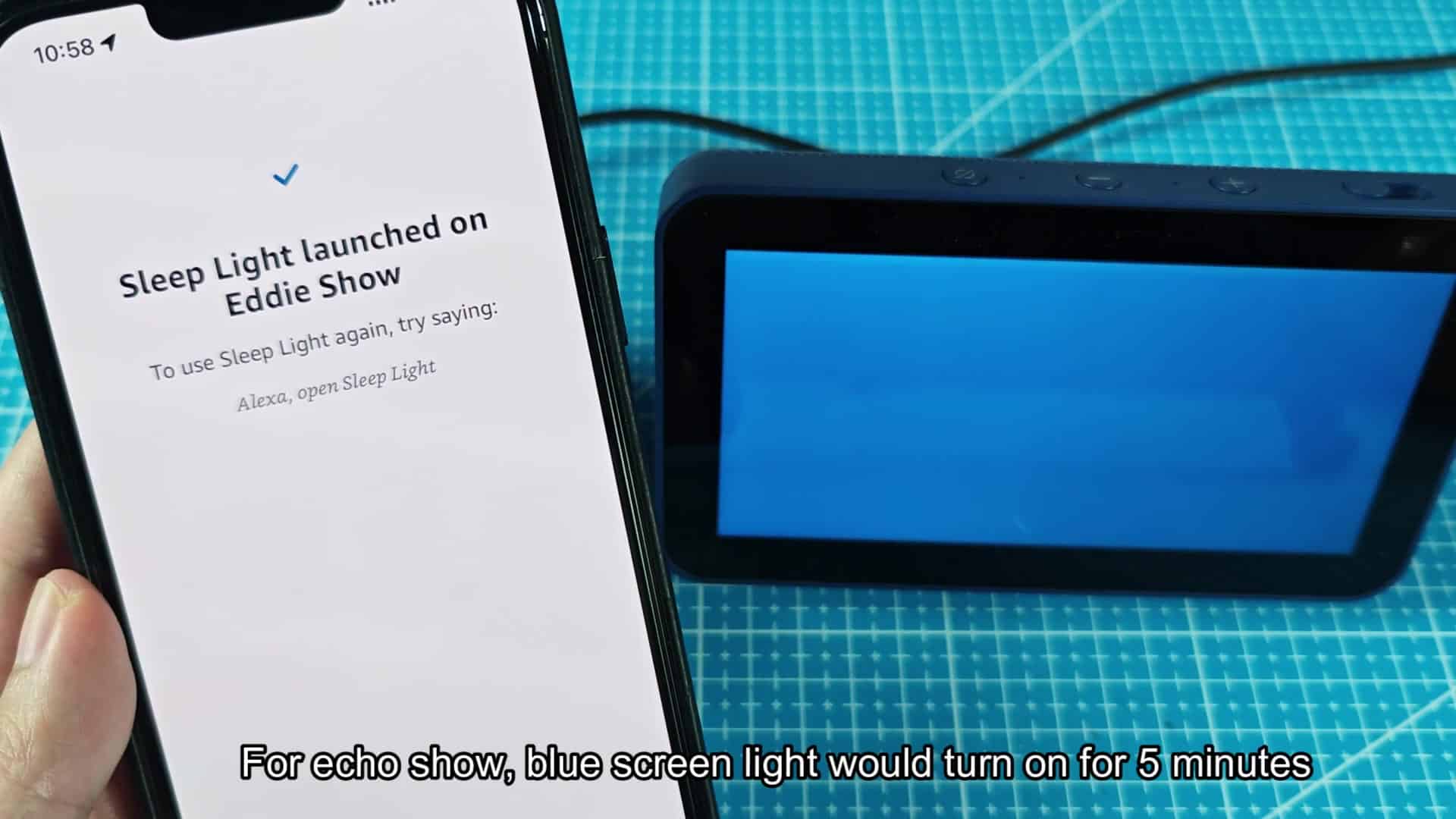
To test out how bright Sleep Light is, you can launch it on an Echo Dot to see device’s ring glow blue immediately upon activation. It stays lit for a full five minutes; that’s plenty of time to see around you in the dark. Once the countdown finishes, the light will shut itself off, making it useful if you just want a bit of light without having to tell Alexa again.
This works with other devices, including the Echo Show, though with a different look. In other words, on an Echo Show, rather than only lighting up the ring, the whole display light up in a solid blue color. After saying the command to kick off the skill, the blue light fills the screen and acts like a dim nightlight for the room.
There’s no need to keep checking if the five minutes has passed because as soon as it launches, the countdown begins (there are five minutes left). Up close, the blue screen light itself is pretty bright. But walking around house at night, it casts enough light to get you where you’re going.
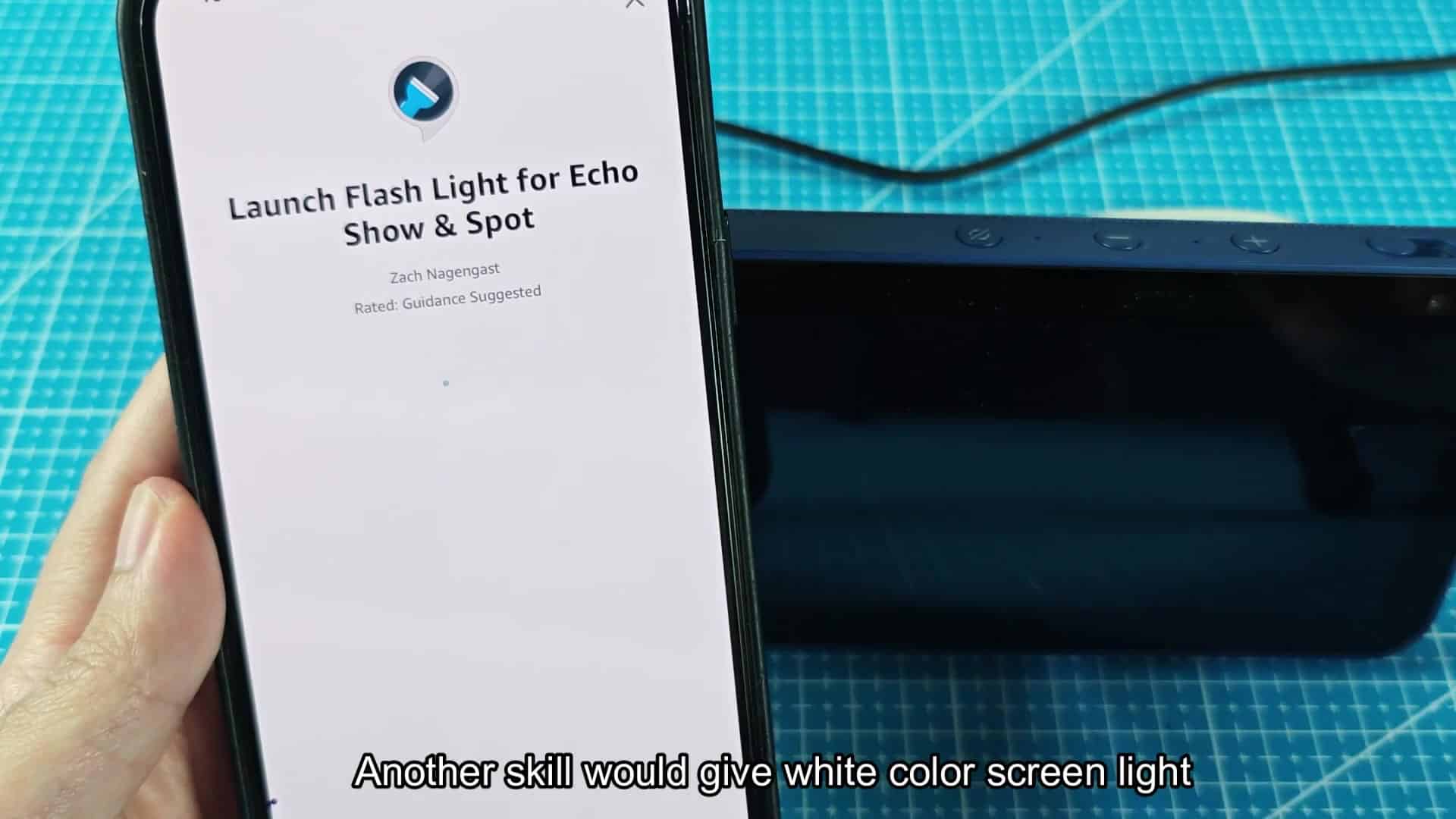
It doesn’t change its brightness levels, it doesn’t flicker around; just gives you something to look at that holds still when you want it. You can also use another skill if you want a different-colored lamp, but it only works on Echo Spot/Show devices. This makes the screen turn fully white, offering more of a contrast against whatever else is going on.
To enable this other skill on your own device, you run it like any other Alexa skill, then the screen will go totally white once you do so. White… A white light looks like a simple backlight that is useful for reading or searching. You will notice when it switches from blue to white. They basically does the same thing, although I find the white is brighter and more usable for getting down to details, which makes sense.
Ultimately this comes down to what kind of color temp you prefer, and you can pick the one that works best for you. Surprisingly, using this skill is quite easy and there’s nothing extra to purchase because the capability exists within the software environment.
In my case, I found myself gravitating toward Sleep Light just because it was easier. It’s also easy enough that you might just wind up reaching for it more frequently than the other two.
The built-in flashlight on Echo devices is not used enough, and it turns your voice assistant into something with some real practical uses around the house. With three skills available, there are a few different ways you can have the light work: shining white, glowing blue or counting sheep before you fall asleep. Typically, five minutes is long enough for whatever you need to do quickly, so give ’em all a shot to see what works best for you.
It is a handy way to get extra light when you need it, such as walking through a dark house after dinner. It is also flexible enough for longer use. If you want more time, you could of just restarted the skill anytime.
It doesn’t replace any switches, but it sure does make that walk in the dark more bearable.