
To clean things up a little more, you can also simplify Echo Show‘s interface. By default, its display is way too busy. That means stripping it down to just date and time, which looks realy sleek in black-and-white. It takes just a few tweaks to pull it off.
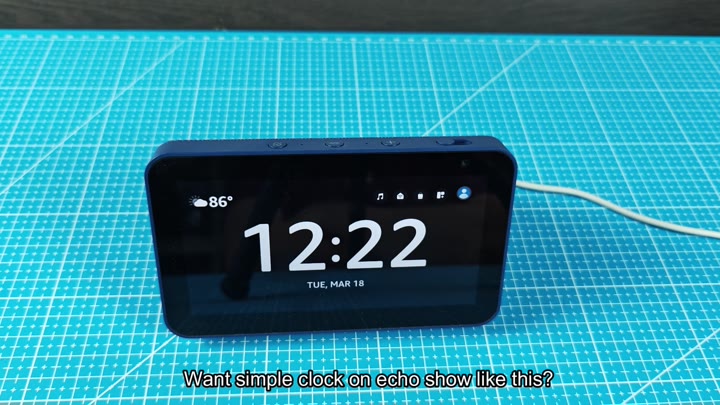
Option 1 include the preloaded themes.
Customizing with Personal Images
To access this on the device itself, head into Settings and then over to the Home & Clock section. There’s an option for Clock & Photo Display. Scroll around until you get to a skin that looks good to you. Out of the box there are some pretty dark ones. Selecting any of those will eliminatees the vibrant photos behind everything.
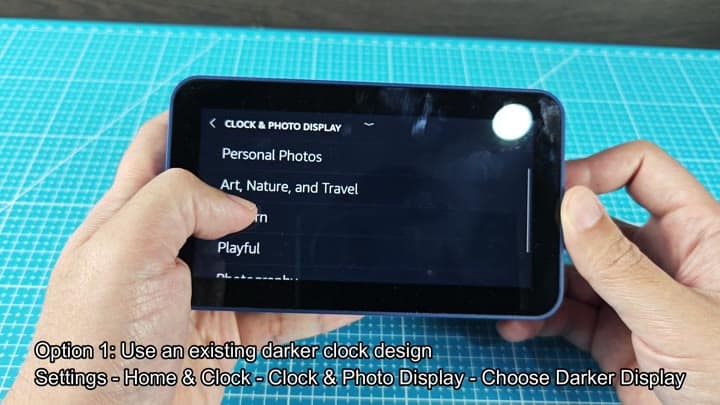
Fortunately, this is a pretty simple fix for most people.
The light options is all pretty vibrant (with some floral prints too). This doesn’t work if you’re into minimalism. But the dark options are a lot more muted. The contrast are still quite strong, but there’s no unnecessary clutter to the eye. From that same screen, you pick a dark theme.
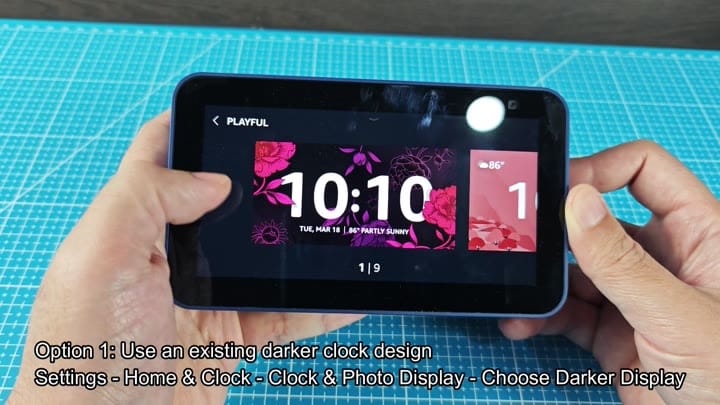
And there it is. The change is right there on the screen.
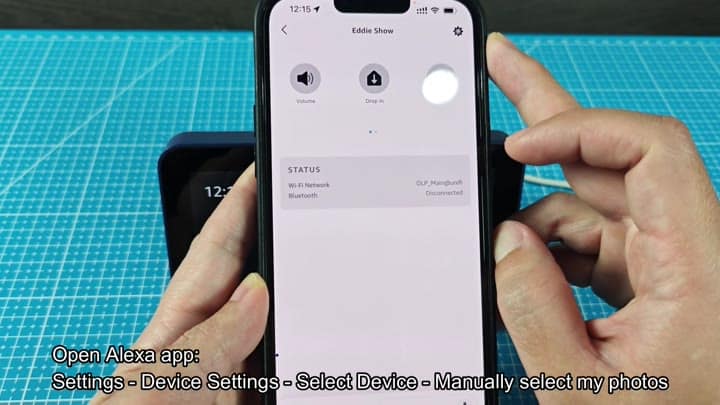
You could also add your own background image. For that, you need Alexa app on your phone. From there, you enter the app and visit Settings. Tap Device Settings, then choose which Echo Show you wish to customize. That way, you can manualy set what displays on screen.
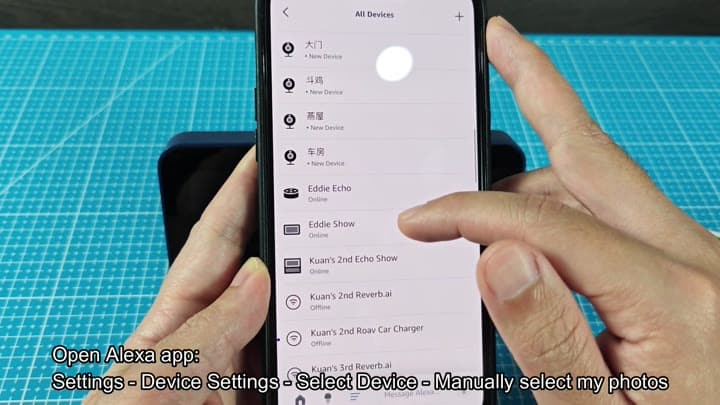
So there’s an option to pick your own pictures. Yes, that is it. Then you decide which of your own pics will be used as a backdrop. And you have full control over what is shown on the back of the clock. Then you should of save it within the app. Then the device automatically picks up all of that.
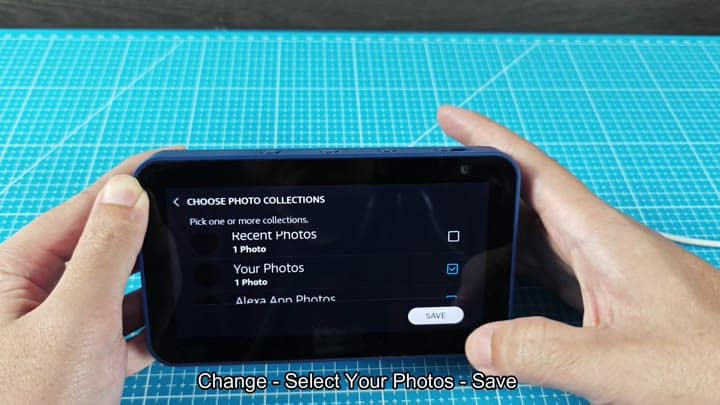
The other thing is that picture. Prepare a good solid black image. Upload it and make this your background.
Now, you have created a void. Against the pure black, those numbers on the clock leap into focus. It look like a real digital clock face.
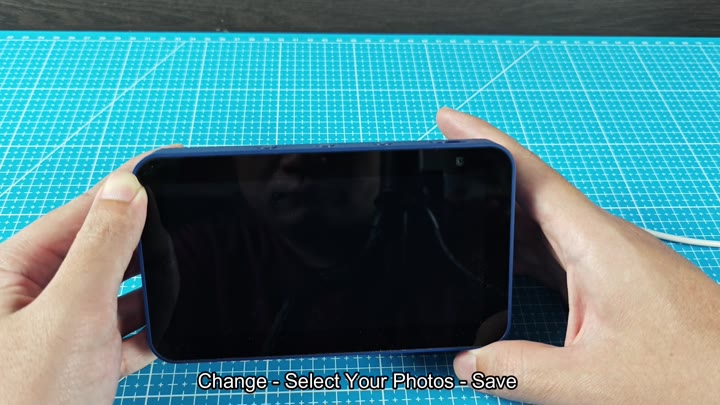
It turned out pretty nice.
The last bit of decor is the brightness. And that’s where Night Mode comes in handy. If you head to Display & Brightness settings and enable Night Mode, everything will gets a lot dimmer.
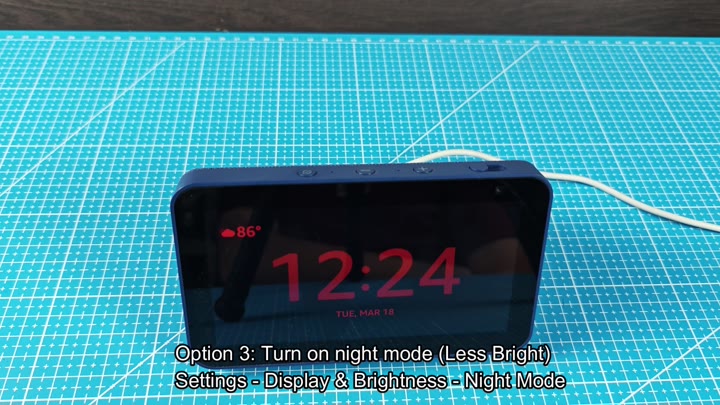
The screen gets really dark while the text stay easy to read without being as noticeable. That’s all it takes to finish off the minimal design. At first glance, there’s hardly anything there. But then you notice the clock.
