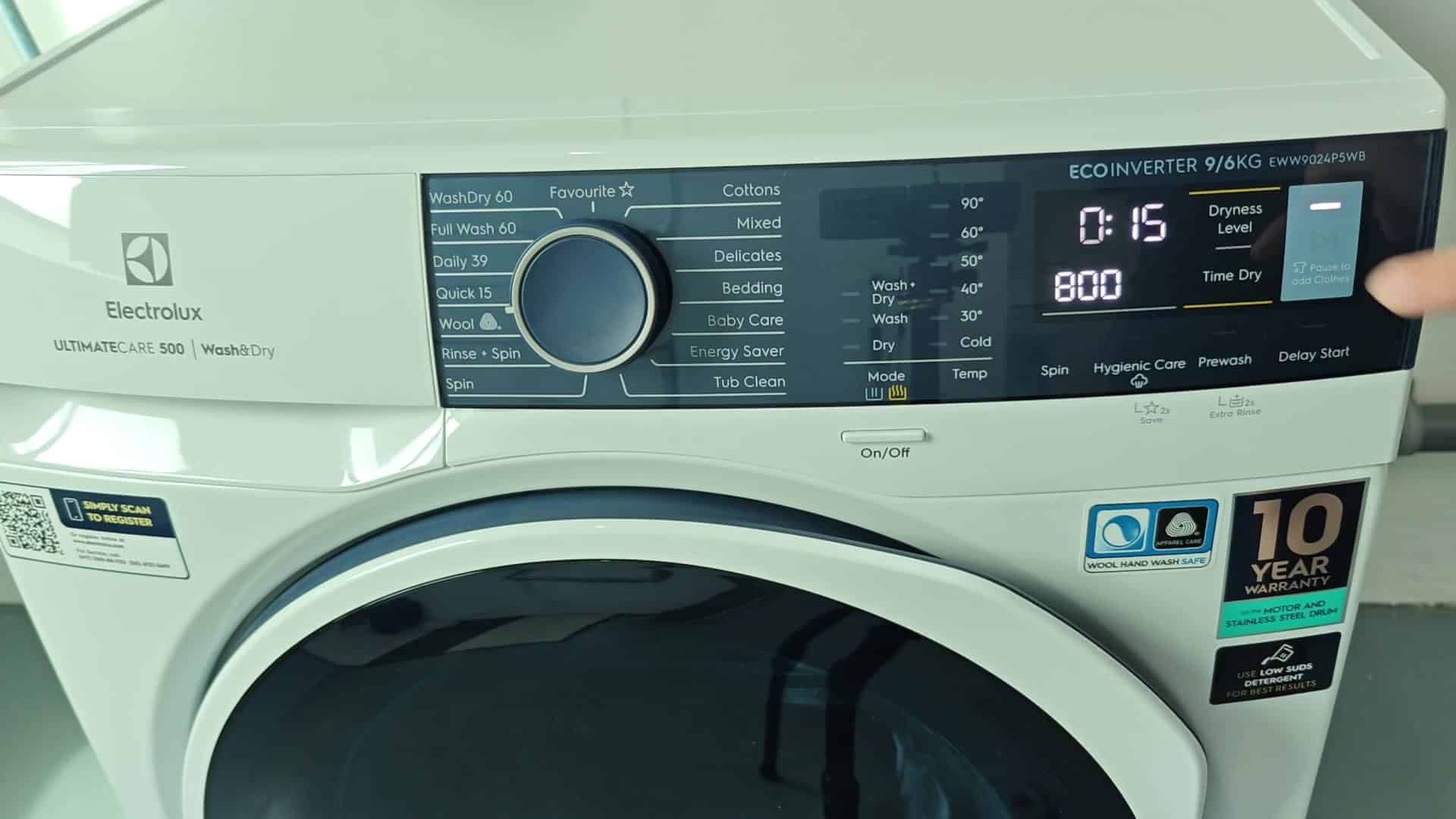
Have a curious child? They loves to hit the buttons on washing machine and mess up your wash cycle. Electrolux washers has a Child Lock option to avoid this. Here’s how to turn on the lock.
Turn it on and choose a program. This step can be any type of cycle (heavy cotton or quick wash). It doesn’t realy matter since we’re just starting up the machine, now hit that Start button.
How to Engage the Lock
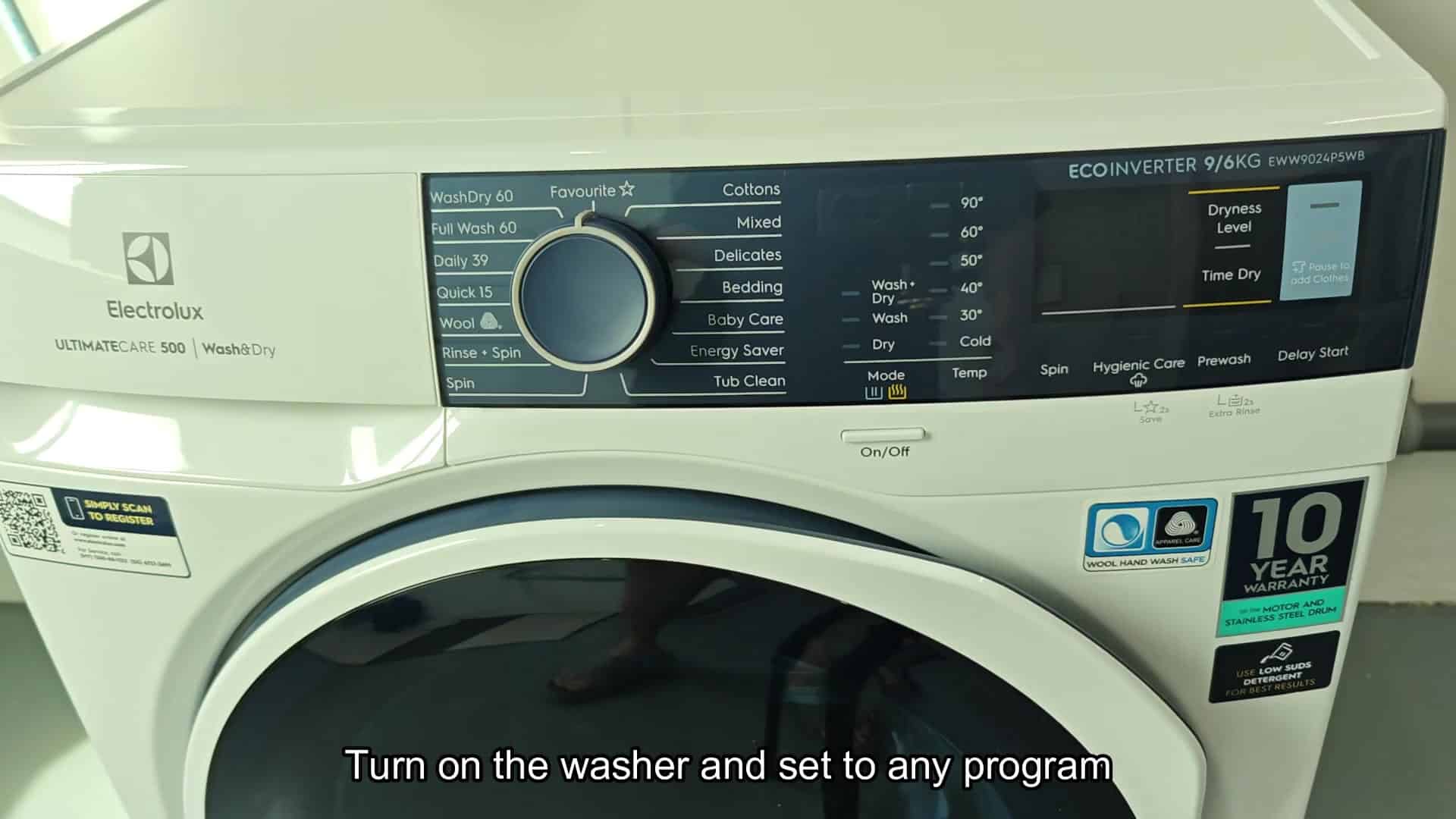
At this point, you’ll see the spin speed setting pop-up as well as timer. See? The timer and spin speed appears. The timer say Ready. That’s important.
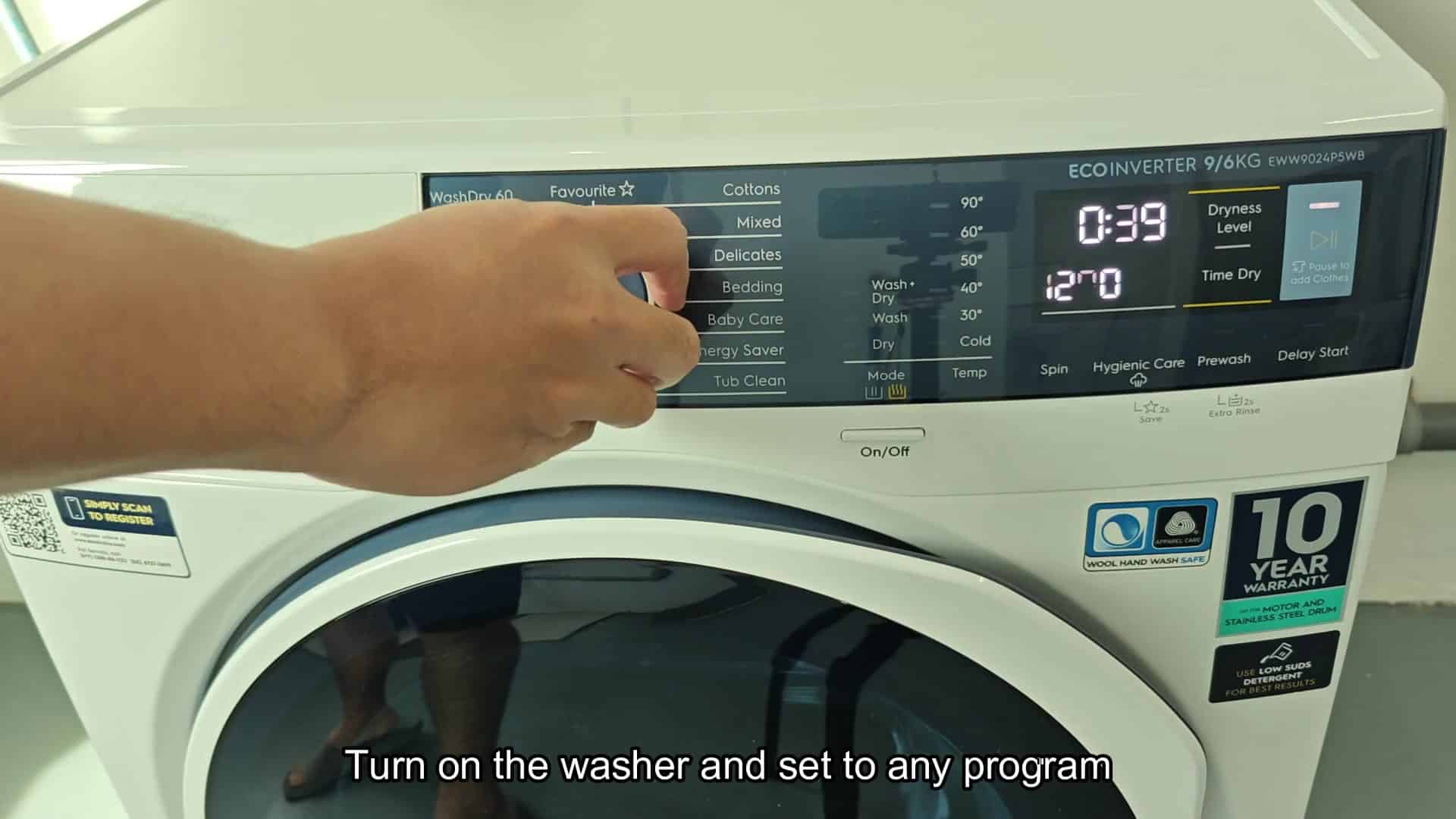
Before it get going and starts spinning around, all those buttons is still working. Otherwise, if you delay too much longer, it might of already moved into cycle and some options will become locked out on their own.
To engage the Child Lock, you push two buttons at a time. The buttons sits near each other on control panel, and they are Delay Start and Prewash, which is buttons you wouldn’t use in a rush when doing quick wash cycle.
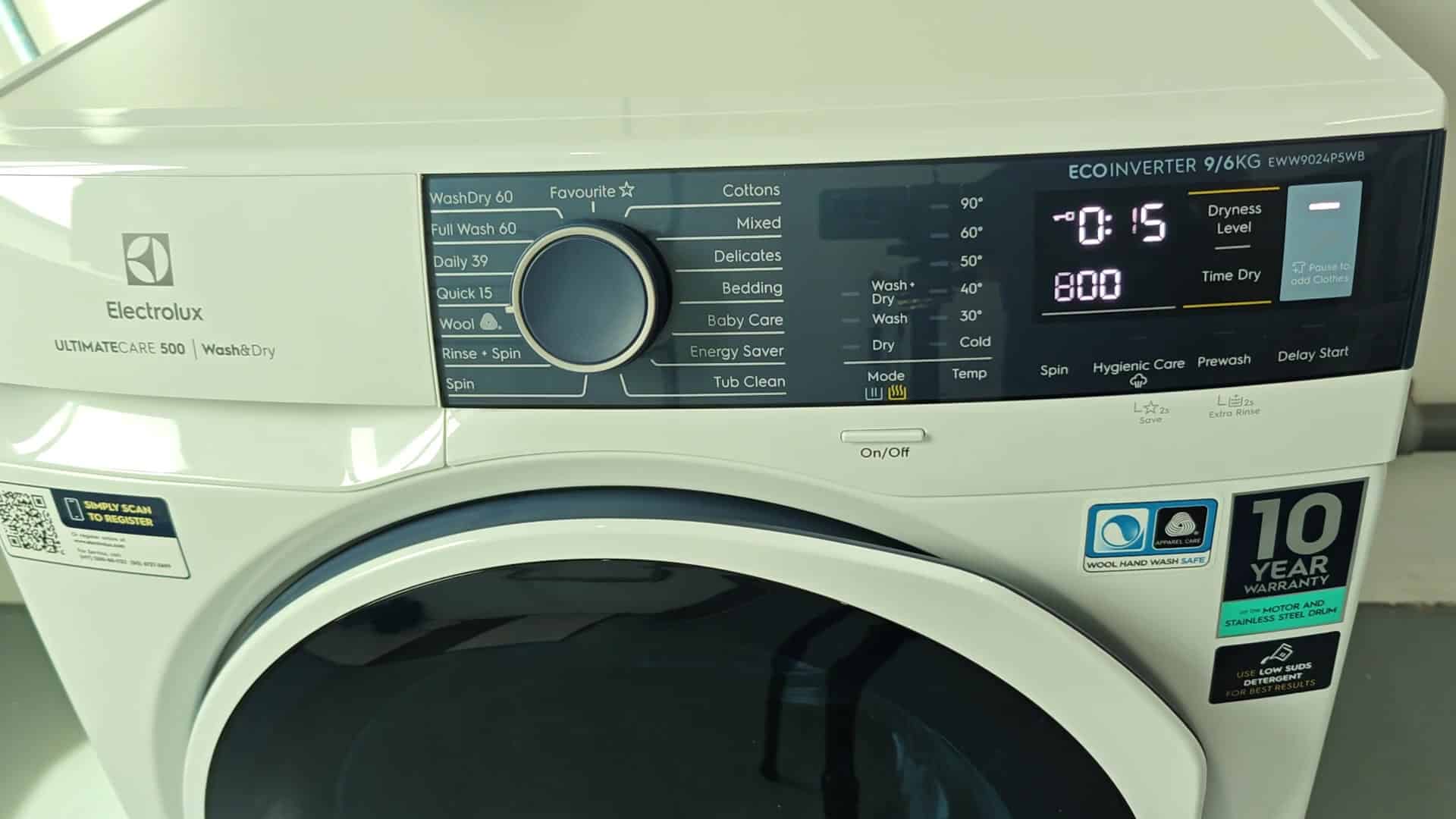
Instead, push both down at once (not tap tap, button by button), then hold them down for several seconds so that the system can understands it’s a real request.
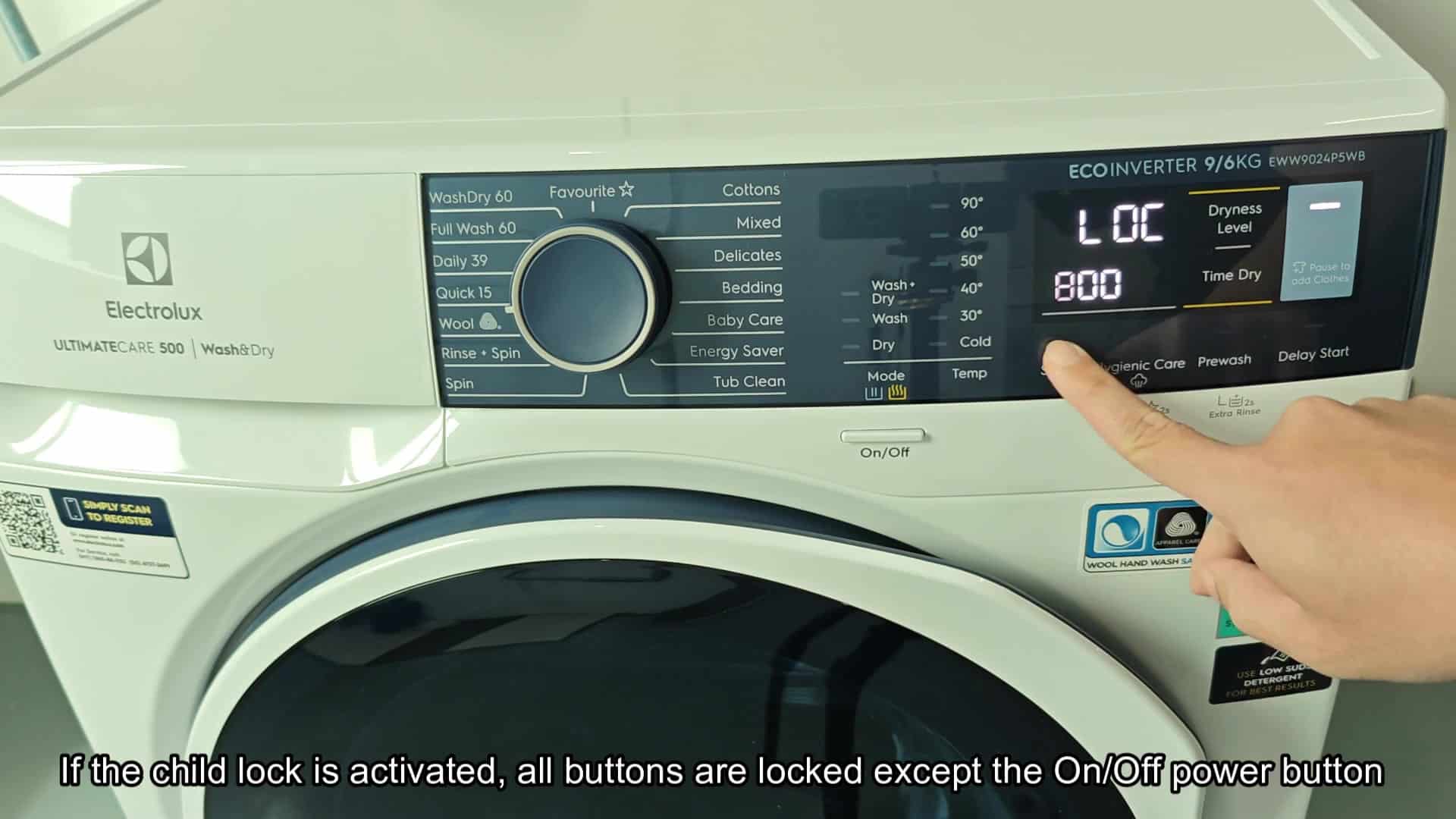
After registering the command, the screen display the word LOC. This means the panel is locked so that the delay timer, temperature, and spin speed won’t changed accidently.
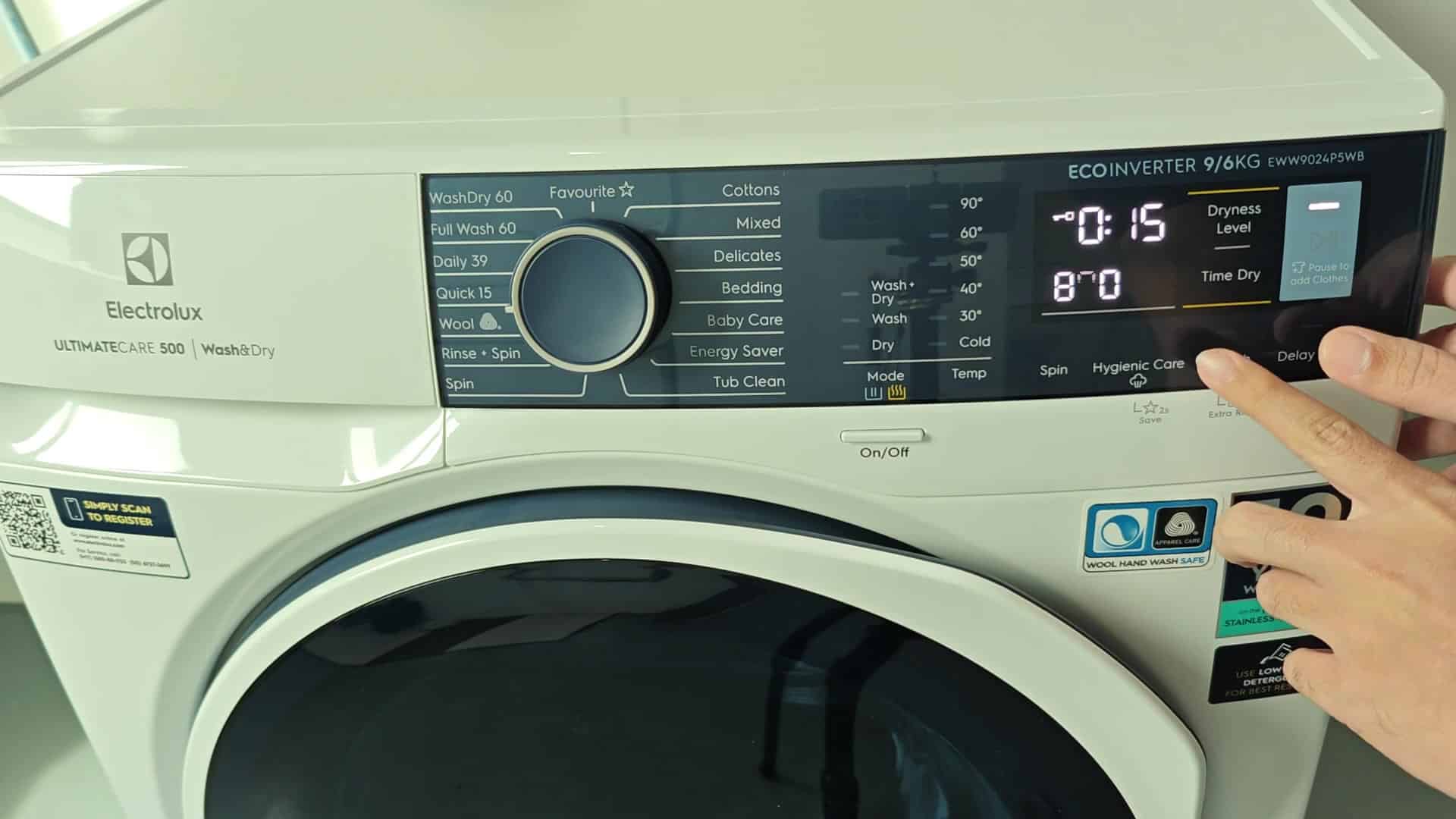
The rest of control panel shuts down completely. Only power switch remains functional. It ensures that kids can’t start a new cycle midway through your wash. This ensure your laundry runs exacty as you want it.

While locked, you’ll see the LOC indicator on screen. You can glance at any time to make sure your controls is off.
To release the lock so you can change settings or toss in a few more item during the cycle, you simply follow the same procedure to unlock it. There is no special code to remember and nothing to manually reset.
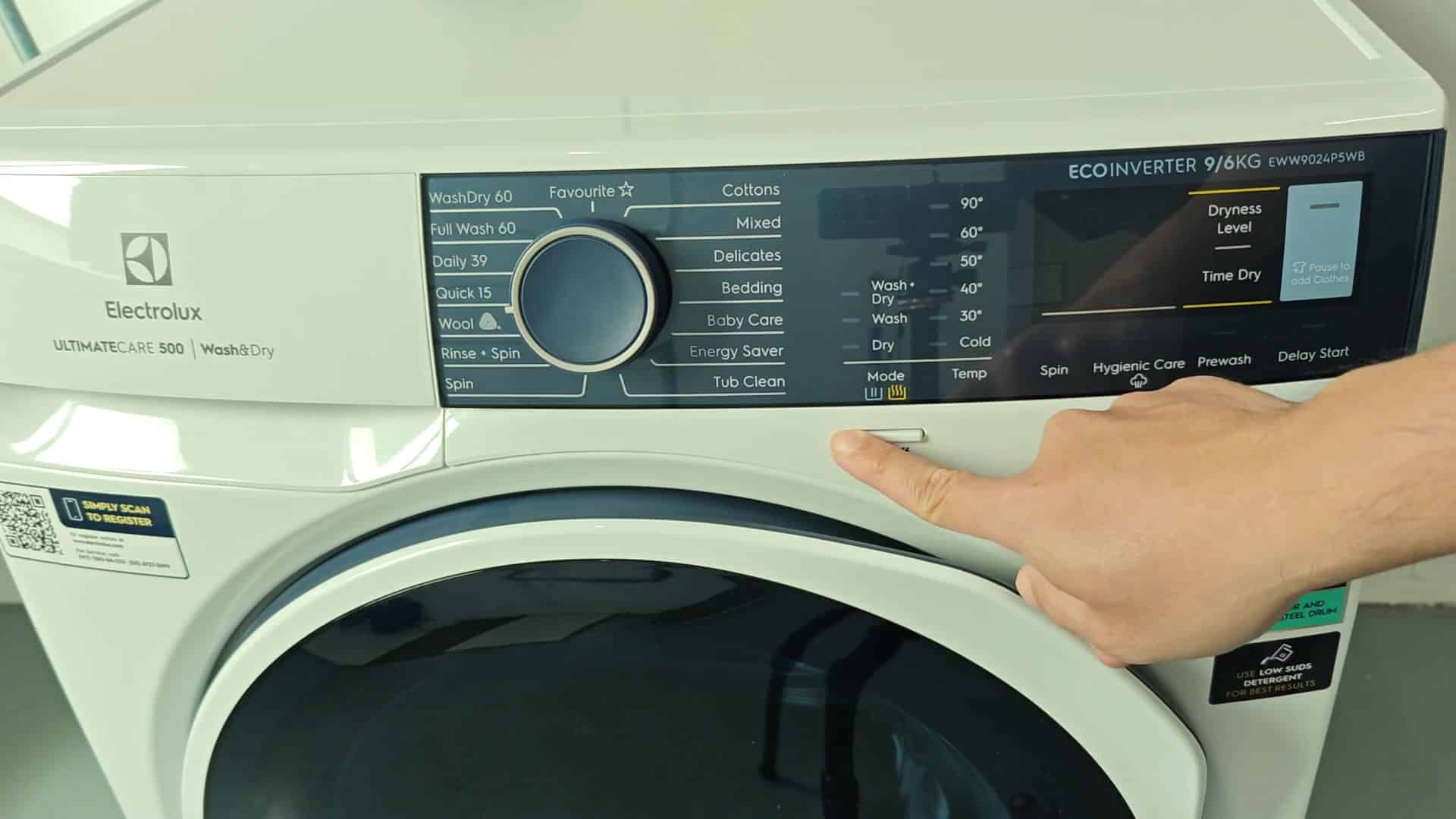
Again I pressed Delay Start + Prewash together, and waited for machine to react.
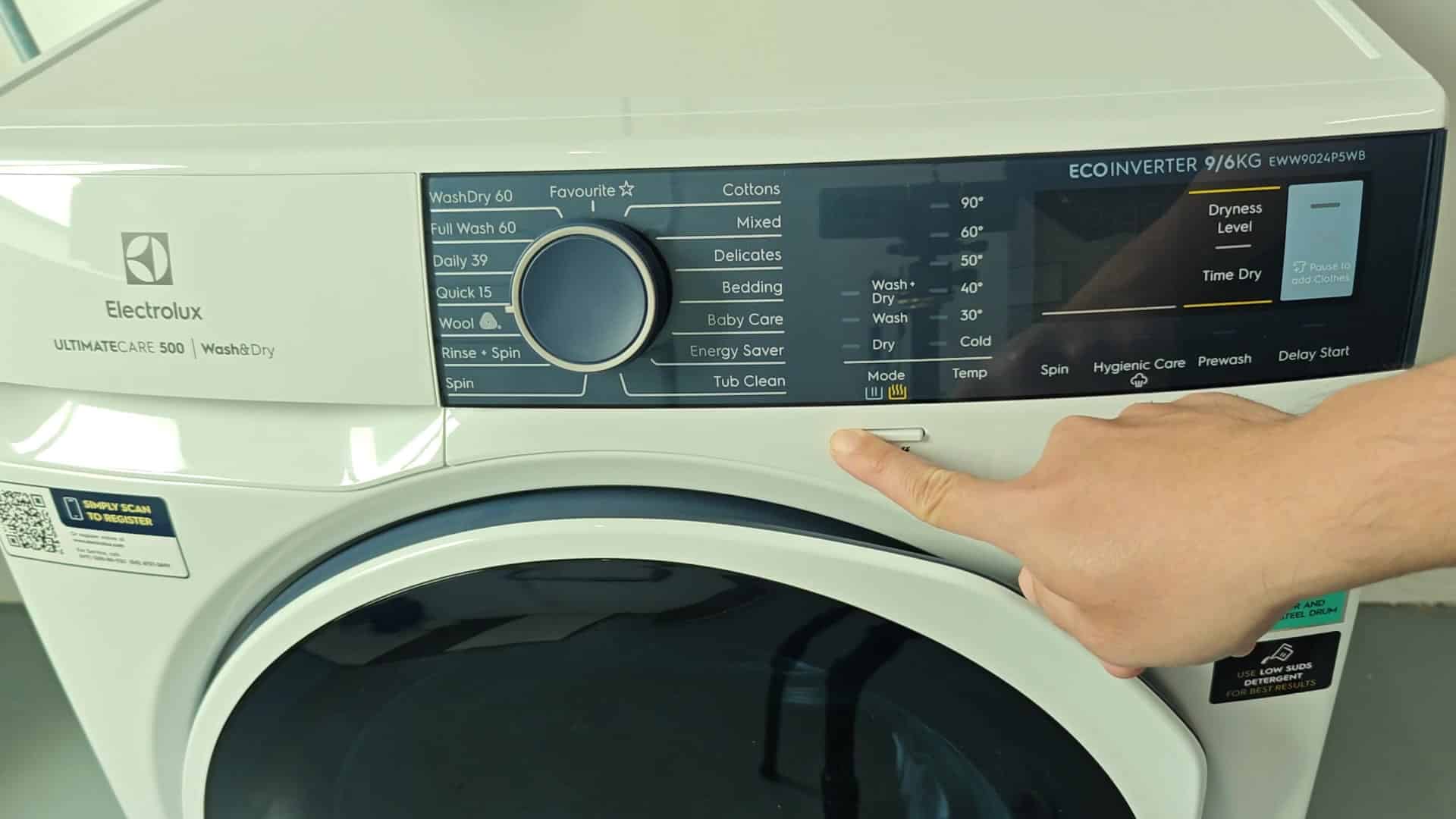
Instead of the LOC showing up, now it say UNL. Meaning the machine was unlocked. Immediately all buttons are active, no waiting, no reboot required.
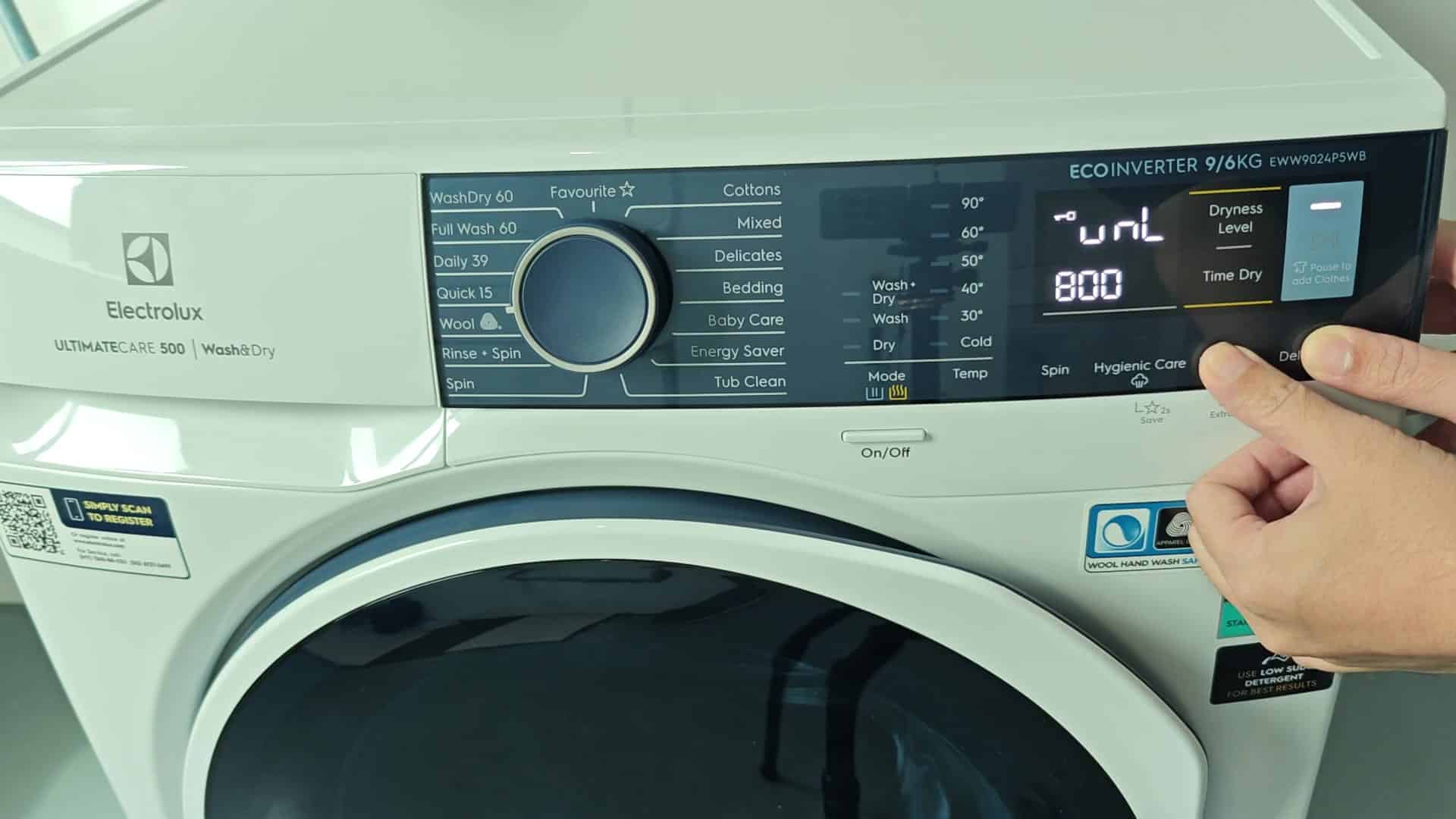
This is very effective because you can simply change things around quick without powering the machine down and back on. Repeating the unlock/lock cycle show that this is a reliable repeatable pattern.
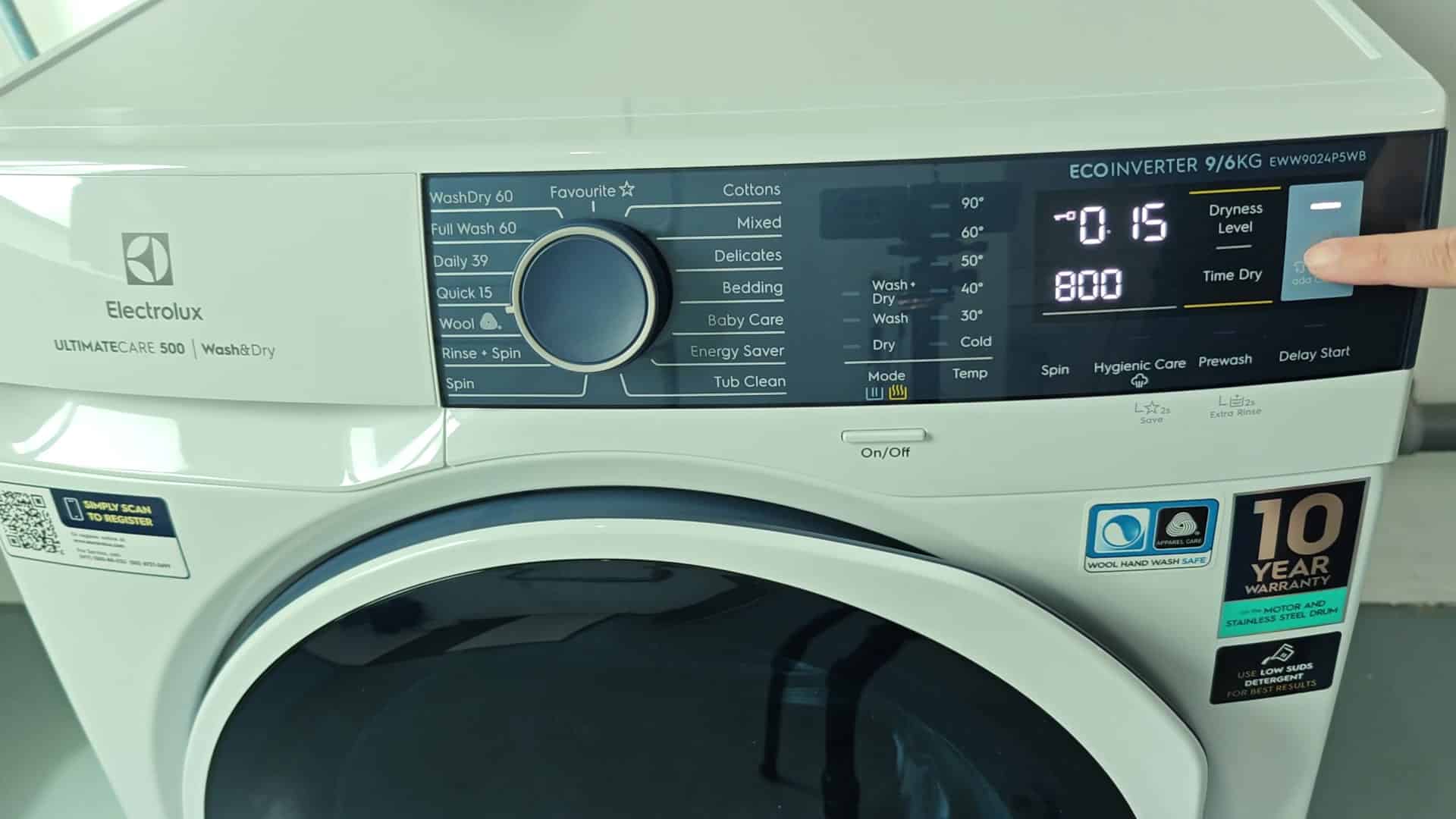
It saves time on laundry day; since I don’t notice when I change the cycles, it has made doing laundry much less stressful than before.
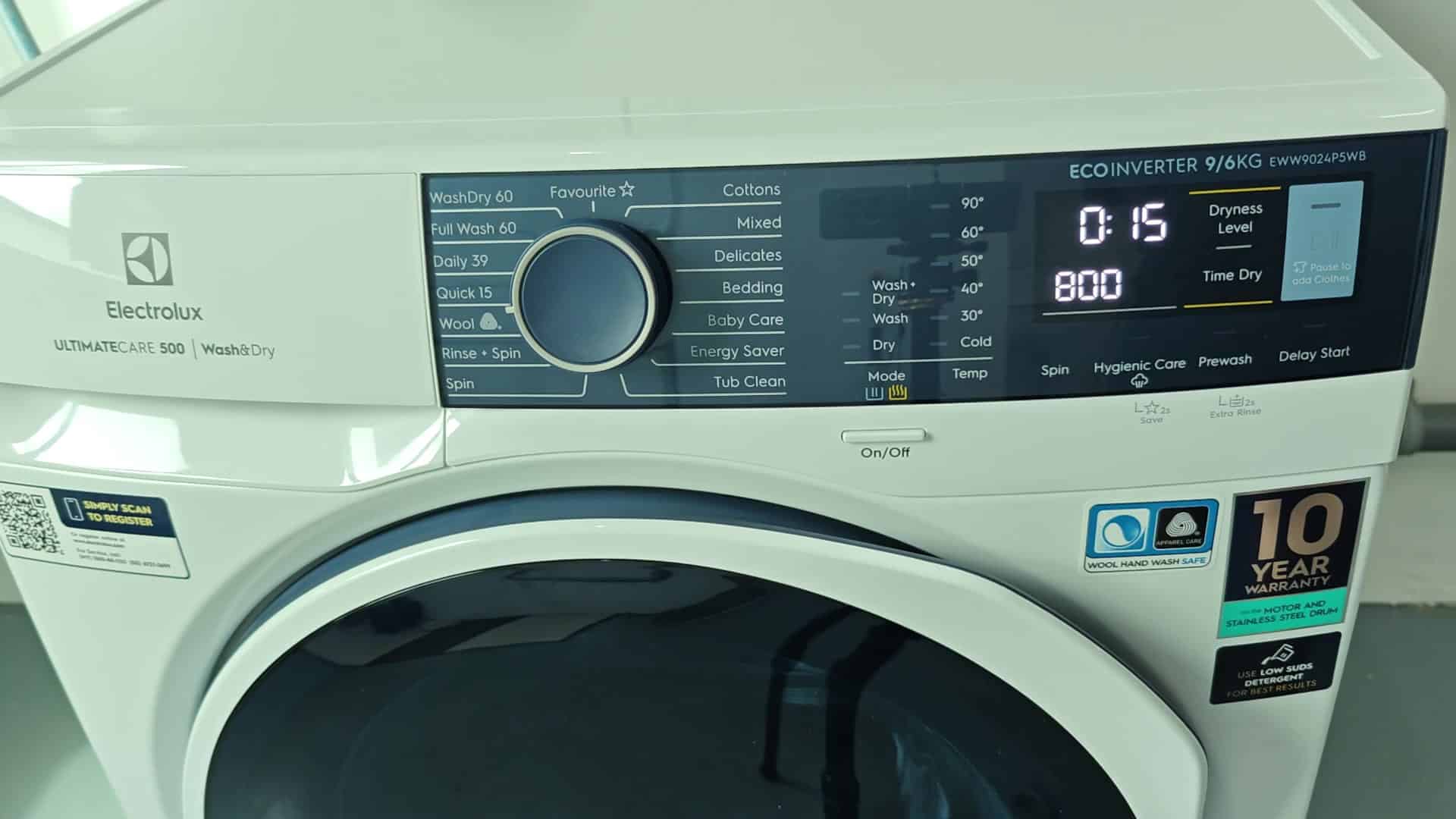
It’s easy to learn in just a few seconds, which means you’ll be able to use it every single day. Whether there is kids or guests around. It is simple but effectve. Your wash settings stays protected against any accidental inputs and your routine will go smoothly.