
You can start a Gree air conditioner without the remote control. For when your remote breaks or you lose it.
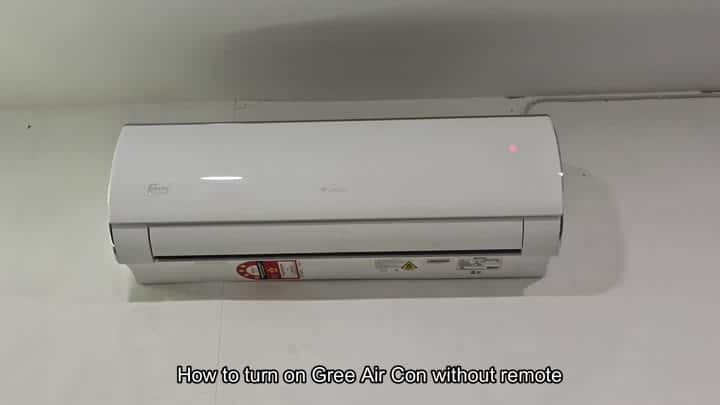
You turn it on and the fan doesn’t spin, instead you see that little red light on the unit. Time to get into the insides of the control box. Remove the front panel of the unit first.
Locating The Manual Control
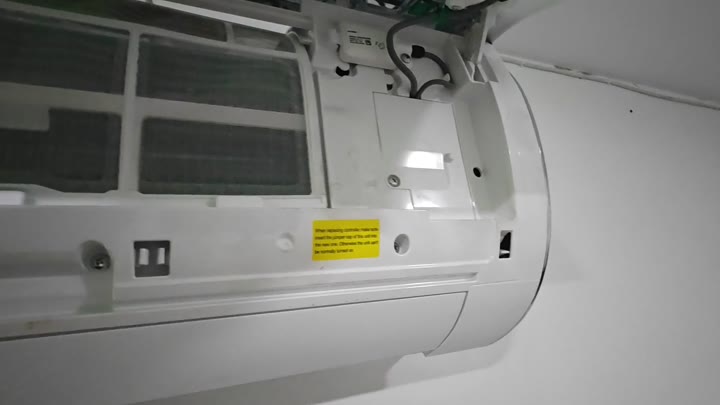
Pull it down and it will slide off with no problem. You can then see all of the wiring, plastic housing and even the grills on the inside.
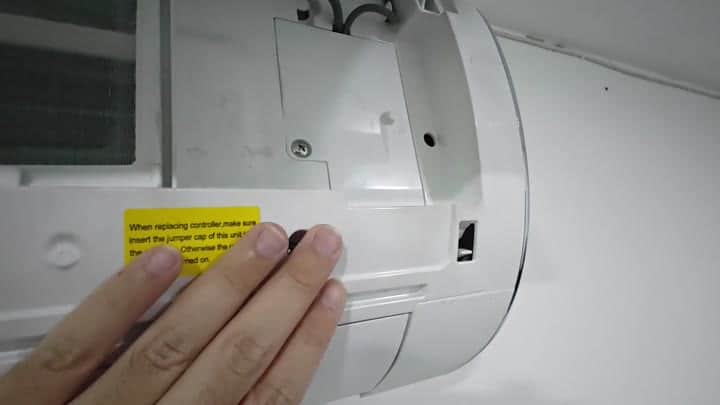
This part doesn’t require tools. Don’t be scared to mess with it, it’s really simple and won’t hurt your machine. If you look inside, there’ll be a yellow caution sticker.
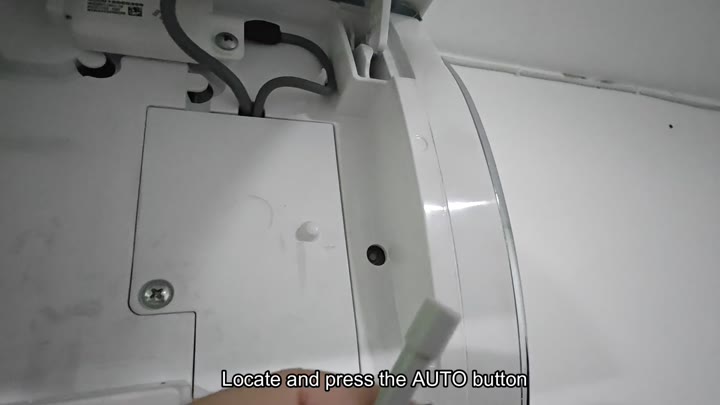
Inside the unit, you will see a yellow warning label.
Oh, it says to use the jumper cap or replace the controller. Hmm. I will skip that part for now.
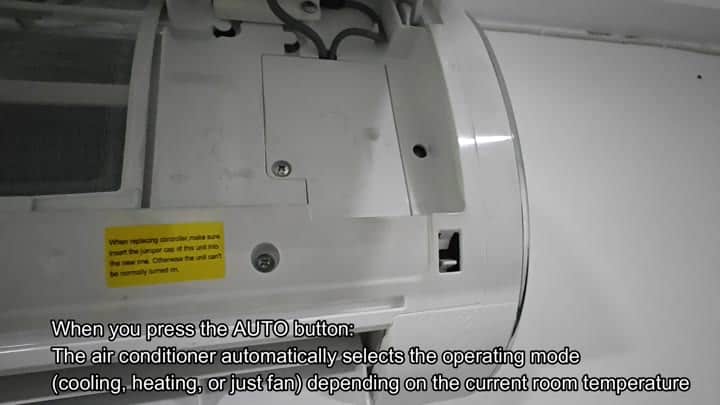
In other words, you can still turn it on without it preventing the fan. There’s a tiny little black button located on the inside panel. It is marked “AUTO” discreetly.
Push the AUTO button hard. That’s when you’ll notice the mechanism engaging. Your interior lights may flicker slightly. Then the unit begins operation.
There is no waiting around for instructions. No entering a temperature. Just turn it on and let it run. Based off what the unit reads for room temperature, it decides whether it should be in heat, cool or fan mode. No decision required from you.
The auto feature works well and is handy. No need for you to make adjustments. If the room is too hot, it’ll cool the room. Too cold? Then it will heat the room. Comfortable temp already in the room? Just the fan running. Saves time on manual adjustments.
Restart the unit without the remote control. Forget about sending signals, forgetting to change your batteries, etc. Instead, go old school and just use a physical button push. Wireless commands are great but this is more robust. This is simple and it’s fast. Like really fast. Less than 1-minute.
Once the unit is running, replace the front panel by snapping it back on. It should fit snugly. Everything about the air conditioner appears as before. Airflow is good. Sound levels are quiet. And you’ve just rebooted your AC unit yourself. No pro required.
It’s also integrated into the chassis as a secondary option. That means you won’t have to dig around for it; it’s just below the panel. In case of another remote failure, it would of been good to know about this one. Rather than panicking and calling in a technician, simply push the button and repair it yourself. It’s simple, reliable and effective.
