
To perform a factory reset on an Amazon Echo Dot (2nd Gen), you must press and hold both of these buttons: Volume down + Mute. Both buttons needs to be pressed and held simultaneously, pressing just one doesn’t cut it.
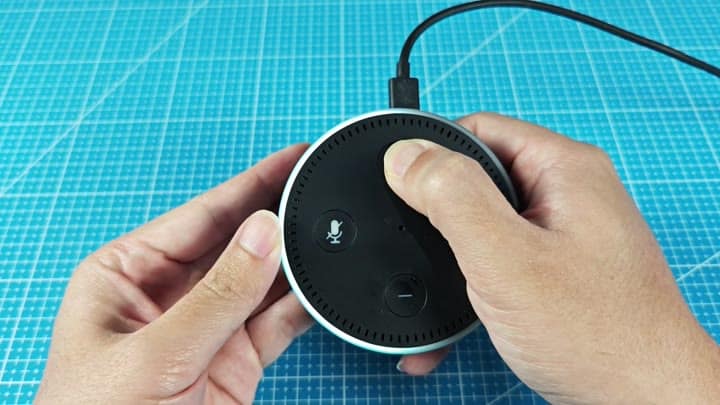
It might take some getting used to, but press both buttons at once and hold them down until the orange light ring appear.
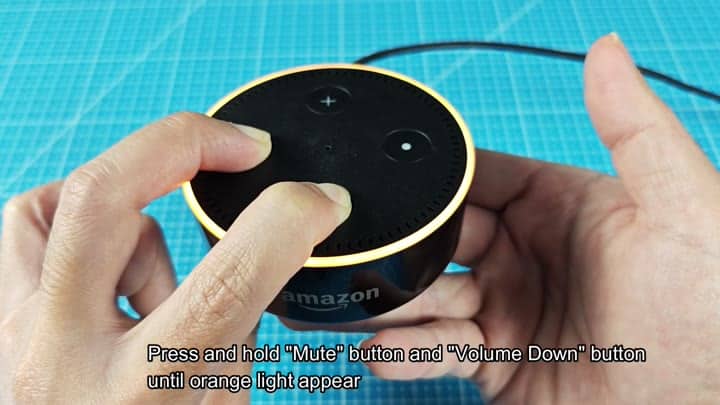
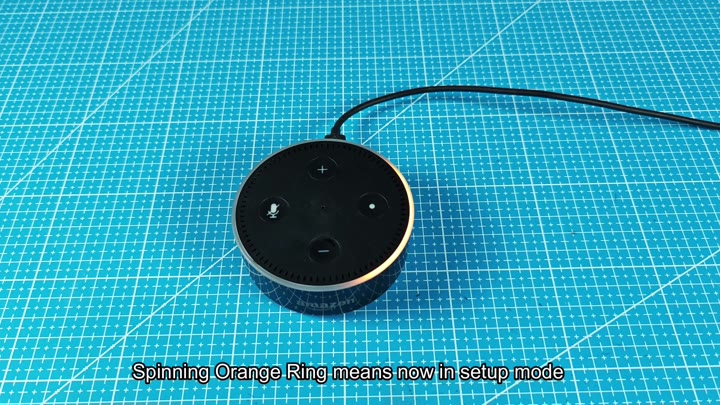
The ring also turns an orange color when it’s in setup mode, that orange spin around the ring lets you know device is available and ready to start from scratch.
Reconnecting via the App
At that point, pick up your phone. Reconnect speaker by opening the Amazon Alexa app.
Within seconds or so, the app will identify the device near you, tap through and follow the prompts on screen to connect it with your account.
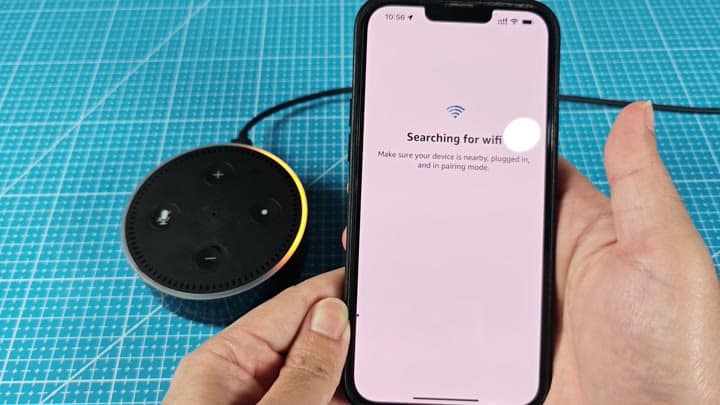
It’s a simple process thanks to the app which walks you through connecting via Wi-Fi. No more fiddling around with outdated settings and old-school ports, your Echo Dot will come up fresh as a daisy after wiping any existing data, it should of been easyer than that.
