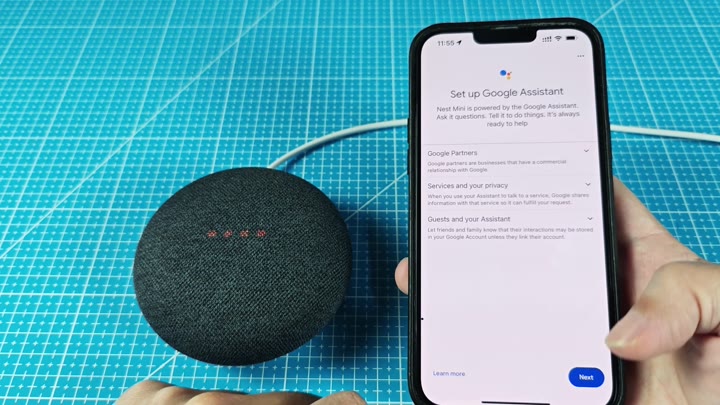
When your Nest Mini is acting wonky, the remedy isn’t tweaking some obscure setting, simply perform a factory reset and you have a clean slate. All prior settings is gone with just a hard wipe.
Resetting Your Device
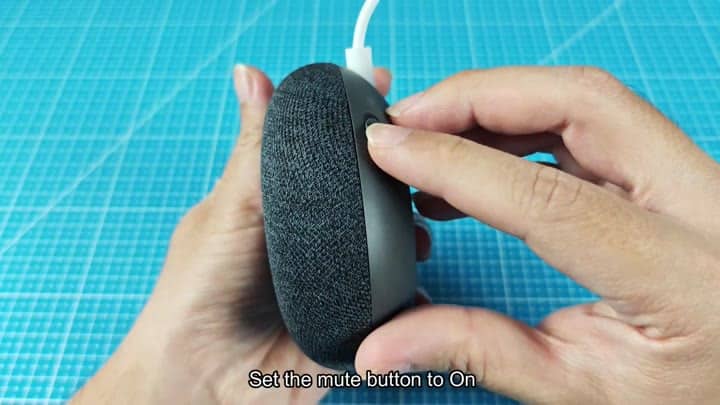
The first thing you do is hold down the side’s mute switch, keep that finger firmly planted in place. It takes a moment to get used to doing so, but if you follow the directions, it’ll work as intended.
Don’t remove your finger just yet; you have another move to make before the reset process begins. It requires patience, even though you will want to let go early.
You should of not let go yet because you need to combine this with pressing down on the dome top of speaker for the reset to start.
Then you hold both those button together and press down on the dome top of the speaker. Hold it until you see something visual; when that happens, all four of those LEDs lights up at the same time.
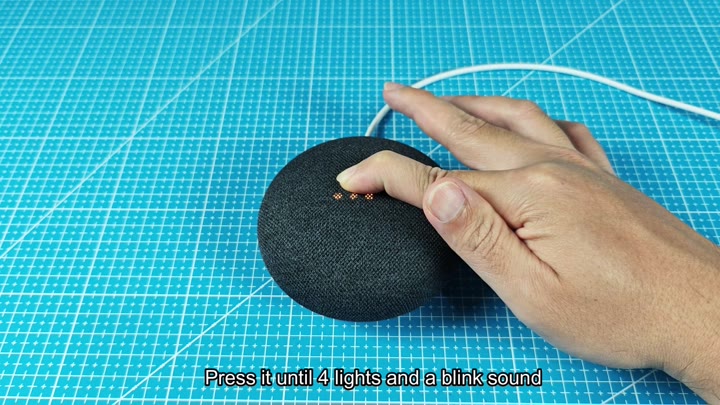
That’s your signal, you’ve successfully reset and the speaker is as good as new. It doesn’t have any lingering old settings anymore, making it ready to move onto the next step.
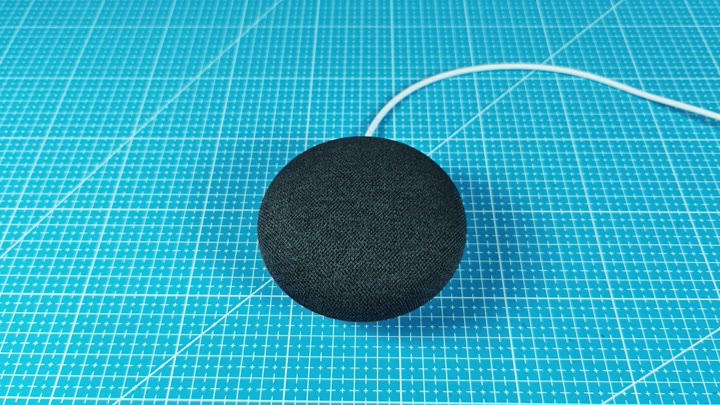
On the software front, that’s handled in the same way as with any other Google Assistant speaker: You go into the Google Home app on your phone and set it up from there.
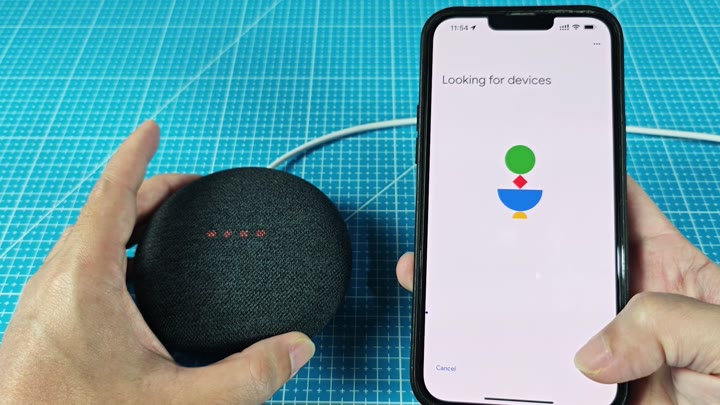
Everything was pretty self-explanatory and you just followed the onscreen instructions to get started again. No need for manual pairing codes here, it will automatically scan for the nearby Nest Mini.
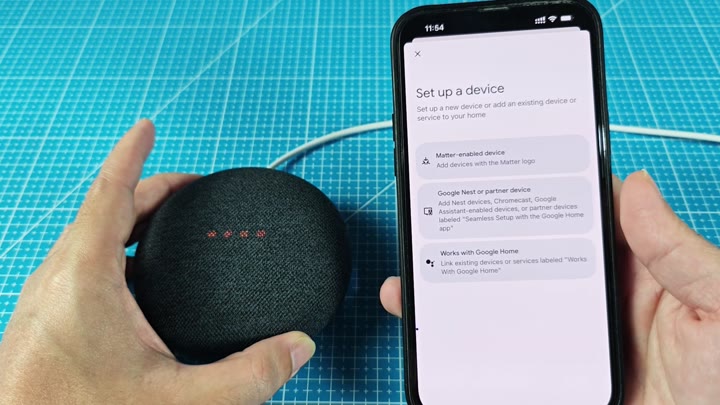
The system handles the discovery process. You simply tap to continue.
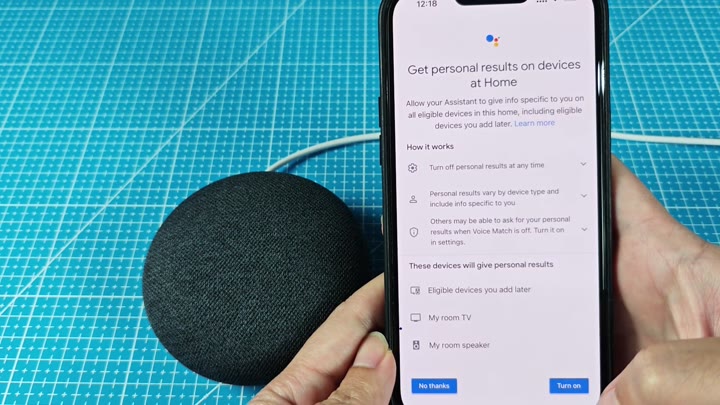
It walks you through some general preferences including responses from Assistant, your privacy settings and more. It’s pretty easy to get by with the basics.
Most options is left to you but you might as well make it nice and simple. Do you want your home devices to show your personal results? For a speaker and TV, sure!
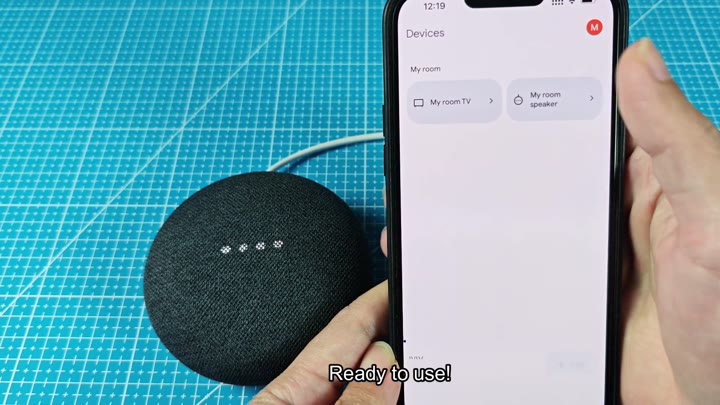
Device shows up on your connected devices list and can be used immediately.
I have to say that scanning went more quicklier than expected; and without any hiccups or drop-outs throughout the process. It was worth starting from scratch just to get this smooth integration back in your smart home ecosystem.