
Six months into using the Levoit Vital 200s, you’ll get a sense for its impact on your environment. For now, it’s quiet and it’s unobtrusive, sitting on the ground. Setup should of been easy enough. However, the true test come from day-to-day usage with furry friends.
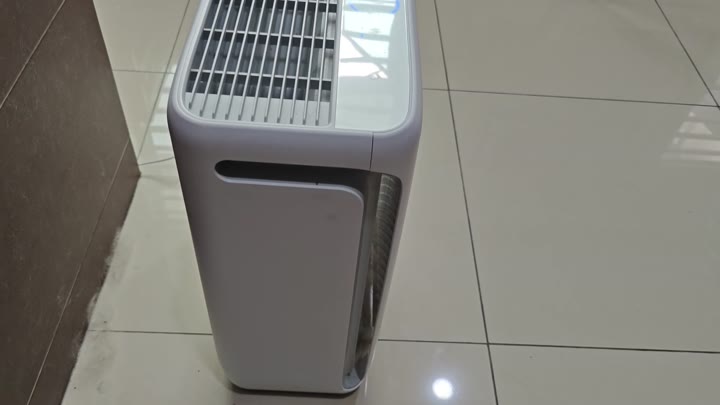
It’s surprisingly good at cleaning up after pets. It collects a lot of junk in the pre-filter. If you have a shedding kitty, you’ll notice there hair covers the filter layer pretty fast.
Operation And Controls
To know the system is on and pulling air, look at the blue control icons which light up once activated.
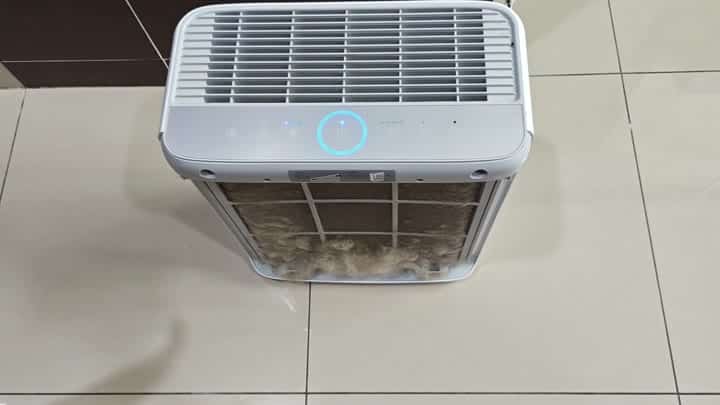
Where does it come from? It is usually clear where the hair comes from. If you have a cat, then he’ll be lounging next to the unit and shedding right in the air intake.
How does it perform with that much gunk in its intake? It doesn’t choke. It doesn’t struggle.

It is still going strong.
The device are easy to use. It has four fan speeds that you can manually choose from. To find your sweet spot between noise and airflow, you can cycle up and down with ease.
Its controls are straightforward enough that anyone could learn it in minutes. No hidden buttons here, no complicated menus. Simply push a button and the fan turn on.
At night, you’ll want to use Sleep mode. That reduces the fan speed to the slowest setting. It gets real quiet. You can barely hear it running. You get a nice, quiet environment where you can go to sleep with no hum in the background.
The lights dim down. The whole room is quiet.
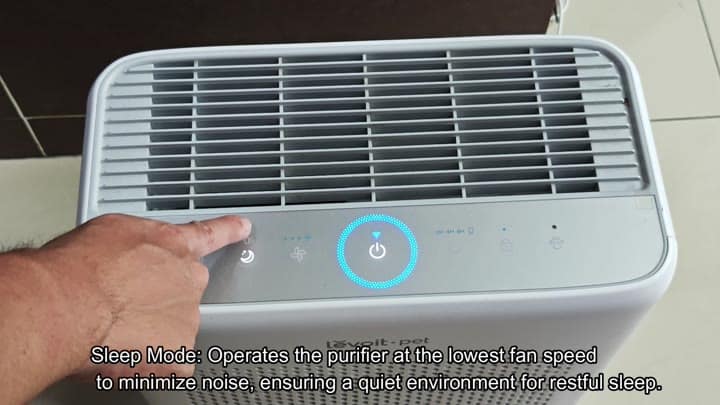
The result is noticeable when it comes to comfort.
The purifier also has a timer function that allows you to set the times you want it to run. Two, four, or eight hours are your choices. So for instance you can have it set to run while you are out.
There’s no point in having it going all day long if the air is already clean. Not only does this save energy but it will reduce wear on the motor as well.
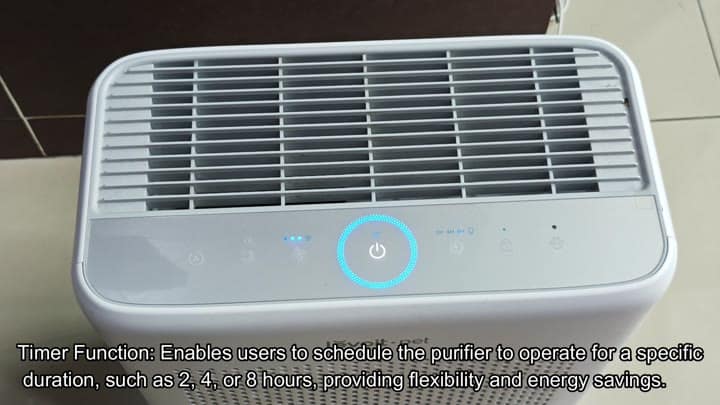
It is smart design.
There are problems with pressing the buttons.
Sometimes, buttons gets pressed accidently. If you walk in front of your device, you may press a few button as you pass through.
For that reason, there is a child-proof lock switch that lets you lock your current settings so they cannot change. It will stay in place until you choose to unlock them again. That way, everything operate the same every time.
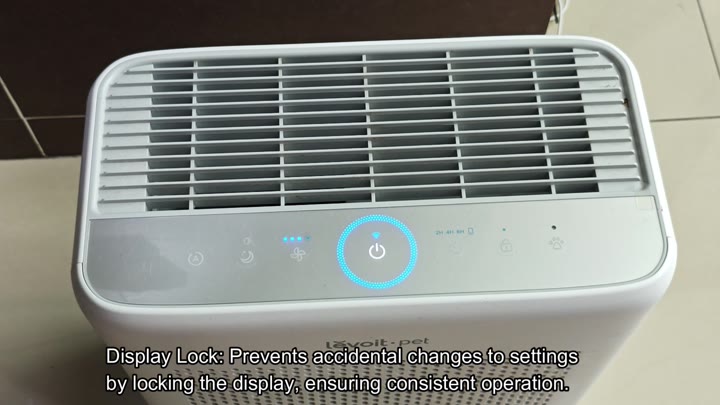
For pet owners, we should mention the Pet mode. As its name suggests, it’s designed to target any contaminants that is related to pets. It uses both high and medium fan settings, alternating back and forth.
That variability make it even better at capturing pet odors, dander, and hair than a single speed would be. When you turn on this mode, you’ll definitely feel the differance in the air.
It also has a light for air quality which indicates current conditions. It will change colors depending on how polluted it is. You won’t have to guess whether the air is good. The visual feedback is instant and obvious. You won’t have to second-guess what it’s doing.
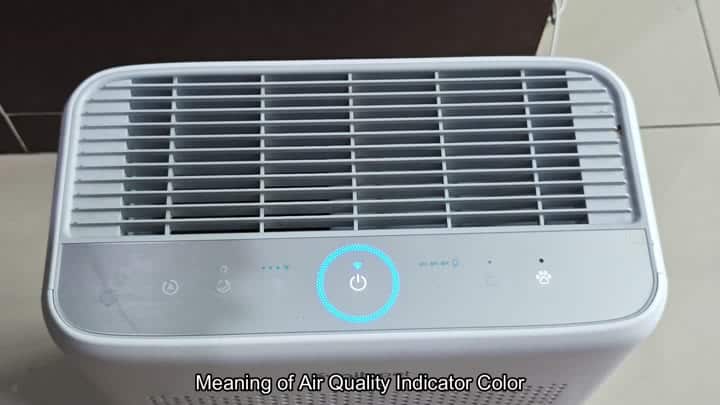
It’s now part of the household. It automatically detects the air quality, and operates on that basis. Set it and forget it for the most part.
It is a good mix of smart functionality and dependable filtering. After six months, you’re still pleased to have it around. You won’t have any buyer’s remorse.
