
Luckily, resetting your LG ThinQ washer-dryer is easy, no need for technical knowledge or any special tools. Follow these steps to reset your unit. It’s simple, fast and intuitive.
Resetting Steps Guide
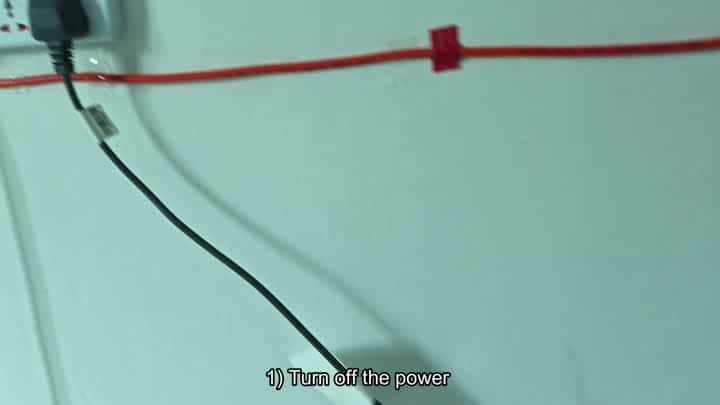
To start, press the power button located on the control panel and continue holding it down until machine fully shuts off. Once it’s turned off, you’ll notice display goes black to show it is powered down.
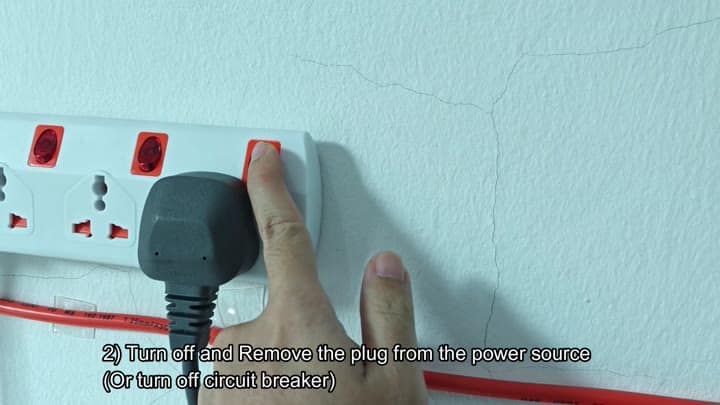
First, hold down the power key on the control panel until machine completely powers down. Anyone can do it and this is easy part. Then unplug your appliance from wall outlet. Since there is no power, nothing are saved. Then unplug your appliance from the wall outlet. Remove plug completely from wall outlet. Because there’s no power there’s no memory retention.
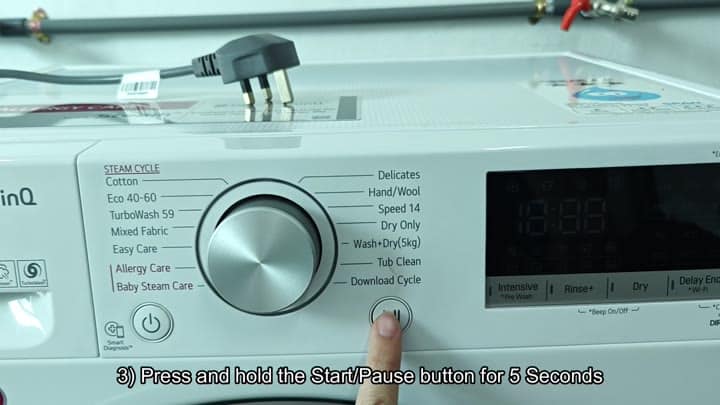
That’s part of the reset sequence. Find the start/pause control while machine remains unplugged.
Then press it, keeping it pressed down for several seconds (maybe five). Keeping it pushed all the way down will make system recognize what you’re trying to do. This clears out any remaining error codes.
Then you slide plug right back into its socket. Carefully bring power back to appliance. With it completely seated, it feels solidly connected, it’s time for those electronics to start from scratch.
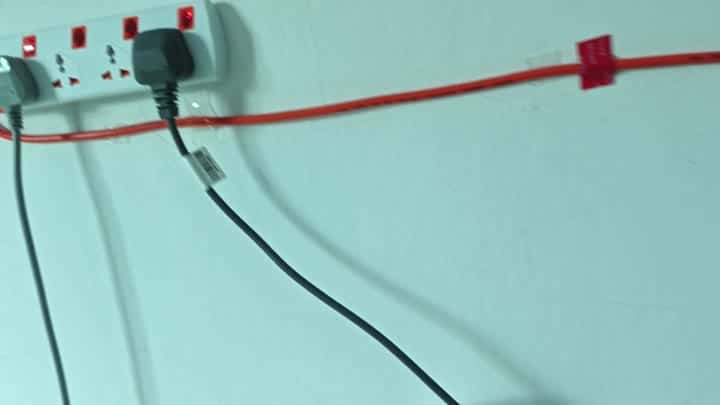
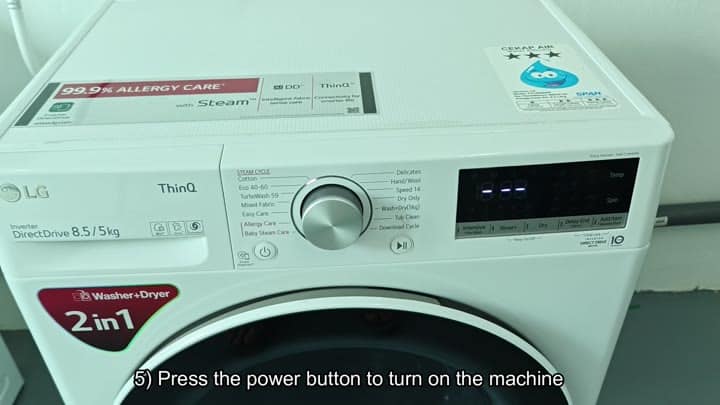
Then you hit the power button one last time, and switch your washer back on. Presto! The screen displays a nice clear message.
You’ve successfully reset your LG ThinQ washer-dryer. From this point onward it will work like new.
It is simple and fast to go through the whole process. If it’s something small that has glitched, I have found that going through all of these steps help.
I don’t have to touch anything inside cabinet or mess around with wires. Simply walk through the steps as outlined here. It would of worked like a charm! Your machine will be running perfectly again.
