
If your Panasonic air conditioner refuses to respond and you lost your remote, it’s time for the old school manual override (or rather), the way to make it work without wireless signal.
Head over to wall-mounted indoor unit. There is no buttons visible on front panel. Pop the thing open; that’s where inside controls are located.
Accessing the Manual Override Switch
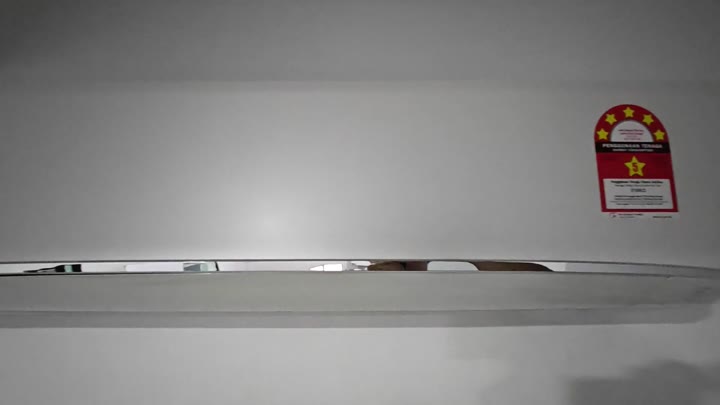
Then you find where it releases on bottom edge of panel. Just give a gentle tug and cover comes right off, no tools required. You simply lift the panel out.
It’s a slick system that makes accessing the internals for maintenance very simple. Front panel pops off easy. There is no strange clips you have to fight with.
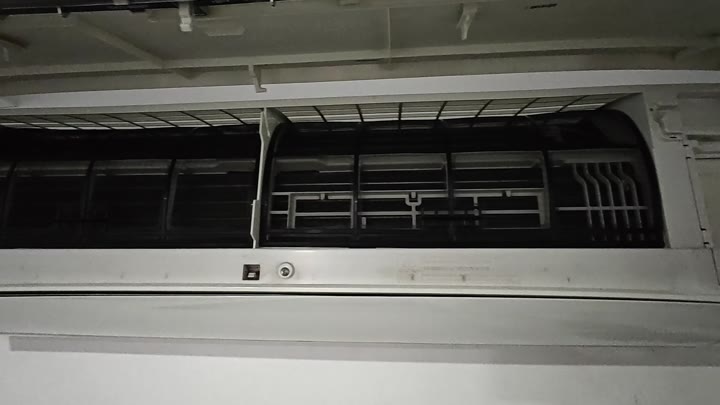
The main control button are located inside the unit. Most units has it positioned near display. Look for that button, which connects straight to the circuit board.
This button serve as the on/off toggle for the system. There’s no need to adjust anything in the wiring. Simply firmly push the button and the unit should immediately turn on.
Indicator lights will also light up indicating power status. Typically a green light indicate that the unit have power.
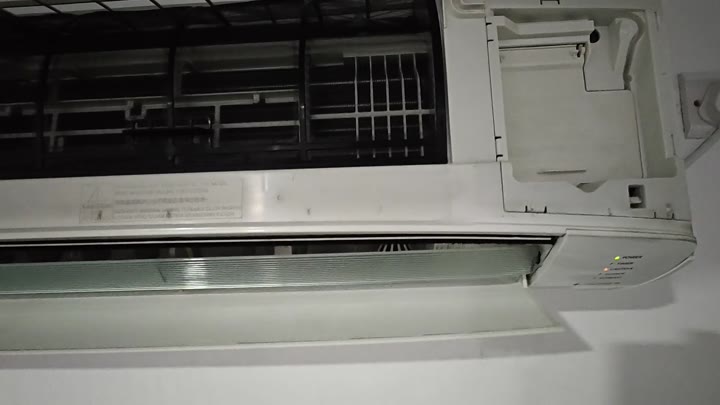
Status and/or Mode are usually indicated with red light. Air will blow when you turn on air conditioner. It shouldn’t be any louder then usual. Use it to confirm that it is truly a toggle switch, pressing it again shuts the system down.
It works. It’s dependable. It avoids any kind of signal, even infrared. There are no missing batteries to find, there are no settings to reset.
It is just an always-available hardware button within its housing and it couldn’t be simpler. Pop off the cover, find the button, push it. It takes less than a minute from start to finish.
The remote stops working, and everyone figures it’s the unit. Nope. It is just a bad battery or a connectivity problem most times.
But that switch inside still works. That was carefully built in by Panasonic so we can have some sort of control and maintenance from front. Handy to know where that button are. It is a fallback option if you lose the remote.
Once finished, close the front panel. It will snap closed and remain secure. The seal should be tight with no gaps, the unit is like new.
It’s safe to do this and doesn’t harm appliance. It saves you both time and money because there’s no need to call a tech.
It is a simple on-off switch. It is a manual switch. But that’s all you need, and it allows you to toggle between the different modes when necessary.
Most of the time though it’s simply a matter of turning on and off air flow. It is simple and effective. You have control over mechanics of your appliance.
Where’s my remote? Who cares? No big deal; go buy another one soon-ish. For now, the manual override works well enough.
Yeah, it means opening up the cover and such; kinda a pain. But it will work if necessary. Find that button on yours first. Just know where it is so you’ll have something practical as a fallback plan.
