
The Reolink camera won’t charge, and it’s frustrating. It just sits there, lifeless. What gives?
At this point you may think that perhaps the camera have some kind of bug, something wrong with its software. But then again, maybe not. More than likely, the problem lie with your power source.
Diagnosing the Battery Voltage
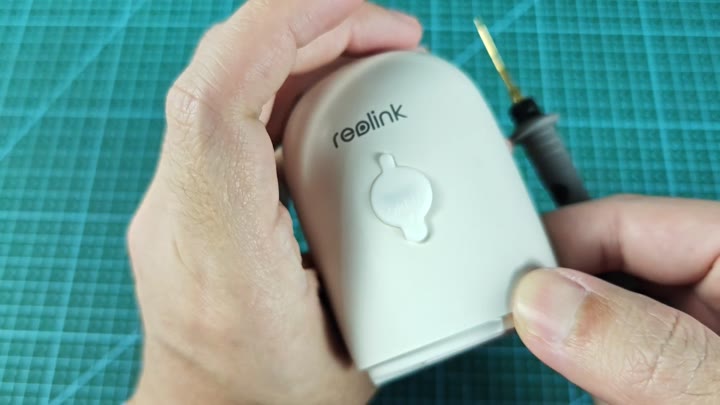
But there’s more to the story.
Carefully pop it open
Now you’ll want to carefully remove the housing with some sort of thin tool. Before you get started, look at the outside, which will display brand name.
Once in there, you can go ahead and poke around. It’s kind of like opening an egg, so don’t be rough, if you break the shell you’re going to have a bad time.
With the unit open you are now ready to get down to business. The first step in that process will be checking your batteries. And the only way to know for certain is with a multimeter.
You insert probes into the terminals of pins 3 and 4. Why? Because this reading show everything. Checking visually won’t show you what your voltages actualy are.
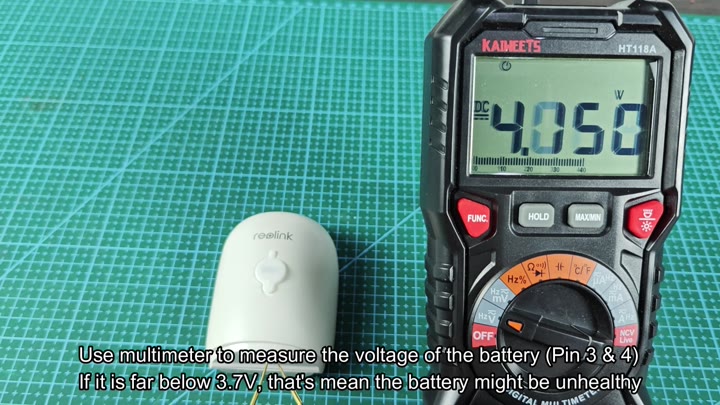
Data. You Need Data
So your initial check is at 4.050 V. This is a good reading. The battery is OK here, and it indicate that your charging circuit is operating as expected.
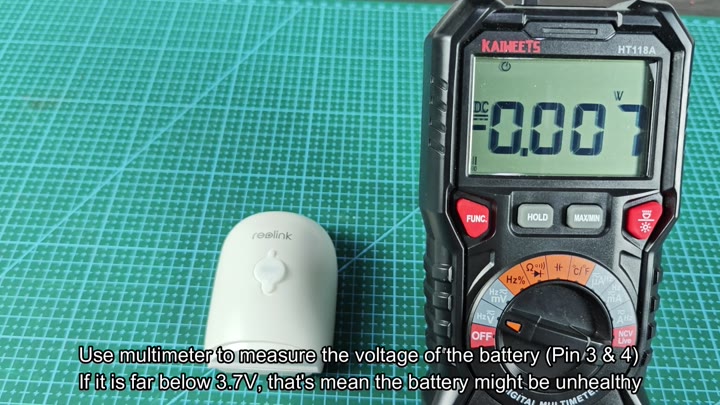
However, not all tests is positive. You try again and get a reading of 0.007 V. Uh-oh! That’s well under the 3.7 V range.
Under 3.7 V means you have a dead cell. A dead cell isn’t able to retain any charge and thus becomes worthless. In this case, it prove there was something wrong with the battery. This means that it need to be replaced when the voltage gets dangerously low.
Take a look at your old battery pack. This one says REBA-Auger 2 rated for 3.6V. Capacity is shown as 5200mAh. On the outside, it appears in good physical shape, although something has gone wrong inside the chemistry.
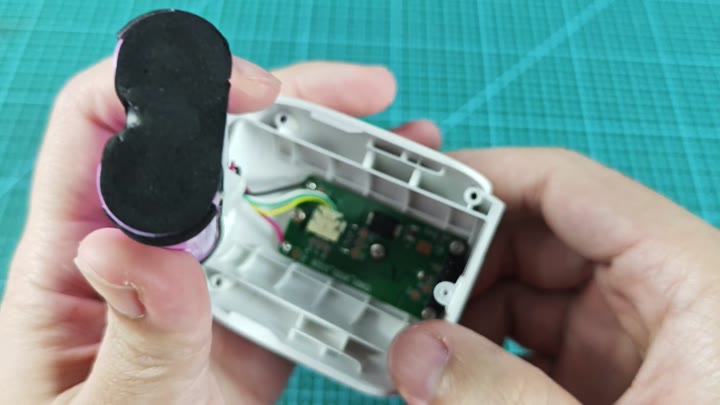
Old age catches up with you.
Putting it back together is a delicate process. Multi-colored wires connects the inner green circuit board. Make sure everything fit snugly.
One piece, a black component trimmed with purple, must go close to the opening. It’s important that everything lines up correctly; otherwise moisture might enter from gaps in the seal.
If the original batteries is dead, you swap them out.
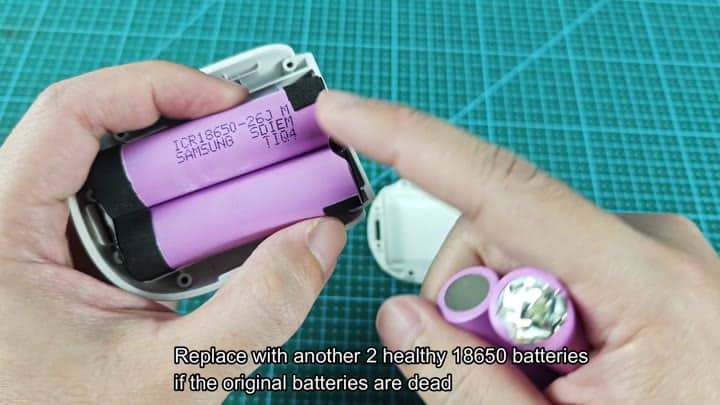
You replace them with two healthy 18650 cell.
So if you have dead batteries, you replace them. Use two healthy 18650 cells. And they’re Samsung ICR18650-26J units.
It is a perfect fit. They fit snugly and secure. Power from new cells gets it going again. It also gets the camera working and charging right away. This is very helpful.
If you have the tools and know how, it’s very simple to diagnose your charging problem. Check the voltage on pin 3 & 4. Don’t guess about whether your battery is good or bad. Measure it.
If it’s out of the 3.7 to 4.2 v range… get another one. Easy fix. No need to take it in for service. You should of saved some moola.
