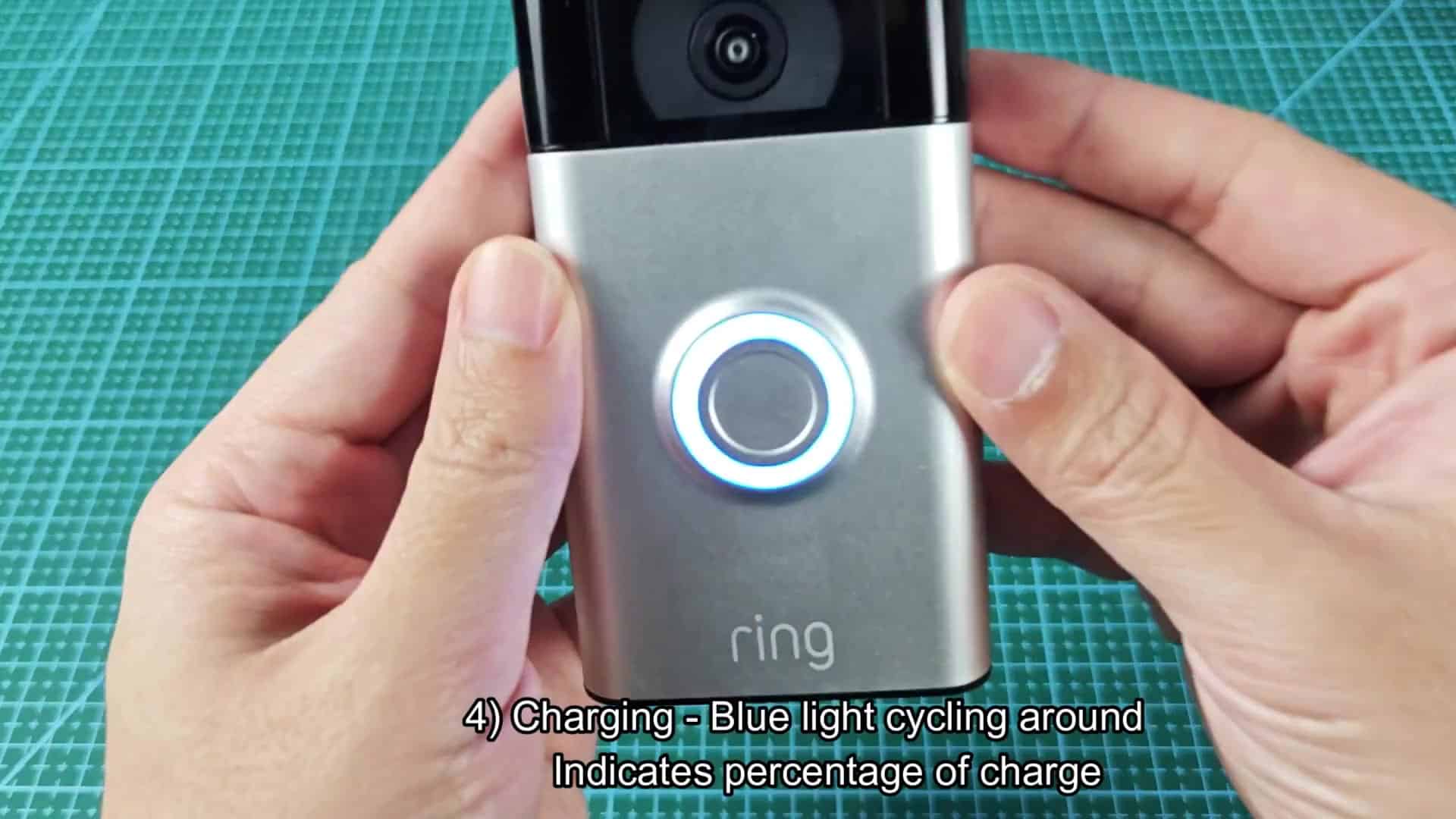
A Ring doorbell has an LED ring around the camera and that light indicates what the doorbell is currenty doing. You don’t look at the light, but if you watch it, you see all sorts of patterns that show state of the device.
Understanding Status Lights
The light doesn’t just stays solid white. Sometimes it shows different blue light pattern. Sometimes it turns off. It doesn’t do one thing, but it will change depending on what it is doing.
If you pay close attention, you’ll be able to figure out what each pattern mean. After that, reading the system is simple… You just match motions to actions. When someone press the doorbell, it produces a visual signal different than any of the other modes. A blue ring rotates around the circle. There is a clear sign that something have happened: the ring spins only during the time it takes for the doorbell to process that button push.
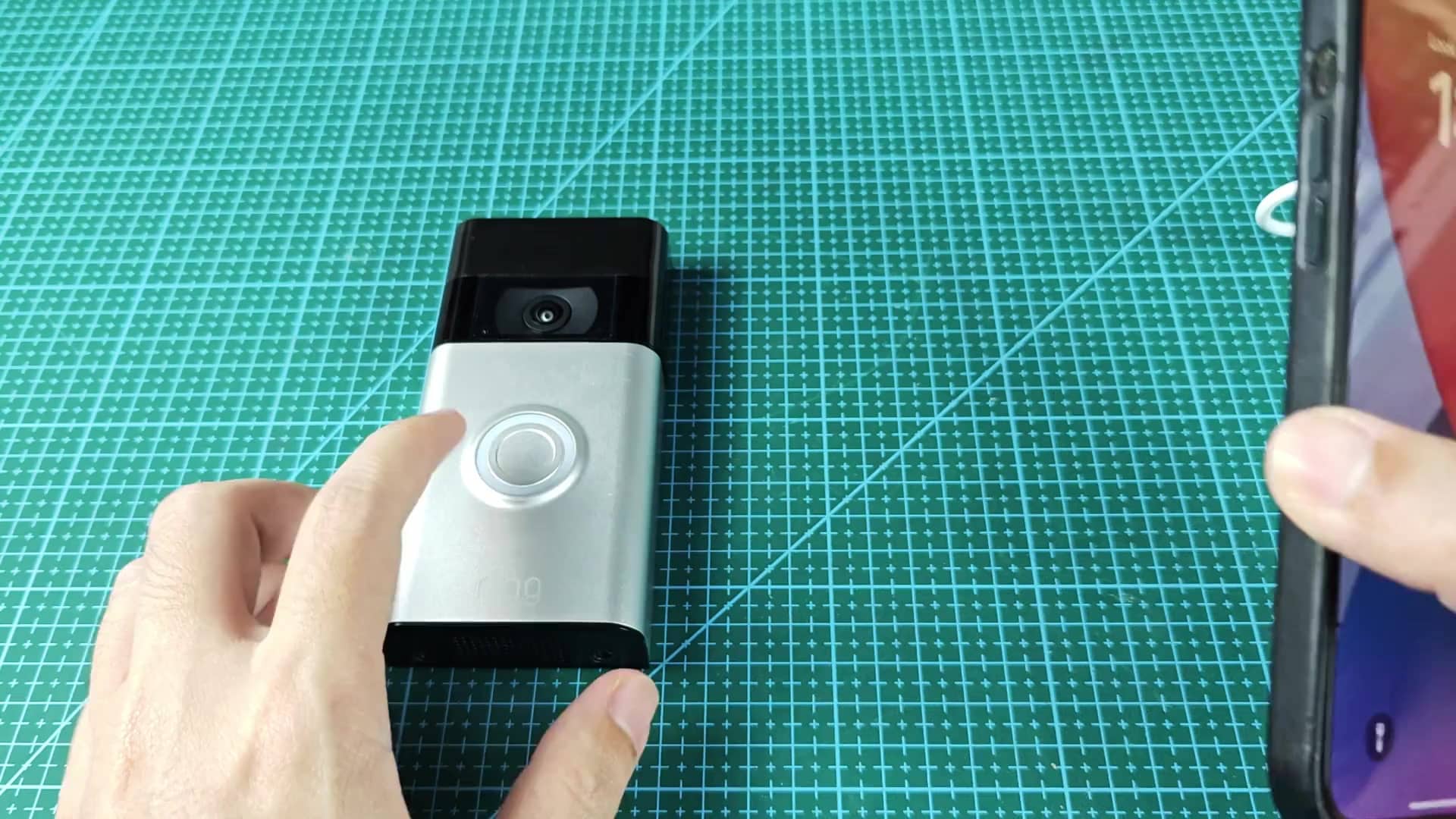
There is no other status that would cause the ring to do this; it’s easily distinguishable, yet immediately obvious that somebody was at your door. The other thing that happens when you first set up the device, after plugging it into your home WiFi network, is a second pattern, where the blue LED just arcs steadily upwards. It does this as your phone app communicate with hardware and gets things synced up; there’s no way for them to connect instantly so that takes some time.
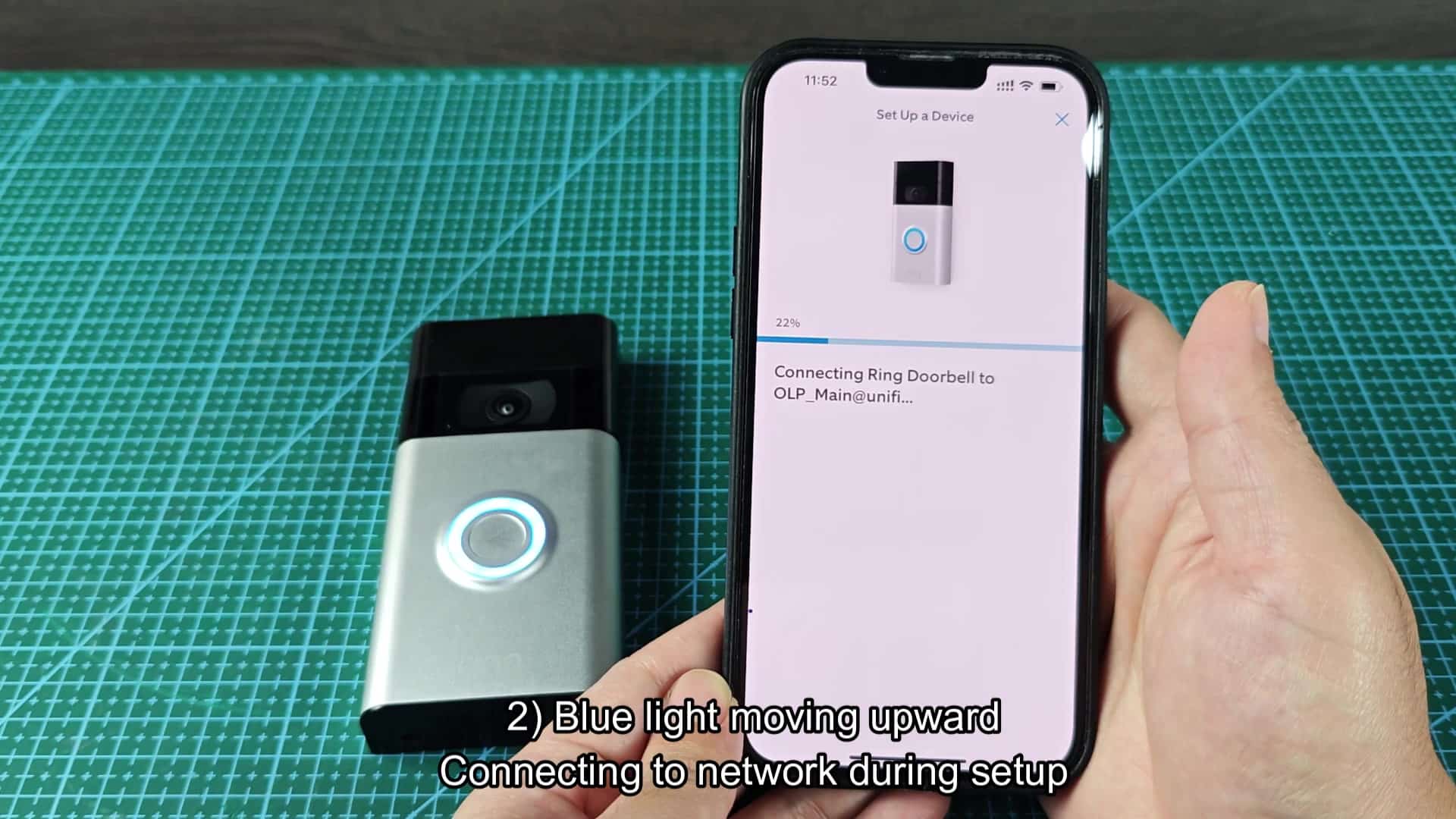
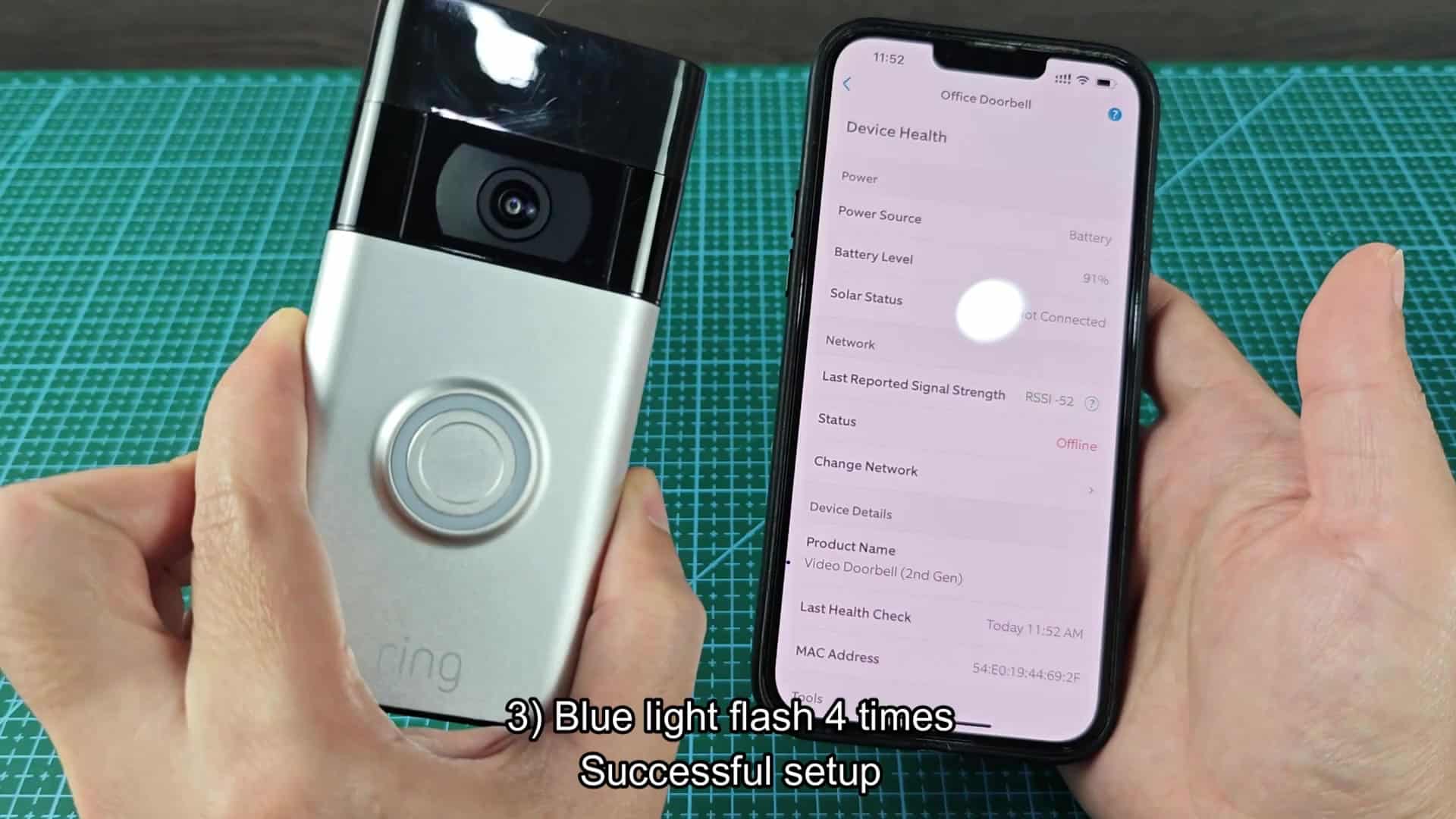
When you notice upward motion of the blue LED, you’ll be able to tell that data is being transferred and that the setup is proceeding properly. A few seconds of flashing blue (four times quickly) indicates that everything went well with the setup and the device should of been connected via wifi.
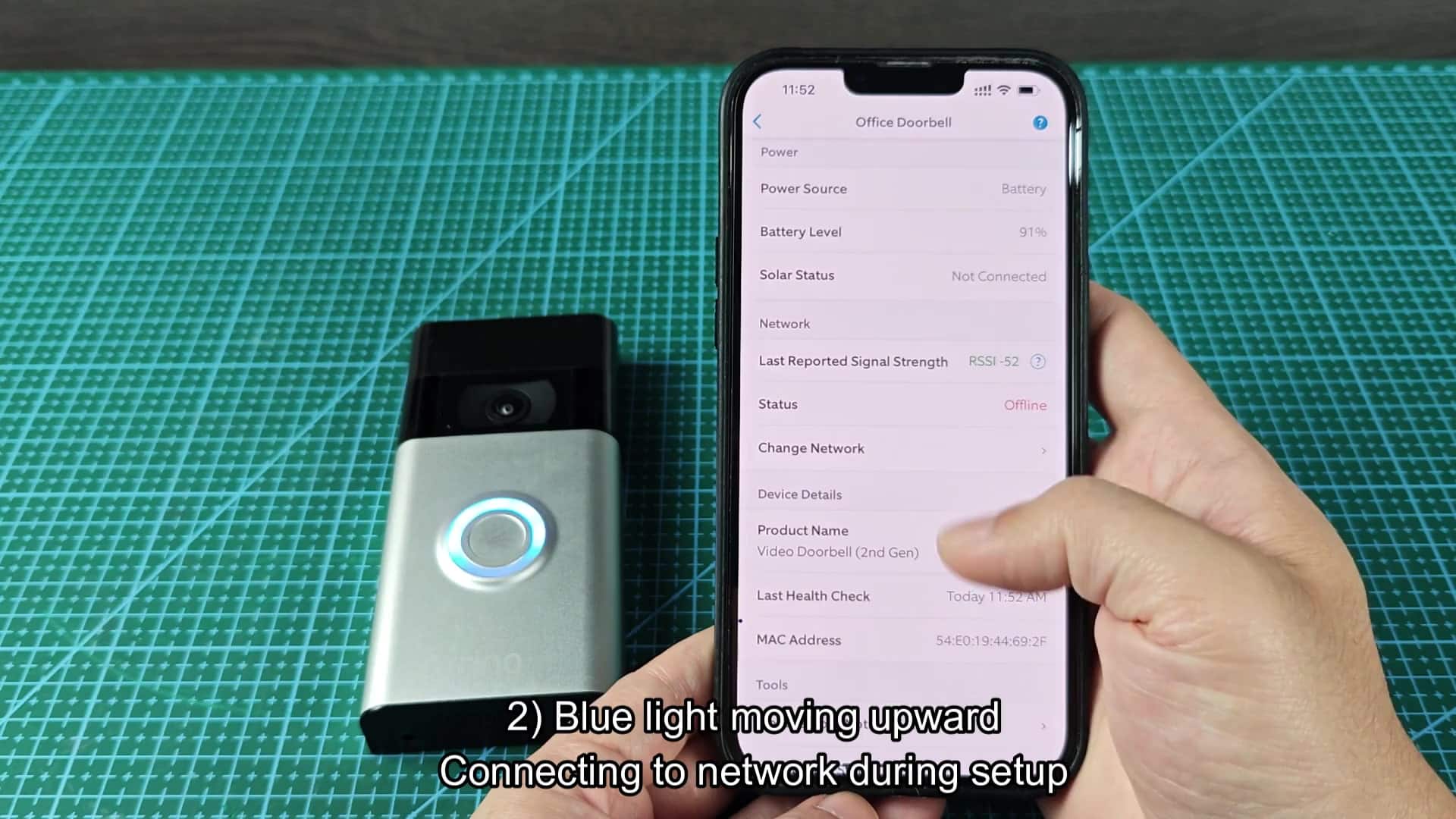
You’ll want to open up the app to confirm it’s online, and if not, wait until the wifi connect. The four-blink code is the key indicator something went right, and there’s nothing more for you to do but wait. The other visual indicator is for charging up the battery. When plugged into unit, the blue light will slowly rotate around ring as it charges.
It’s an estimate of the remaining battery level (so you don’t have to open up any menu on your phone), it rotates faster the lower the remaining battery amount. So it can be handy when you’re out there and can’t check remotely. The minute you plug the device into a micro-USB charger, that indicator will become clear as light begins to rotate slowly. This particular mode is exclusive to charging and doesn’t feature the spinning or flashing light of other modes. At first glance, it could appear to be some sort of error code, it’s just indicating the charge level. Though the specs state that it can be run off of low voltage AC power, most people will just use removable battery pack.
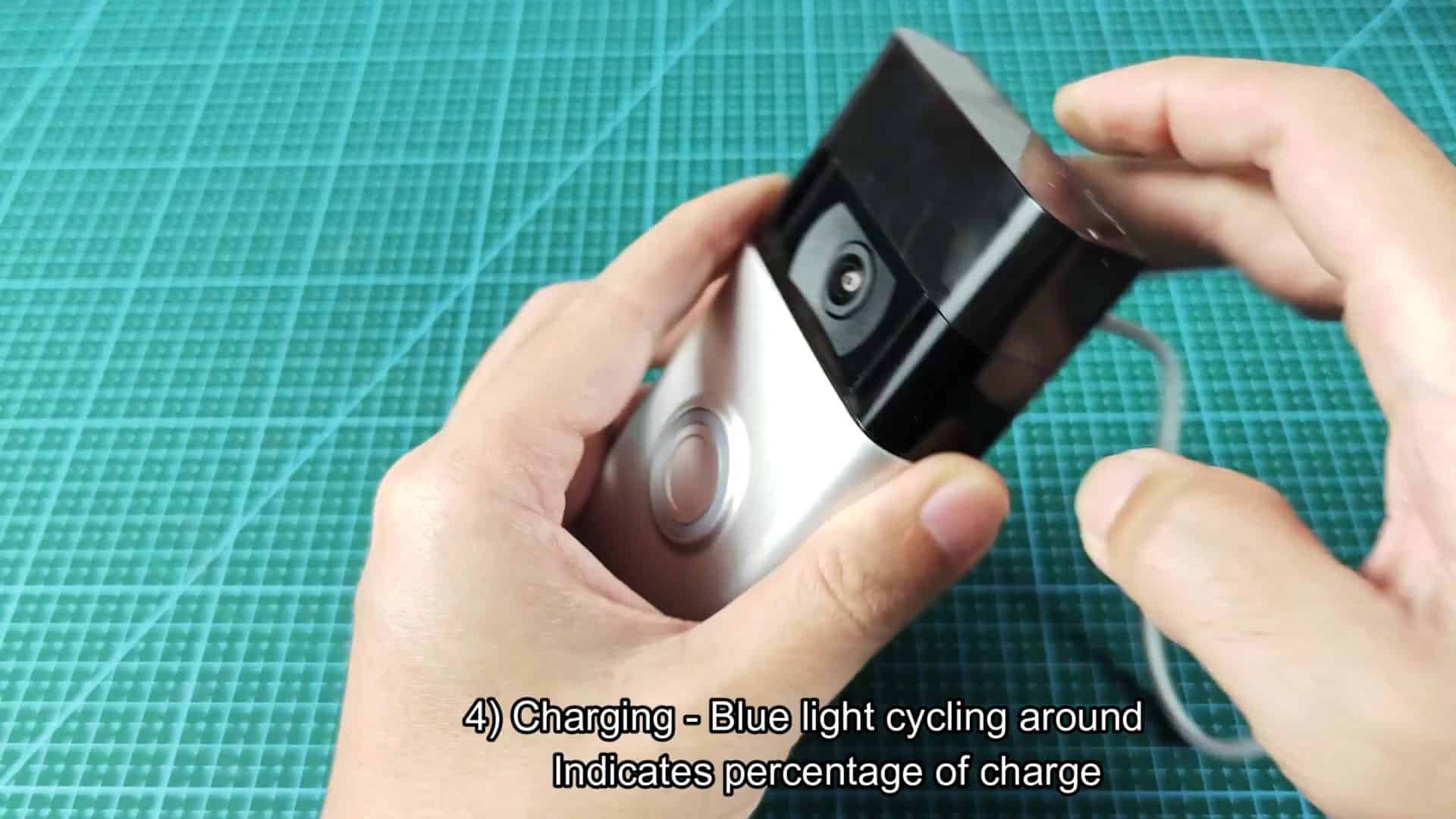
Whether held in your hand or mounted to something, the device lights up with a cool cycling blue ring on the face while charging. It is a nice, simple feedback mechanism that works in all positions and stays consistent throughout. But this also means that when something’s wrong, it won’t be confusing, you don’t have to wonder if it’s trying to do something or not.
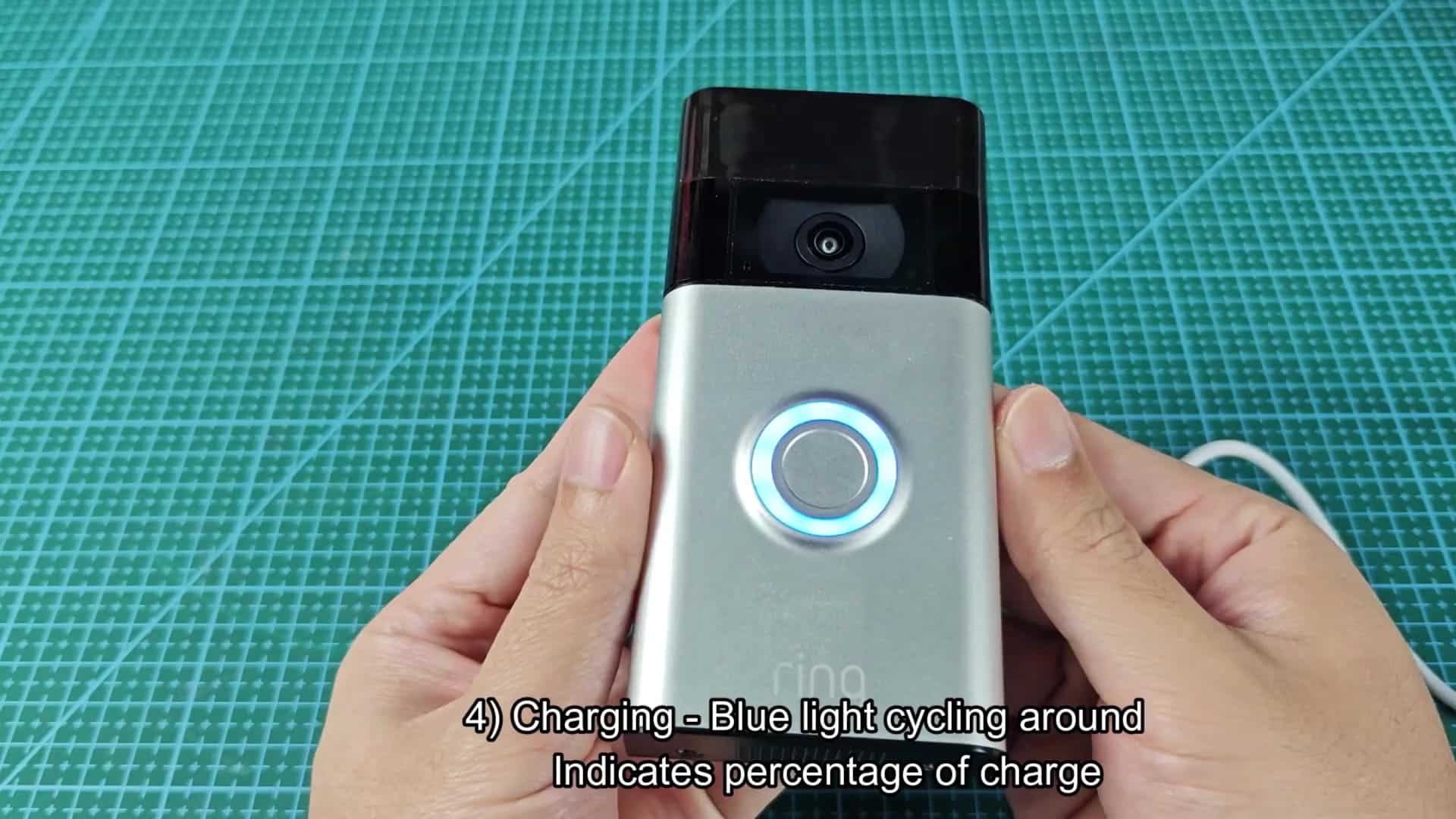
If there’s a spinning ring, somebody pushed the button. If the light moves up, it’s setting itself up on the network. If it cycles slowly, the battery is charging. If it flashes 4 times quickly, it set itself up properly. It makes it clear what the device is doing.