
Charging a remote should of be easy and it is. Plus, variety is nice. Plus, variety is nice.
How to Charge Your Remote
With the Samsung solar remote, there is actualy two methods of keeping your remote juiced up. One method is to simply plug it in using a USB-C cable. The other method involve letting nature fill it up for you. It’s as simple as it sounds, no specialized equipment needed. It is simpler then you’d think.
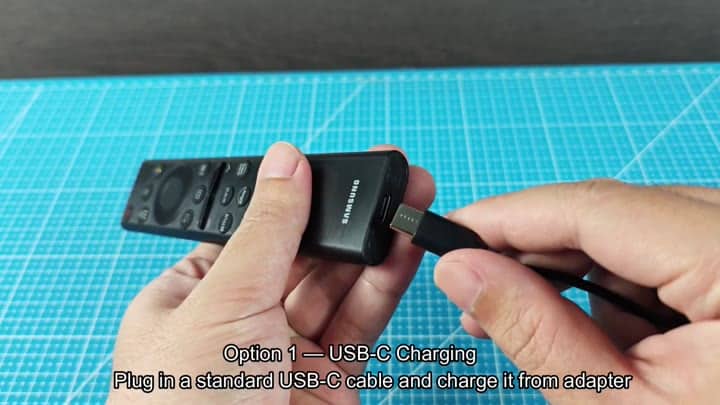
First up is your typical USB-C cable. Insert one end in the remote’s charging port. It fit securely and snugly.
Then it gets interesting. What do you want to use as the power source? Plug the opposite end into a wall adapter for a quick charge.
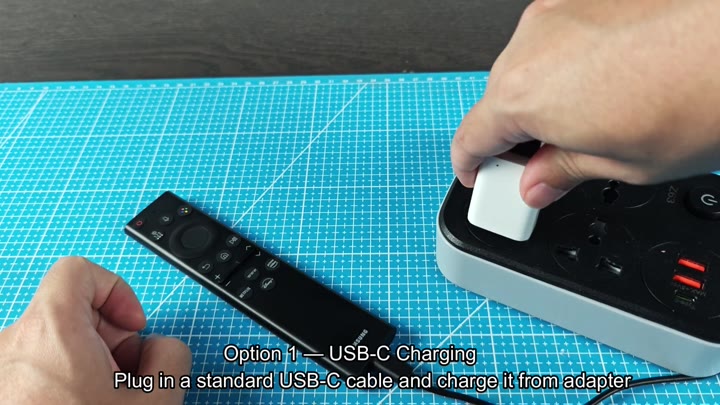
So I plugged it into one of those power strips that is everywhere in my house. Yep, the remote was taking juice off the mat. If your thing is totally dead this will get you back up and running quick. It work just like charging a phone.
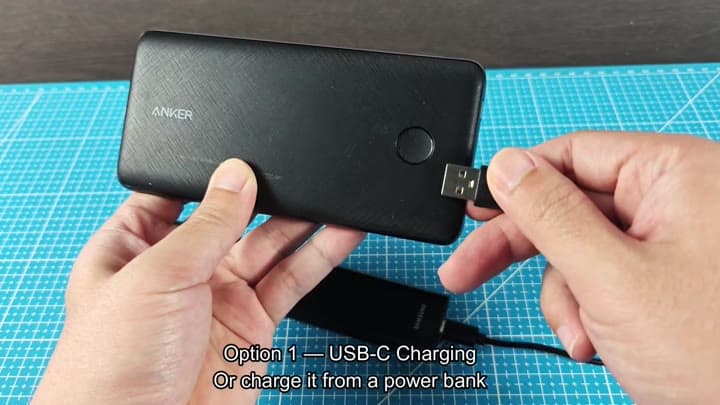
Another option: A portable power bank is handy for travel or outdoor use for those times where you can’t find an outlet on the wall. In that case, I just plugged it into the USB-C port of my power bank. And just like that! The remote began charging.
When out and about outside or traveling, this method keep the remote charged.
The other one is all about light. That means flipping it over so you’re looking at the back of the remote. On its back is a solar cell. That lets the remote use any available light to absorbs the energy.
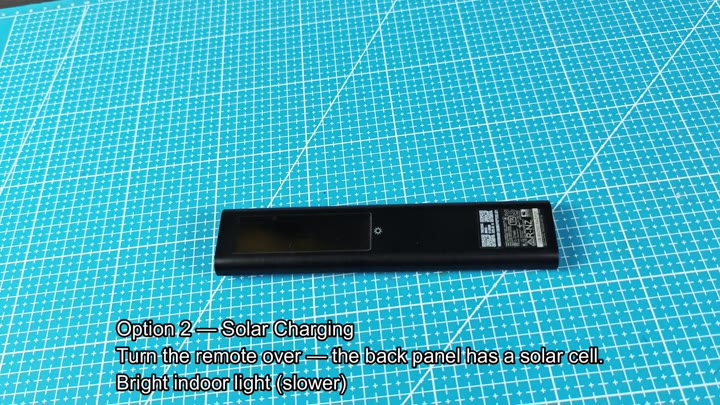
No electricity grid required, but a cable is needed for the first method.
This can also be done with indoor lights (although that will be slower). In my case, I put it right next to one of those bright lamps you find in a living room. The solar panel get the light and turns it into power.
Depending on how much light there is, it could take some time until it’s fully charged. That’s not bad if all you want is to keep it charged over time. Keep it alive without lifting a finger.
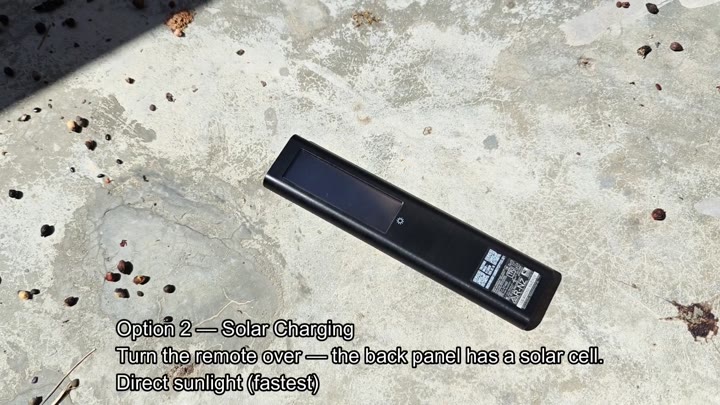
Direct sunlight is optimal for quick charge time. It is outside on a concrete surface. Place it in direct sunlight. It is much quicker then under lights indoors. USB is the fastest way to charge. You can tell by how much quicker it charge.
There’s no fiddling around with complicated settings. It harvests ambient light or uses USB power, and it does so automatically. There’s nothing for you to watch over and make sure is working properly.
Plug it in. Leave it in the light. Power management was designed out of the equation.
Top-up in the sun is easy enough for regular charges. Indoor light should be fine if you’re pushing the remote regularly. But for a fast charge, USB is best.
With the ability to toggle back-and-forth based off the situation, there’s no fear of being out of juice when you really need it. Solar has significantly increased battery life. There’s no need to worry about replacing batteries often. USB guarantees a fast charge whenever needed. Never be caught with a depleted remote again.
Dual charging means no more frustration. No more worrying about whether the weather is cooperating or if you have a cable available. Sunlight speeds it up, indoor light keeps it alive. And USB promises that fast charge.
Together they make keeping it charged simple. All-in-all, Samsung’s solar remote does exactly what it claims. It brings together the best of today’s tech with tomorrow’s energy solutions. Charging is intuitive, though USB or direct sunlight are faster. And the remote continues to function even when not being watched.
