
When you are outside the door and want to engage the lock, simply press any of the buttons on the keypad for three seconds. Instantly, the lock engage and locks up tight.
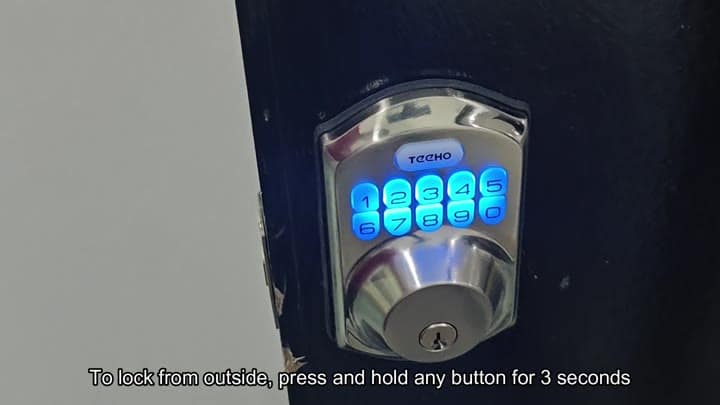
You can engage the lock from the outside by holding down any button on the keypad for three seconds.
Configuring Auto-Lock Settings
In case of a dead battery or just plain forgetting the code, there’s also a physical key that will work to. The key go in the lower hole under the pad and then turns easily to lock the door.
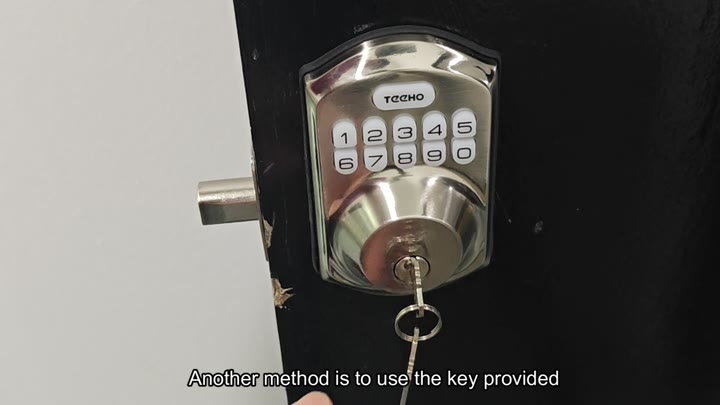
On the inside, there’s a switch that locks the door when activated. It’s a mix of digital and mechanical.
There is also an option to set it so you can have it lock automatically for convenience. To get into setup mode, double tap on the Teeho button. Once in setup mode, enter the master code to verify access. Double tap on the Teeho button to accept the code.
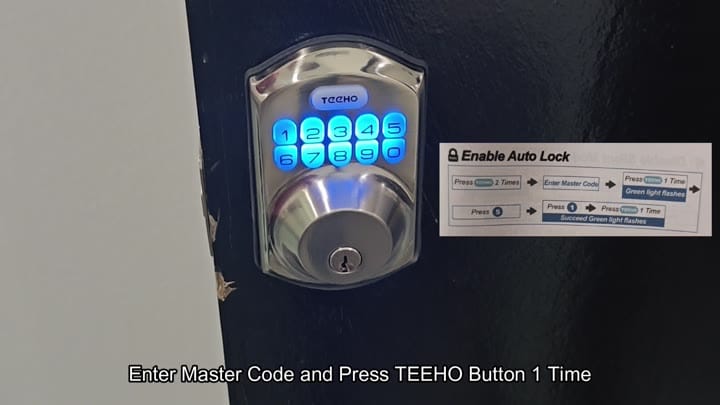
You press the number 5 to select the auto-lock menu.
You press the number 5 to select the auto-lock menu. Pressing 1 turns on the option. Again, pressing the Teeho button save your change; the system confirms the request.
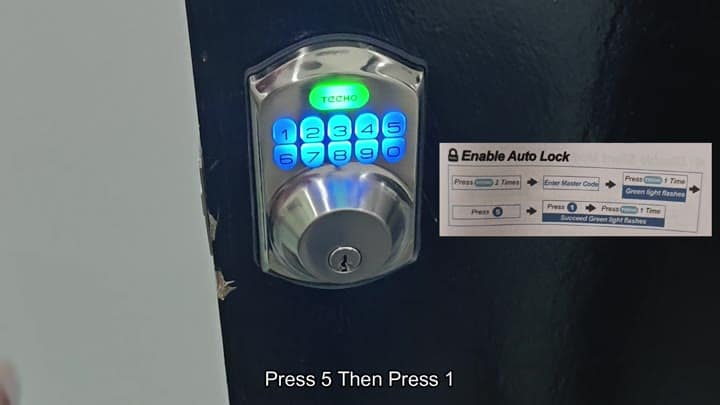
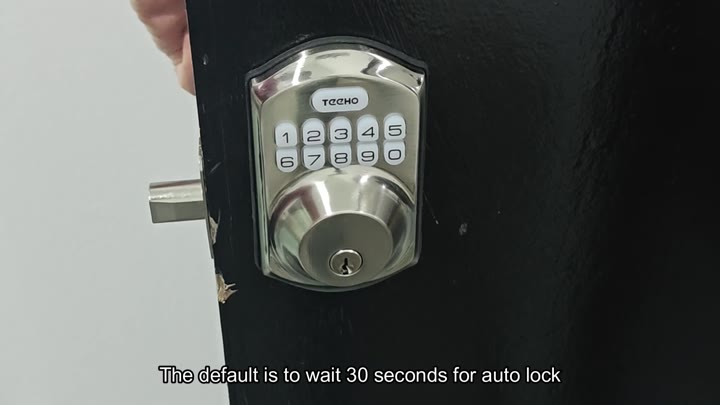
By default, the timer are 30-seconds long. Once the door shuts, the lock will engages automatically within 30-seconds. If you’d like something longer or shorter, you’re able to adjust that as well.
Pressing the Teeho button twice will bring you to the settings menu, where you’ll need the master code.
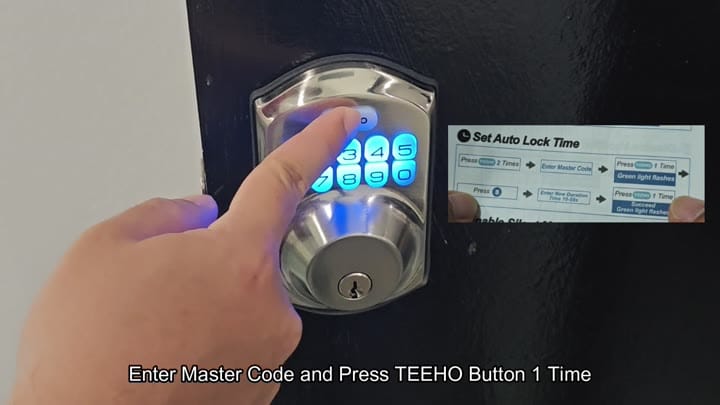
You press the Teeho button once to proceed.
Then you press the Teeho button to save the changes and you’re good to go.
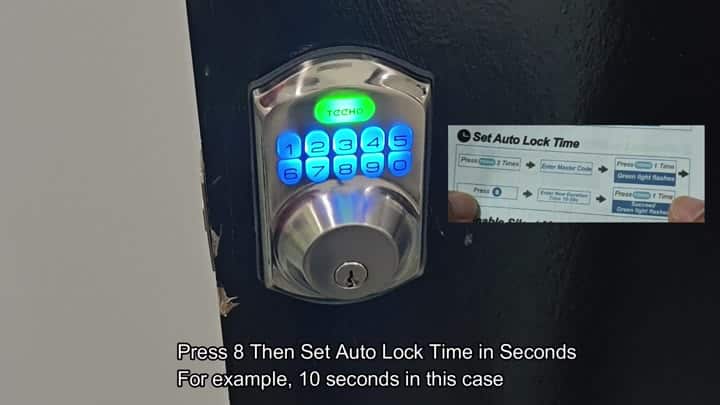
Pressing the number 8 displays the timer adjustment screen. Next you key in the desired time; anywhere between ten and ninety-nine seconds long. Press the Teeho button once more to lock in your new timing.
Because the system is set to remember your settings, there’s no need to program each time.
The door lock itself is good; we tested it repeatedly just to make sure that the auto-lock feature was working correctly. It locks when you expect it to. It is typically quicker different than using a key.
You can also use the physical key if you forget the code or if the battery is low, which is a must have. Install looks fine on the door, and overall, it dissapears into the frame.
The interface is very intuitive as you get used to it, and the directions is easy to follow. You can also personalize the timer to fit your routine.
Locking from either side stands out. On the inside there is a switch, while on the outside there is the key/keypad.
Battery seems strong so far, I like that it has a backlit blue light for nighttime viewing
Setting up the auto-lock is easy (takes less than two minutes). To check if the auto-lock is working, just turn the handle and feel the resistance and hear the click.
Be sure to store the physical key somewhere safe. You can also enable the auto-lock feature to make locking easier.
It’s nice that you don’t have to do anything but close your door, and it locks automatically which is more comfortabley for everyday use.
