
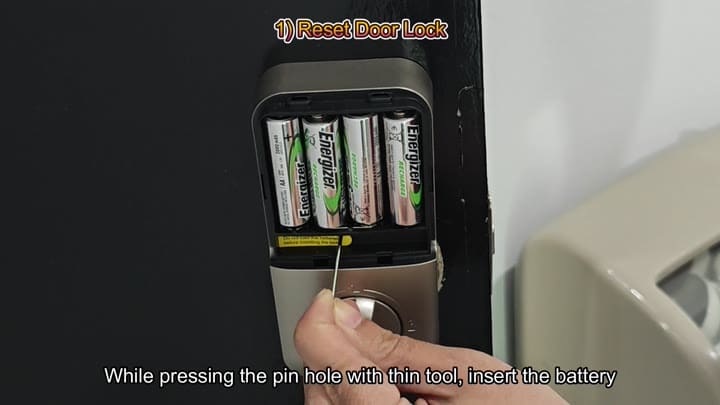
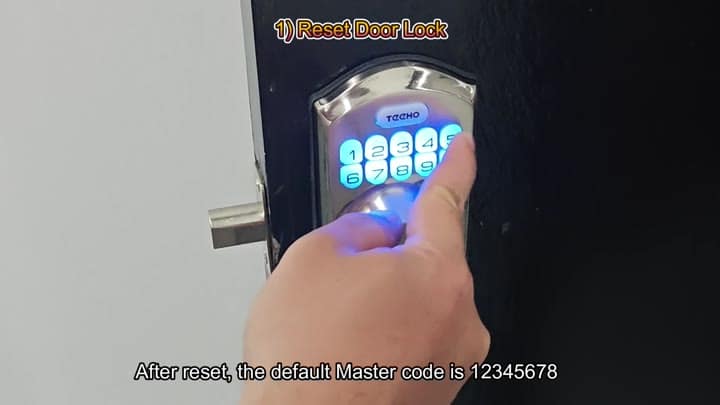
To begin, you’ll need to do a full-on factory reset. To do this, insert four Energizer rechargeable batteries at the same time. While inserting them, hold down the button by using a paperclip or another narrow object in the tiny hole on the lock. After the batteries are inserted, wait for the lock to start, using the default Master Code of 12345678.
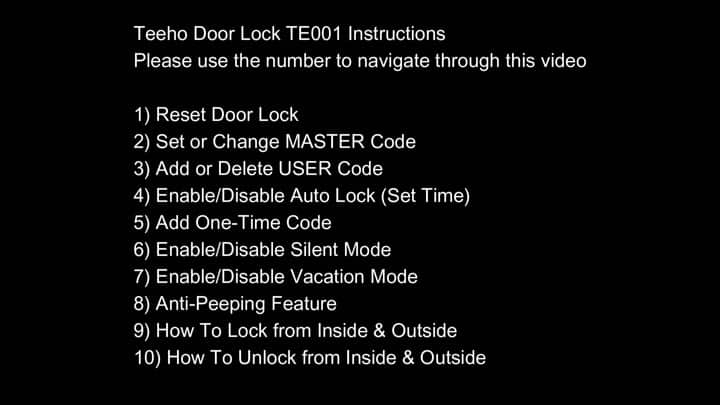
Setting a new Master Code is simple enough. Hit the default sequence, then input your desired combo. In this case we went with 1739 (any number sequence will do). Press the assigned button to confirm the new code. Your generic default becomes your own security.
Advanced Lock Configuration
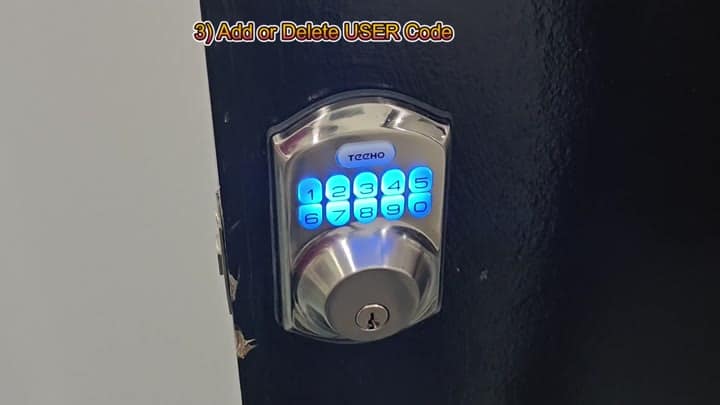
The same goes for User Codes. Go in there and choose your setting to change or add a specific user code. Then you can give more than one person their own way into the house. When you’re adding a new code, it require you to enter the Master Code as confirmation.
To get rid of someone’s access, simply delete their code. Useful for guests or tenants.
To do that, press 8 and the timer settings will pop up. From there you’ll set the Auto-Lock to lock automatically when it hasn’t been touched in 10 seconds. This means that you won’t have to press a button to get the door to lock behind you, just let it go for however long you need to feel comfortabley before the door shuts.
And if you want it longer or shorter? You’re able to customize it to whatever feels right for you.
The idea is that you generate a temporary code to allow access. Push the main brand button until it enters setup mode (it’s 7). Enter in your temporary number sequence. Once done, push the main brand button again to lock it in. The code will be valid only once.
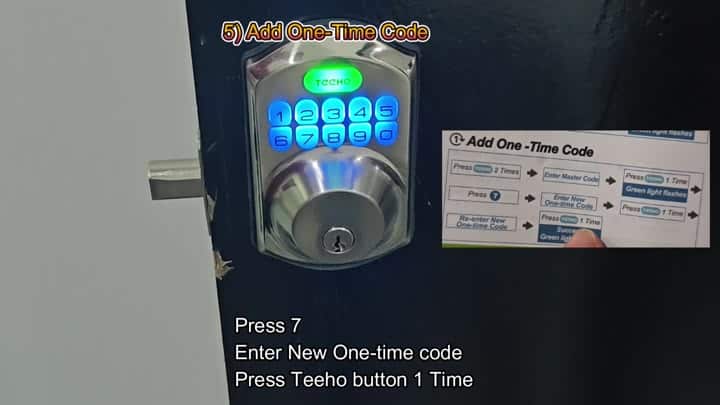
In the case of delivery people, this is handy.
Silent Mode lets you adjust the sound feedback. To do that, you hit 4, then 2, followed by a long press on the main button. That will disable the sound of the beep when you operate it, and also keep your entry quiet. Nice if you’re operating late at night.
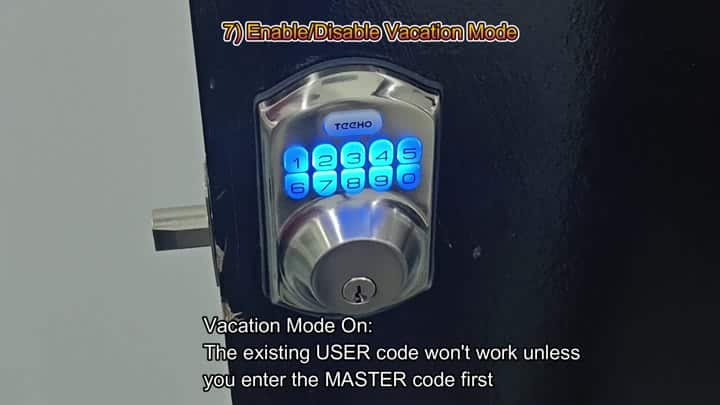
For that additional peace of mind, you can also put the lock in Vacation Mode. While in this mode, all current User Codes stop being valid. It essentially shuts down secondary users. Only the Master Code works, and it must be entered before anything else will work.
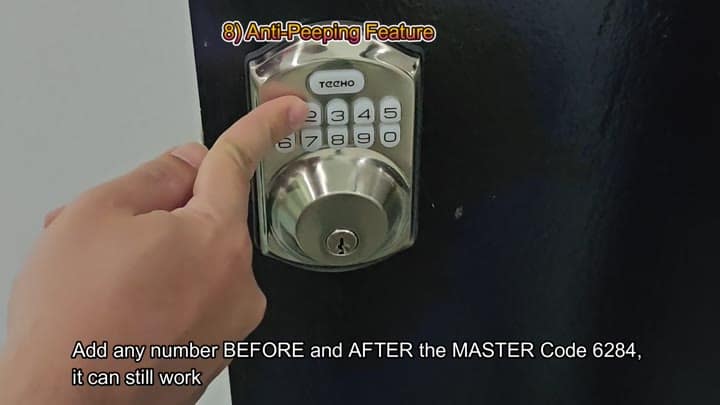
Use anti-peeping to stop shoulder surfing by typing in a few random digits (before or after) so no one will see your real code. Only the master code is read by the lock. So, for example, your master code could be 6284 and you type 123-6284-999.
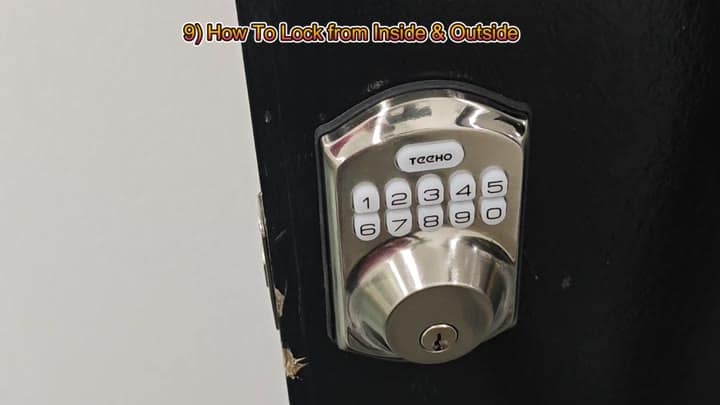
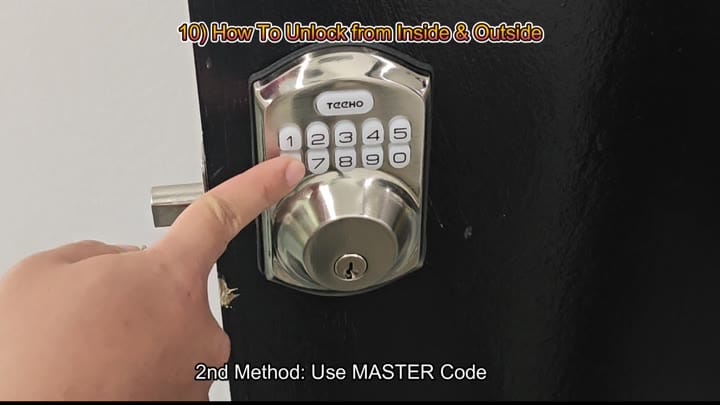
You can think about keeping your code private like a door. It’s locked on both sides. When you go in or out, you have to engage the mechanism yourself. It is the same process when going in or out. Control it no matter where you’re standing.
So what’s your next step? The User Code unlocks the door or you can use the Master Code. You tried that one, and it gave an immediate reply.
No hang-ups. It takes less than 10 minutes to program it from start to finish. You didn’t see any of those error messages while setting it up. The user interface is logical and the unit respond well. Installation of the Teeho lock was simple.
