
When you need to grant someone temporary access, you simply enter a short-term code into the Teeho TE001 that will let them in but not your permanent one. It sounds easy enough on paper and is just a couple of button clicks away.
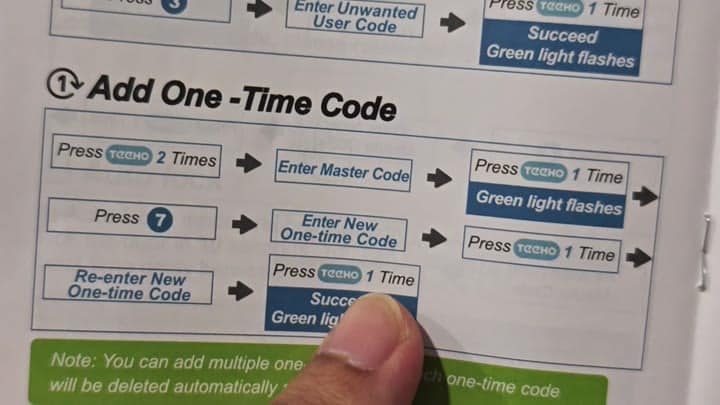
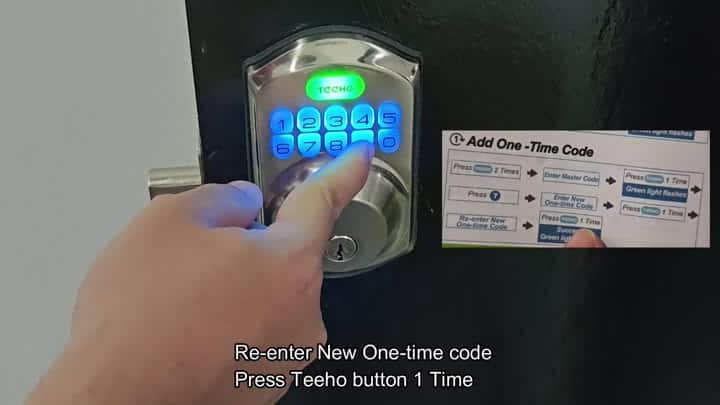
First, tap the Teeho button two times to wake it up for programming mode. Next, type in your master password (important: this is secure). Then tap the Teeho button again.
How one-time codes work
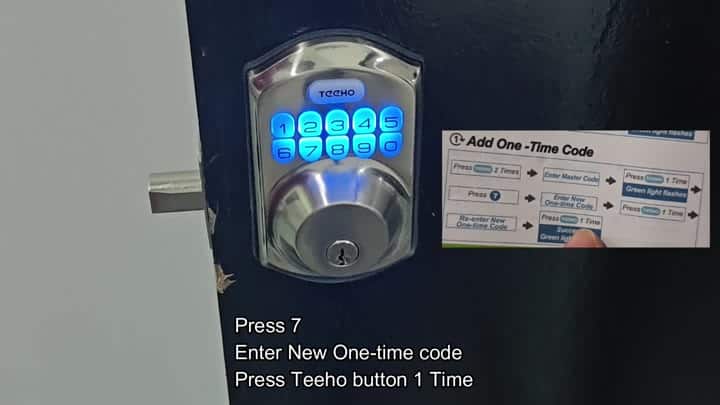
The green light will flash quickly indicating that it’s listening. Tap the Teeho button twice, enter your master password, press the button again, and then tap the number 7. That key tell the lock you want to program a one-time code.
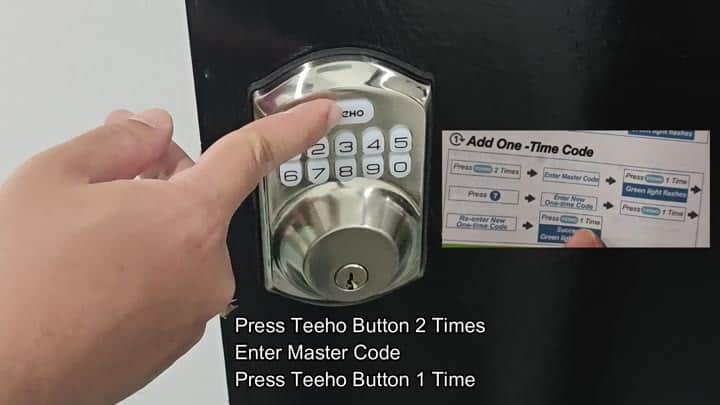
Type in the temporary code you want (it’s only four digits long), something easy to recall for just this occasion. Remember: if it’s a quick little number, it’ll stick in your head better then a longer one.
The keypad lights up blue beneath your fingertips. Pressing the Teeho button once more confirm the entry was correct.
To ensure no typo slipped past them, they make you do the whole thing again. Type it back in slowly and hit the Teeho button one last time. Green flashes for a second.
It is a success.
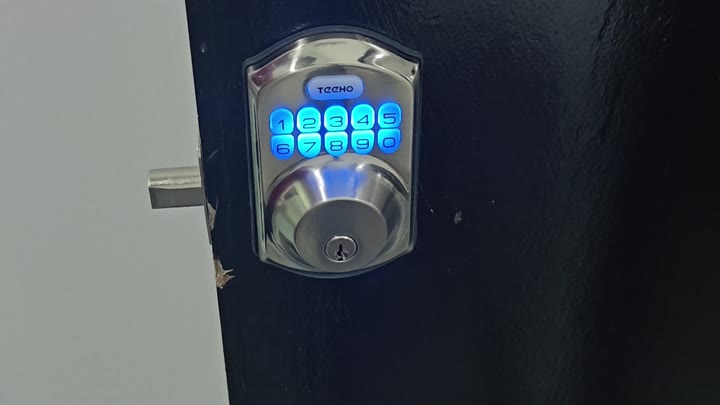
You input the code into the lock. There’s no beep of an error tone; the lock takes the code. You move back from the door and come back around. You input your temporary code. The dead bolt retracts easy. Success!
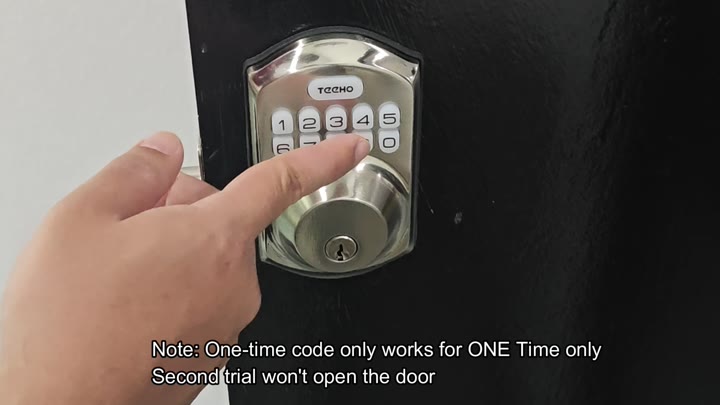
That is, until you repeat the very same code instantly after. It doesn’t work. That’s the catch. The door remains locked because, well, that’s what a one-time code does.
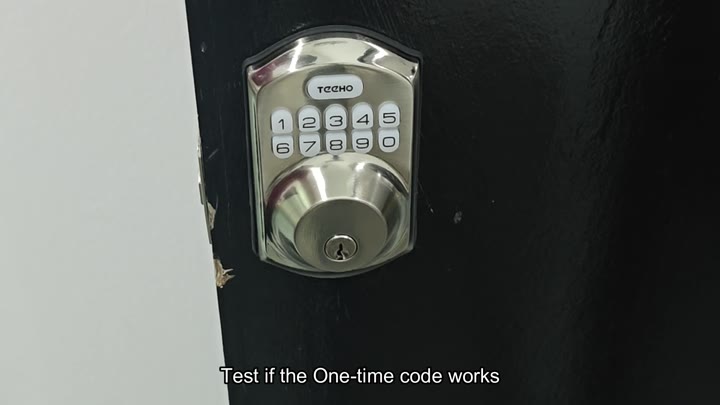
It is for single use only. Once used, it’s no longer valid. Once it’s used, it expires and can’t be used again. It doesn’t store the history of codes in its memory; just erases it once validated.
In most cases, that’s enough.
No need to set anything up. That happens in the background. No worries about who’s on your list. Nice if you have contractors or deliveries coming by.
Once they are gone, the code simply vanishes so there is no need to revoke it later. Convenient. Seamless. It is just lights and buttons. No complicated menus to get through.
It feels simple and solid. Your guests will love how easy it is. You do not need any technical skills. It takes just a code and a second. Teeho lock executes all this quite nicely. As promised.
It is good enough to rely off day to day. And it’s good enough that you can continue to do so. It saves time and reduces hassle. The learning involved would of been worth it.
