
If you see something in your Amazon account that doesn’t belong; like an accidental purchase via your smart speaker; don’t panic. There’s actualy a simple solution in the Alexa app itself. Just fire up the app on your phone and head into the main menu. It’s clean, but certain security features will be tucked away in the options.
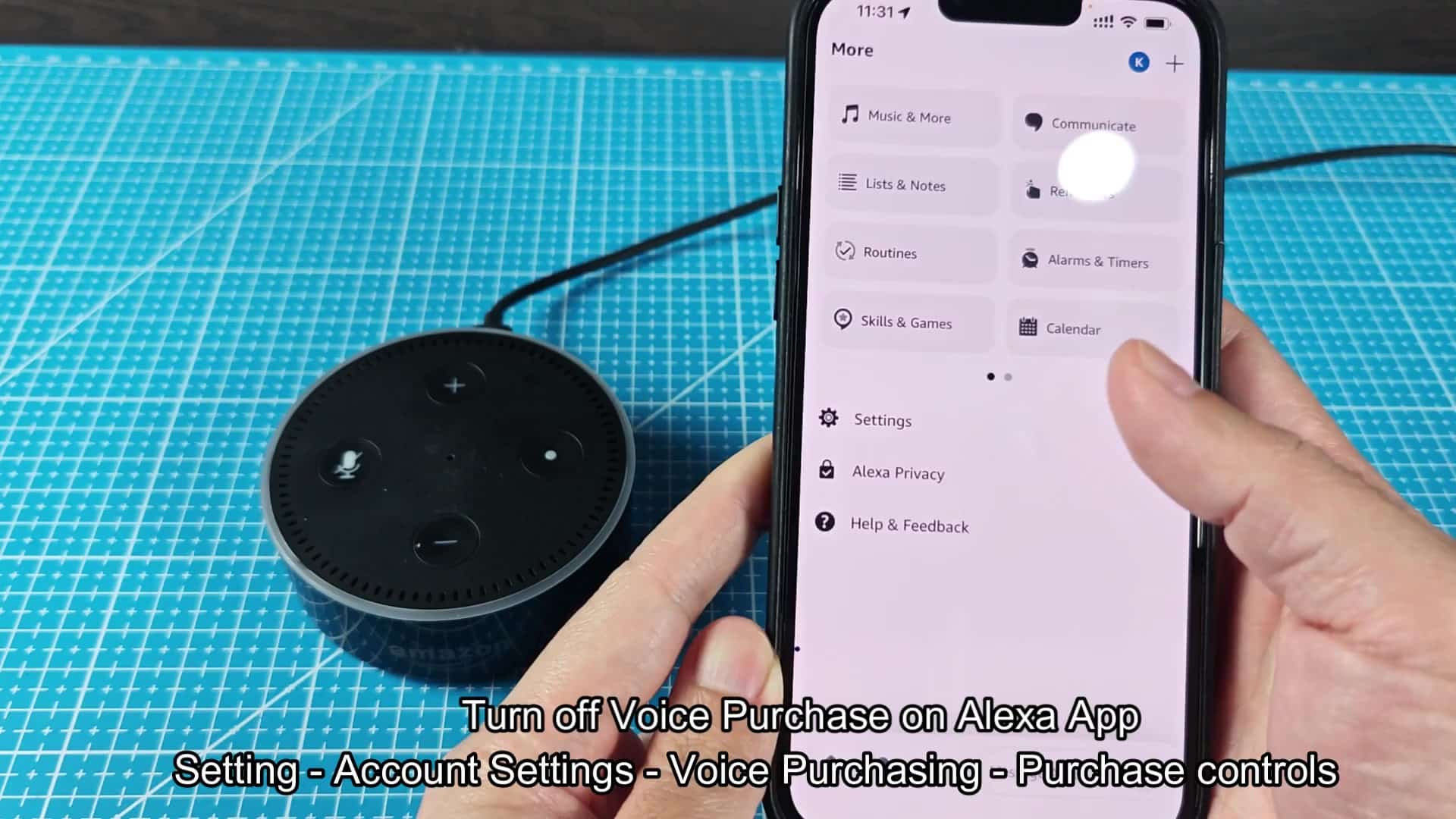
On the left-hand side menu, go to Settings and then select the item. This will shows a list of options to configure settings. Next, navigate down to Account Settings. This let you manage things like your profile and who can access your account.
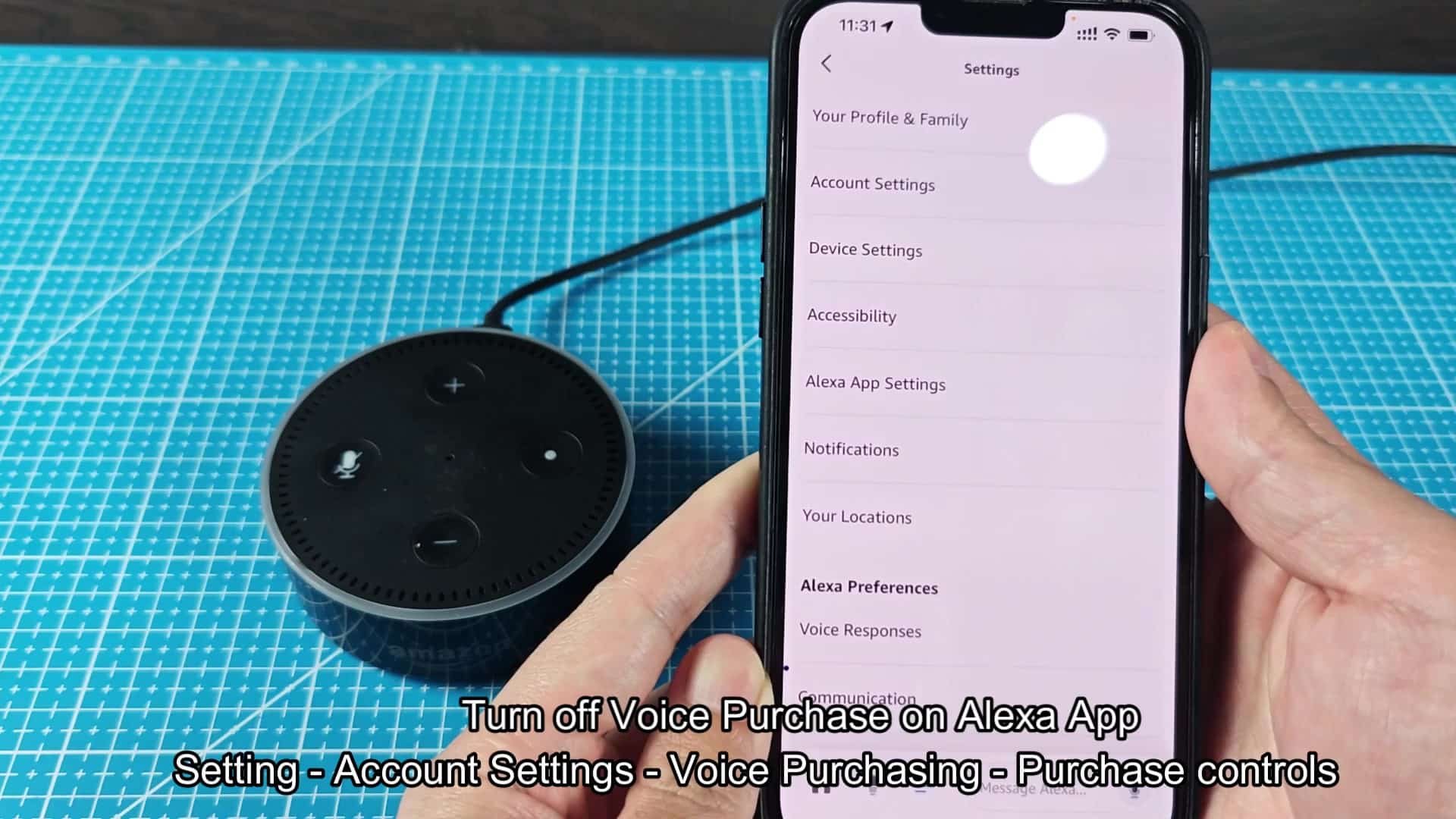
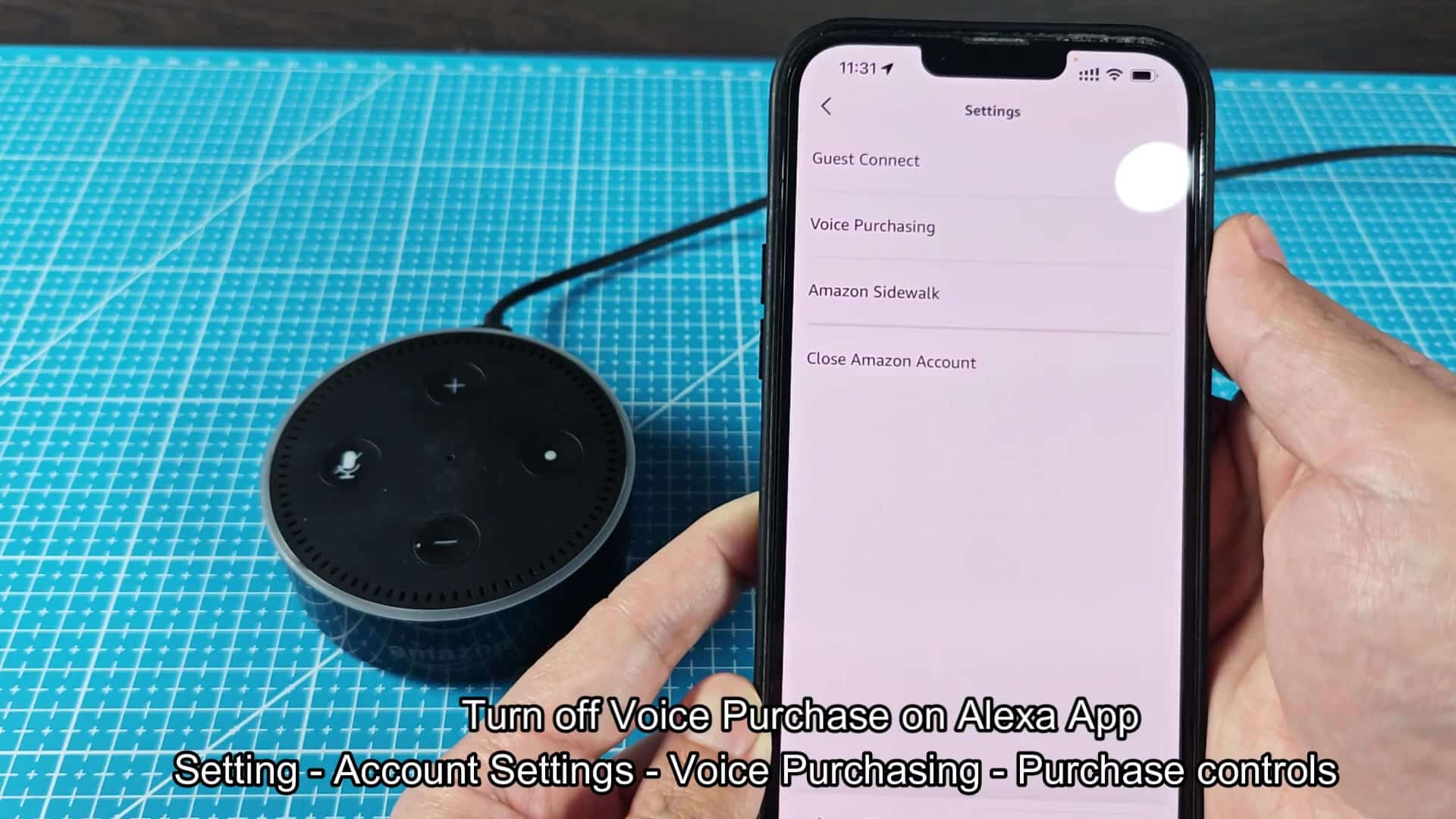
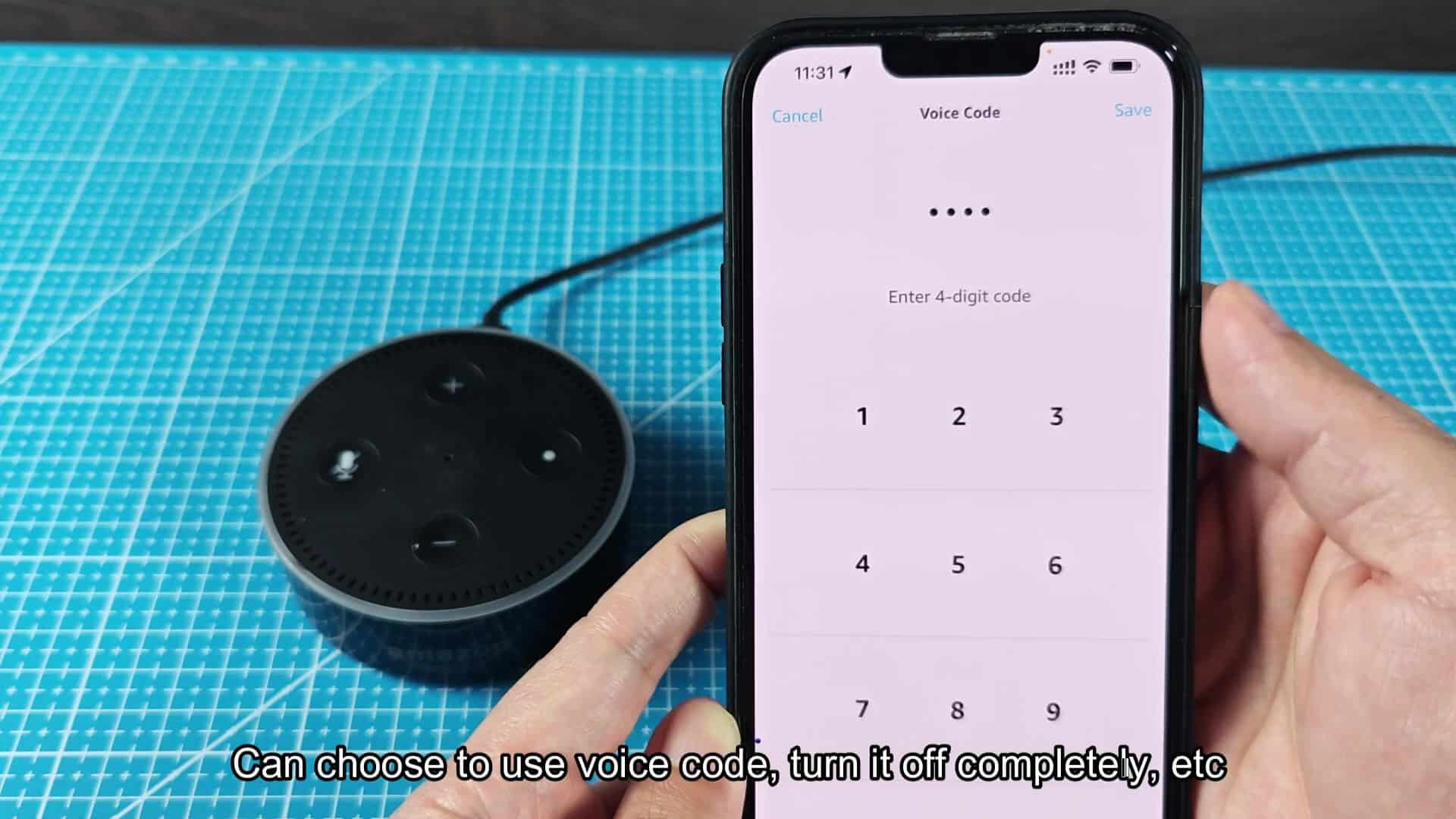
From here, scroll until you reach Voice Purchasing where you set up the device for shopping commands. Just be aware that changes may reset or change these over time so make sure to review periodically. Tap on Voice Purchasing, and you’ll be shown some sub-menus. But the first one that realy matters for safety is called Purchase Controls… This is your big toggle for who should of been allowed to approve a purchase. It’s presented with very clear options for how safe you want things to be. There are basicly four option here:
Configuring Voice Purchase Controls
Option one says that only verified voices can buy things. Sounds pretty safe until you realize that voice verification isn’t always accurate. Other people in your household with a similar voice could accidental place an order, and background noise could do the same. Biometrics can also be hit or miss when it comes to relying on it for financial decisions. In the second scenario, you’ll need to say a four-digit code out loud to place an order. This might sound a little awkward but it adds another level of security. It is something that won’t be triggered by accident by confused relative or strangers. If you still prefer to make purchases via voice but would like a bit more verification involved, maybe give this one a try? With the third, everyone who has access to your voice can buy things for you. That’s pretty wide open and you don’t normally want wide open on your wallet, a guest in your home could order expensive electronics without permission.
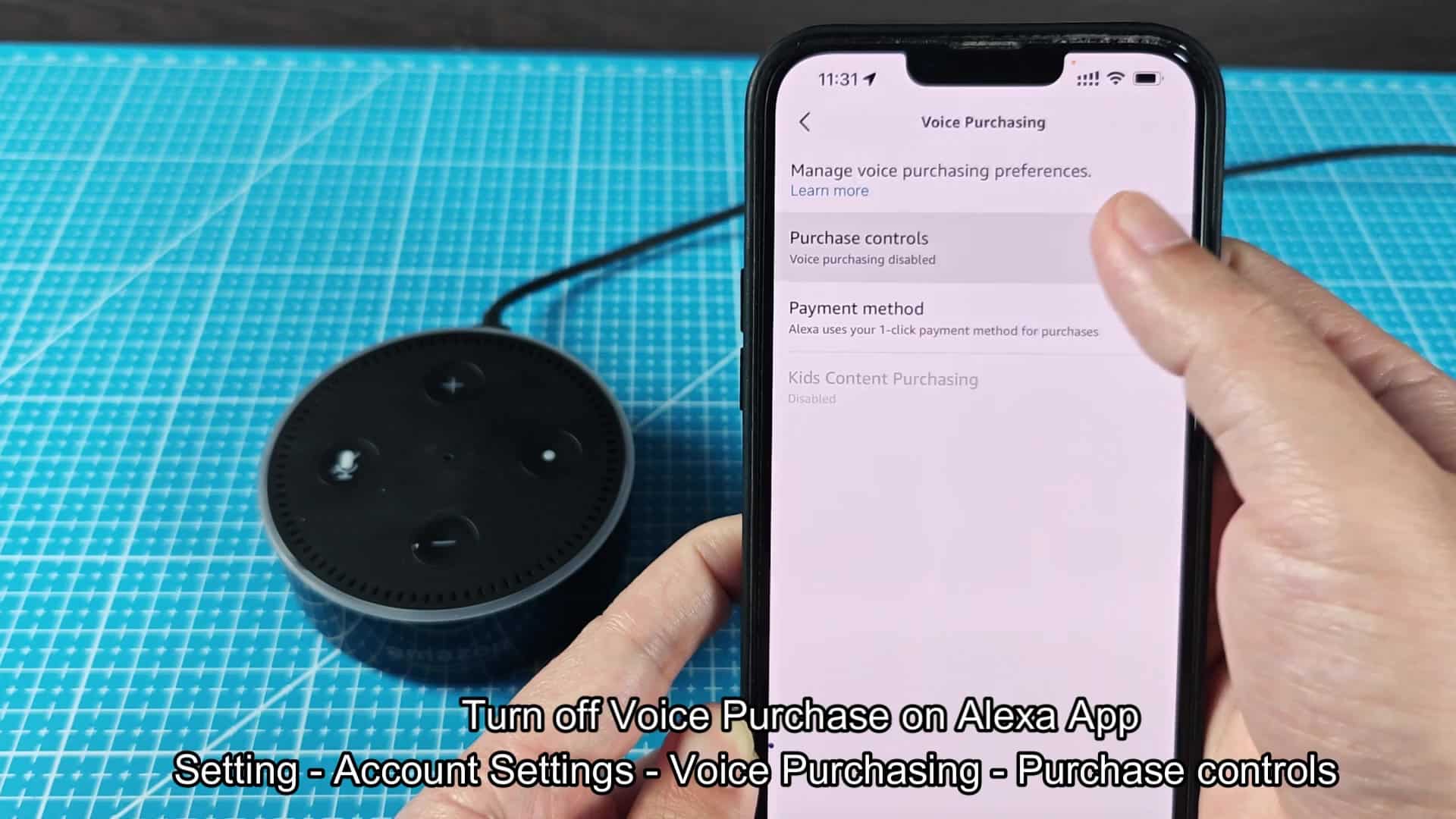
If you want the most peace of mind possible, then you can turn it all off. That will prevent anyone from making any purchases via your device. The settings adjust instantly with no need for a follow-up email confirming the change. The system acknowledge that you’ve decided to disable voice buying. Now, your spending isn’t threatened by hasty digital assistant.
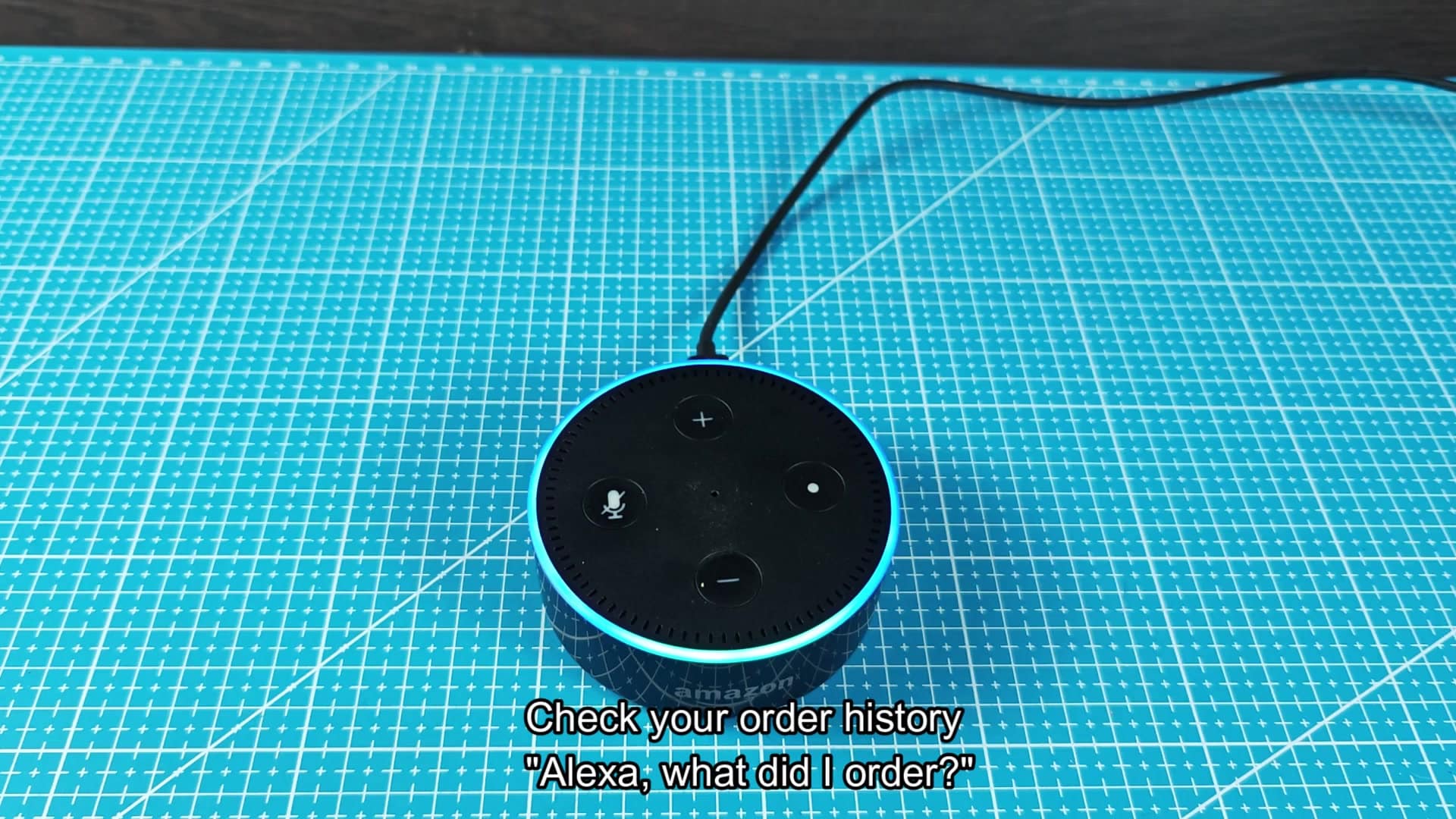
Test out the history query function to check what’s been going on recently. So I turn on my device and say “what did I just buy?” It respond with details of my last three orders, which lets me verify that nothing else slipped through. That’s your assurance that nothing else got through since you adjusted those settings.
Having control over this makes you feel secure about using smart home products. It doesn’t take long to adjust (just a couple minutes), and you don’t need to sacrifice security for convenience. Now that voice purchasing is turned off, you feel better about your wallet.
