
The underside has all the relevant details. You can see why most folks immediately look on the side or the back of any water purification bottle; most labels are located there, except for this one.
Because they’re on the bottom it looks like it’s part of the plastic housing. You’ll need to turn big ol’ purifier upside down to get a good look. The white label hides beneath the rim.
Understanding the Code Breakdown
There’s a lot of dense code here and most of the space is devoted to bar codes. But you’ll want to pay attention to the text alongside those bar codes. At first glance, it appears to be random combinations of numbers and letters.
Write it down right away, or you will be sorry when it comes time for transcription. All units follow the same format. Here’s how Dyson does it everywhere.
When you know where to look, breaking down that string of characters starts to make some sense. The first part is the model series. In the case of N1J, it’s pointing toward a particular product line, helping narrow down exactly what hardware version we’re talking about.
The next two indicate the region; in most cases, AU means Australia, which tells you where unit was sold. That last part is special to just that one machine. It serves as a sort of fingerprint for the unit and only one unit will have that same number.
That gives you some confidence when checking out the breakdown above. When it comes time to replace filters, you’ll want the correct model. A good guess wouldn’t hurt, but a correct answer ensures you don’t buy the wrong thing.
It’s old school, but you can check the actual label too. Now, however, there’s a digital way. Your purifier can be connected with the Dyson app. To use it, simply power up your purifier and hook it up. The interface updates in real time because the device is connected. Open the app and you see clearly what your sensors are picking up.
Go into your machine’s settings and voila! There is the serial number right in front of your face… And it matches up exactly to the one on the sticker.
That’s a good feeling; no more worry about mistyping something somewhere. You just copy/paste. No problem. This includes things like warranty registration. This saves you from having to dig under there again.
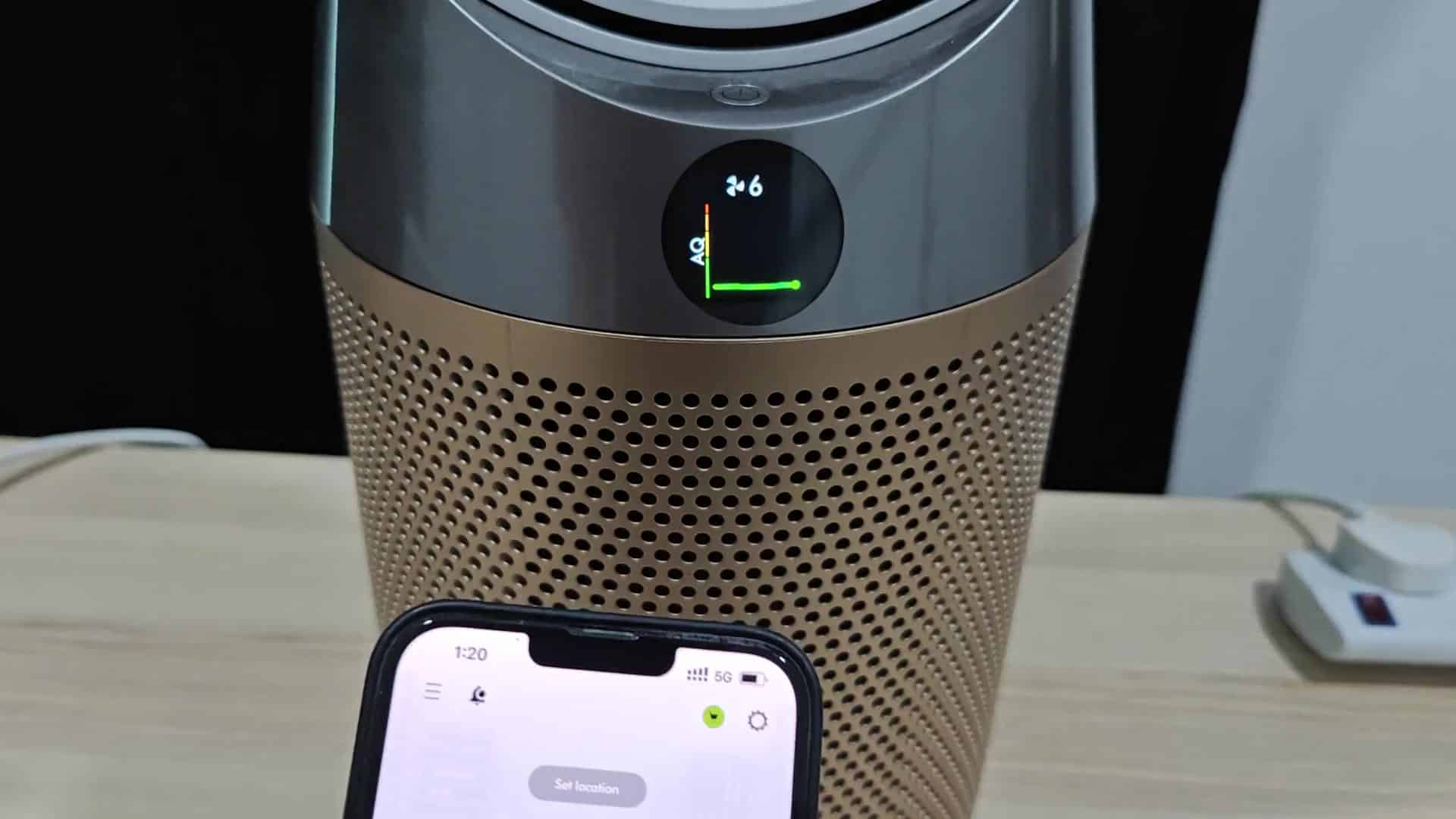
It’s coded for my region
Some electronics are regionally locked out and it was reassuring to see the region code on the sticker match up with the one in the app. If you know your region, there will be no compatibility headaches.
So the model series verifies what features you’ll have but how they update differs on newer models. Some older units may not support new filters for example. Look into that to see what the limits are.
Serial numbers are confusing strings of digits. They might as well be gibberish. But checking online forums can help you figure out a confusing number, and then you can use the app to verify it.
The app is quicker if you have to double-check something multiple times. Otherwise you’re moving large appliances around and that’s no fun. Once you set it up, the convenience makes it worth it. Just tap on your phone and see what happens. No appliance lifting required.
Total time? Minutes. Physically, the most challenging step was flipping the thing over. From there, it was easy to read the code.
The clincher is cross referencing it in the app. Then you’ve got all the information you need. You will no longer have to guess which model variation it might be. That comes into play down the road when doing any type of maintenance. Certain filters only works on certain models and if you get it wrong, you’ll have air leaks.
Most owners won’t need a unique identifier, that’s mainly of interest to their support team. They use that for tracking the manufacturing batch. For spare parts, the region code matters more.
Getting the incorrect filter is not cheap. Knowing your model avoids wasted purchases. Delaying getting the right parts means a longer cleanup.
This will save time later. Support will ask for a serial number before they can troubleshoot an issue. You want them quickly. Have it handy and your help ticket gets completed faster.
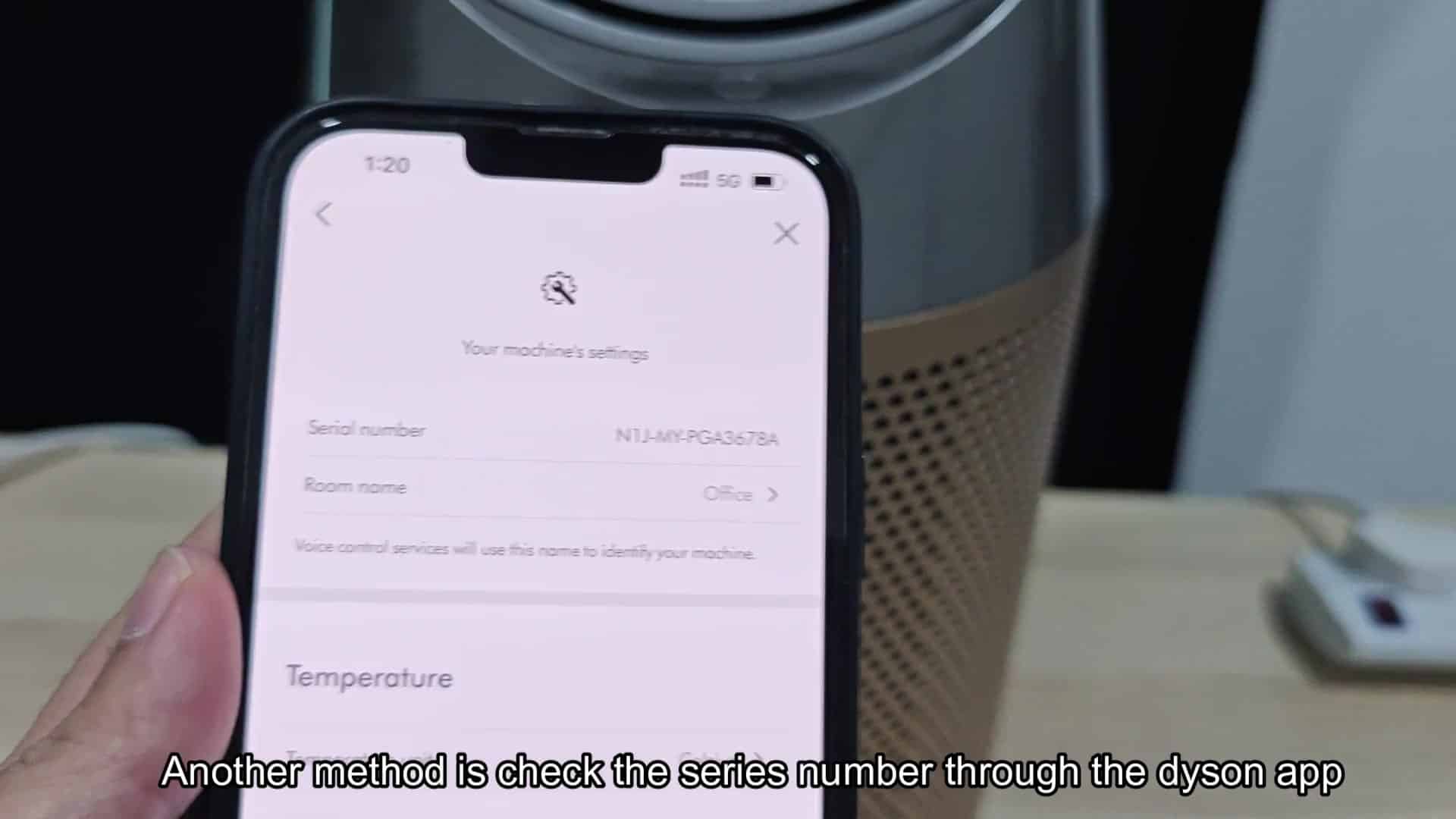
It also comes in handy when troubleshooting. Less than five minutes total. Check now when everything is humming along great. Don’t wait til something fails.
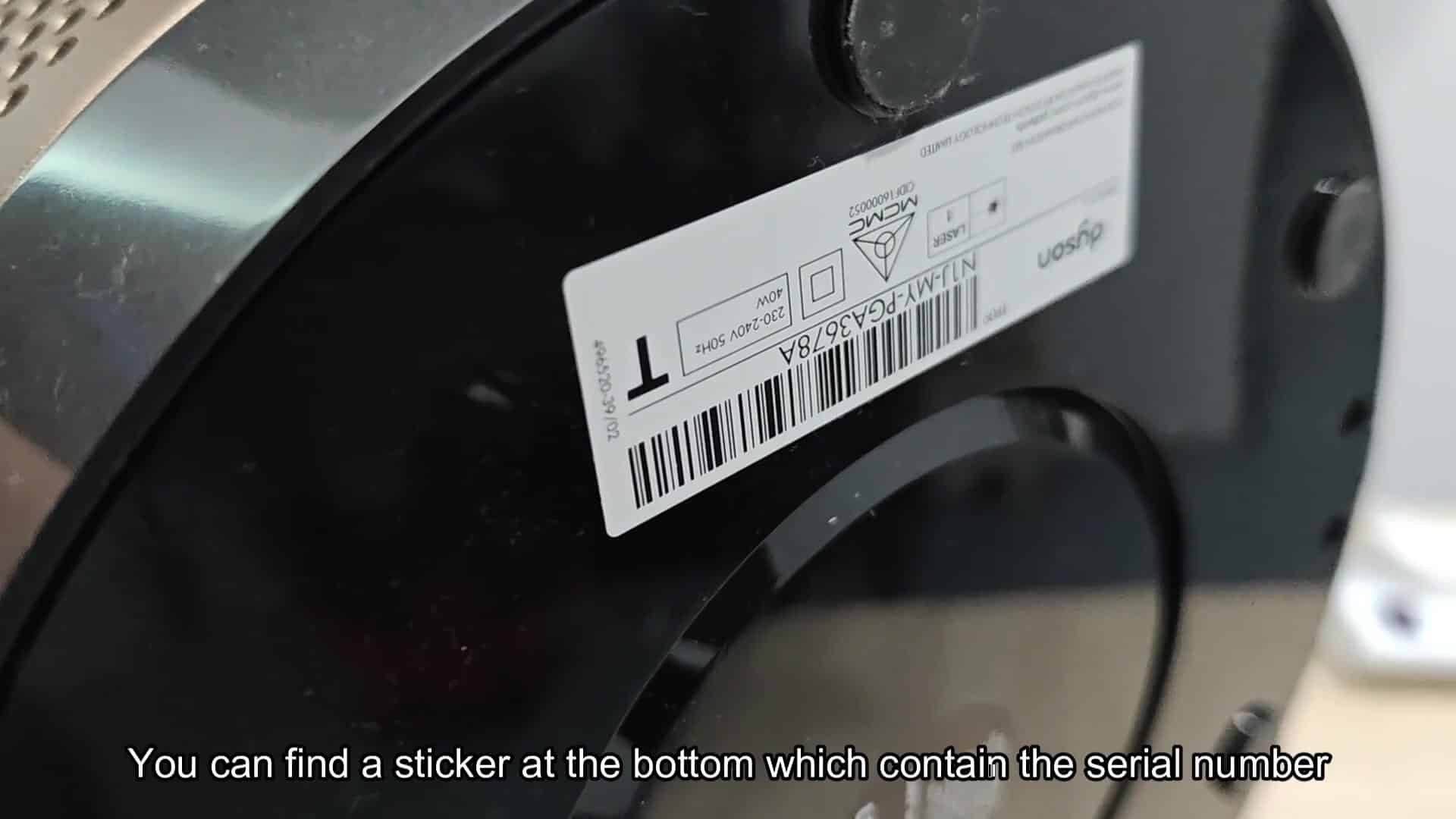
It got us off to a good start.
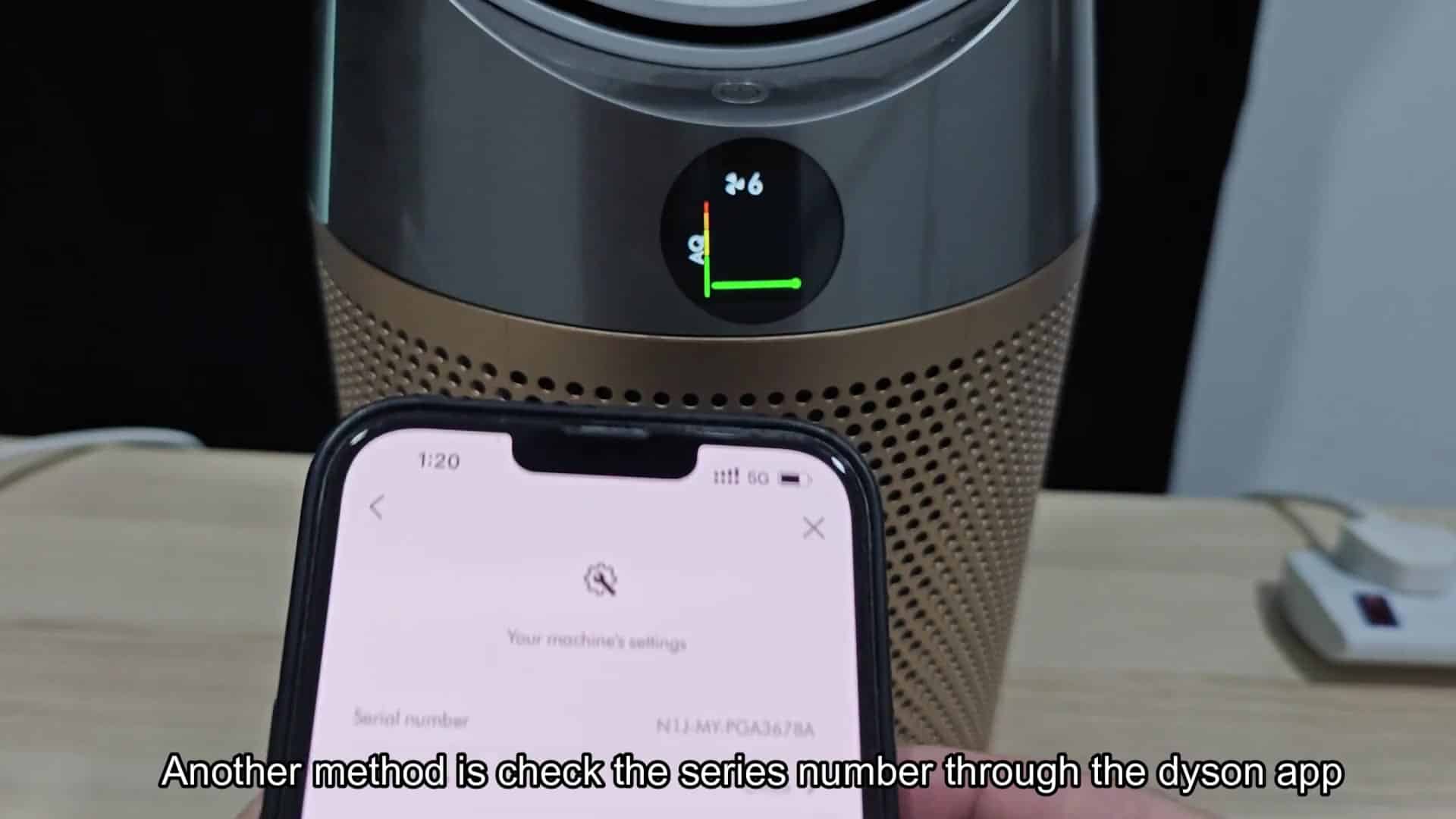
digital confirmation
This data has been confirmed by us both ways, digitally and physically. Either way works well. Sometimes it’s more convenient to just pull out your phone and get the digital confirmation. Other times you have to put some work into checking it physically. Chances are most of us have access to both. Use what’s convenient and know that you’ll still get accurate data from either option.
Knowing what each part of the code means also helps. The unique ID is obvious as well as model and region. And this applies to a lot of Dyson products.
Just air purifiers. Fans also label in the same way if you look closely at them. Vacuum cleaners are the same.
Once you know the pattern, future identifications becomes quicker. Next time you see the pieces, you spot the pattern instantly without having to search for it.
Before you confirm your model, uncertainty is annoying, but once confirmed it all makes logical sense. This makes maintenance predictable. The filters are exactly what’s required.
Software updates align with the hardware version, but newer models get them different. Region settings configure correctly from start. Little things add up to avoiding a major headache down the road.
Serial numbers seem small, but paying attention to them will pay off in terms of ownership. For peace of mind, the few minutes invested initially should of been worth it.
