
Laying on the desk next to it was Anker Soundcore Mini. It looked clean and undamaged, yet for some reason it wasn’t pairing with my phone. There’s nothing in the Bluetooth settings; there are no available device. It was frustrating.
This is one of those loops where it’s usually a software issue that makes you repeat step one: clear out what’s already going on so you can try again.
Understanding the Indicator Lights
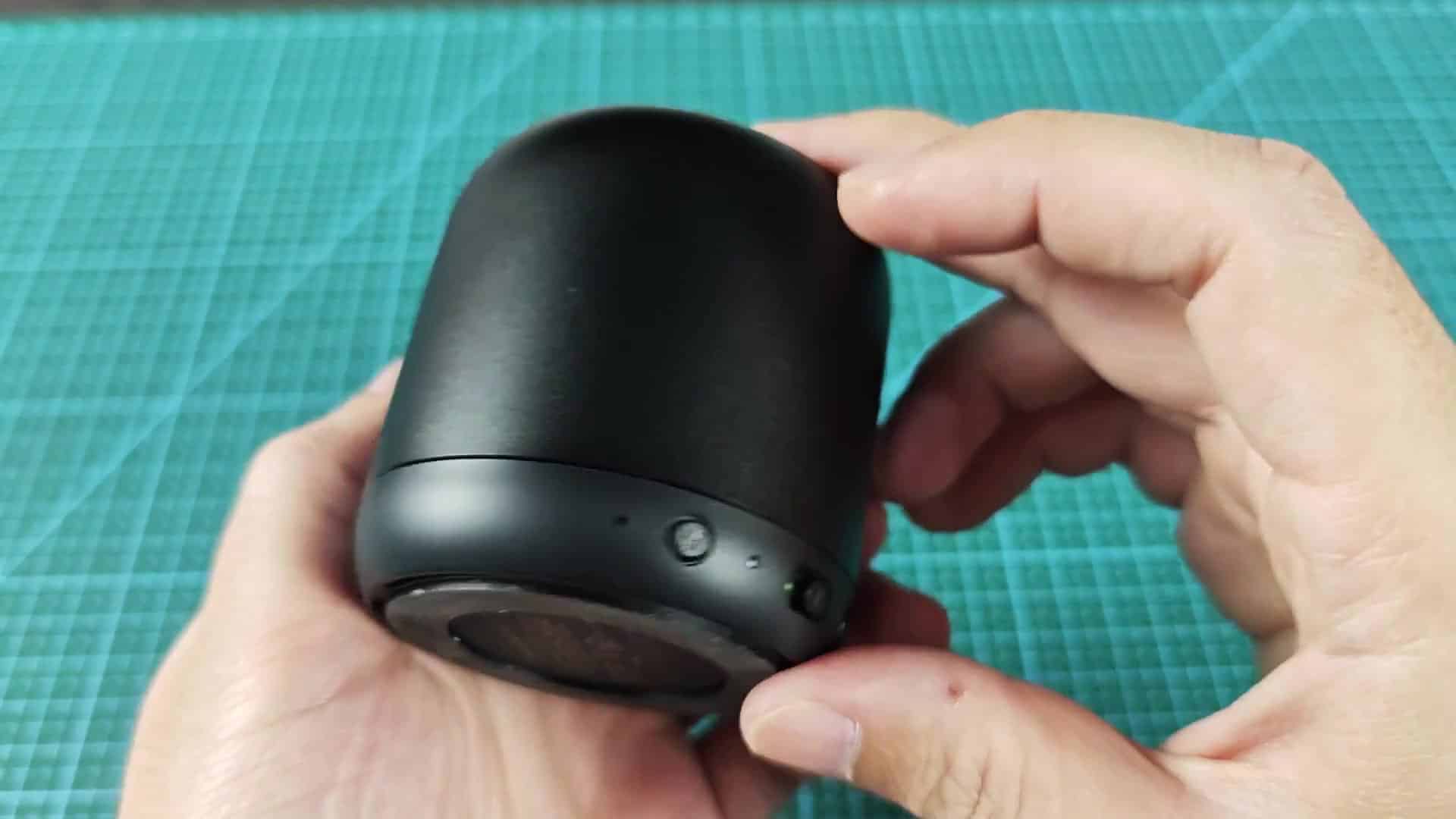
Controls is located on a vertical strip running along the front of the speaker, including a play button just beneath a plus sign. There was some memory of a reset instruction somewhere, but we couldn’t remember where, consult the little booklet included in the box.
Sure enough, owner’s manual is alongside the unit, explaining the indicator lights and other connection concerns in detail, complete with helpful diagrams.
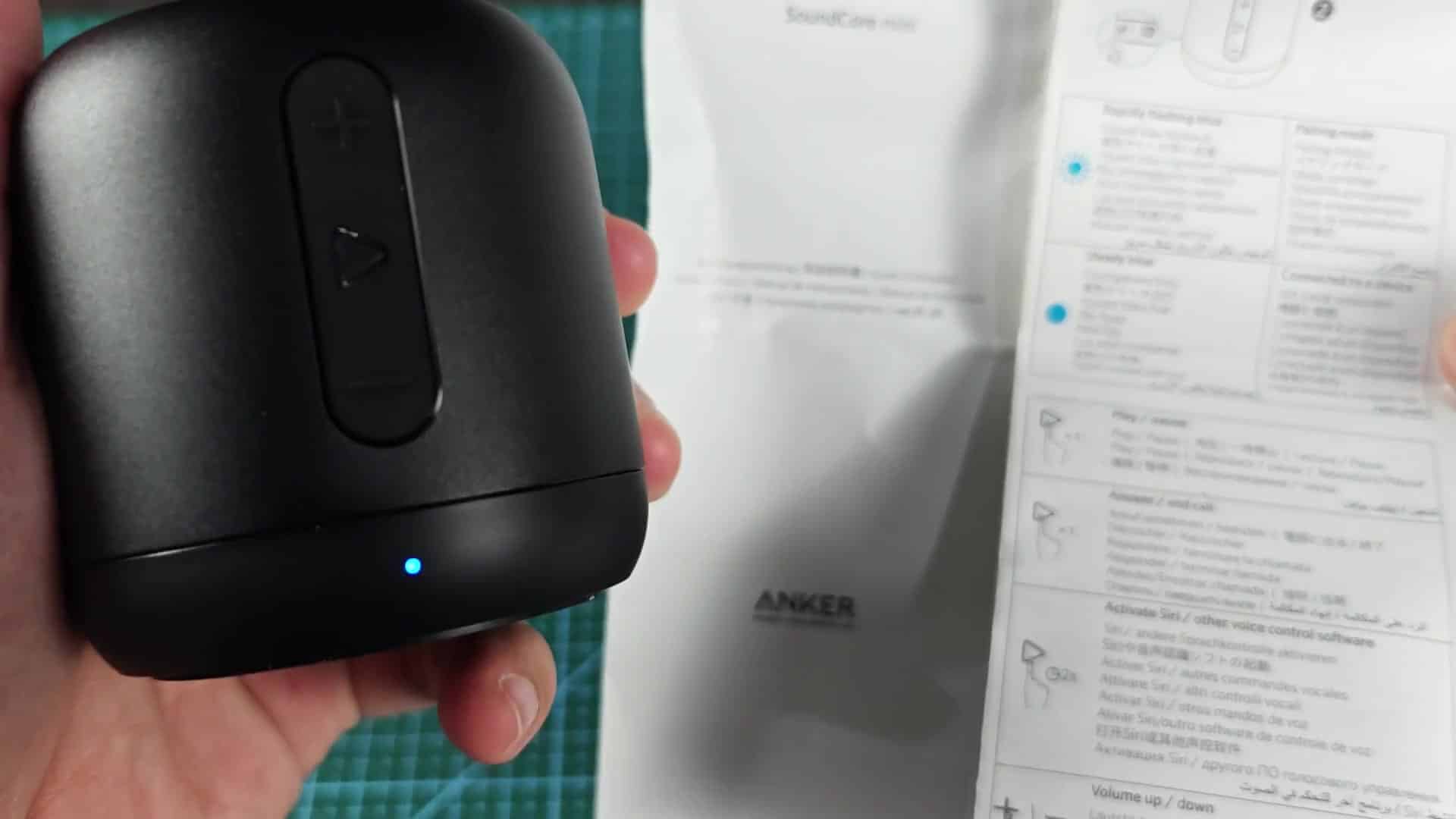
Reading those words closely shows which color of light is for what; in this case, white lights usually mean another setting like aux in or music playback. This didn’t make sense at first because there was no sound.
except for the fact that the other light is blue, which is where we needed to be, and that’s why the fast flash of blue lights means pair mode. The solid blue light means paired with something else, so you want it back in the fast flash state again for it to fully forget everything.
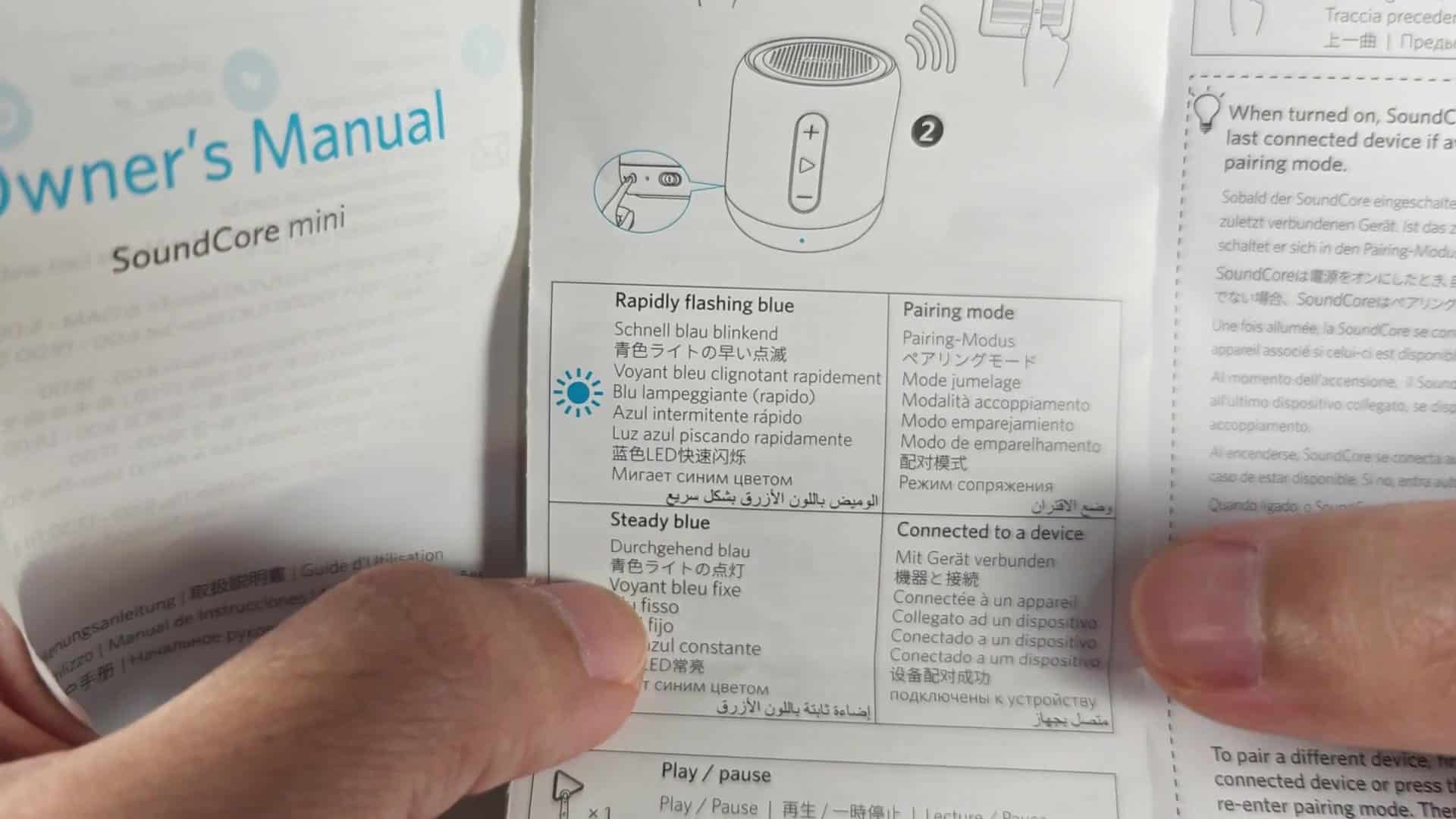
This is as simple as the directions provided within the manual will tell you to do, press and hold down the mode button, found on the side of the speaker. You don’t need to press really hard at first, but after a couple of seconds, you’ll want to keep pressing until something happens.
When the light goes from being solid to beginning to blink blue, you know you’ve done it right. The blinking blue light signal that unit has been reset.
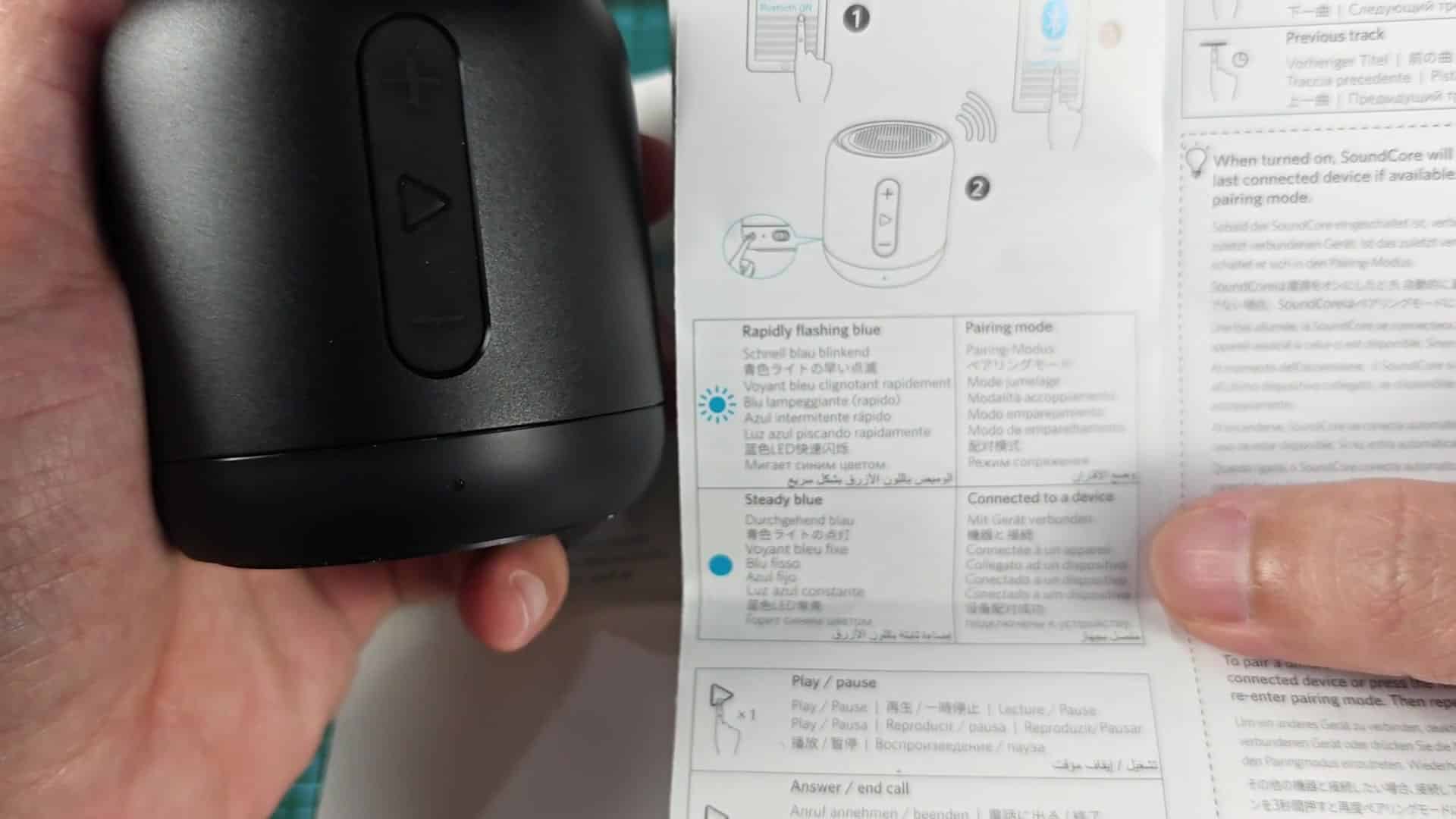
The Anker Soundcore Mini also had this sort of visual indication to show it was open to new devices. This made things slightly simpler different than we’d anticipated, as no strange series of button pushes were necessary. Instead, a long press on that button did the trick. The phone immediately spotted it in its list and brought the speaker back to life.
After a long press, we had sound flowing freely with nothing on-screen to signal otherwise.
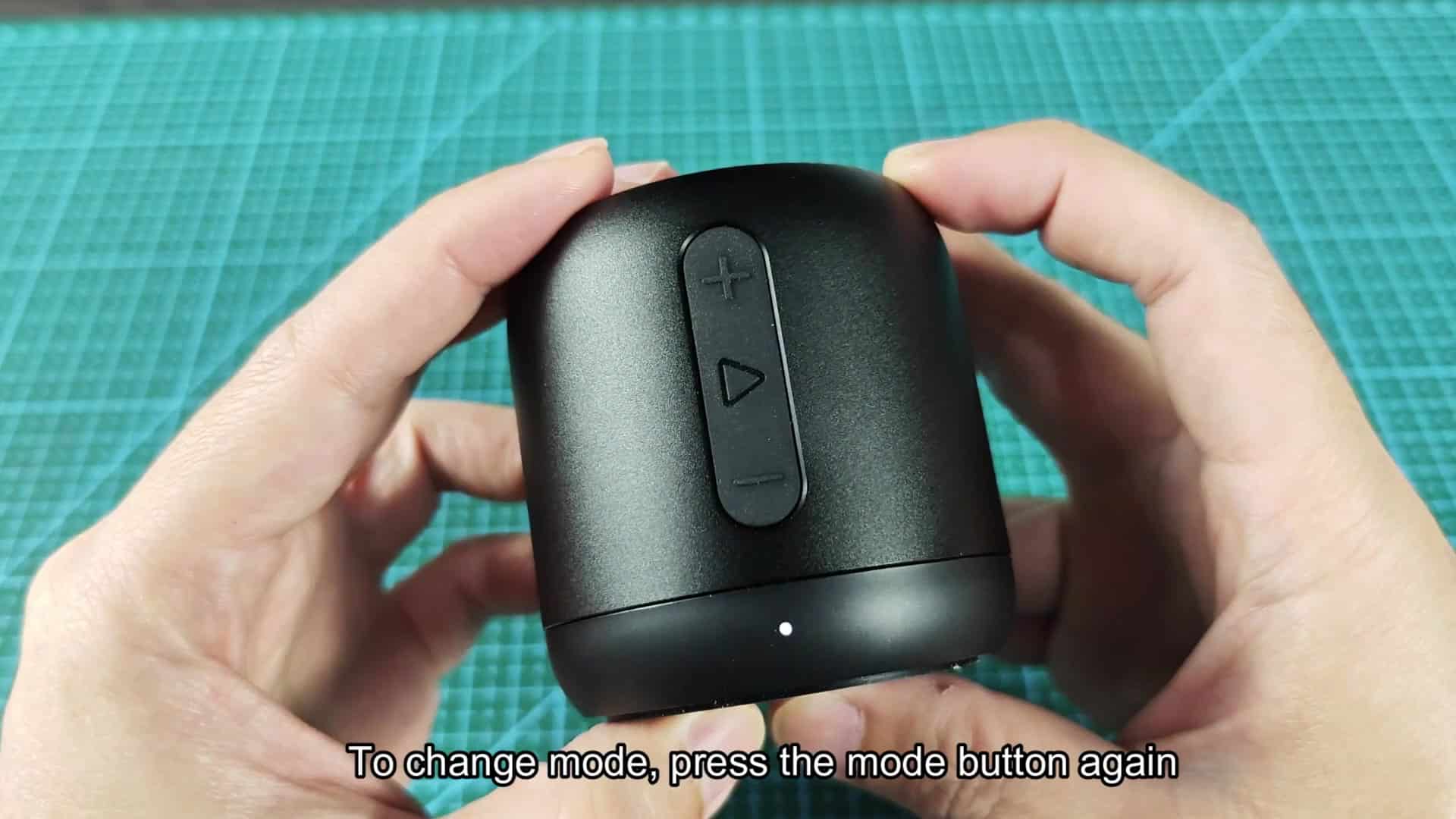
Sometimes we over-complicate things when it comes to some of the simplest troubleshooting steps, but thankfully this one was as straightforward as you can get.
As video description noted, just a long press on the mode button did the trick here and sure enough that’s all there is to it. It paired up without a hitch and put out clean audio with the blue LED remaining steady and lit throughout playback.
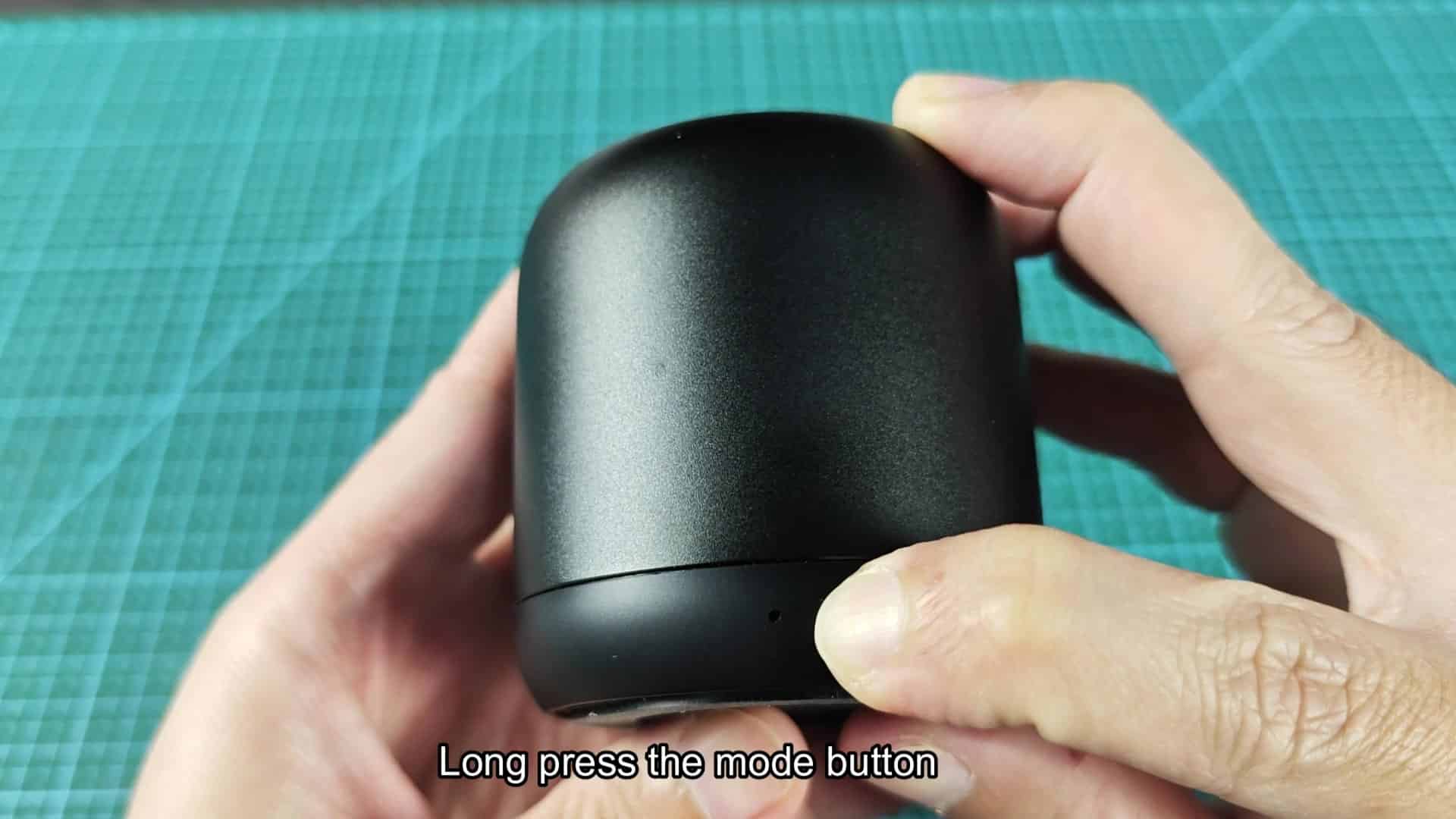
Perfect! Everything lined up; the steady light matches diagram in the manual, which means it connected successfully.
So no more worries about pairing problems, the reset did its trick and now you can enjoy some tunes from your playlist at last. It should of worked better. Done.
