But there’s also a couple AA batteries that will power your Blink camera. Just pop it into the back compartment and close it up. You can also use USB cables or a UPS to power it if you want to avoid changing batteries.
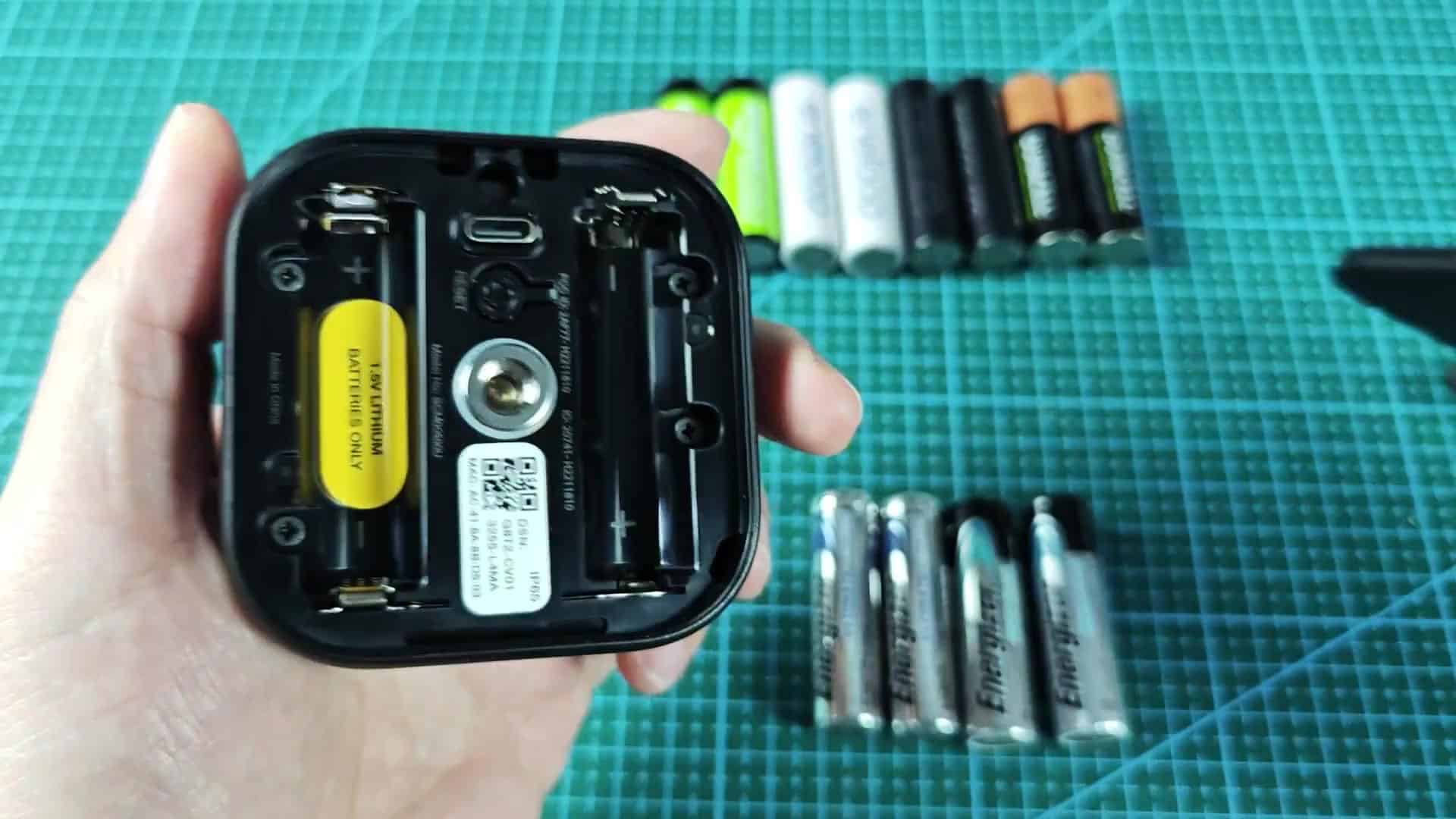
Make sure to double-check the polarity prior to closing, as if you get it backwards then it won’t work. That’ll save some headaches later, though it’s an easy mistake to make.
Powering Your Camera Options
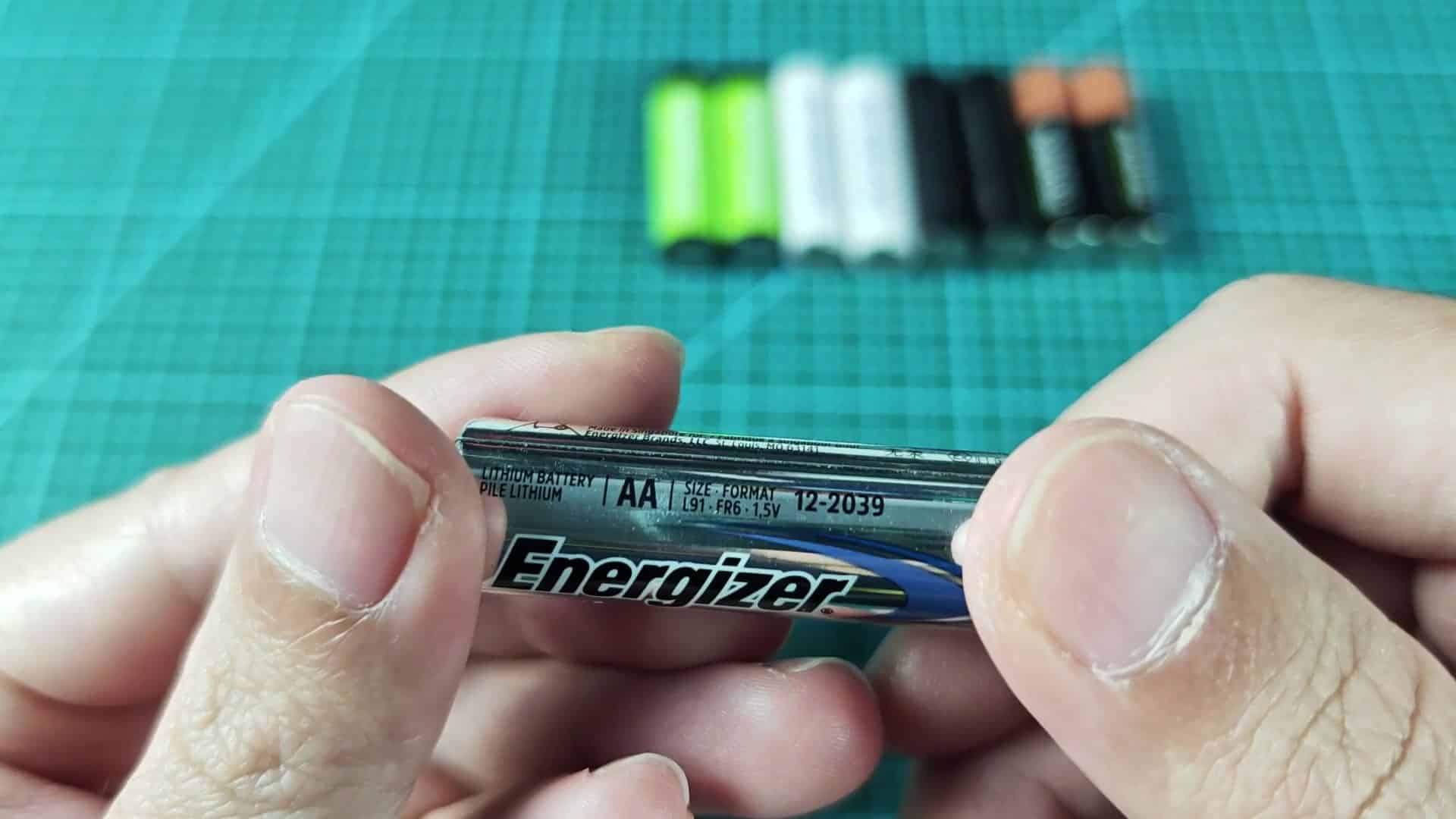
For best operation, use non-rechargeable AA batteries per the manufacturer’s recommendation. You get 1.5V from them and that voltage lasts much longer. In fact, you’ll have months of use between charges when using them on this device.
I recommend the Energizer Ultimate Lithium line as they retains their charge excellently in cold temperatures.
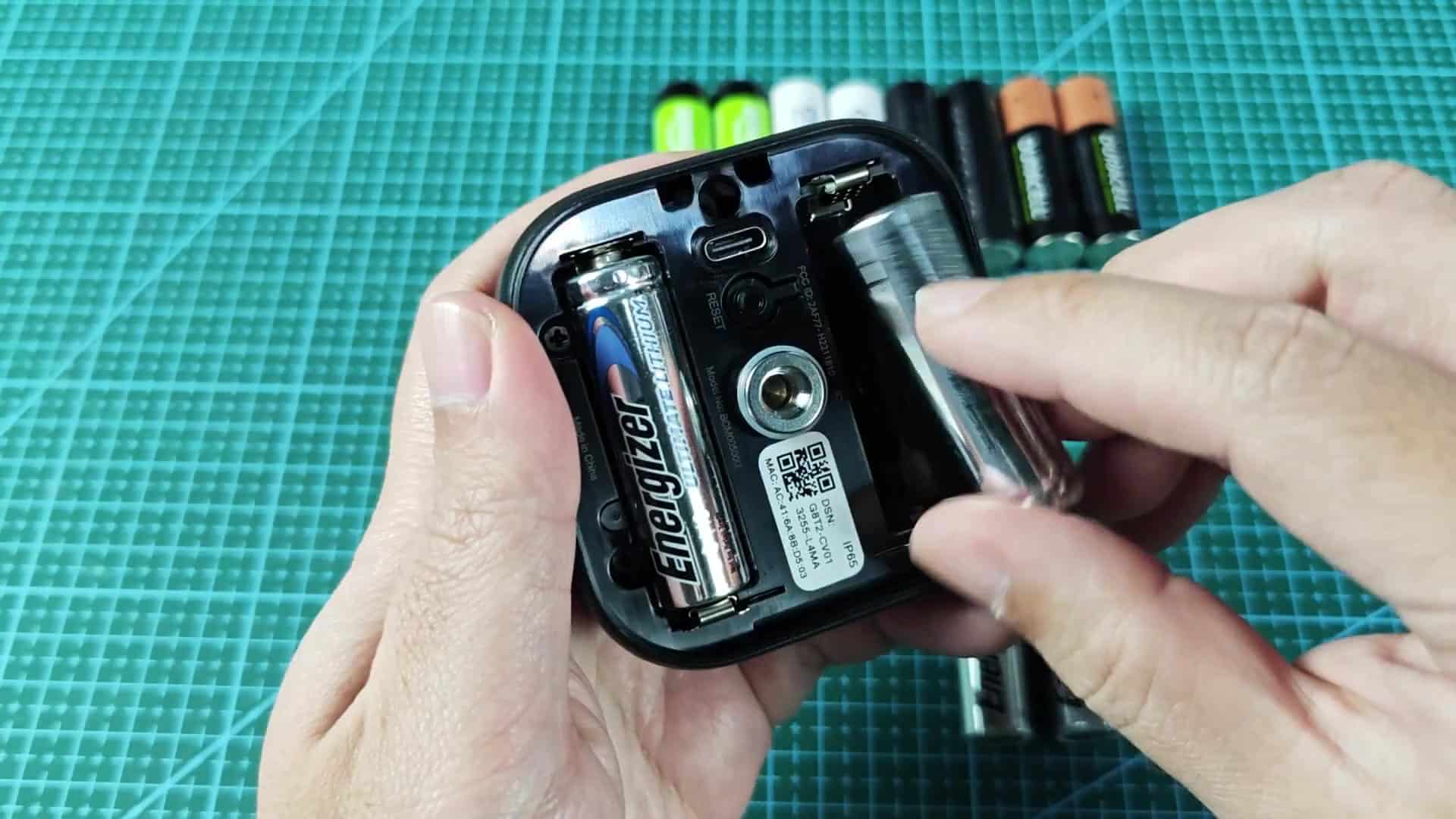
The installation of the batteries require very little effort. Simply line up the minus and plus sides and snap them into place.
Make sure the cells is seated tight because a loose connection causes signal drops later. It’s simple enough to tighten again if you find this issue.
What’s important here? The voltage spec of the device. That 1.5V sweet spot is right where standard alkalines and lithium batteries falls. And coincides with how the device internally is designed to recieve a charge. It keeps power steady as you record events.
Opening up the first pack reveals they are rated at 1.5V. That’s comforting. When the specs is correct, performance remains level through all tests.
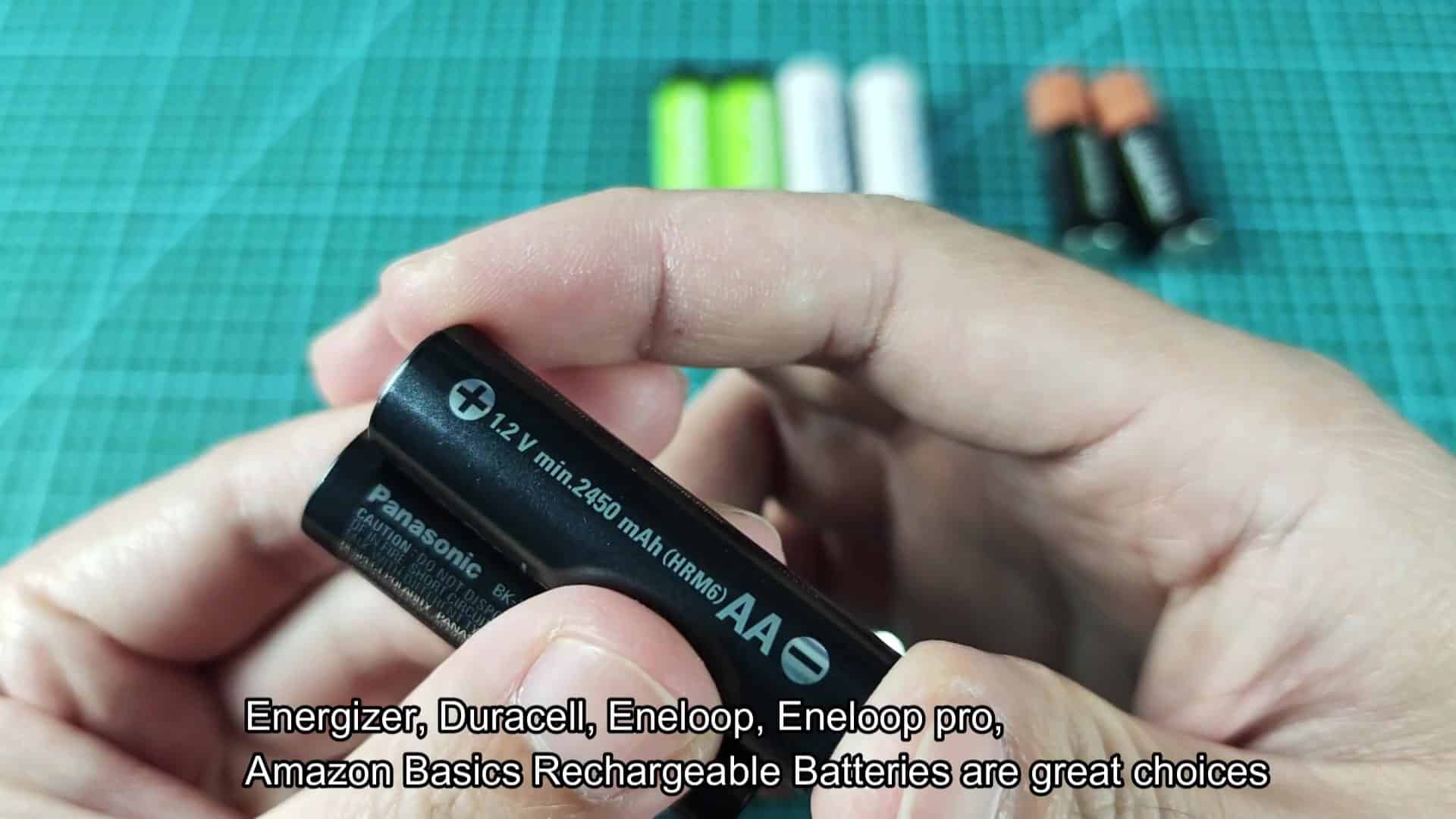
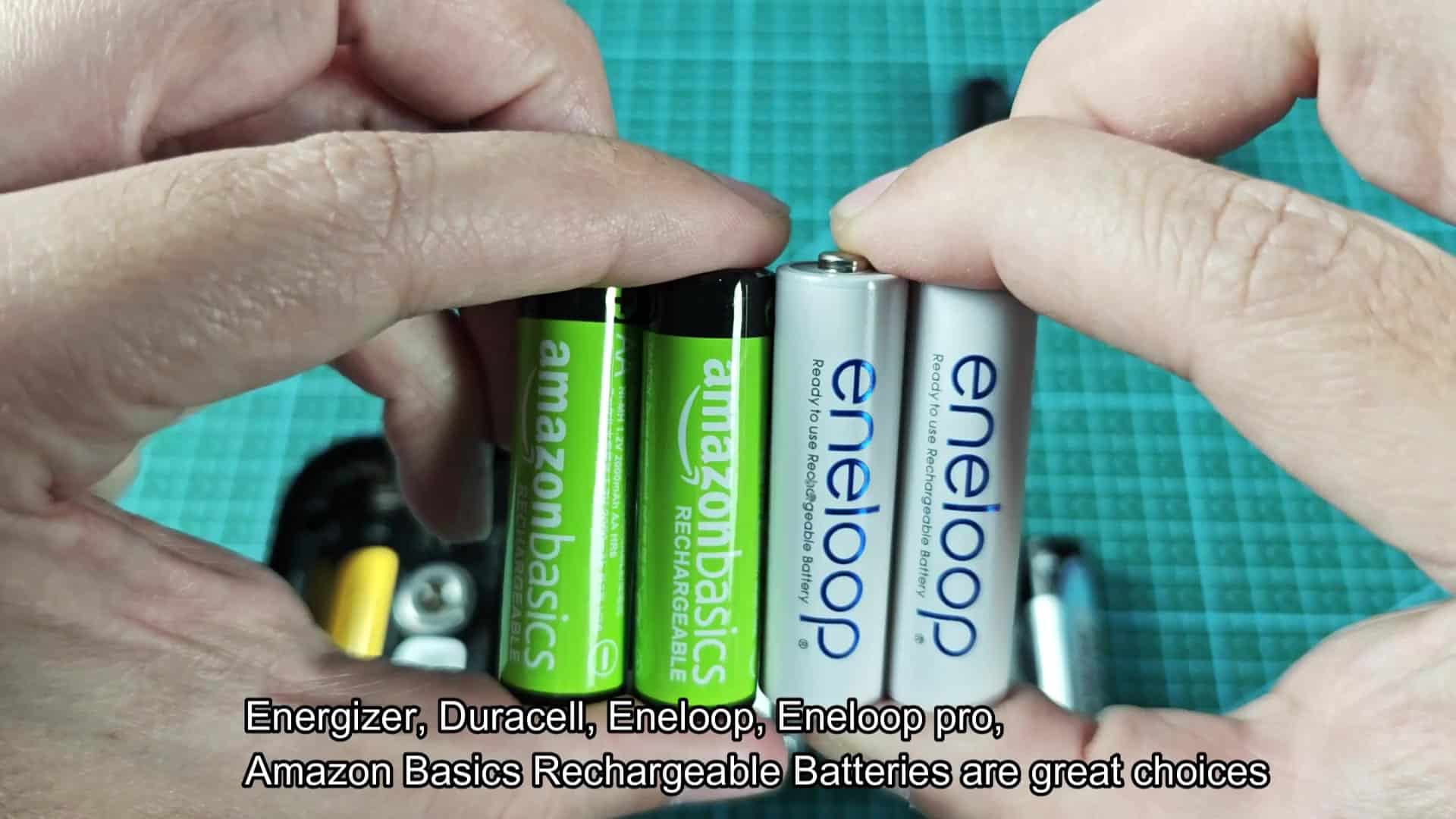
On the other hand, there is rechargeables. Rechargeable batteries typically output 1.2V per cell. That’s going to mess up certain Blink devices which expects more voltage. This lower voltage may result in the system determining the battery is dead too early. The Eneloop Pro cells I’ve tried work but just barely. These options vary quite a bit over time.
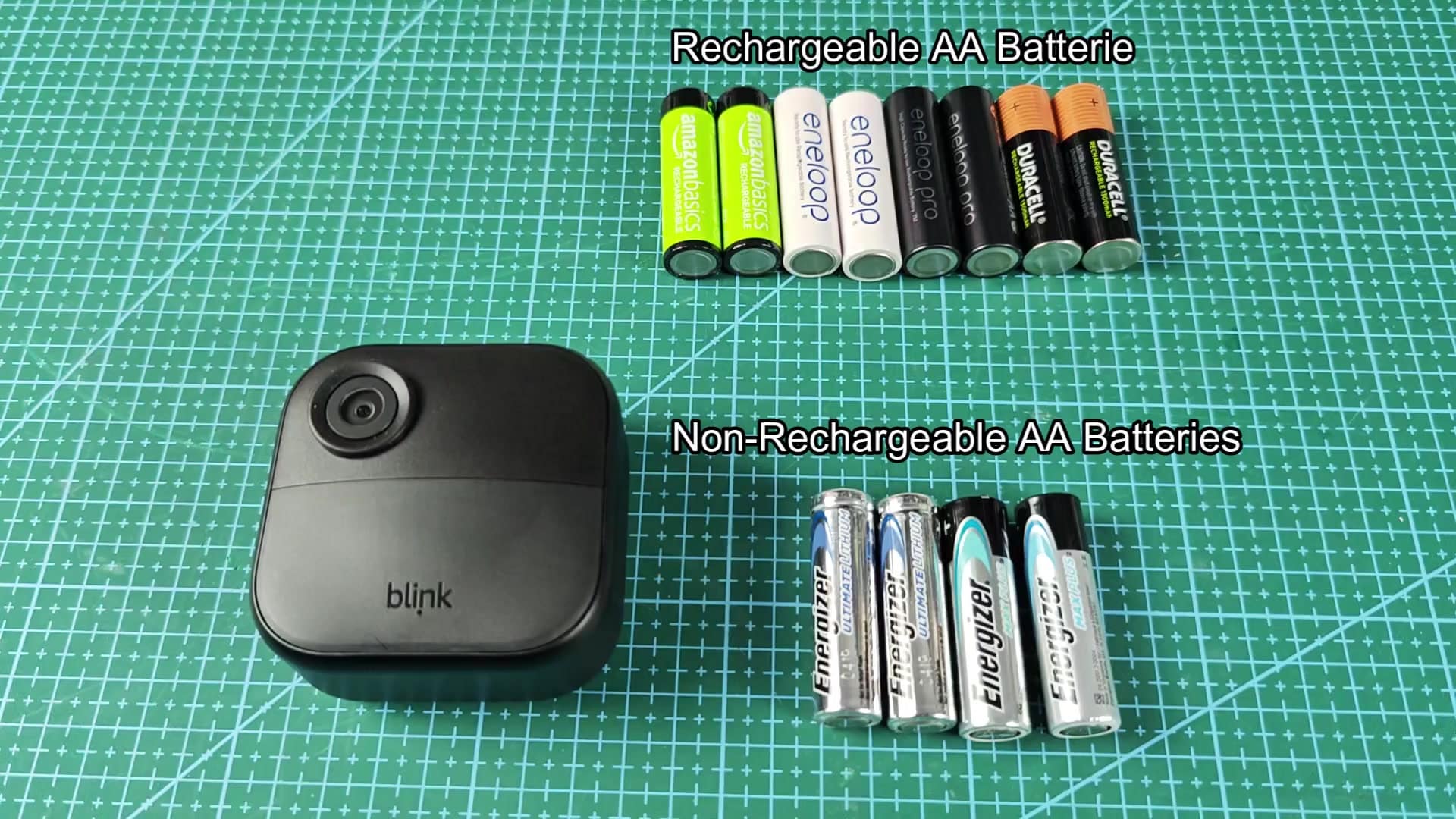
I have tested rechargeables from multiple brands. Most people use Duracell or Amazon Basics rechargeable AAs (or other generic ones). And the results are…mixed. Some lasted a few weeks while others failed sooner. At best.
Again, these aren’t great for the outdoors because your units can be exposed to the elements and the 1.2V output shorten the battery life. Overall, that has been a frustrating experience.
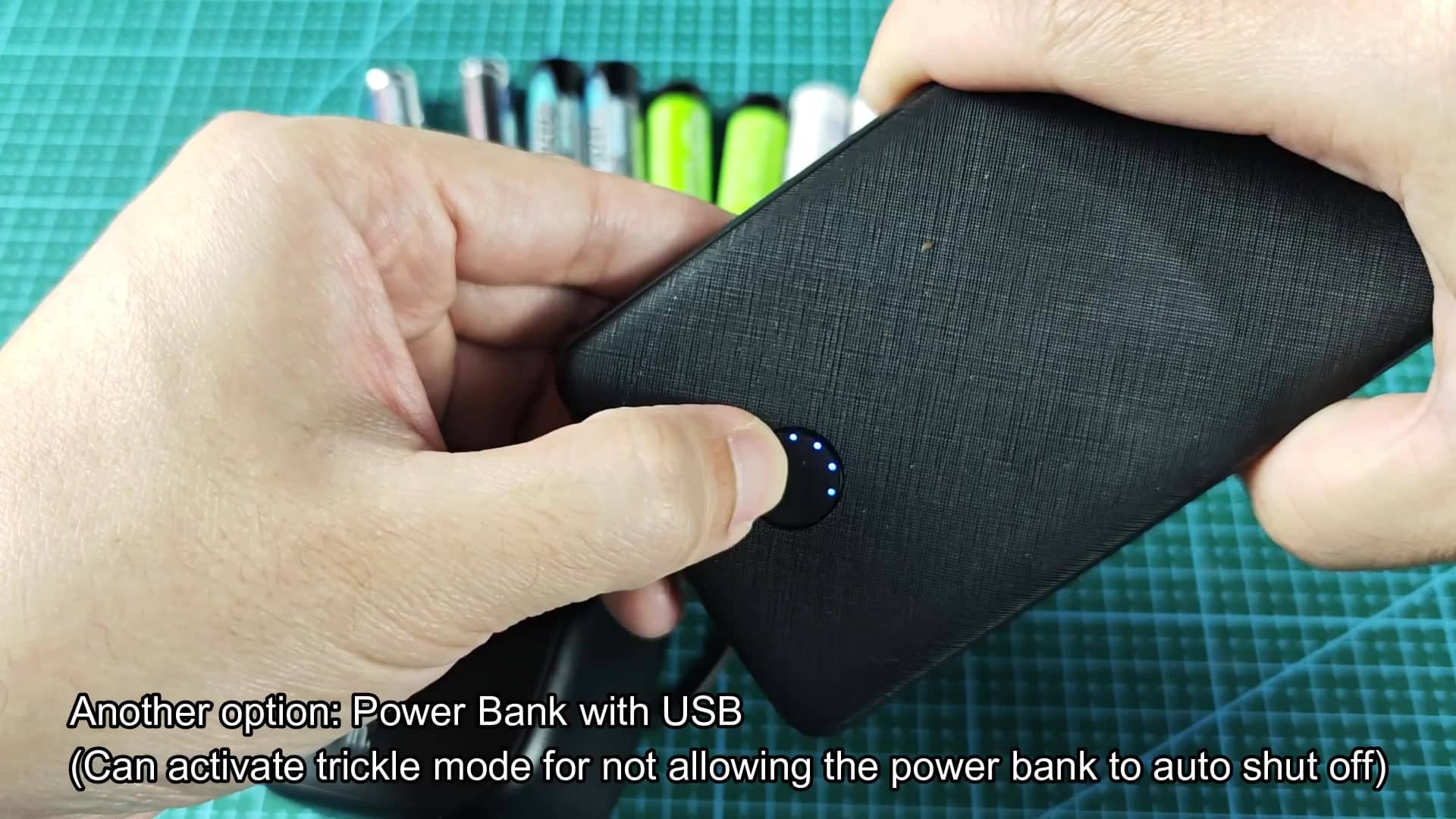
Alternatively, there are ways to eliminate the need for battery swaps altogether. Believe it or not, a power bank is pretty effective at charging the camera. You just plug it in through your USB port and let it trickle away.
The LED lights makes it easy to see how much life is left so you know when you’re getting low. I use one of those generic banks with blue dot LEDs that keep me going for days straight. That’s a lifesaver on a long trip when you don’t have time to swap batteries.
Another potential option is direct USB power. This plugs directly into an extension strip or wall adapter and gives the unit all-day consistent power without any concerns over dead batteries in the middle of winter.
For this one, I like putting it next to an outlet by the door so you can keep it plugged in easily, but it makes cable management messy at first. Simply rearrange the cables later on.
The system has an odd quirk about how it manages its power source: it will not run both batteries and USB power correctly at the same time. It uses up the battery power before using the USB power. It doesn’t act as a buffer for the batteries and runs them down when both are hooked up. This is confusing.
Testing this out confirms the issue. Even when plugged into USB power, the batteries continues to drain. It seems strange until you understand how the system works.
Older versions are different than new ones in hardware. You’ll find some that have a Micro-USB port on the bottom versus the newer versions that has gone all-in with USB-C instead. That means different charging/power cords depending on the port type.
The most obvious physical change between one camera version and another (side-by-side comparison) is the shape of the port itself. Keep this in mind when shopping for accessories to ensure they are compatible.
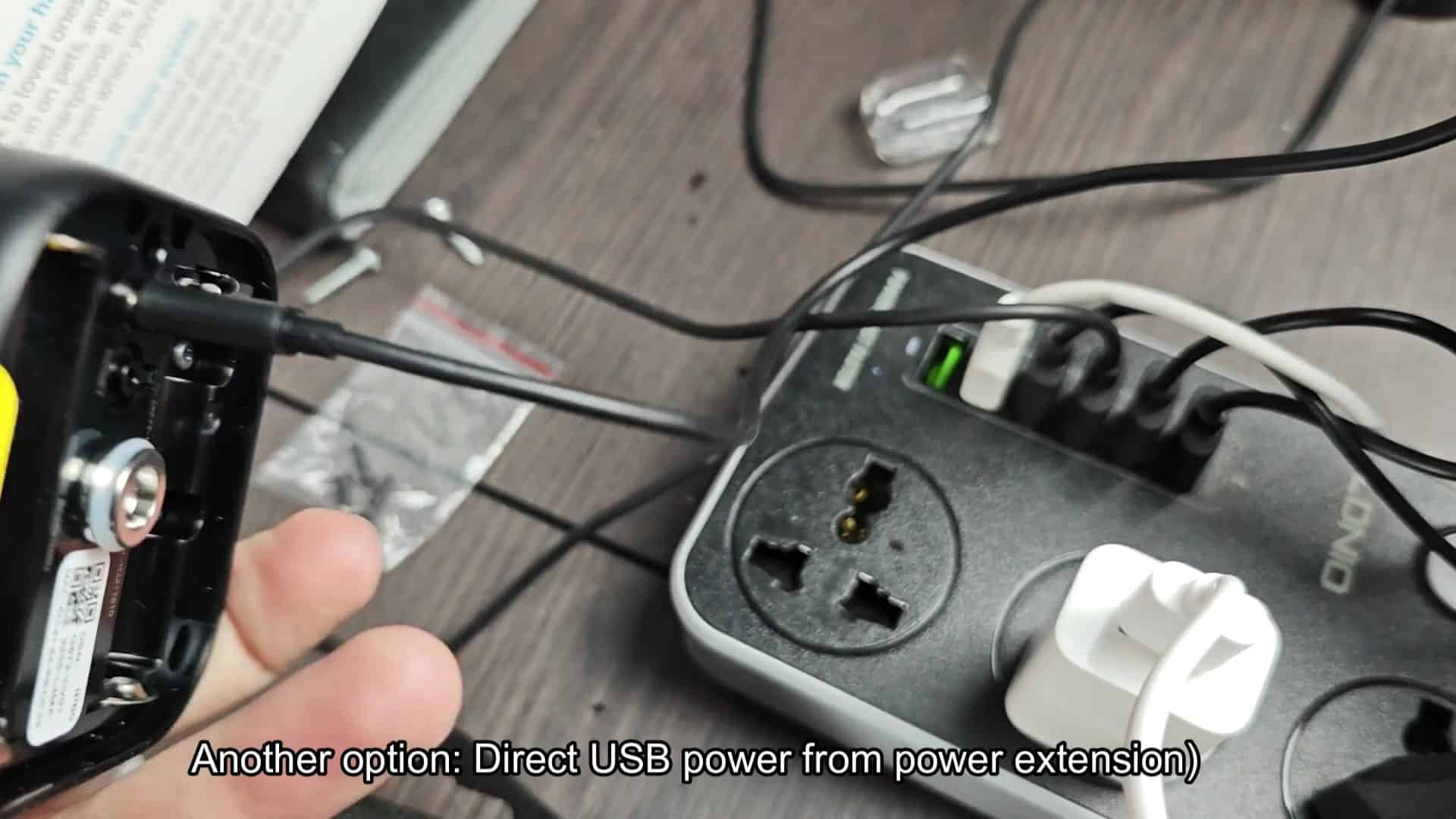
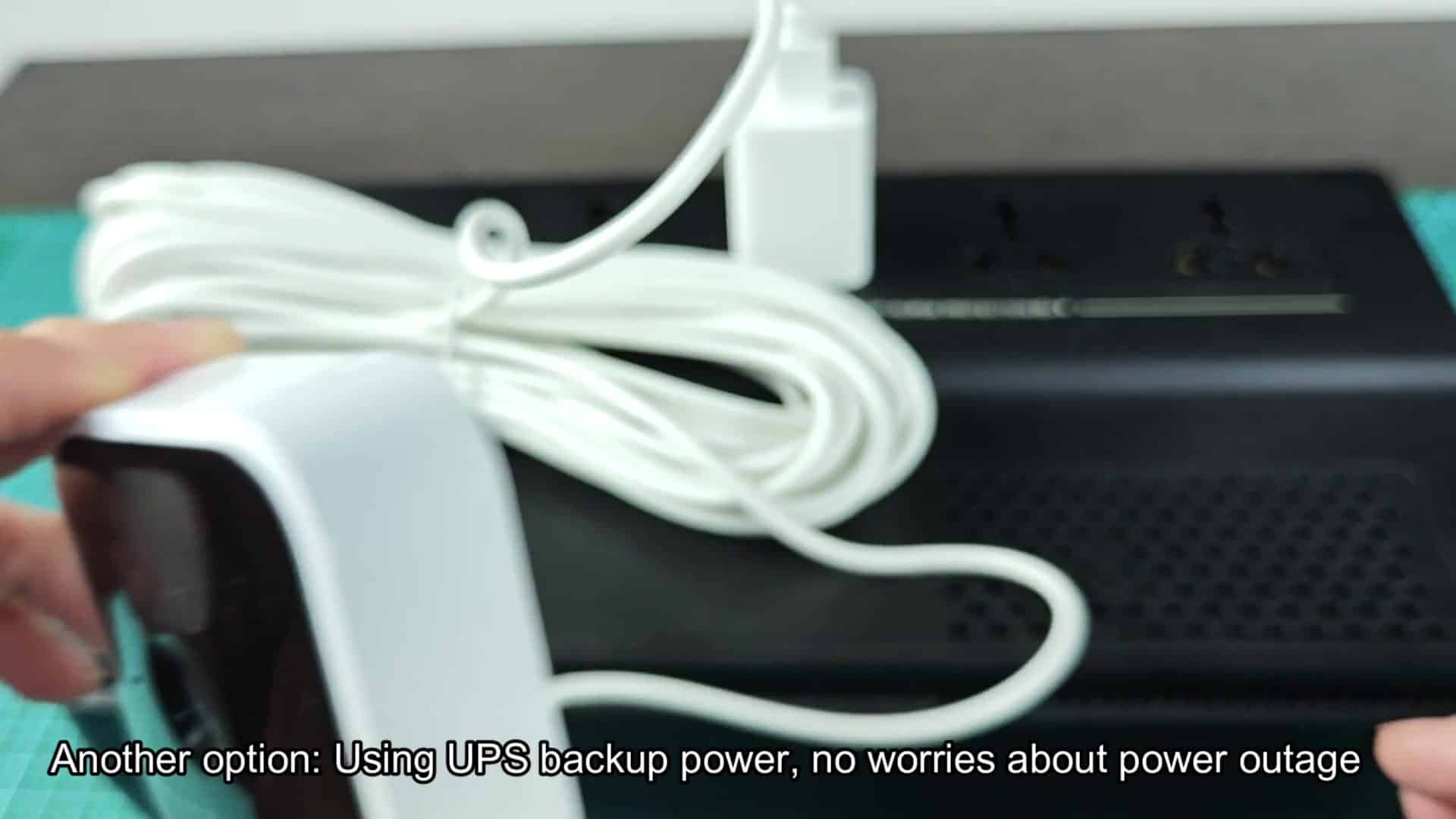
When it comes to real-world security systems at home, one thing is essential: reliability. If you don’t plan ahead and the power goes out, your whole system loses its sight. A good solution: use a UPS unit. This will give you backup power during grid failure, keeping things up and running.
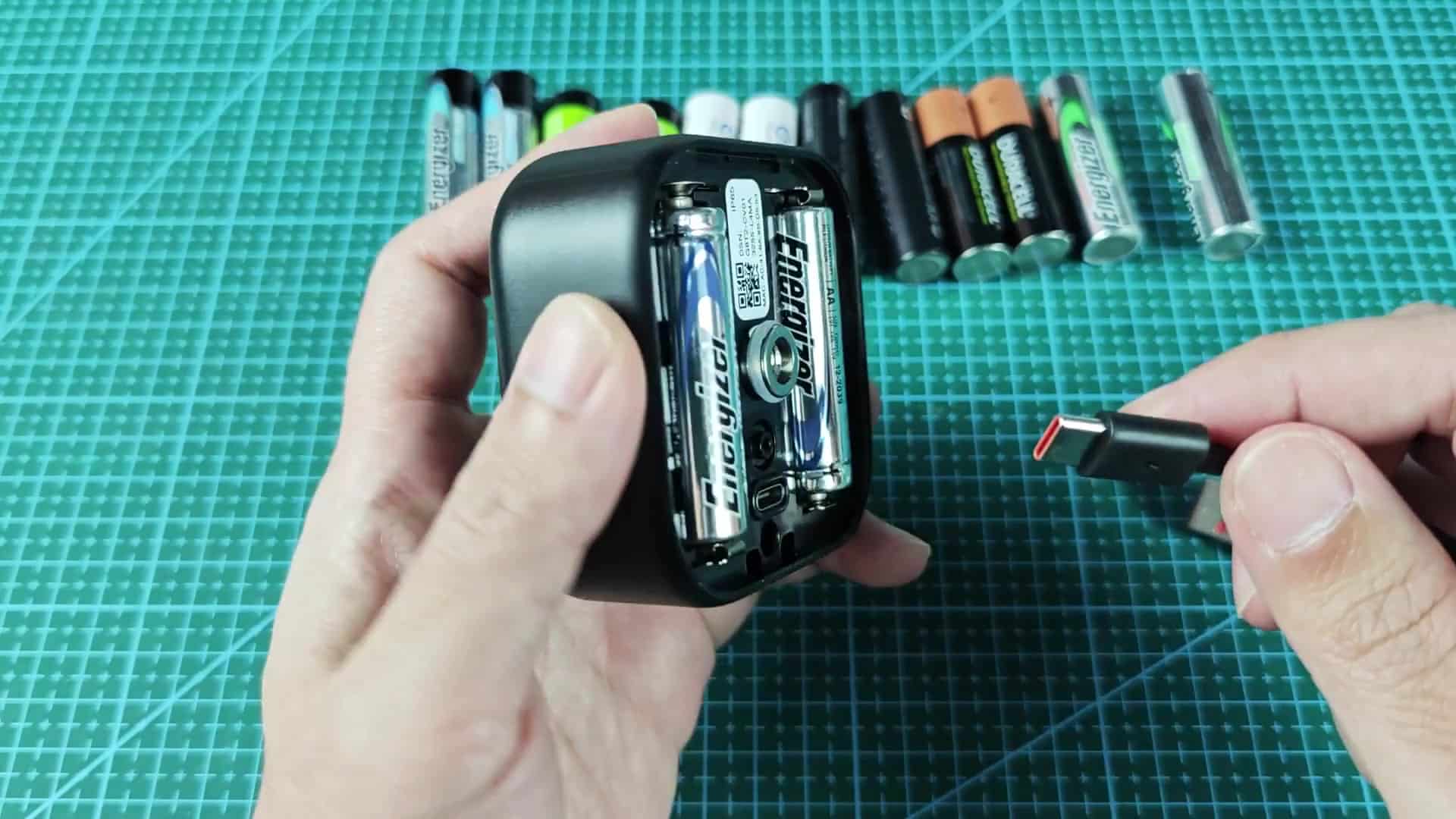
The coiled cable is managed neatly behind a shelf and connected to a tiny APC backup unit which powers the camera. Problem of outages solved.
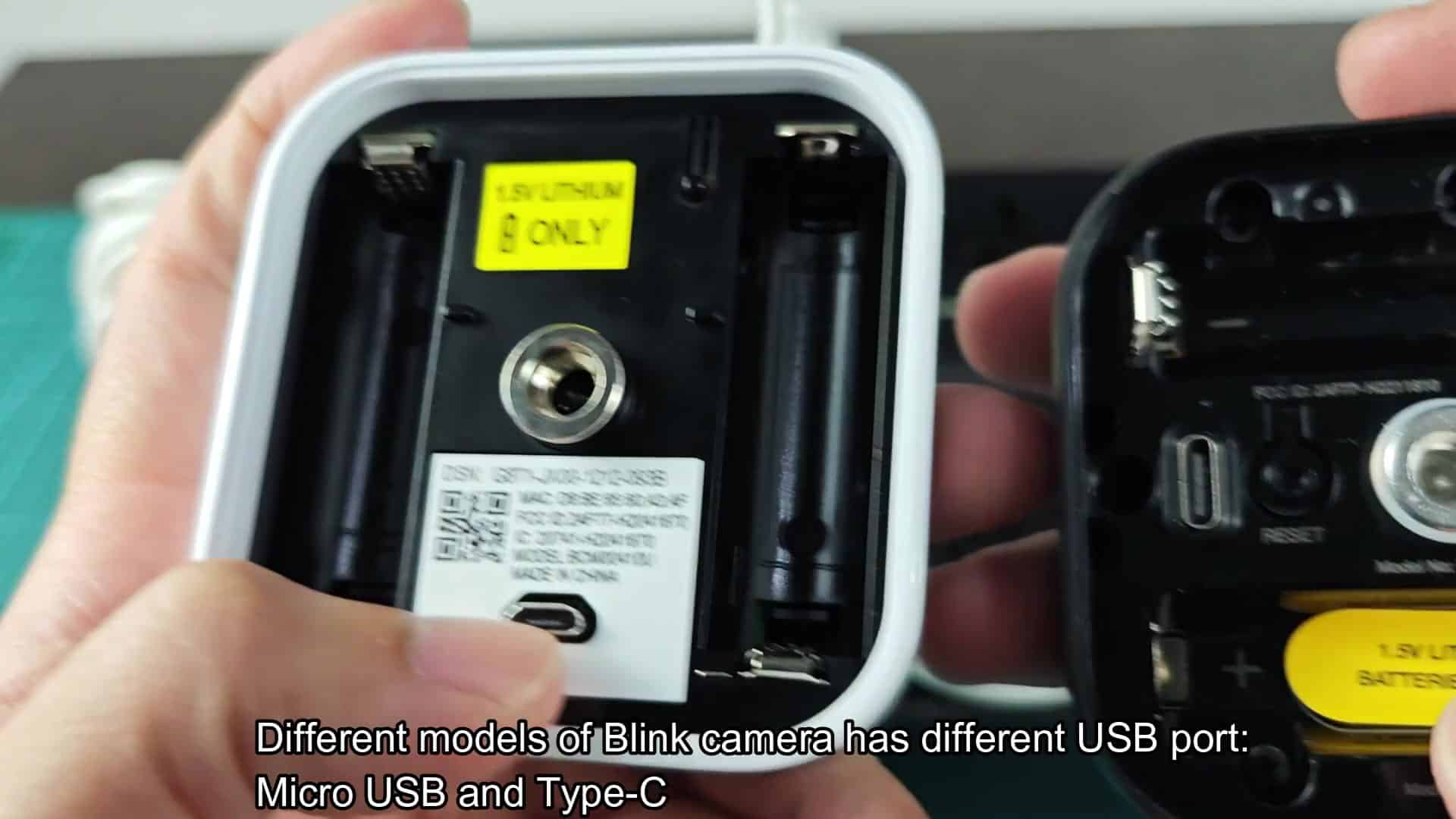
That way you have constant backup no matter what’s going on outside. And the battery stays nice and charged in reserve when necessary, but otherwise the UPS carries the load when there’s no power.
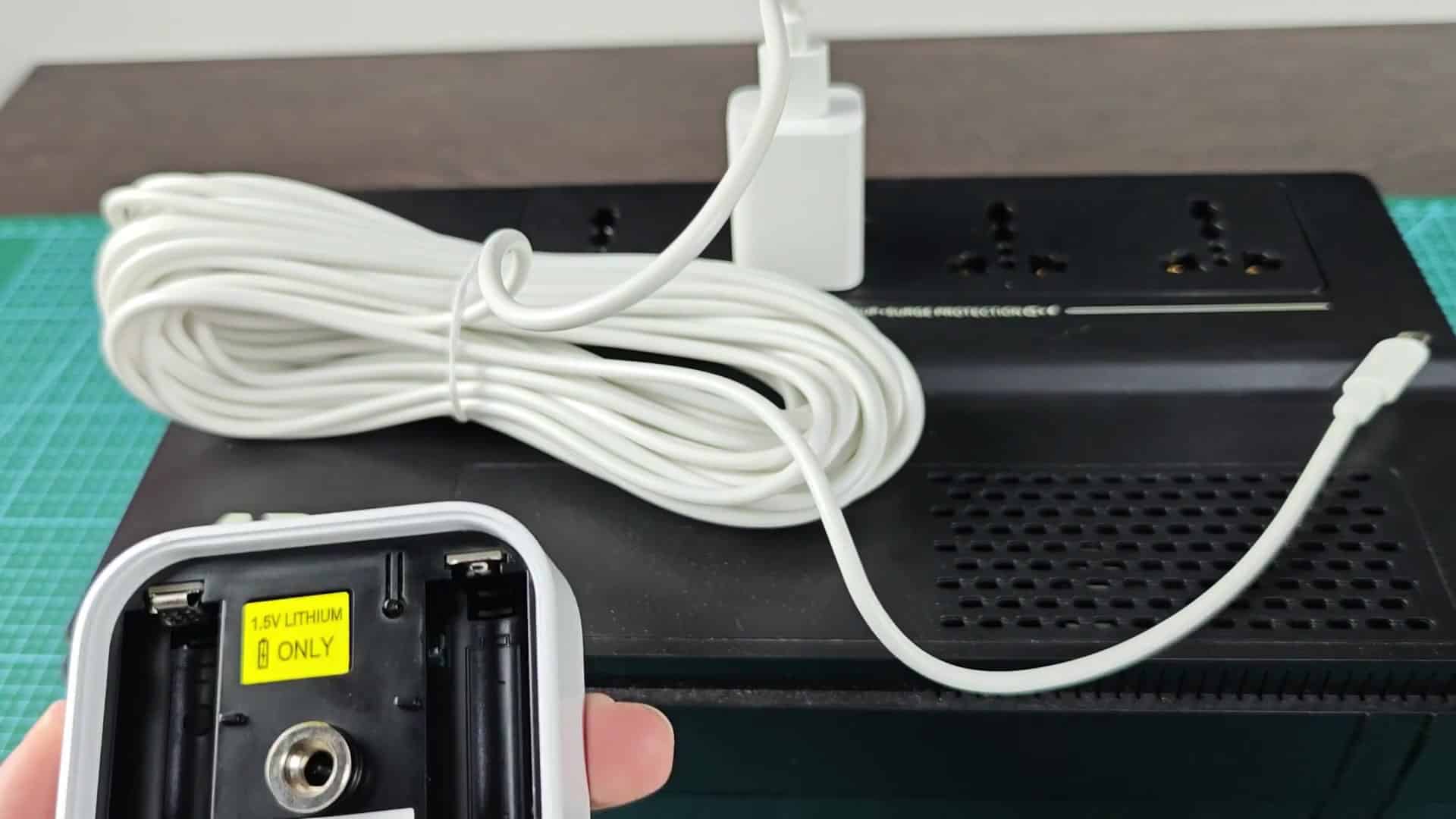
That’s one heck of a piece of mind and well worth it to avoid any holes in your recordings. No more worrying about your camera just stopping while something happens. It is solid peace of mind and a good solution for people looking for rock-solid coverage.