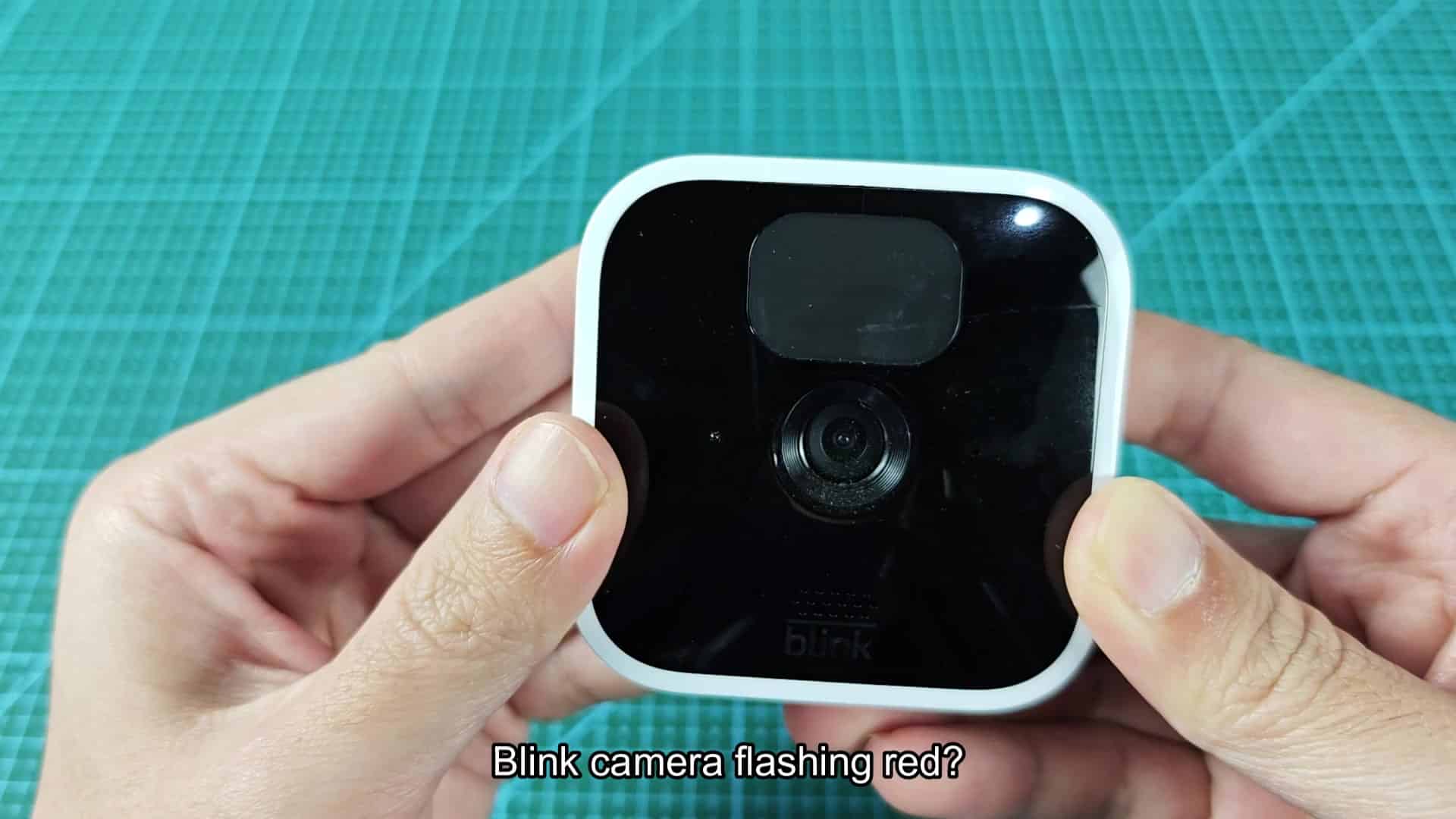
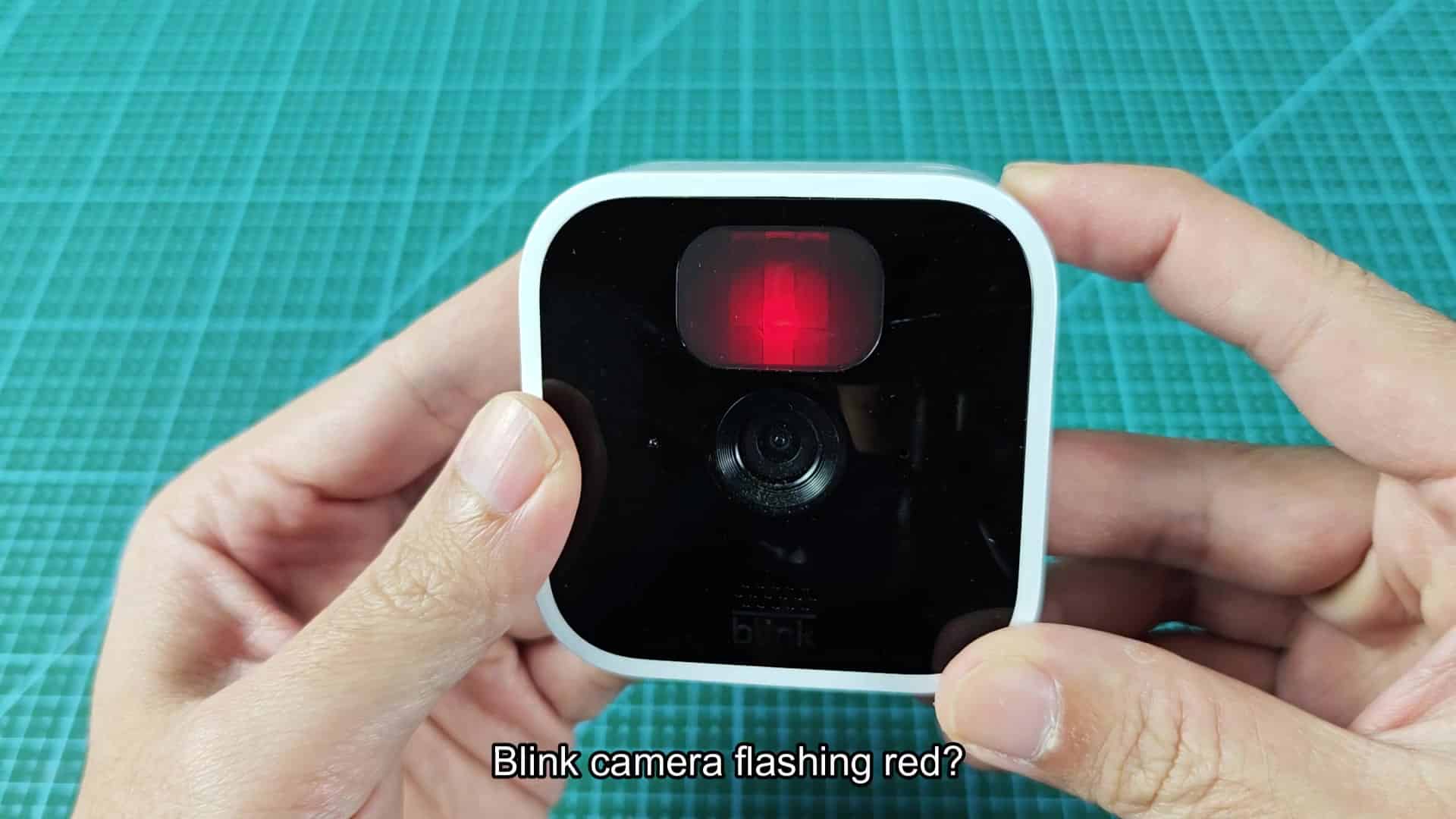
When you have a Blink camera, it’s supposed to go into standby mode right away upon install. If that doesn’t happen, you’ll notice there is a red light blinking on your device before you even check your app. It looks like this.
This mean something is wrong with your camera. Here are the most common reasons why you might notice this blink.
Checking Battery Issues
If you see a red flash, it’s typically due to low battery power. Cold weather and higher settings on motion detection sensitivity can cause faster draining of your batteries. This light might not come on until after several months of use with no issues from your camera. Replace them when you notice this light occurring.
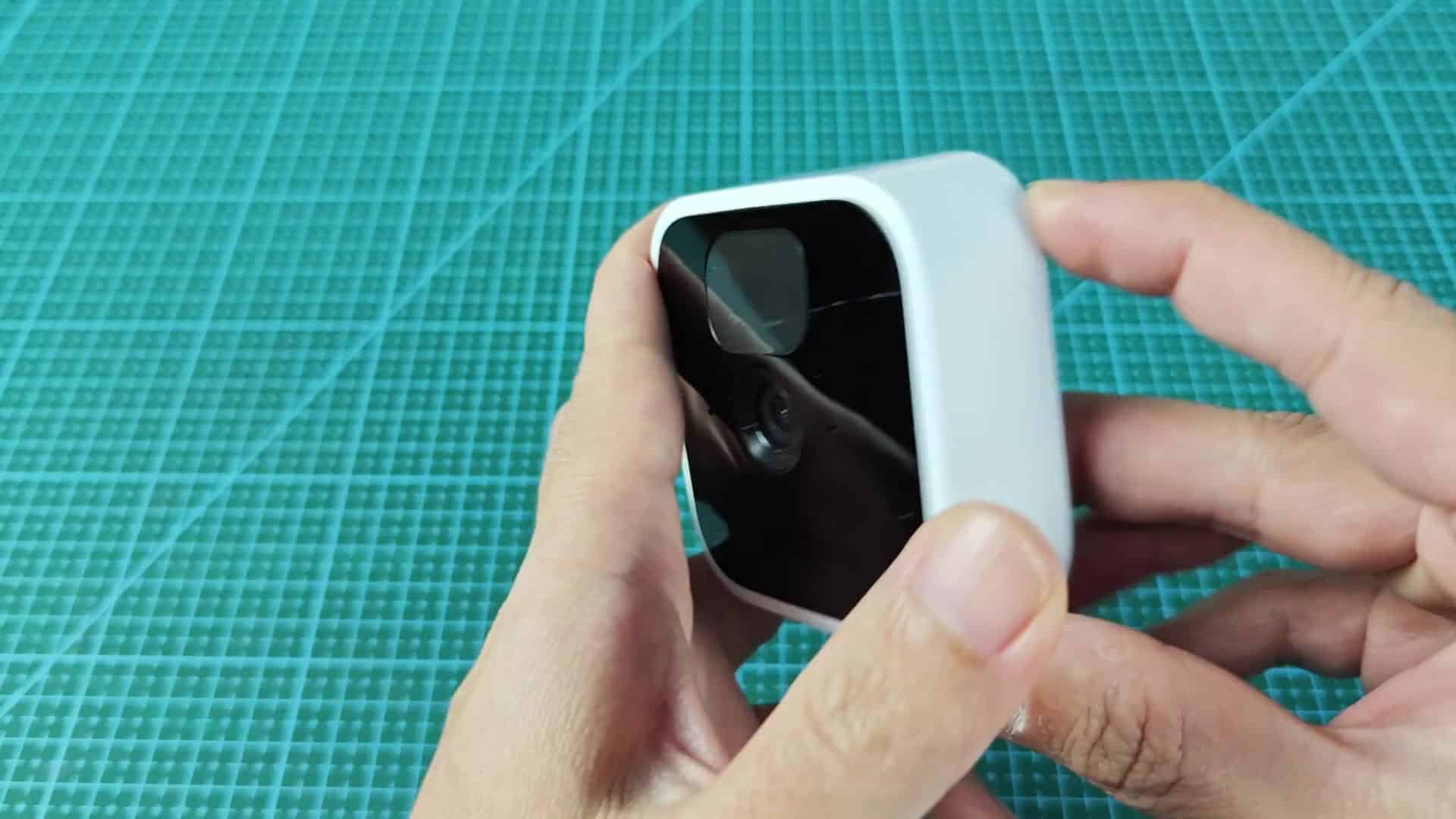
Two AA batteries is used. These are lithium only, as alkalines tend to have inconsistent voltage levels. Replacing your batteries can be done in under 30 seconds. Just double check the polarity and close the lid. Screw it shut and it’s fixed. This fix resolve the issue for many users. It is easy to do with very little effort.
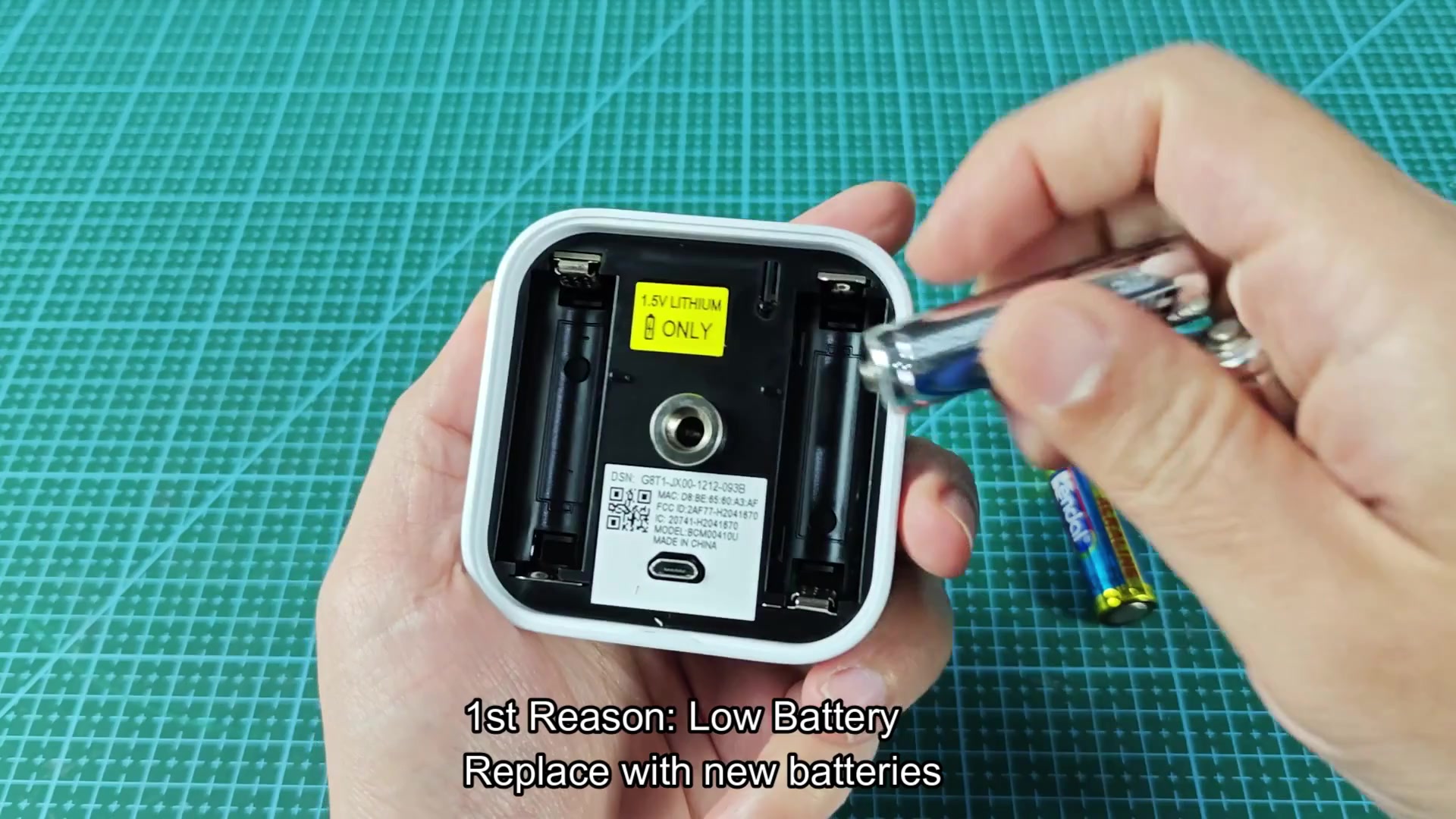
After changing the batteries let it sit for a minute. Does the light go out? If so, the issue was related to power. Check the contacts if the light persists after swapping batteries.
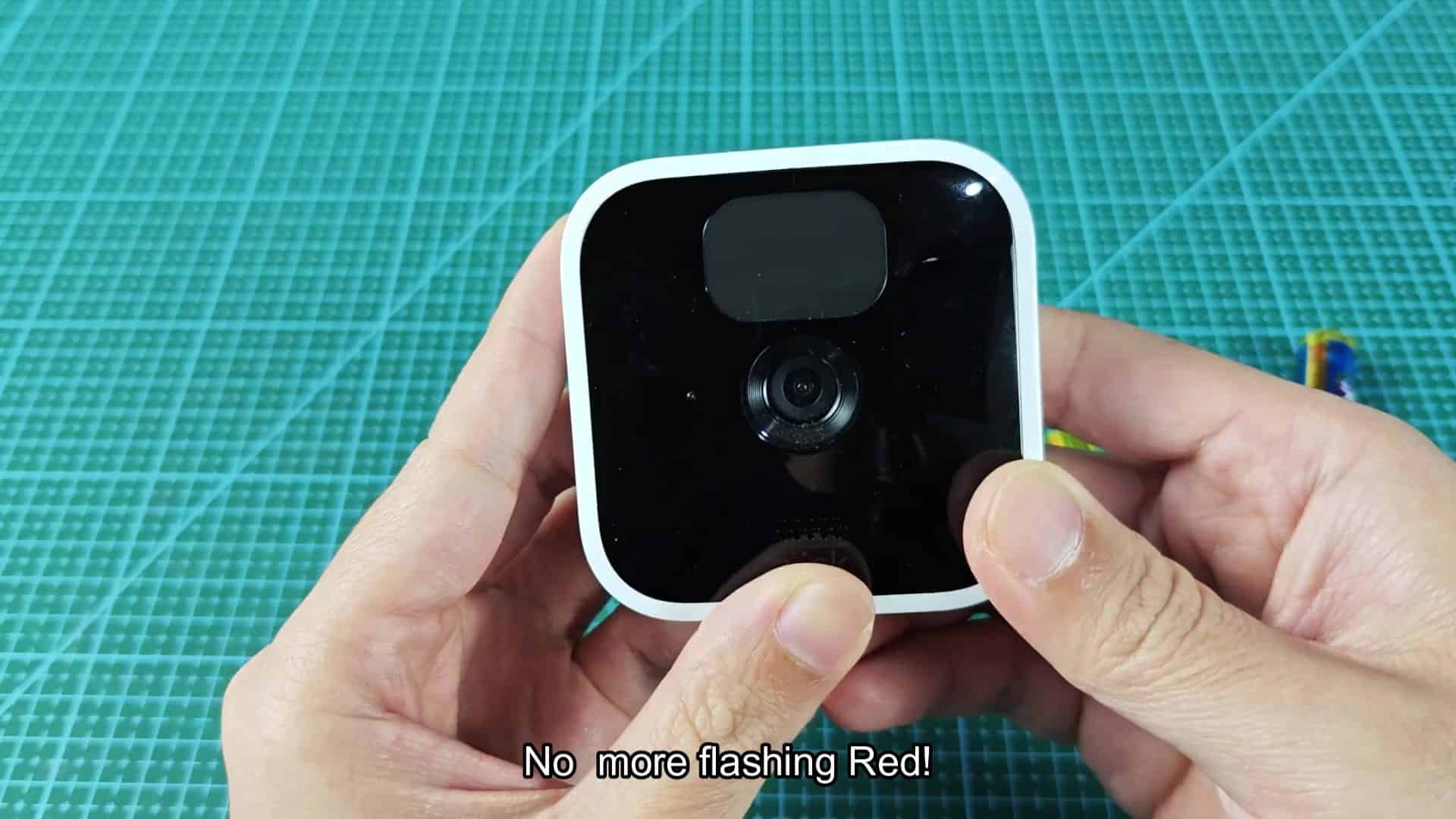
On occasion the battery contacts can be corroded or dirty. Cleaning them ensure a good connection with the new cells. If swapping still doesn’t fix it, check the contacts.
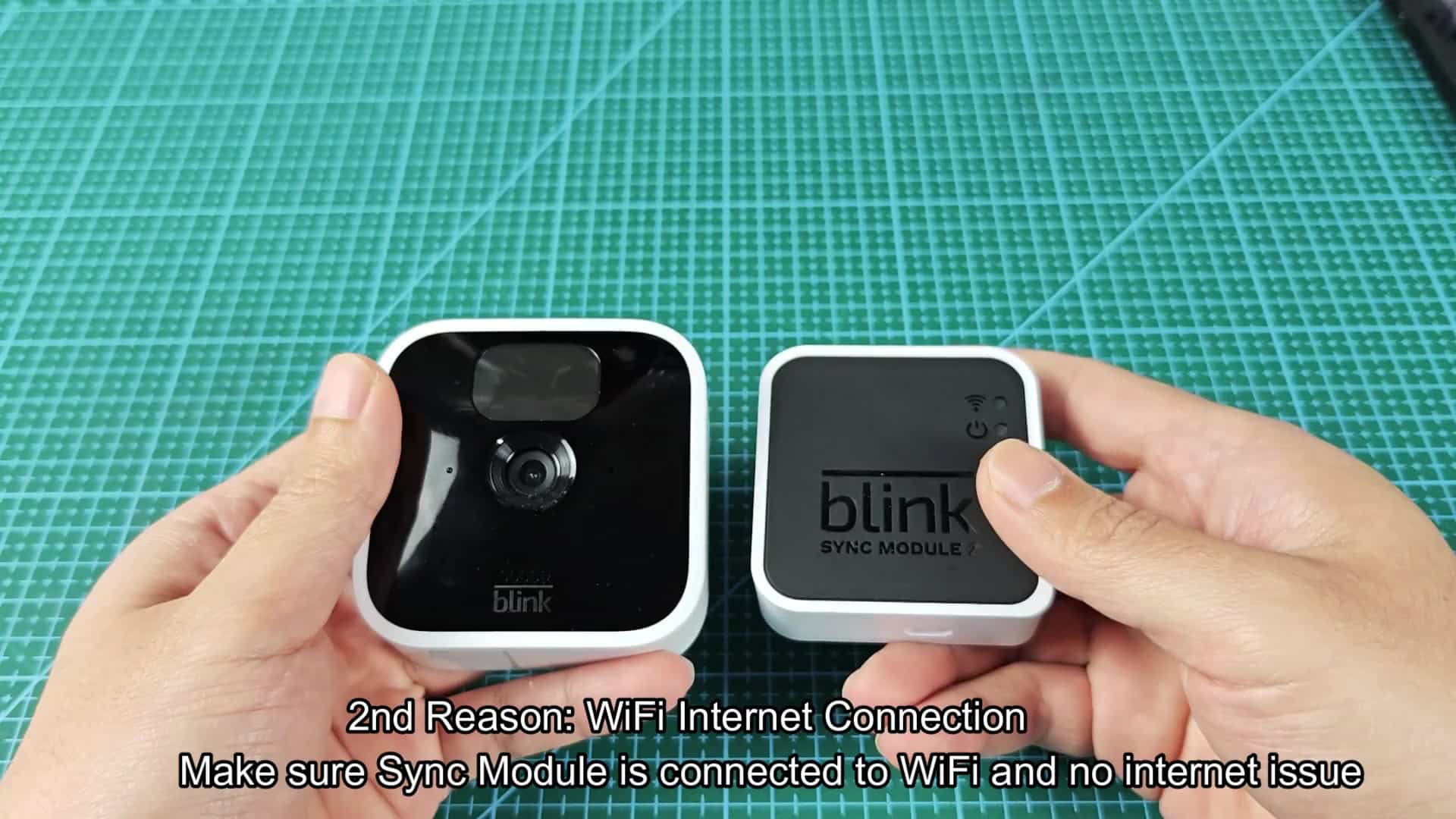
If replacing batteries doesn’t make the red light go away, check your internet. A lost WiFi signal causes the device to flash red. It must be connected to the network via the Sync Module.
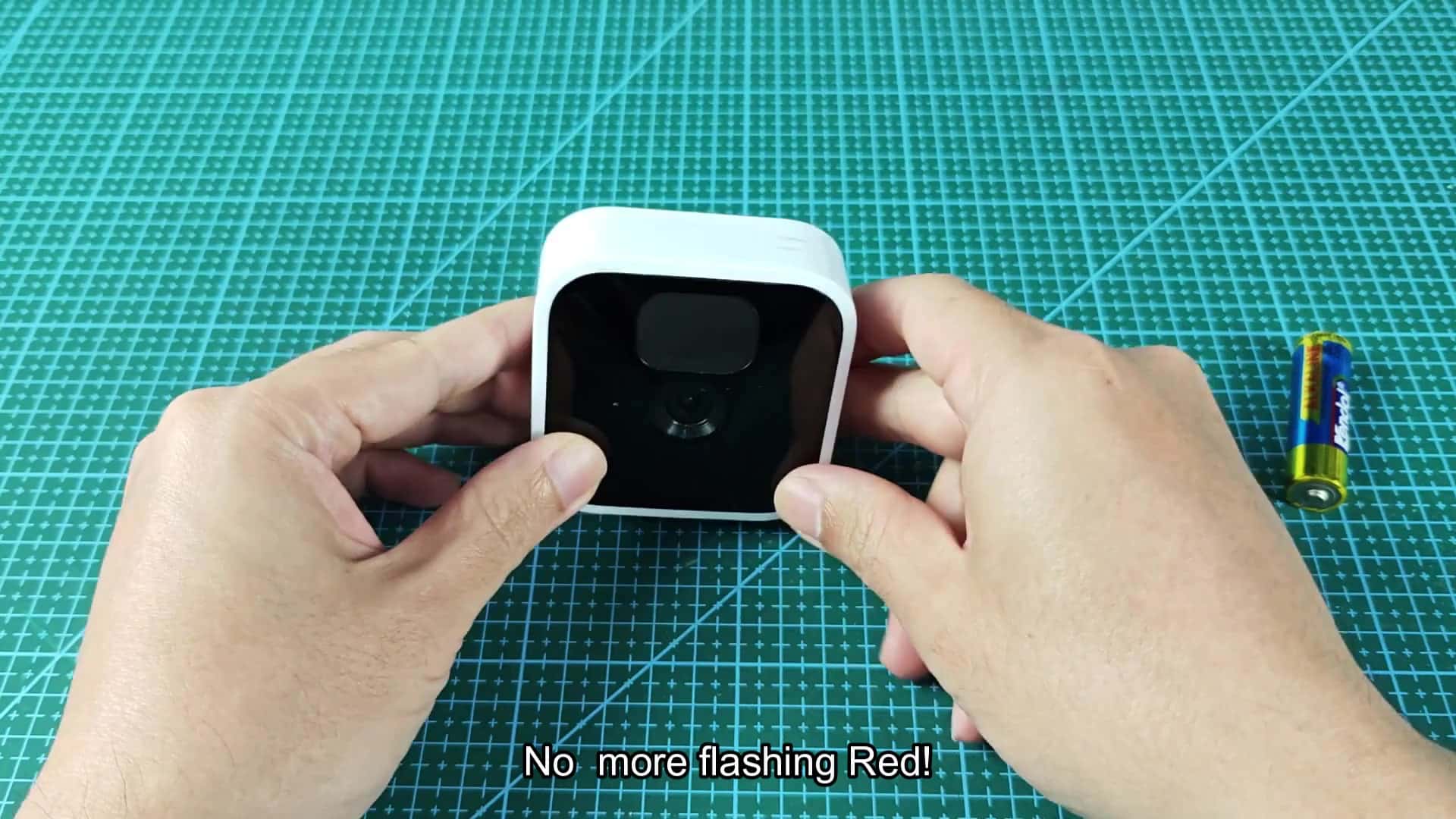
If it has lost its connection to WiFi, the device will flash red. It’s common for this to occur after a router update or a power outage where your other devices continue to function fine. Ensure that your sync module is close to the router. There should be no obstructions between the module and the camera. The signal will be weaker if there are large metal objects in between.
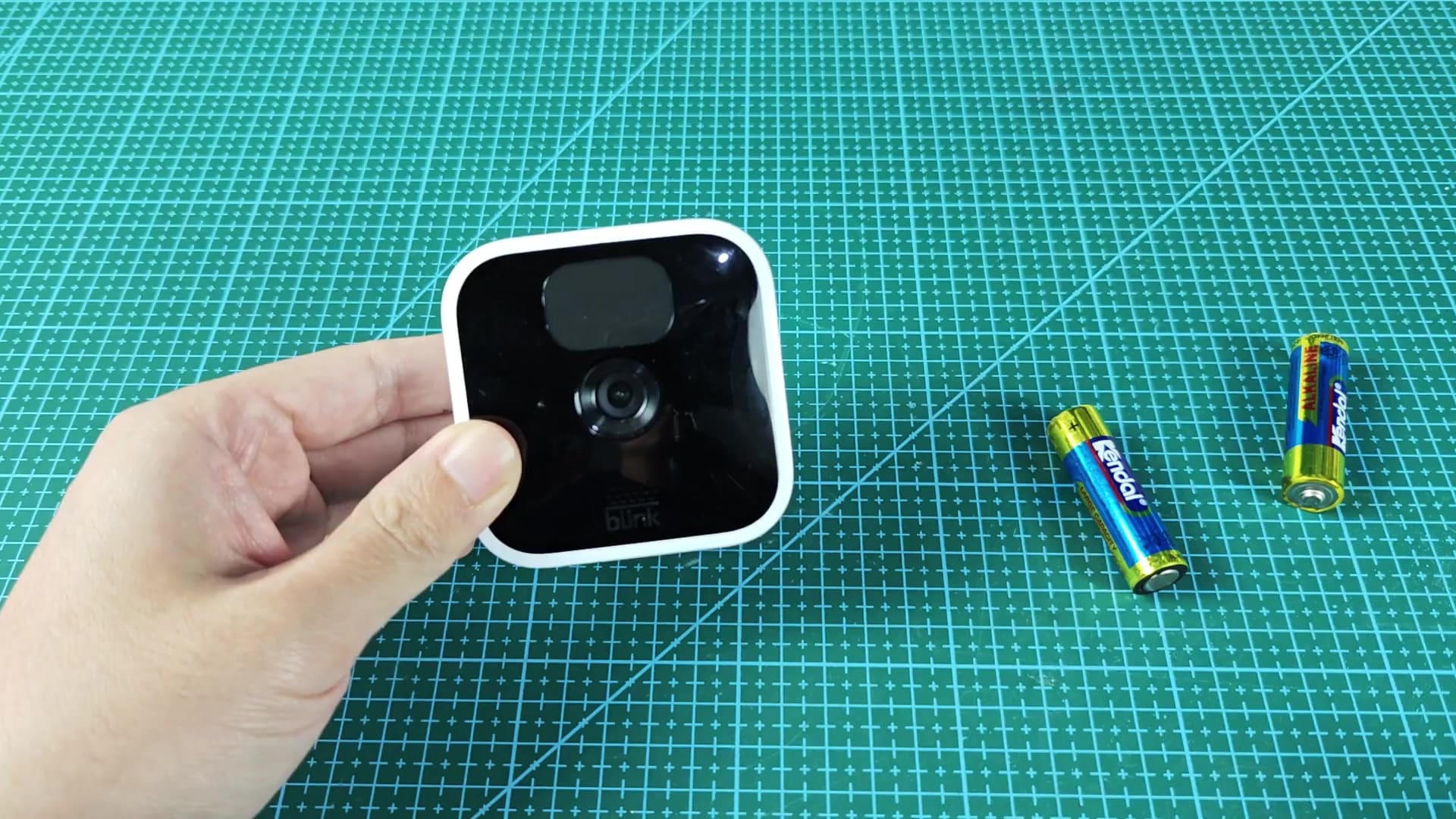
For example, don’t put the sync module behind something, or on a closed bookshelf. The sync module has to have a good connection back to the camera, to the internet, and to the router. Low batteries aren’t the only cause for trouble connecting.
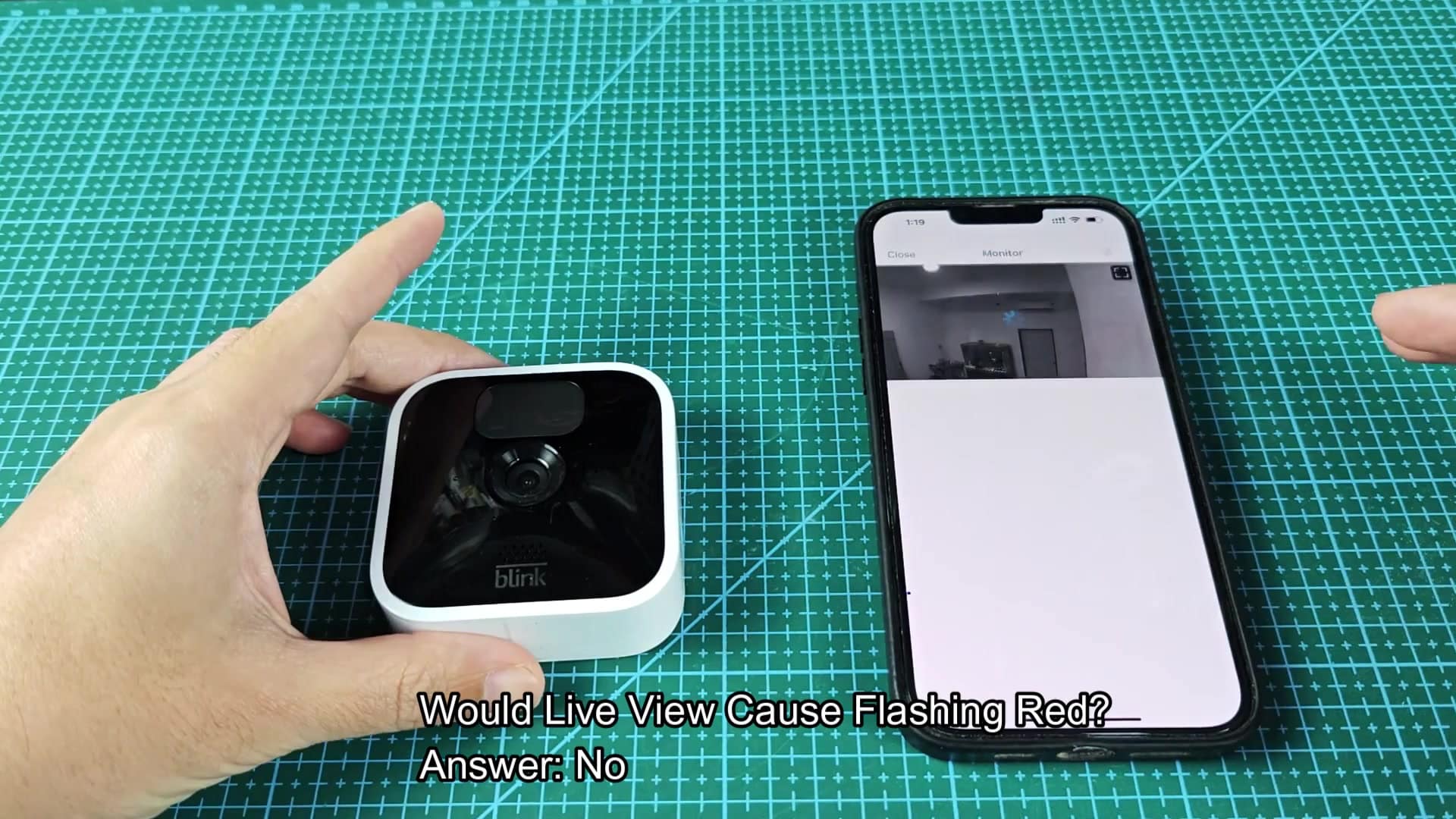
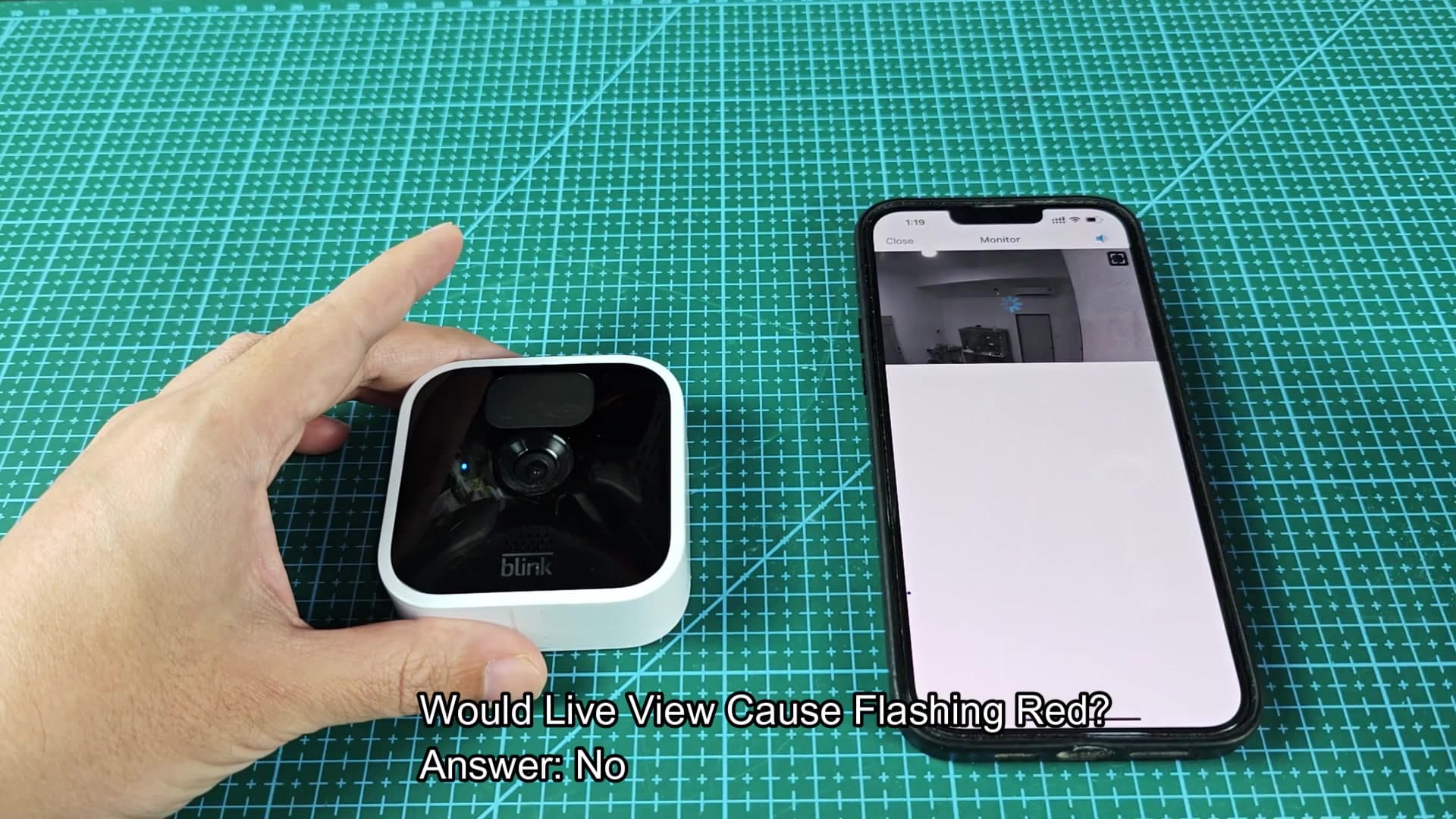
The red light won’t turn on during a live view via the app. To test this, open the phone app and see what the camera’s live feed looks like. On the device, the video should load just fine. You’ll be able to watch it without any issue and it won’t retrigger the light to come on. That confirms the problem isn’t when you use the app.
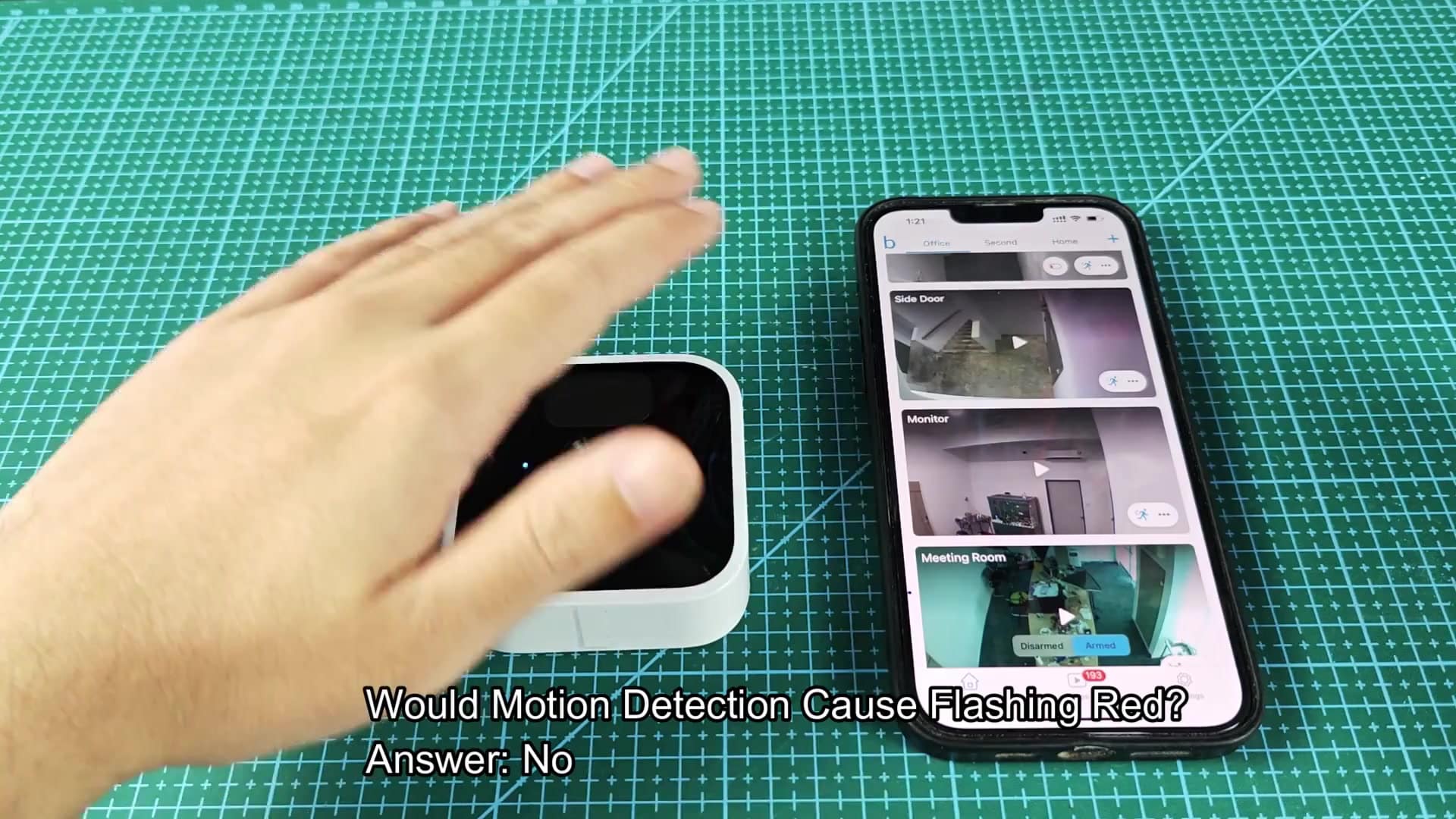
This is not a warning light for your motion detection settings. Turning on/off zones and adjusting your sensitivity levels may result in accelerated battery drain over time but it won’t be causing the LED to actualy flash red as things happen in real-time. When motion is triggered, the light will either turn off or stay solid. Knowing what doesn’t trigger the light helps you narrow down where to troubleshoot.
If everything is working well it will record or sync and show a solid blue light. That’s a good thing; red would mean no go.
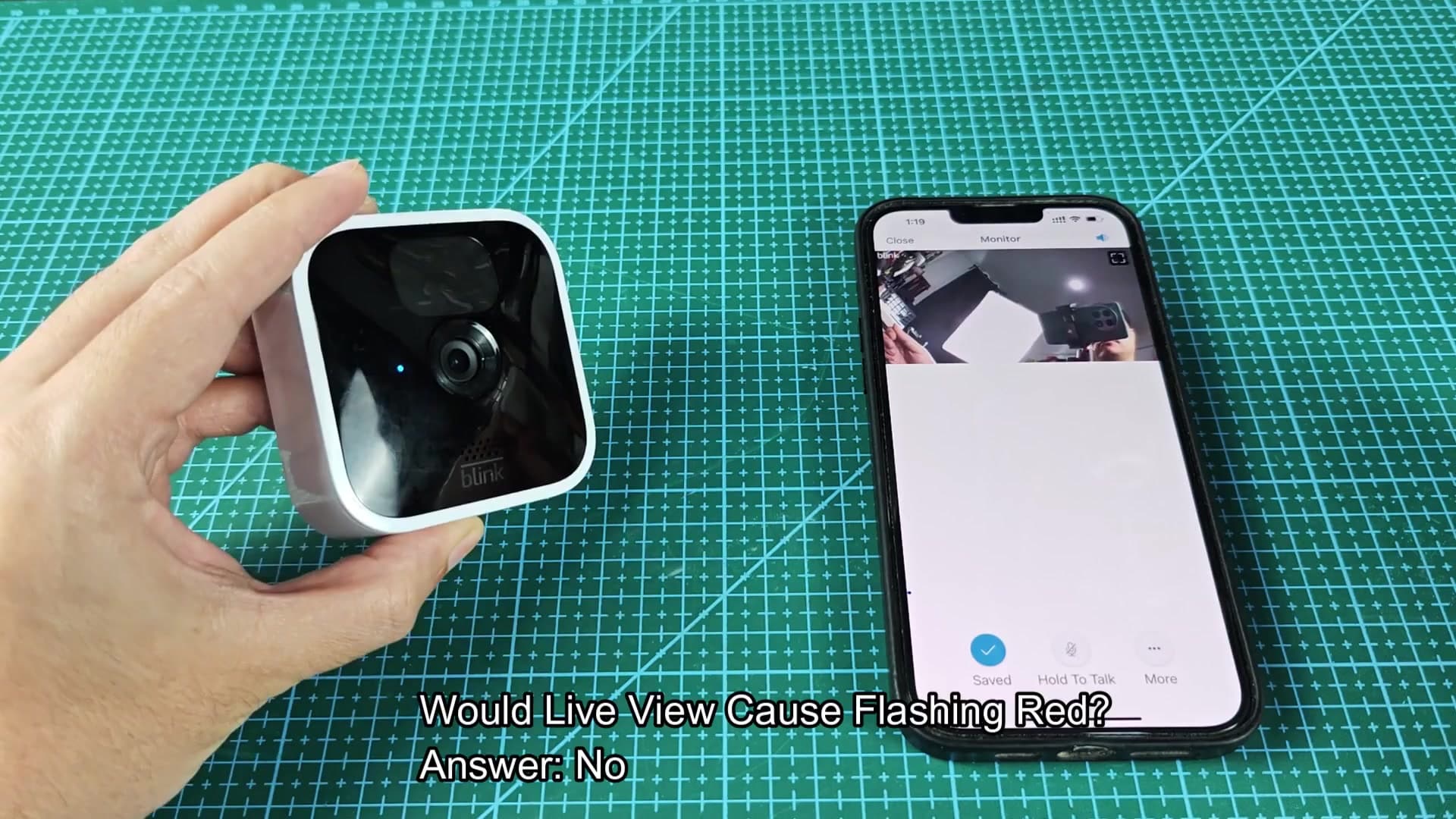
When the camera reconnects to the module, it might flash blue for a second. Then it goes black and that’s good. It entered standby mode correctly. Connection and battery problems are now behind you and your system is up and running. If you’ve done this, you should of not call tech support.